
Roleplay Mechanics
A work-in-progress RPG mod adding skills, classes, and some related items.
Screenshots
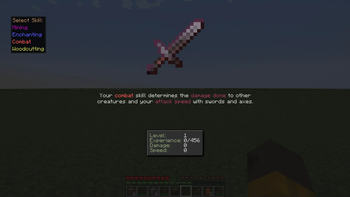
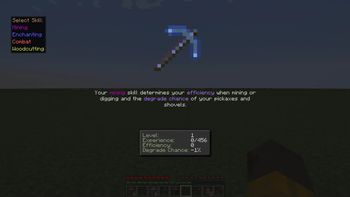
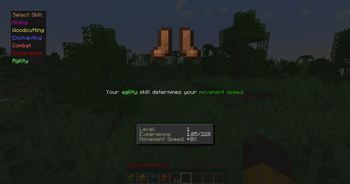
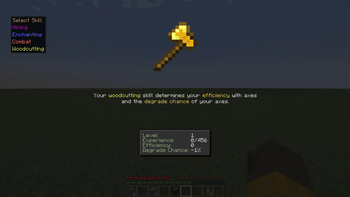
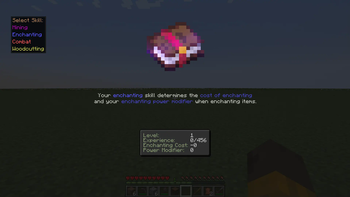
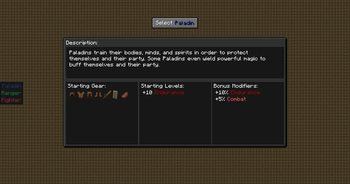
About this Mod
Please report any bugs on the Discord.
Roleplay Mechanics is compatible with Sinytra Connector, allowing it to be used on NeoForge as well.
Roleplay Mechanics adds a work-in-progress learn-by skills system and classes system; both of which are highly customizable. Changes are to happen frequently in the Alpha stage so configs will need reset often. Some new items are also added with more to come in future updates.
Current Skills:
Agility
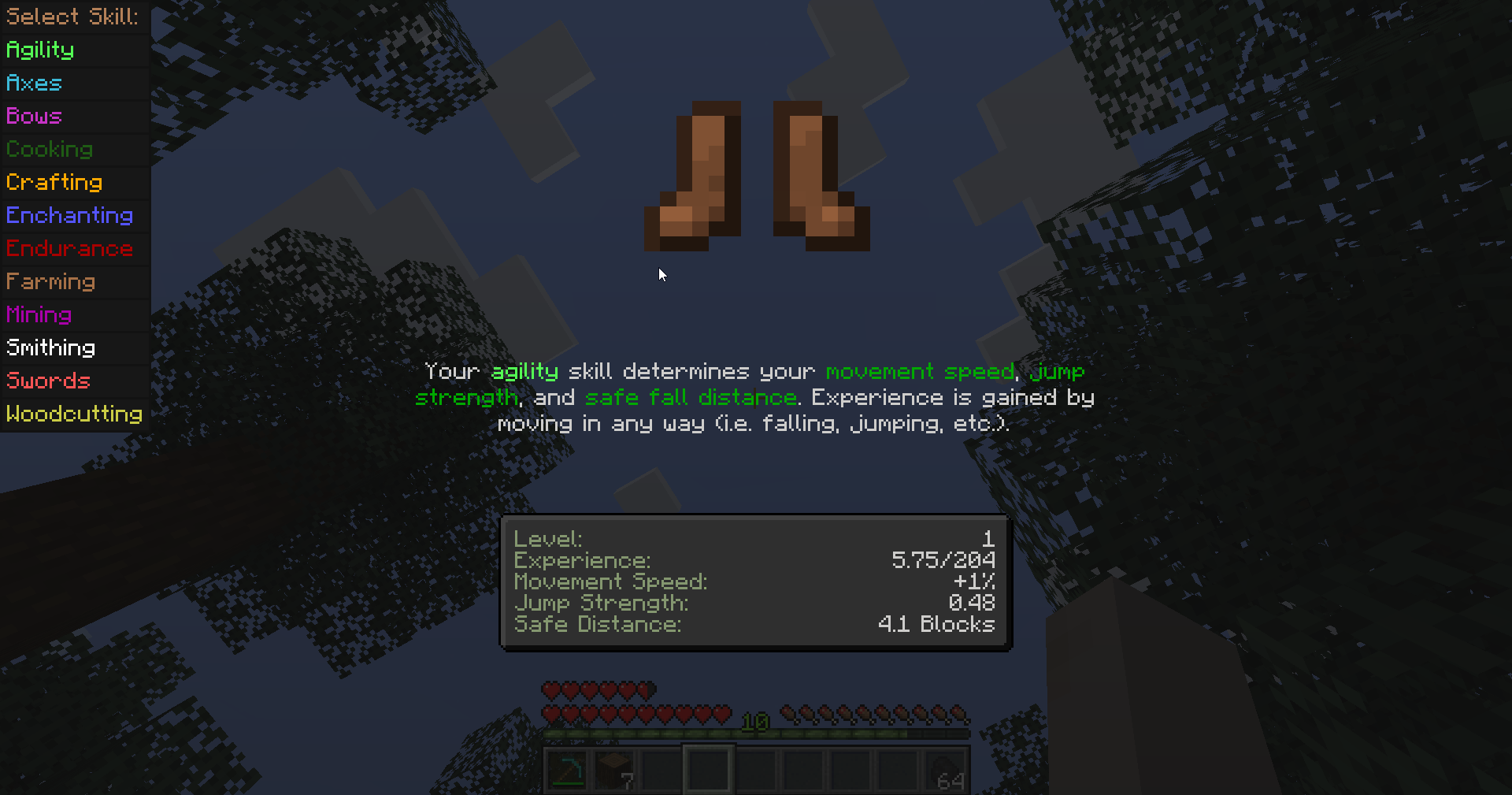
Axes
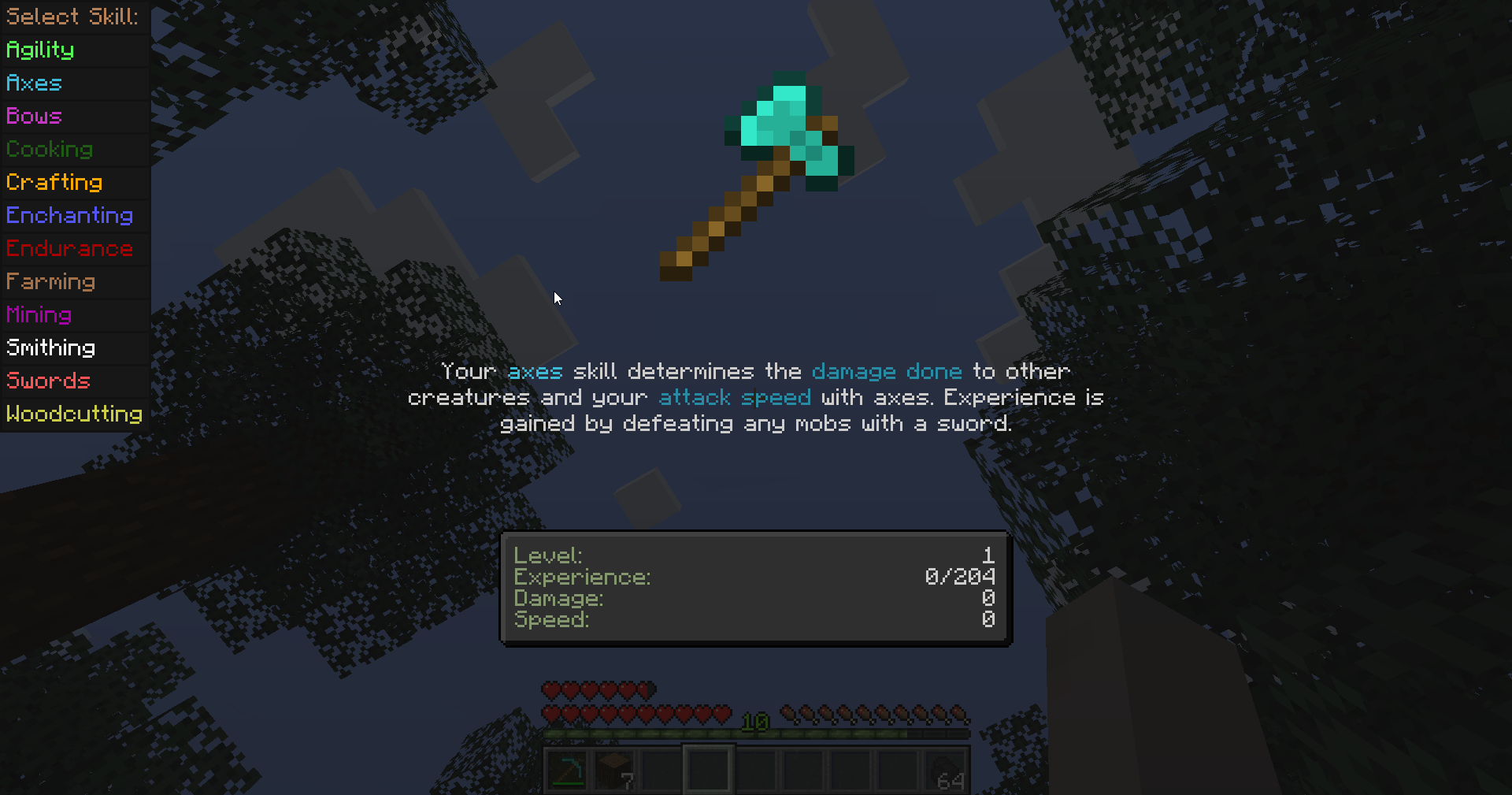
Bows
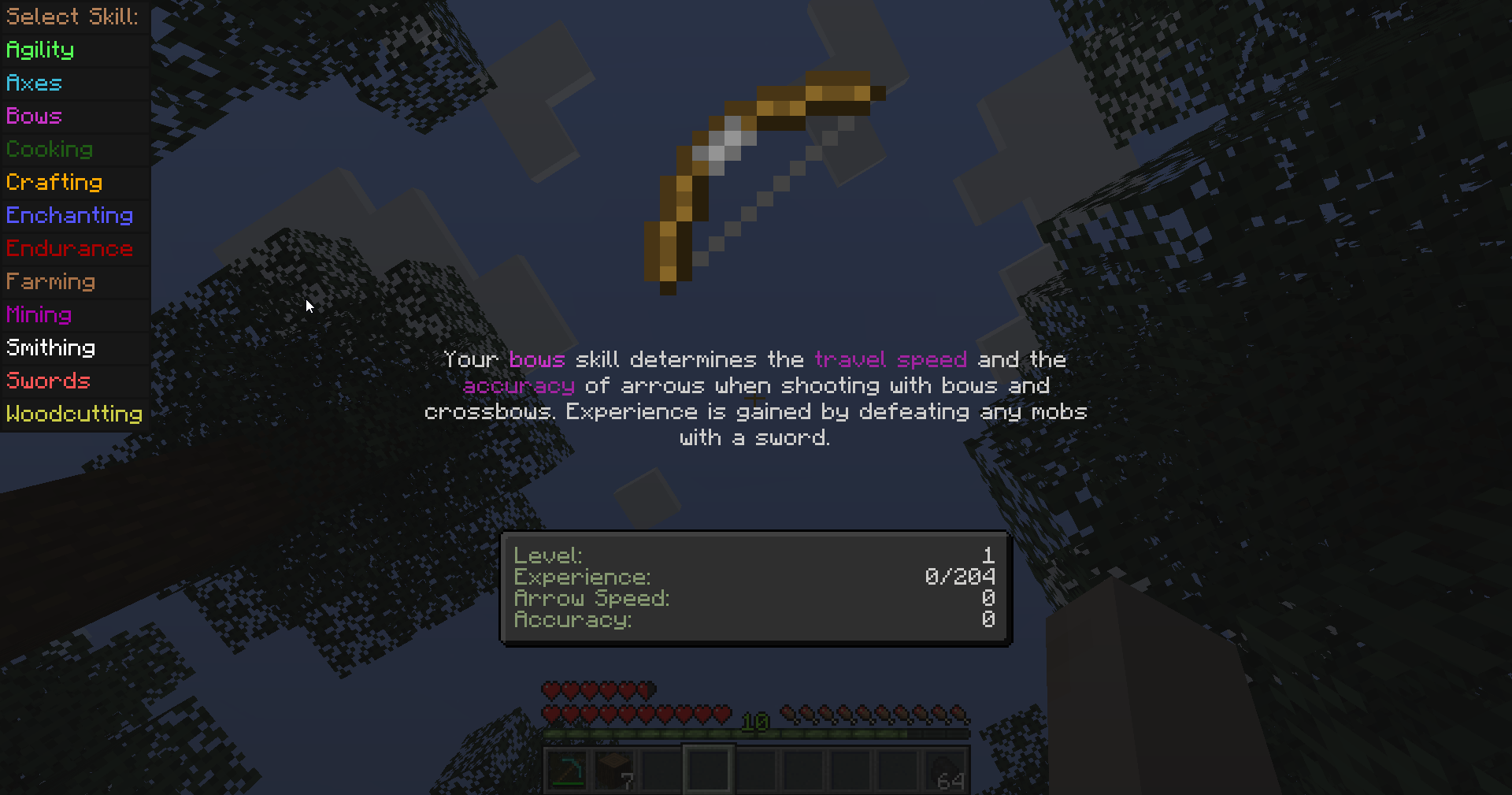
Cooking (Now also ported to 1.21.1!)
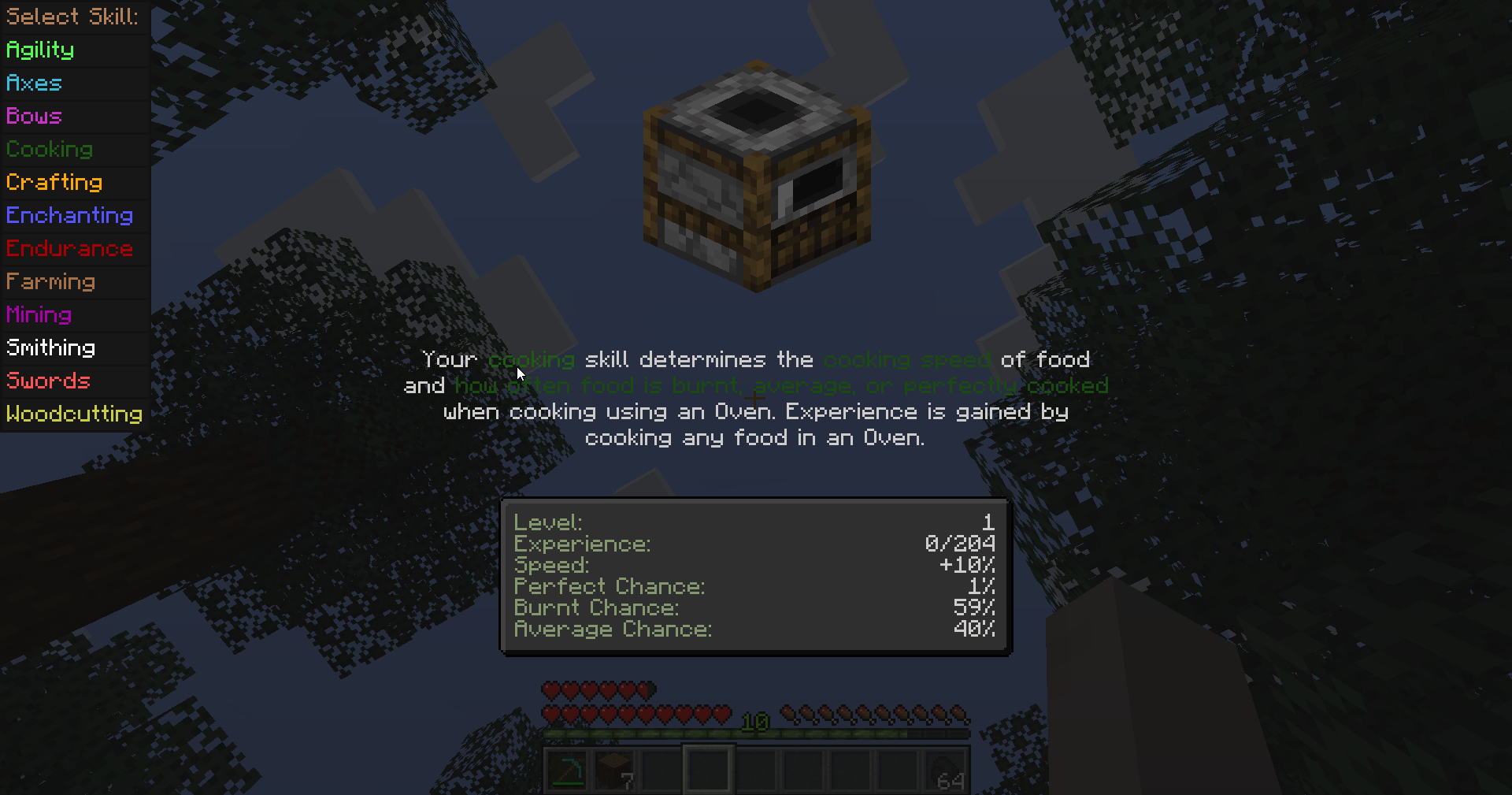
Crafting
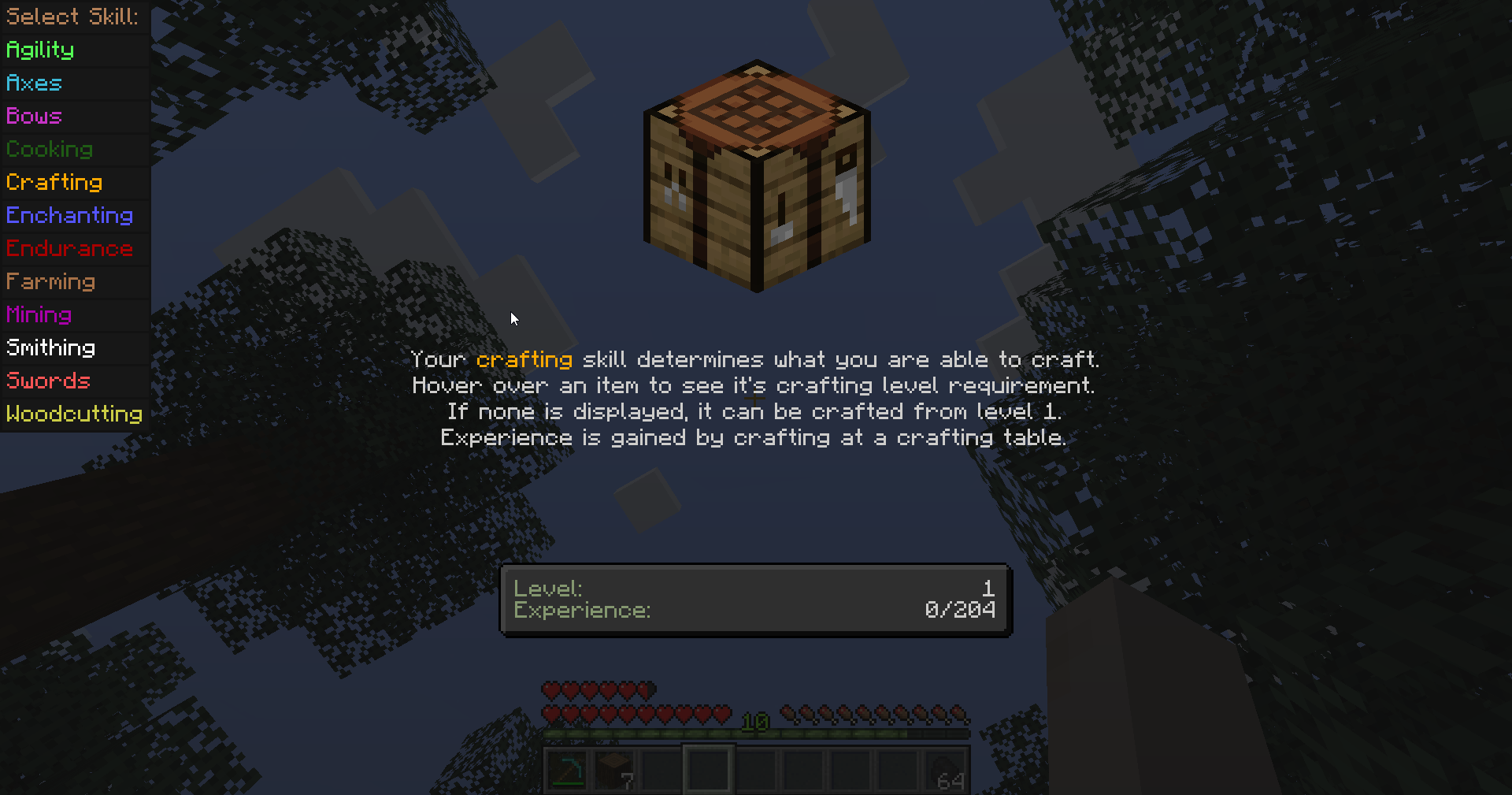
Enchanting
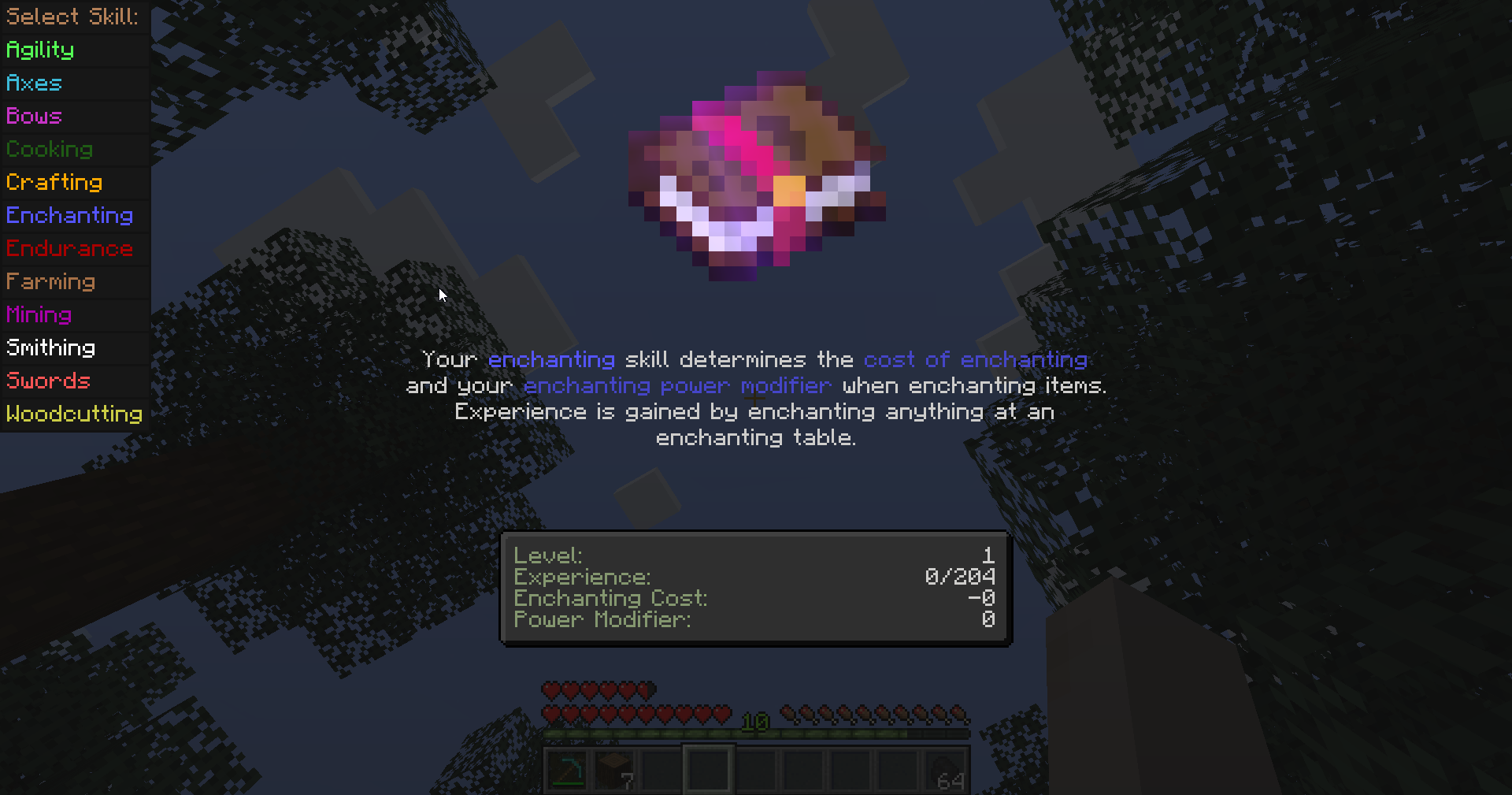
Endurance
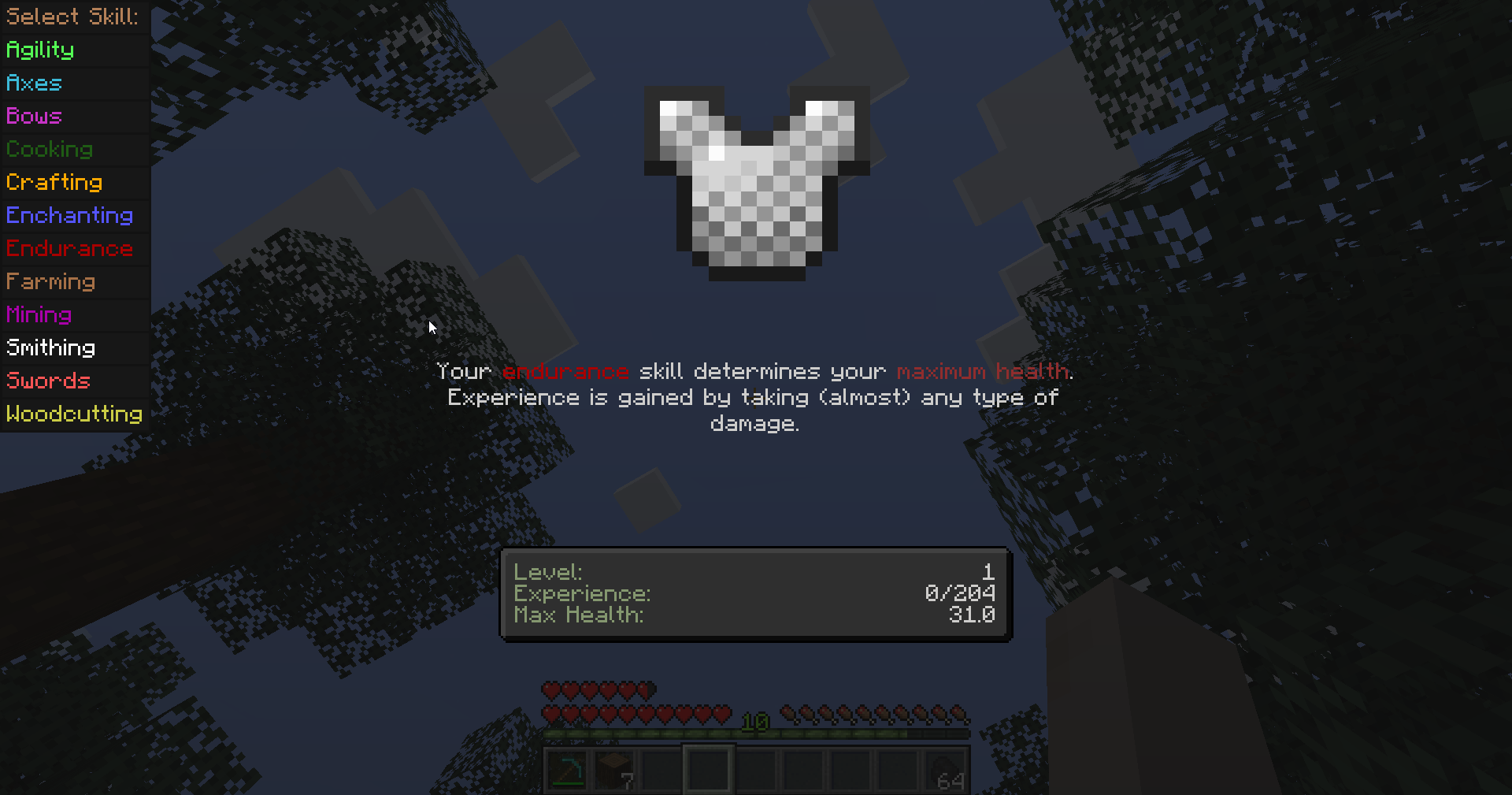
Farming
Farming has a unique ability unlocked at level 10 (by default, can be changed) allowing you to right-click harvest crops. Doing so harvests the crop and automatically replants if you have the proper seed in your inventory.
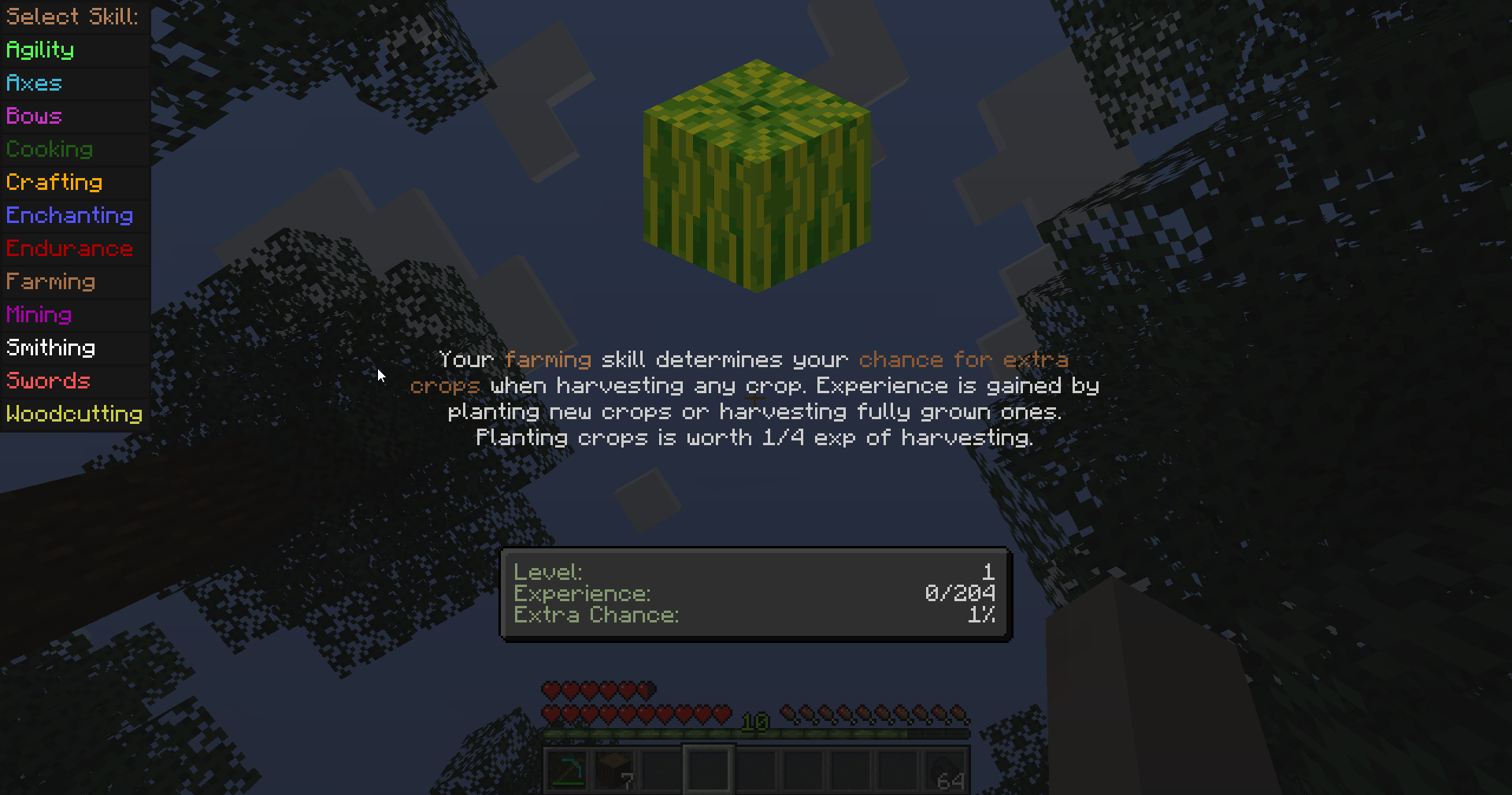
Mining
Mining has a unique ability unlocked at level 10 (by default, can be changed) which allows harvesting whole ore veins by crouching and breaking one block of the vein. The larger the vein, the longer it takes.
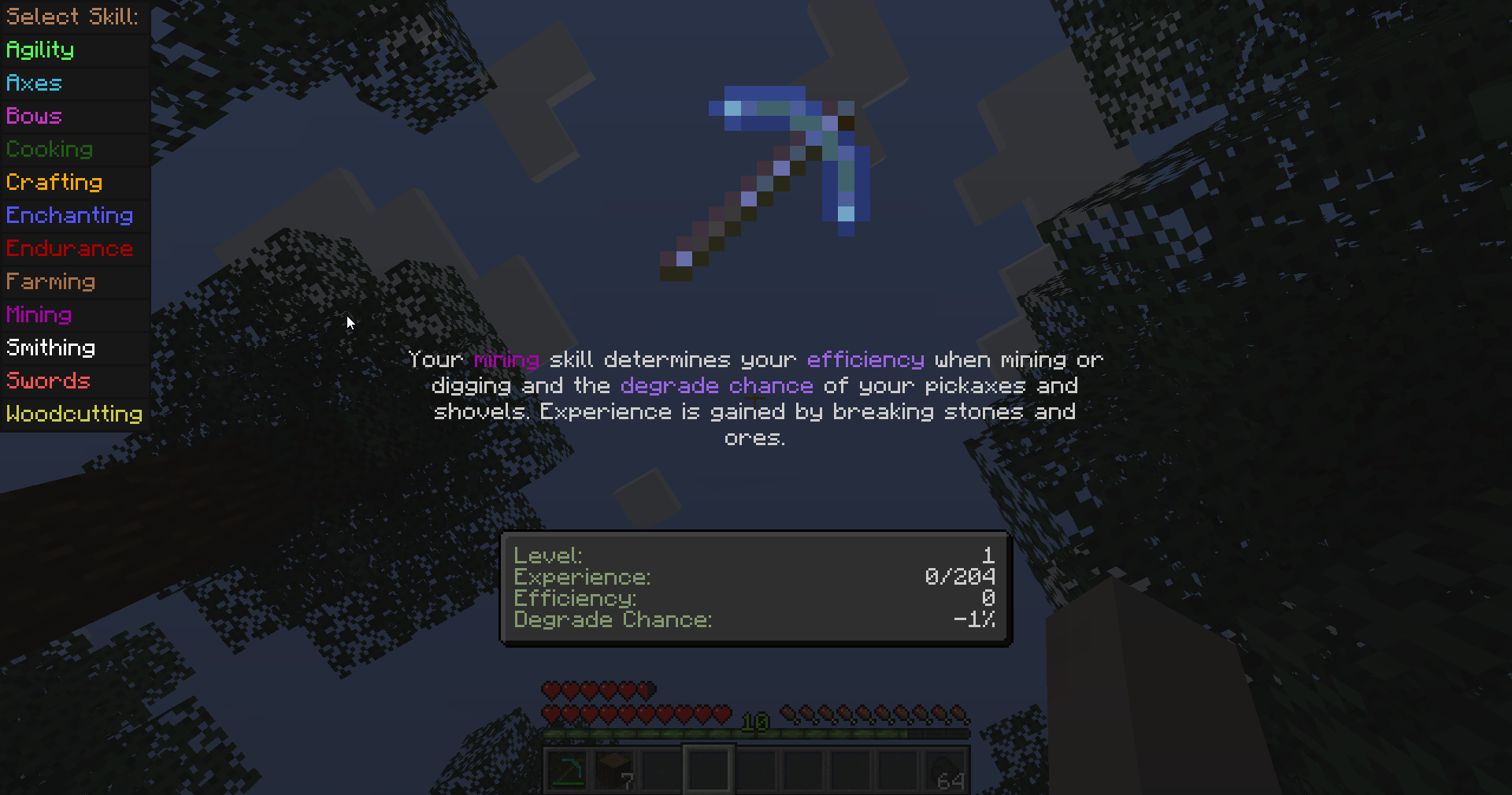
Smithing
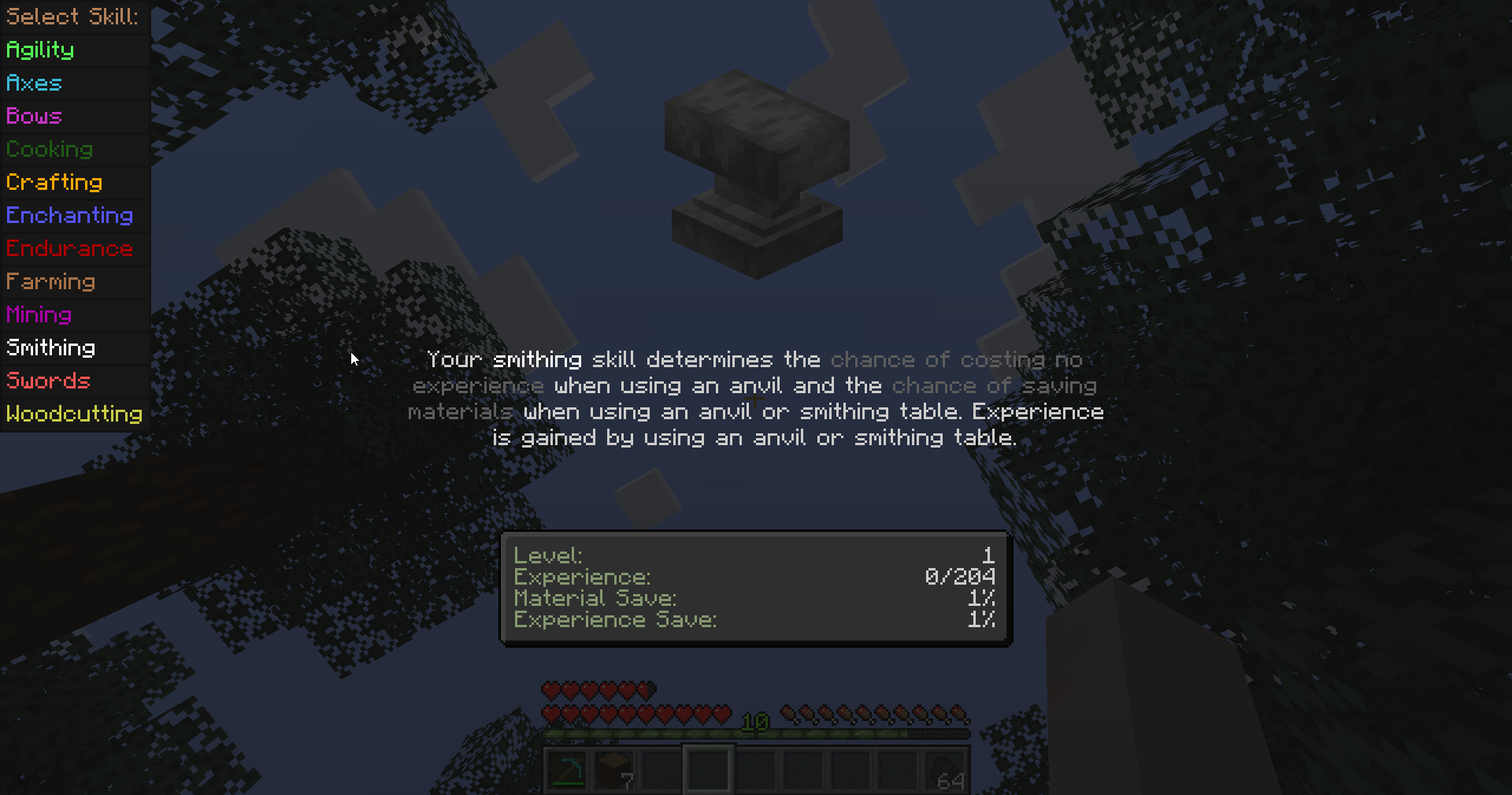
Swords
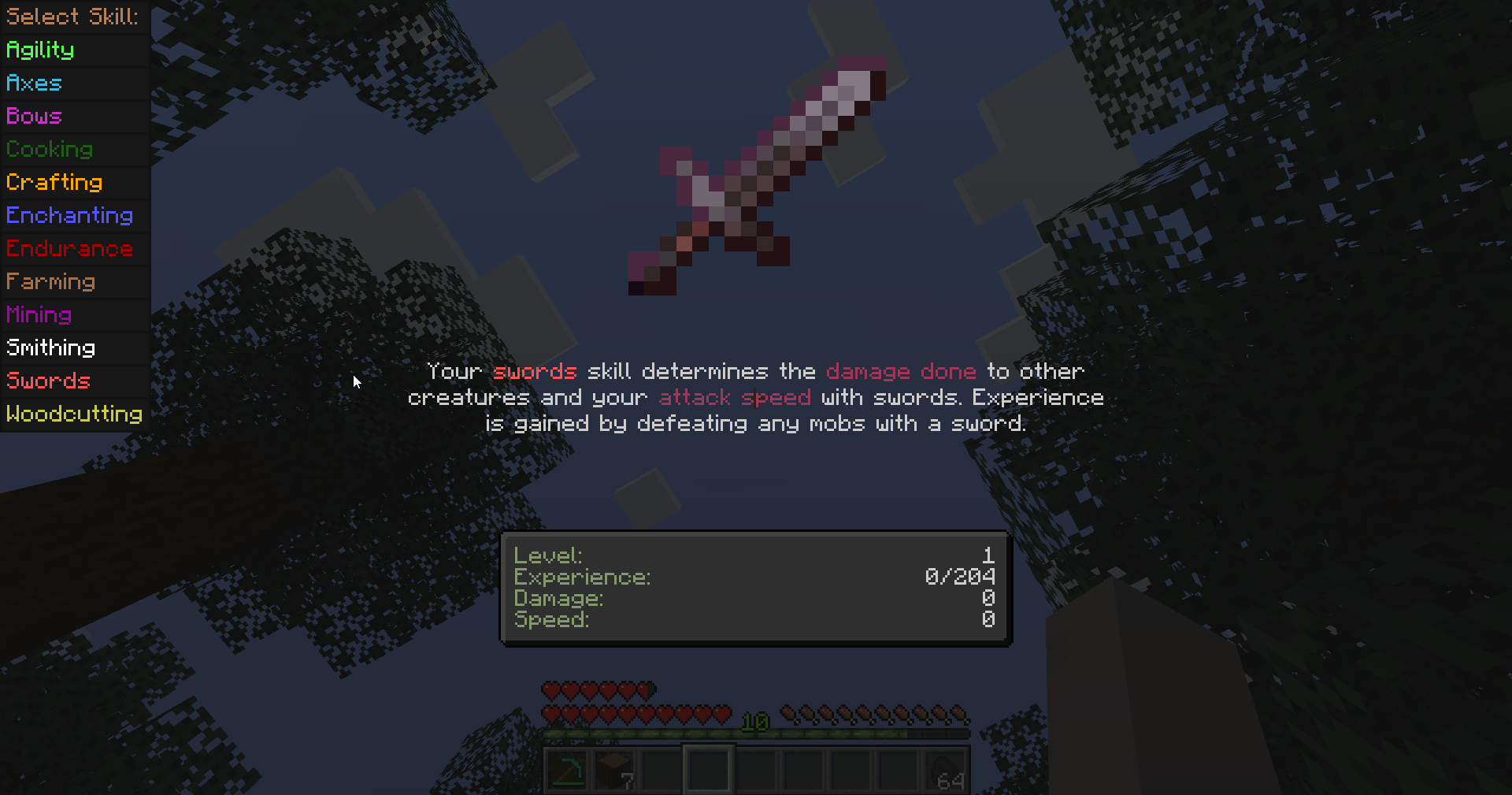
Woodcutting
Woodcutting has a unique ability unlocked at level 10 (by default, can be changed) which allows harvesting whole trees by crouching and breaking any part of a tree. The larger the tree, the longer it takes.
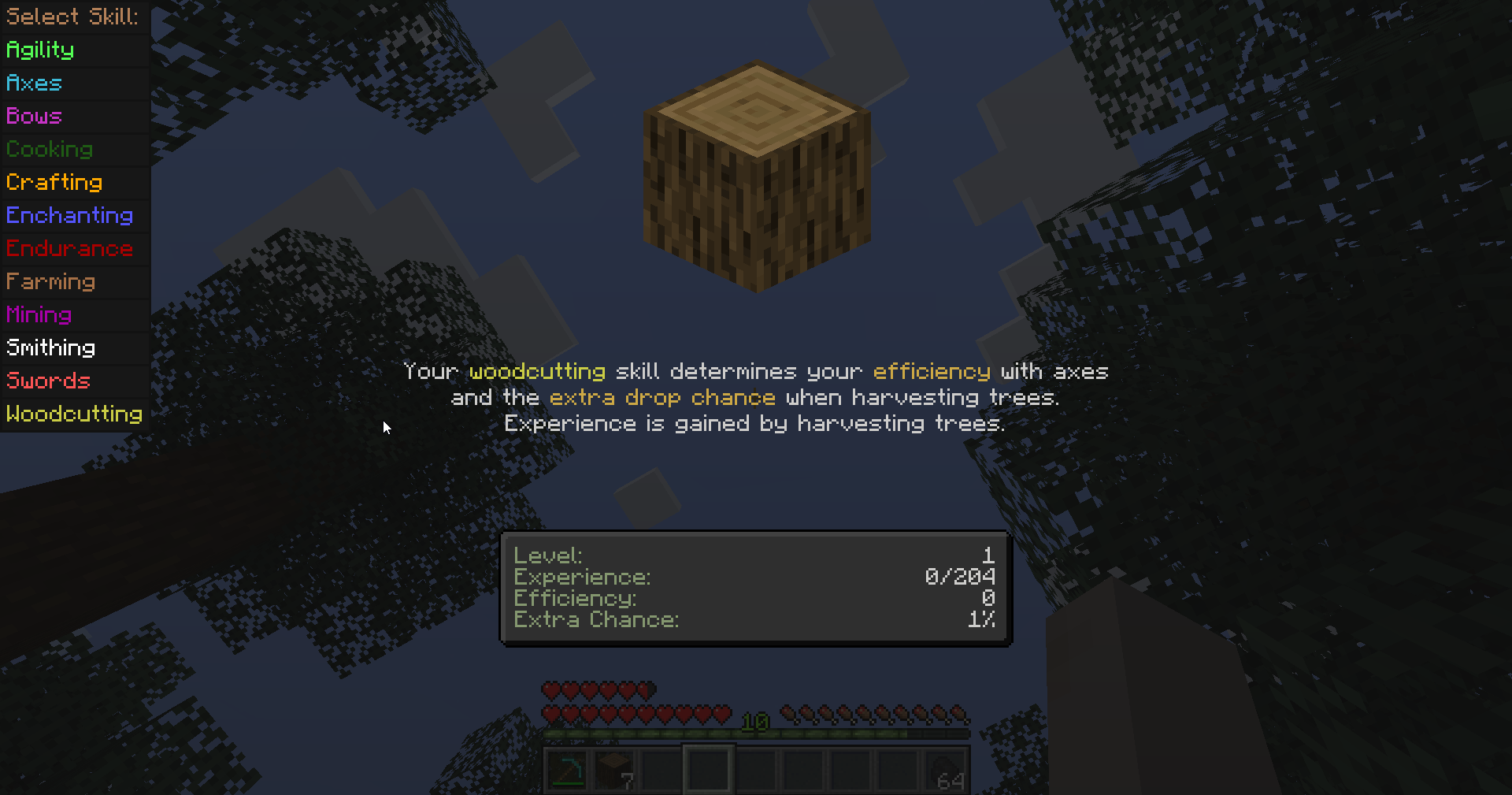
Right-alt by default to open the skills screen.
Default Classes:
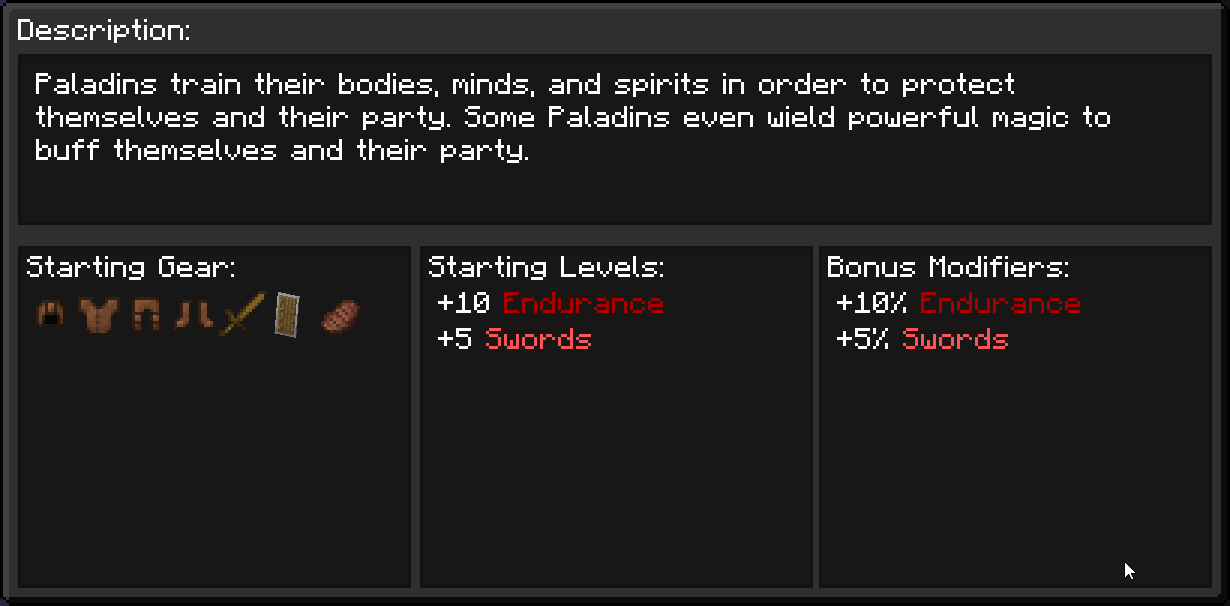
Paladin
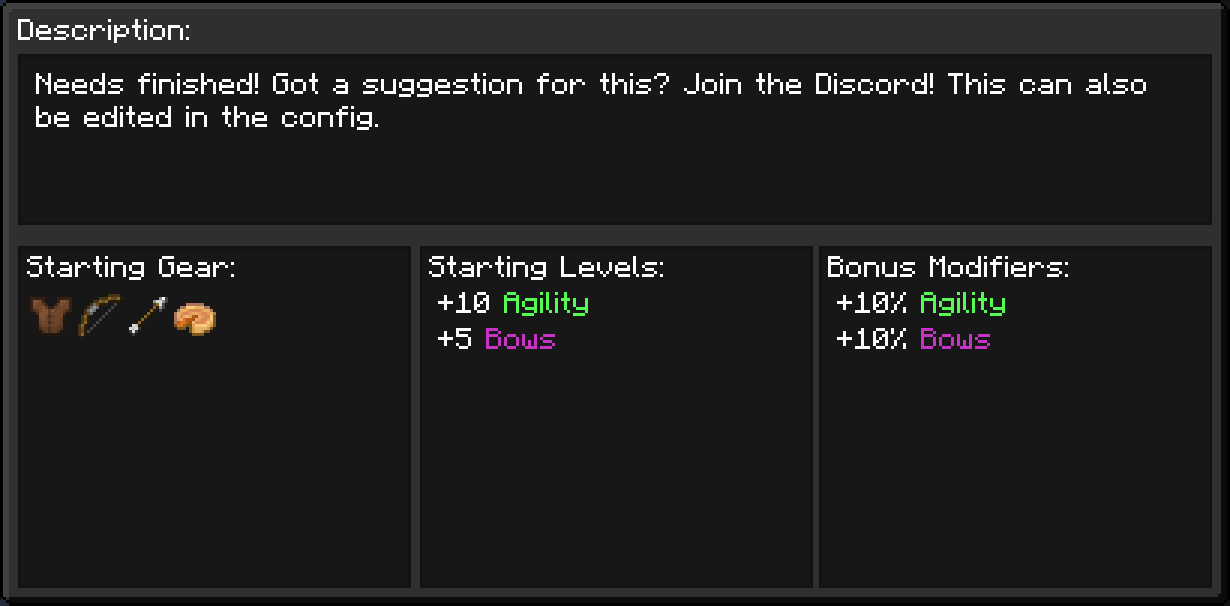
Ranger
Fighter
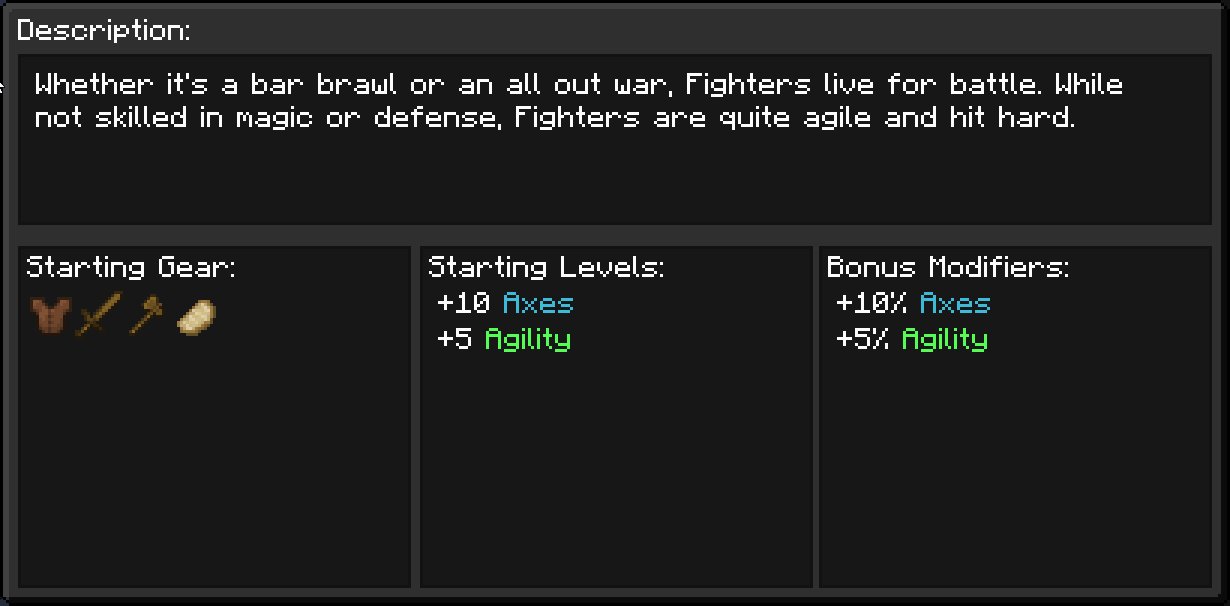
Artisan
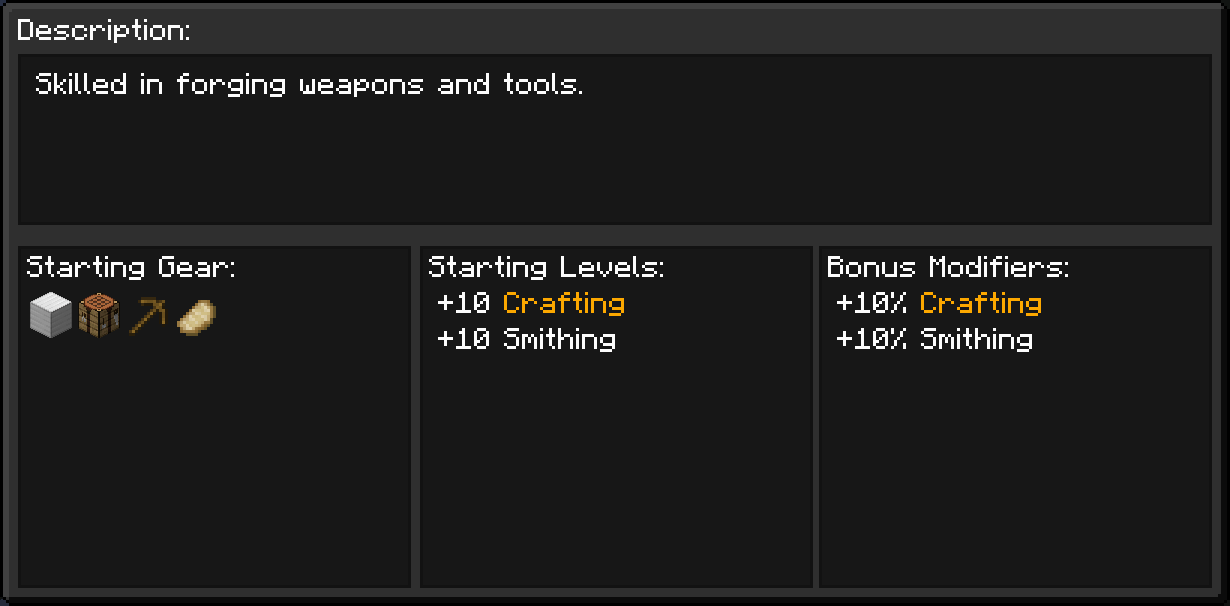
Farmer
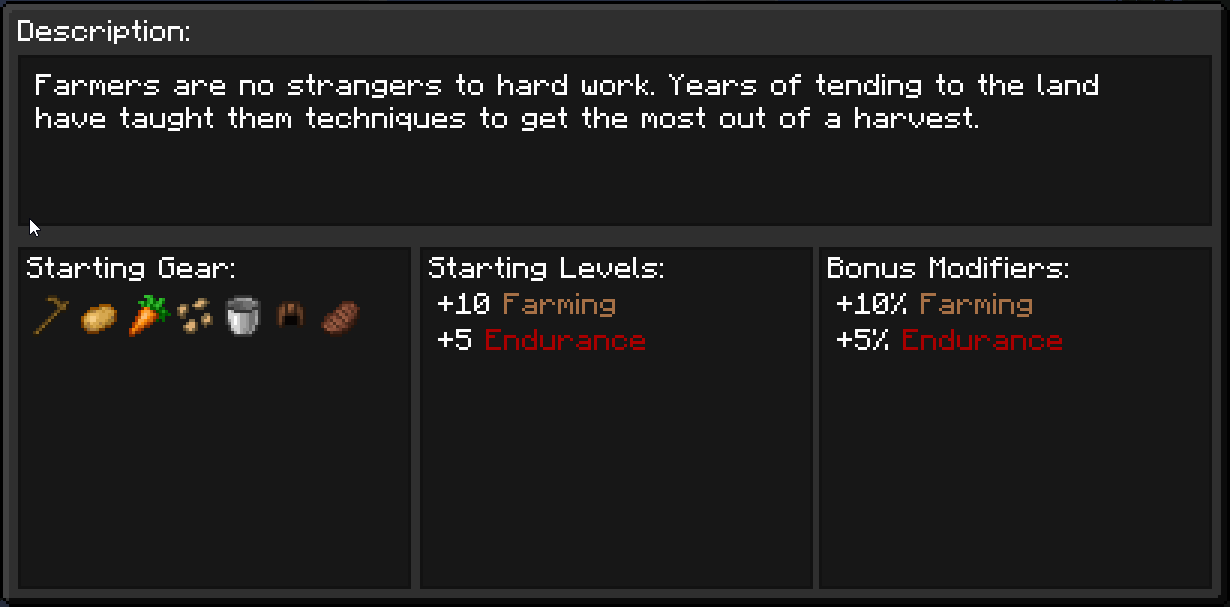
Classes can be added/changed/deleted as you see via config file.
Class selection is prompted upon joining a world/server for the first time. If you accidentally close it though, press M by default to open the class selection.
Planned Features:
Planned Skills:
- Cooking
- Swimming
- Alchemy
Other Planned Features:
- OpenPartiesAndClaims compat
- Skill experience modifier potions
- Skill experience/level modifier Trinkets/Curios/Accessories
- Class level display over player in Multiplayer
- Display name over player colored based on class
- Custom Roleplay display name over player in Multiplayer
Dependencies:
Also recommend:
Compatibility:
- Incompatible with any mods which alter enchanting functionality as Que's Mod heavily alters enchanting
- Possibly incompatible with mods which alter crafting functionality as well for the same reason
- Should work pretty well with anything else
Available Versions
How to Install Roleplay Mechanics on Your Server
Order Server
Order a Minecraft Java server with at least 3 GB RAM (4 GB recommended).
Set fabric Loader
In the panel under "Egg", select the fabric loader and matching Minecraft version (1.21.4).
Install Mod
Open the mod browser in the dashboard and search for "Roleplay Mechanics". Click "Install" – done! Alternatively, upload the .jar via SFTP to the /mods folder.
Compatibility
Mod Loaders
Minecraft Versions
1.21.4, 1.21.1
Server-side
✓ RequiredRecommended RAM
4 GB(min. 3 GB)Frequently Asked Questions
Roleplay Mechanics server crashes on startup – what to do?
Most common cause: wrong fabric version or insufficient RAM. Check the server log (latest.log) for "OutOfMemoryError" or "Mixin" errors. With Mado Hosting: ensure at least 3 GB RAM is allocated and the loader matches the mod version (1.21.4). You can switch loaders with one click in the panel.
Is Roleplay Mechanics compatible with fabric?
Roleplay Mechanics officially supports fabric for Minecraft 1.21.4, 1.21.1. The Mado dashboard automatically detects incompatible loader combinations.
Server lagging with Roleplay Mechanics – how to optimize performance?
Recommended RAM: 4 GB (per 8 players). Use /spark profiler to check if Roleplay Mechanics consumes the most tick time. Common fixes: reduce server view-distance to 8-10, install "performant" or "starlight" as supplementary mods on Forge. With Mado Hosting, your server runs on NVMe SSDs with dedicated CPU cores for minimal latency.
Similar Mods



![[TaCZ] Timeless and Classics Zero](https://cdn.modrinth.com/data/SzzJttH8/fd27766d2bb8390d284696b1dbd358f87e081439_96.webp)


Rent Modded Server
Install Roleplay Mechanics with just one click on your server.