
Timeline
A shared advancement timeline with a custom calendar and Hall of Fame
Screenshots

About this Mod

Minecraft advancements. Super fun, I know. This mod tries to give you a more tangible sense of accomplishment, by capturing all advancements from players on the server and displaying them on a Timeline with some extra "pezazz". jazz hands👋👋
It should be easy for server admins to add custom advancements and how they affect the Timeline's visuals, as well as adding custom events called "Notes" for everyone to read.
The Timeline mod aims to enhance roleplaying by adding a calendar system. A simple "day counter" is too ubiquitous for players to immerse themselves in the adventure and story that unfolds



Date system
- Completely configurable date system that shows a daily toast to players with the current day. For example: "Day 1 of Shadowmere, 420 After Notch"

Chronicle
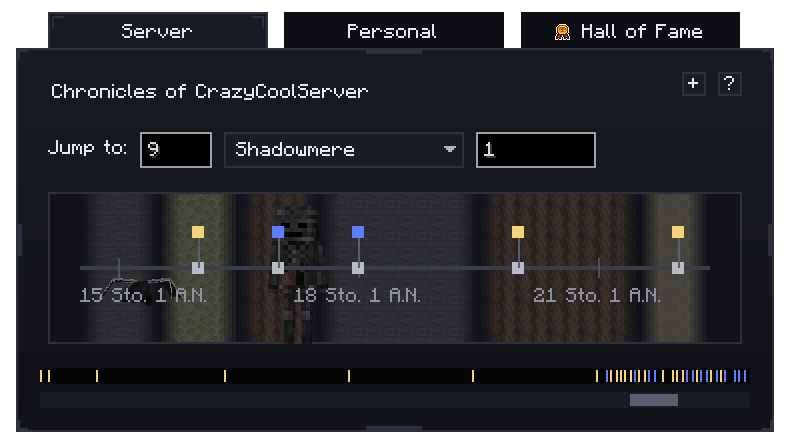
- All advancements (including ones from mods and ones you add yourself) are recorded into the "Chronicle". You'll see a timeline with "nodes" on them, showing what people have accomplished around that time.
Hall of Fame
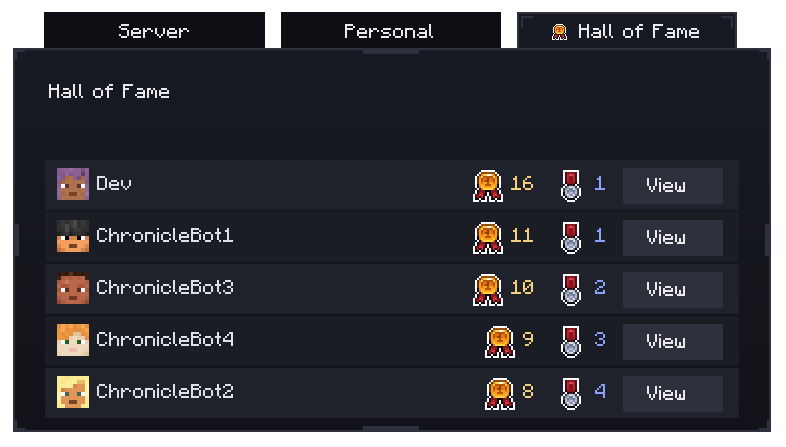
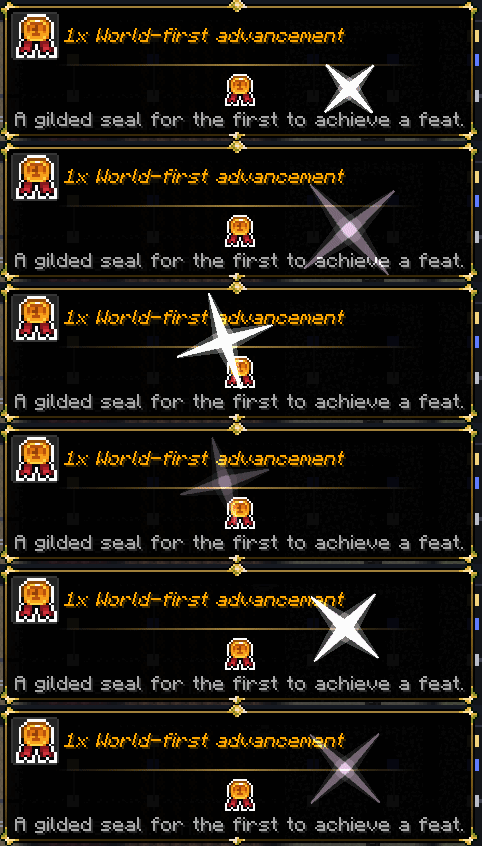
- Keeps track of how many Advancements people have accomplished, including whether they were "world-first". It's about time you are acknowledged for your accolades!
Highly configurable
- Everything you see can be configured: how many months, names of each month, what is shown on the timeline.. You name it! And, all configuration is hotloaded. Meaning, whatever you change immediately goes into effect for all players.
Localization
- Timeline covers an extensive range of other languages: 27, to be exact! And I'm always willing to add more. Just reach out to me on Discord or via the comments and I'll get to it.

Timeline adds compatibility with several mods to further enhance its features. Got an idea for additional compatibilities? I'd love to hear it.
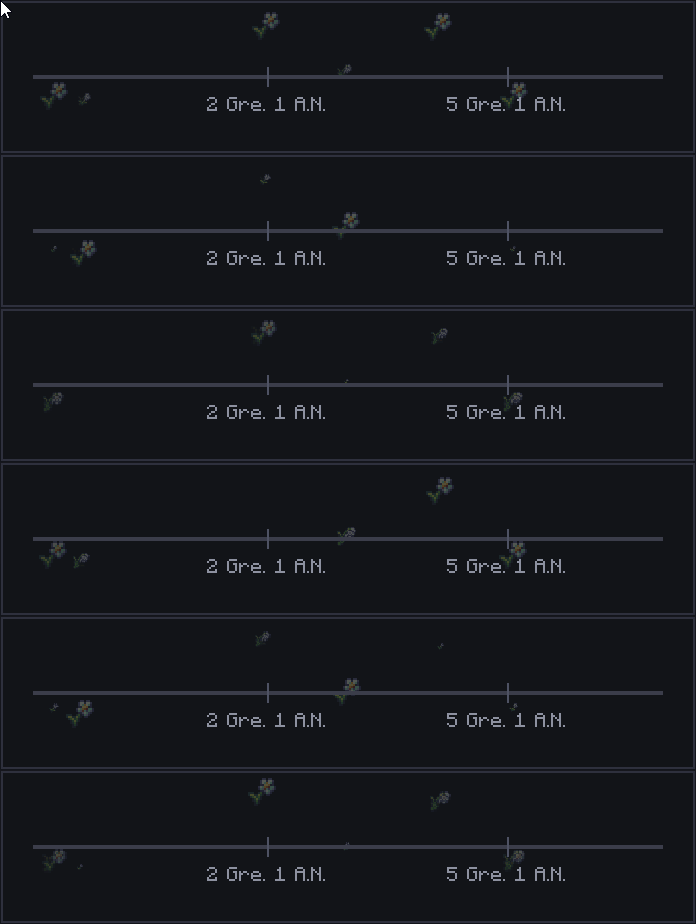
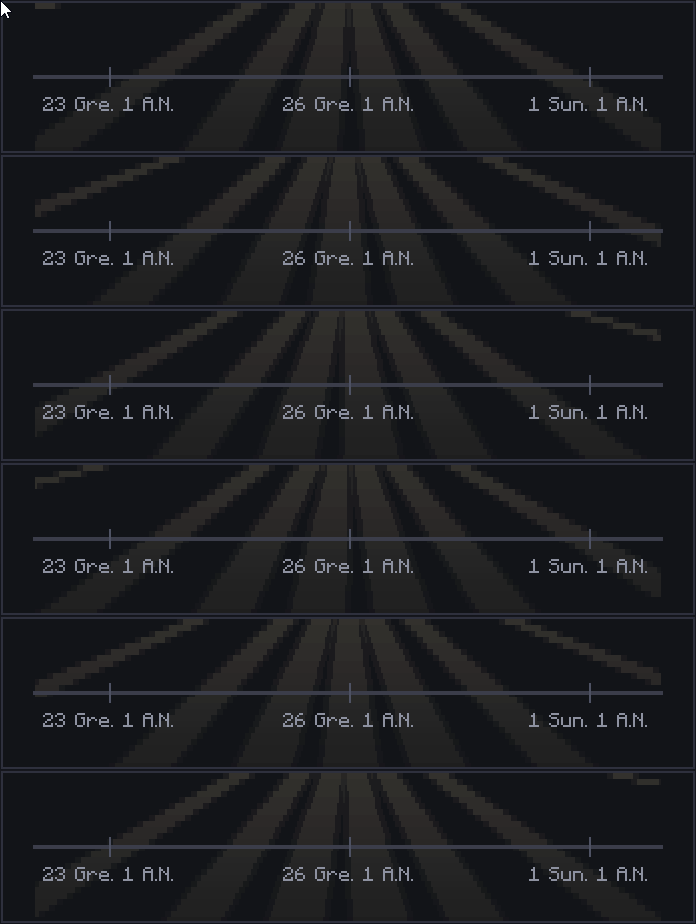
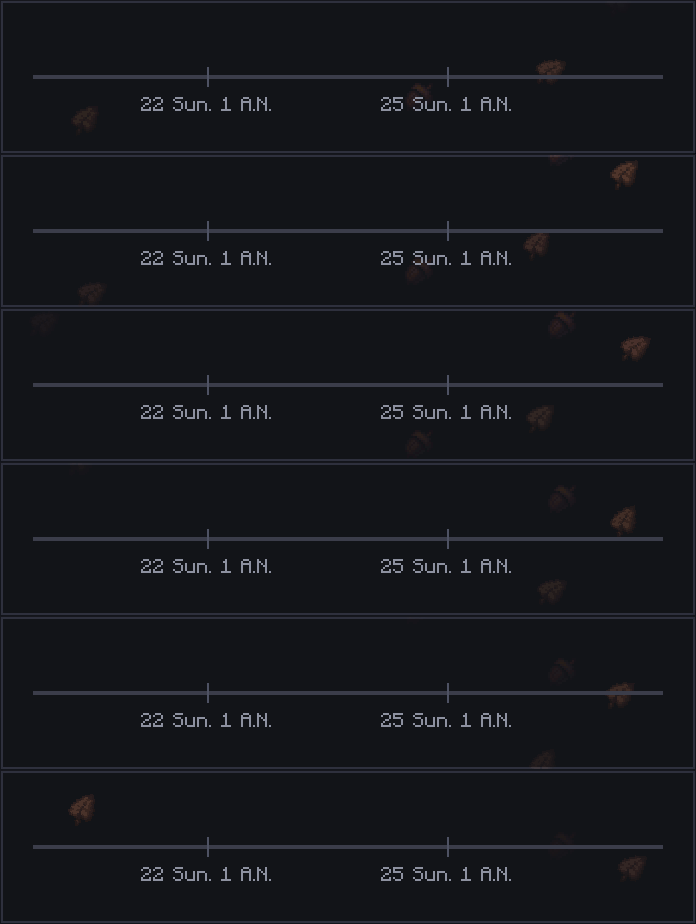
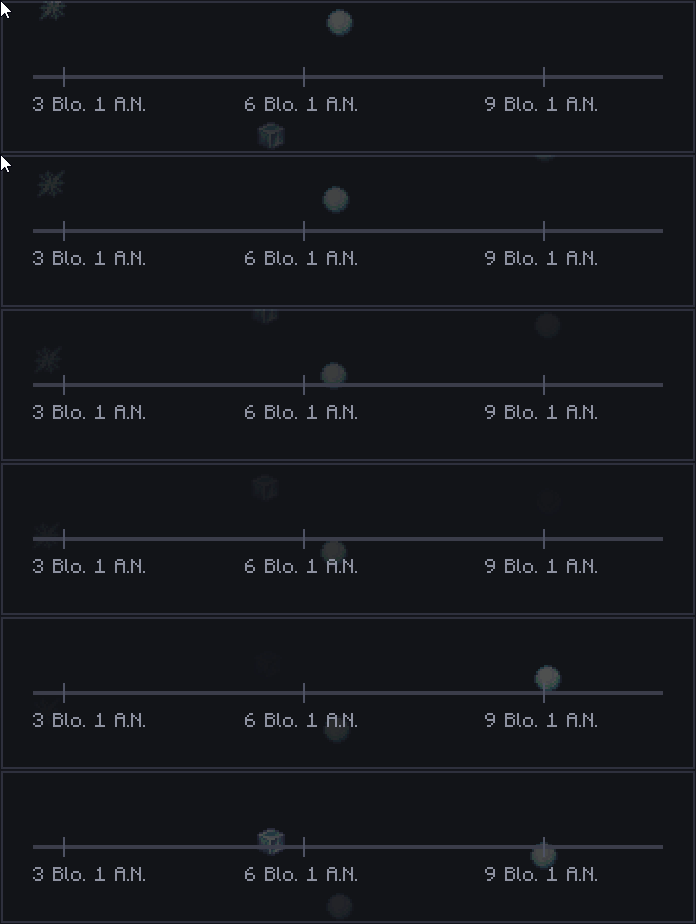
Serene Seasons (by TheAdubbz)
Tooltip Overhaul (by xylonity)
Legendary Tooltips (by Grend_G)

- My question is not listed here!
- Please first read the wiki, your answer may be there. If not, chat with me on Discord.
- Fabric?
- Hmm.. No, probably not. I may in the future. Spam me enough and I may consider. 😝
- Port to version X?
- I only intend on maintaining Forge 1.20.1, NeoForge 1.21.1 as well as the new 1.22.x

Custom License: Z2SIX Mod License (Assets + Code)
https://github.com/z2six/RPG_Calendar/blob/1.21.1/LICENSE.md
Assets excluded from license:
- Font is "Jacquard 12" by Sarah Cadigan-Fried and is permissable under its own license as found on Google Fonts as per 04 February 2026. (link: https://fonts.google.com/specimen/Jacquard+12/license)
- Icons used for the "Seasonal" textures in the Timeline (acorn.png, flower_stage_1.png, flower_stage_2.png, flower_stage_3.png, flower_stage_4.png, ice.png, ice2.png, ice3.png, leaf.png) are courtesy of Glionox.
Available Versions
How to Install Timeline on Your Server
Order Server
Order a Minecraft Java server with at least 3 GB RAM (4 GB recommended).
Set forge Loader
In the panel under "Egg", select the forge loader and matching Minecraft version (1.21.3).
Install Mod
Open the mod browser in the dashboard and search for "Timeline". Click "Install" – done! Alternatively, upload the .jar via SFTP to the /mods folder.
Compatibility
Mod Loaders
Minecraft Versions
1.21.3, 1.21.2, 1.21.1 (+2 more)
Server-side
✓ RequiredRecommended RAM
4 GB(min. 3 GB)Frequently Asked Questions
Timeline server crashes on startup – what to do?
Most common cause: wrong forge version or insufficient RAM. Check the server log (latest.log) for "OutOfMemoryError" or "Mixin" errors. With Mado Hosting: ensure at least 3 GB RAM is allocated and the loader matches the mod version (1.21.3). You can switch loaders with one click in the panel.
Is Timeline compatible with forge and neoforge?
Timeline officially supports forge, neoforge for Minecraft 1.21.3, 1.21.2, 1.21.1. The Mado dashboard automatically detects incompatible loader combinations.
Server lagging with Timeline – how to optimize performance?
Recommended RAM: 4 GB (per 8 players). Use /spark profiler to check if Timeline consumes the most tick time. Common fixes: reduce server view-distance to 8-10, install "performant" or "starlight" as supplementary mods on Forge. With Mado Hosting, your server runs on NVMe SSDs with dedicated CPU cores for minimal latency.
Similar Mods




Rent Modded Server
Install Timeline with just one click on your server.