
RPG Coins
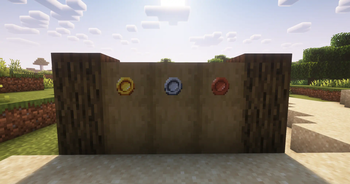
Adds three new coin items to the game
Screenshots
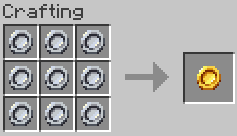
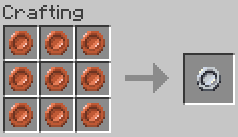
About this Mod
RPG Coins
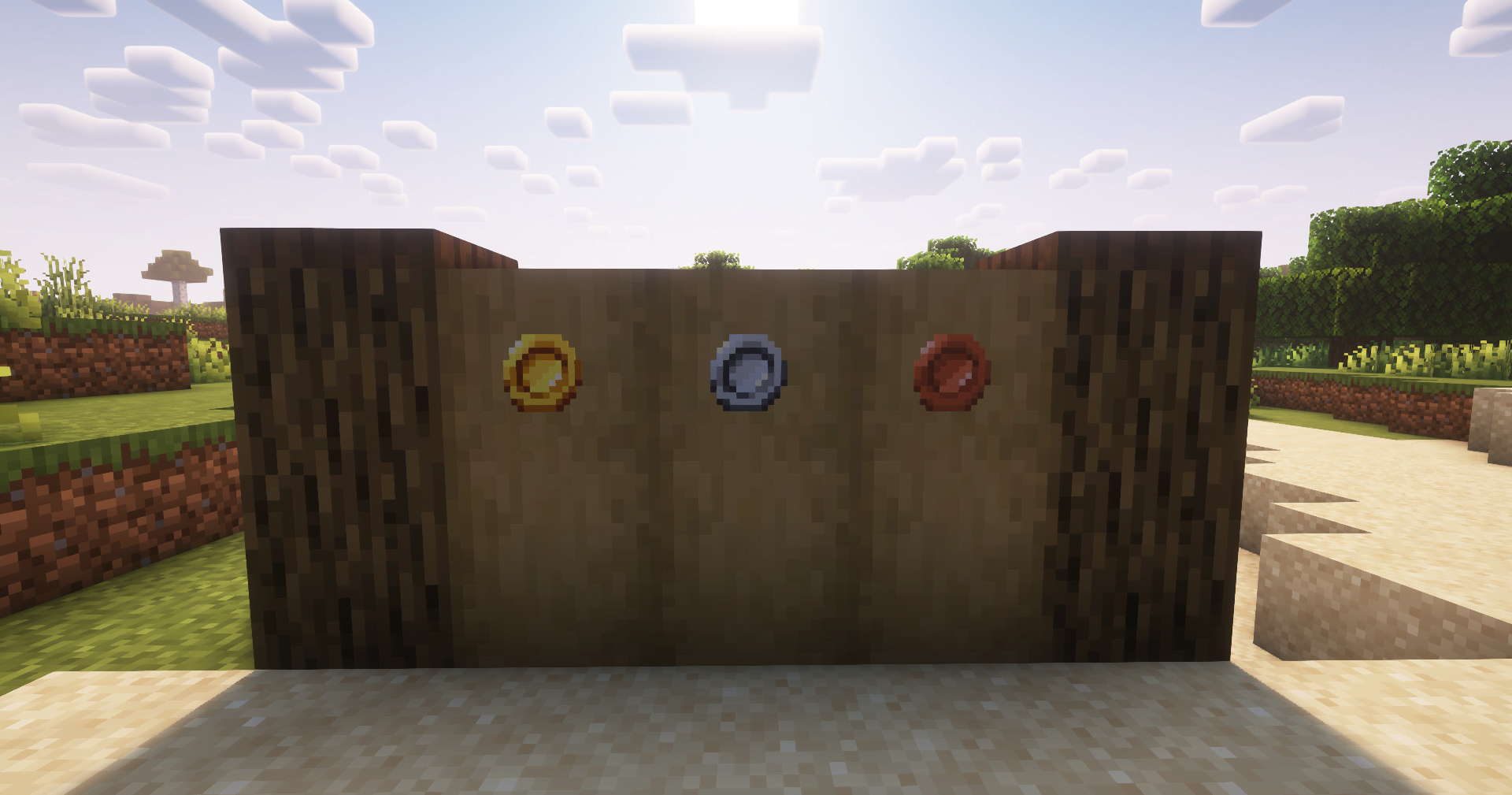
RPG Coins is a Fabric mod that adds three new coin items — gold, iron, and copper — that can be used for trading or custom gameplay mechanics. Inspired by the RPG Series mods.
Features
- Adds Gold Coin, Iron Coin, and Copper Coin items.
Recipes
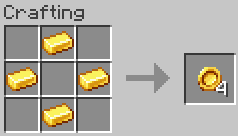
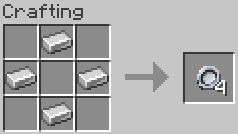
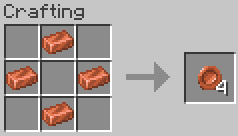
From version 3.0.0 onward, the mod no longer includes default coin crafting recipes. Server owners and modpack creators must provide their own.
This change improves flexibility, as adding custom recipes is easier and more straightforward than removing predefined ones, allowing full control over how coins are obtained.
Ways to implement custom recipes:
- Vanilla Data Packs
- Example recipes data pack: Here
- CraftTweaker
- KubeJS
- Other recipe management tools.
Recipe remover example data pack for versions prior to 3.0.0: Here
Compatibility
- Required:
- Made to be played with:
- Guaranteed to work with:
Installation
- Drop the Coins
.jarinto yourmodsfolder for both client and server. - Start the server or load into a world — the mod is active immediately.
Tags
coins:coinscoins:gold_coincoins:iron_coincoins:copper_coin
Coins
Credits
Jewelry (RPG Series) by ZsoltMolnarrr for visual and design inspiration for this mod’s item concepts.
If you extend or fork this mod, please consider keeping credits intact where applicable.
Available Versions
How to Install RPG Coins on Your Server
Order Server
Order a Minecraft Java server with at least 3 GB RAM (4 GB recommended).
Set datapack Loader
In the panel under "Egg", select the datapack loader and matching Minecraft version (26.1.2).
Install Mod
Open the mod browser in the dashboard and search for "RPG Coins". Click "Install" – done! Alternatively, upload the .jar via SFTP to the /mods folder.
Compatibility
Mod Loaders
Minecraft Versions
26.1.2, 26.1.1, 26.1 (+12 more)
Server-side
✓ RequiredRecommended RAM
4 GB(min. 3 GB)Frequently Asked Questions
RPG Coins server crashes on startup – what to do?
Most common cause: wrong datapack version or insufficient RAM. Check the server log (latest.log) for "OutOfMemoryError" or "Mixin" errors. With Mado Hosting: ensure at least 3 GB RAM is allocated and the loader matches the mod version (26.1.2). You can switch loaders with one click in the panel.
Is RPG Coins compatible with datapack and fabric and neoforge?
RPG Coins officially supports datapack, fabric, neoforge for Minecraft 26.1.2, 26.1.1, 26.1. The Mado dashboard automatically detects incompatible loader combinations.
Server lagging with RPG Coins – how to optimize performance?
Recommended RAM: 4 GB (per 8 players). Use /spark profiler to check if RPG Coins consumes the most tick time. Common fixes: reduce server view-distance to 8-10, install "performant" or "starlight" as supplementary mods on Forge. With Mado Hosting, your server runs on NVMe SSDs with dedicated CPU cores for minimal latency.
Similar Mods




Rent Modded Server
Install RPG Coins with just one click on your server.