
Rubinated Nether
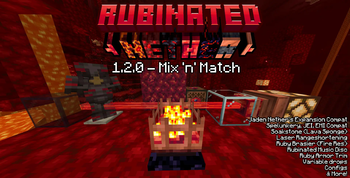
Rubinated Nether is a Vanilla+ mod which adds Nether Ruby into the game for utility, decoration and redstone.
Screenshots
About this Mod
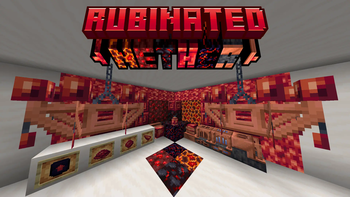
Rubinated Nether is a Vanilla+ mod adding Minecraft's scrapped Ruby. This mod adds several utility and decoration blocks, with a revamped Nether Progression.
Current Features

Within the Nether you may find Rubies near the Lava Ocean, near the Nether Roof or in Piglin Bastions. Harvest them with a Diamond Pickaxe.

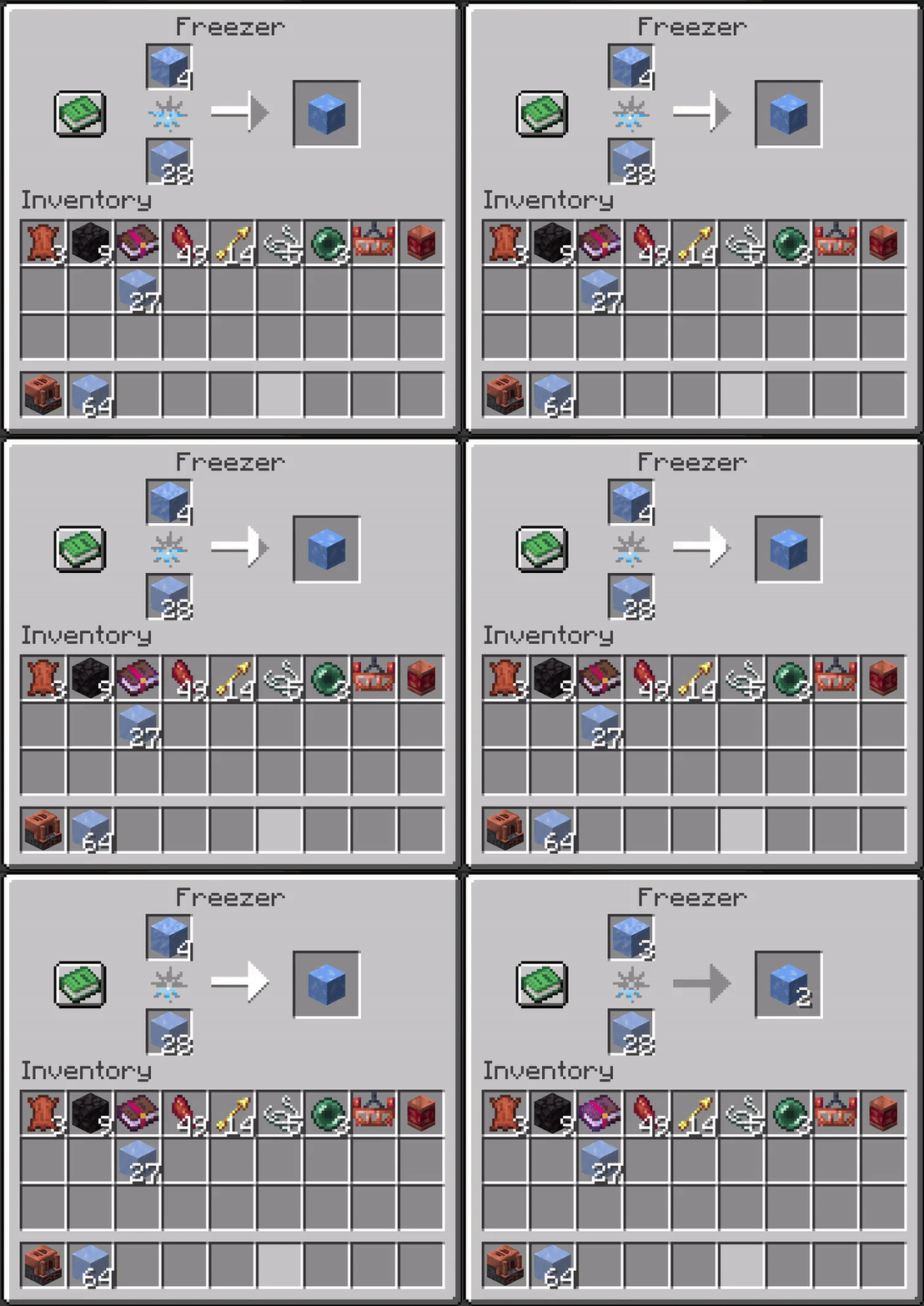
Using the Freezer, you can freeze Molten Rubies into Rubies, Ice into its colder variants, Magma Cream into Slimeballs and Magma Blocks into Obsidian. Freezing Snow yields the (un)obtainable Frosted Ice.

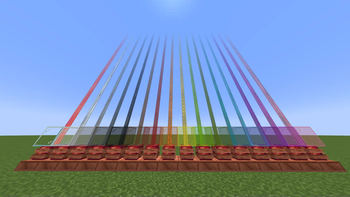
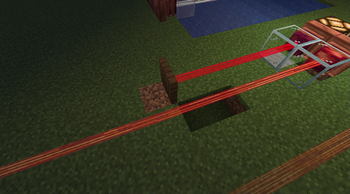
Craft the Ruby Laser to detect entities and blocks in its path. Its beam is invisible unless you wear Ruby Lenses on your head. Alternatively, place Glass directly in front of the Ruby Laser to make its beam visible. Stained Glass tints the laser beam. Its block output is proportional to how close the block or entity is. The laser beam detects block hitboxes.
Right-clicking the laser will turn it Tinted, making it only detect blocks and not entities.
Placing Tinted Glass in the path of the laser will shorten it's range without redstone output. Currently only works with Tinted mode.

Break Rubies into Ruby Shards for a more economical and efficient way to Barter with Piglins.

Use Soakstones to soak up lava like a sponge, or craft a Ruby Brazier to have Fire Resistance applied to you.

Craft Ruby Glass for a blast-proof window, or Bleeding Obsidian to invite nightmares. You can Rubinate obsidian by right clicking any Crying Obsidian with a Ruby Shard.

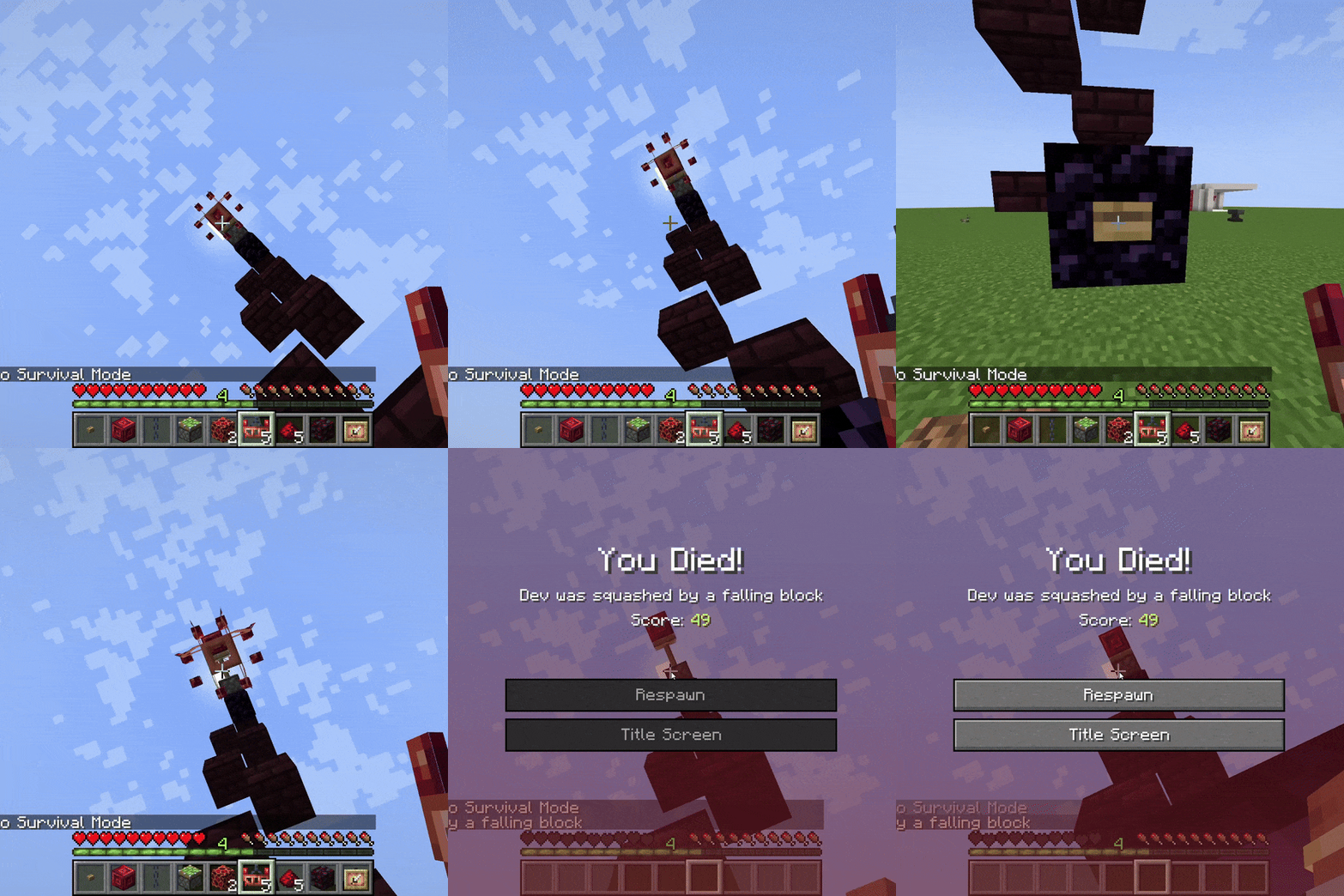
Ruby Chandeliers, Ruby Lanterns and Ruby Lava Lamps are all stylish decorations to light up your surroundings! Blocks of Molten Ruby and Molten Ruby Glass also glow! Ruby Chandeliers can be dropped onto enemies and players like Dripstone Spikes.
Vanilla armor also supports Ruby Armor Trims for an orange-hue trim.

Rubinated Nether is compatible with Spelunkery (Rough Ruby variants), Jaden's Nether Expansion, The Aether, and other libraries. The mod also offers a variety of config features to customize the mod.
To disable the Rubinated Netherite Recipe, type the following command:
/datapack disable "rubinated_nether/better_netherite_template"
Upcoming Features
- Overhauled, Unique Piglin Bartering
- Rubination Divination (Better Enchantments with a costly downside!)
- Sacred Shrine (Nether Trial Chambers)
- The Bronze, Sentinel, and other mobs
- Bronze
- The Wrought bullet-hell boss fight
- Nether/Dimensional Reactors
- Mod Compatibility
- ???
Other Information
Can I use this mod within my modpack?
Yes you can! We'd be more than happy for you to do so!
What versions and launchers is Rubinated Nether compatible with?
1.21.1 for Neoforge is the maintained version where updates are released. 1.20.1 for Forge and Fabric is an older version which is no longer updated.
Dependencies?
Rubinated Nether is furthermore compatible with JEI, EMI, Curios, Trinkets, and Jaden's Nether Expansion
Developers?
- Artienia - Lead Developer
- Juniii - Modeller and Co-developer
- Darksonic - Co-developer
- Bon - Artist
Join our Discord Server to receive support and give feedback!
Ruby Armor and Tools Please?
No, this is never going to be added. This is not that type of mod.
Available Versions
How to Install Rubinated Nether on Your Server
Order Server
Order a Minecraft Java server with at least 3 GB RAM (4 GB recommended).
Set fabric Loader
In the panel under "Egg", select the fabric loader and matching Minecraft version (1.21.1).
Install Mod
Open the mod browser in the dashboard and search for "Rubinated Nether". Click "Install" – done! Alternatively, upload the .jar via SFTP to the /mods folder.
Compatibility
Mod Loaders
Minecraft Versions
1.21.1, 1.20.1
Server-side
✓ RequiredRecommended RAM
4 GB(min. 3 GB)Frequently Asked Questions
Rubinated Nether server crashes on startup – what to do?
Most common cause: wrong fabric version or insufficient RAM. Check the server log (latest.log) for "OutOfMemoryError" or "Mixin" errors. With Mado Hosting: ensure at least 3 GB RAM is allocated and the loader matches the mod version (1.21.1). You can switch loaders with one click in the panel.
Is Rubinated Nether compatible with fabric and forge and neoforge and quilt?
Rubinated Nether officially supports fabric, forge, neoforge, quilt for Minecraft 1.21.1, 1.20.1. Note: Forge and Fabric mods are NOT cross-compatible – pick one loader and stick with it. The Mado dashboard automatically detects incompatible loader combinations.
Server lagging with Rubinated Nether – how to optimize performance?
Recommended RAM: 4 GB (per 8 players). Use /spark profiler to check if Rubinated Nether consumes the most tick time. Common fixes: reduce server view-distance to 8-10, install "performant" or "starlight" as supplementary mods on Forge. With Mado Hosting, your server runs on NVMe SSDs with dedicated CPU cores for minimal latency.
Similar Mods




Rent Modded Server
Install Rubinated Nether with just one click on your server.
Details
- License
- Creative Commons Attribution Share Alike 4.0 International
- Server-side
- Required