
Safra
Don’t mess with the server Play Minecraft with your friends in 2 clicks
Screenshots
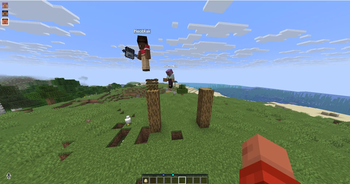
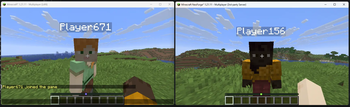
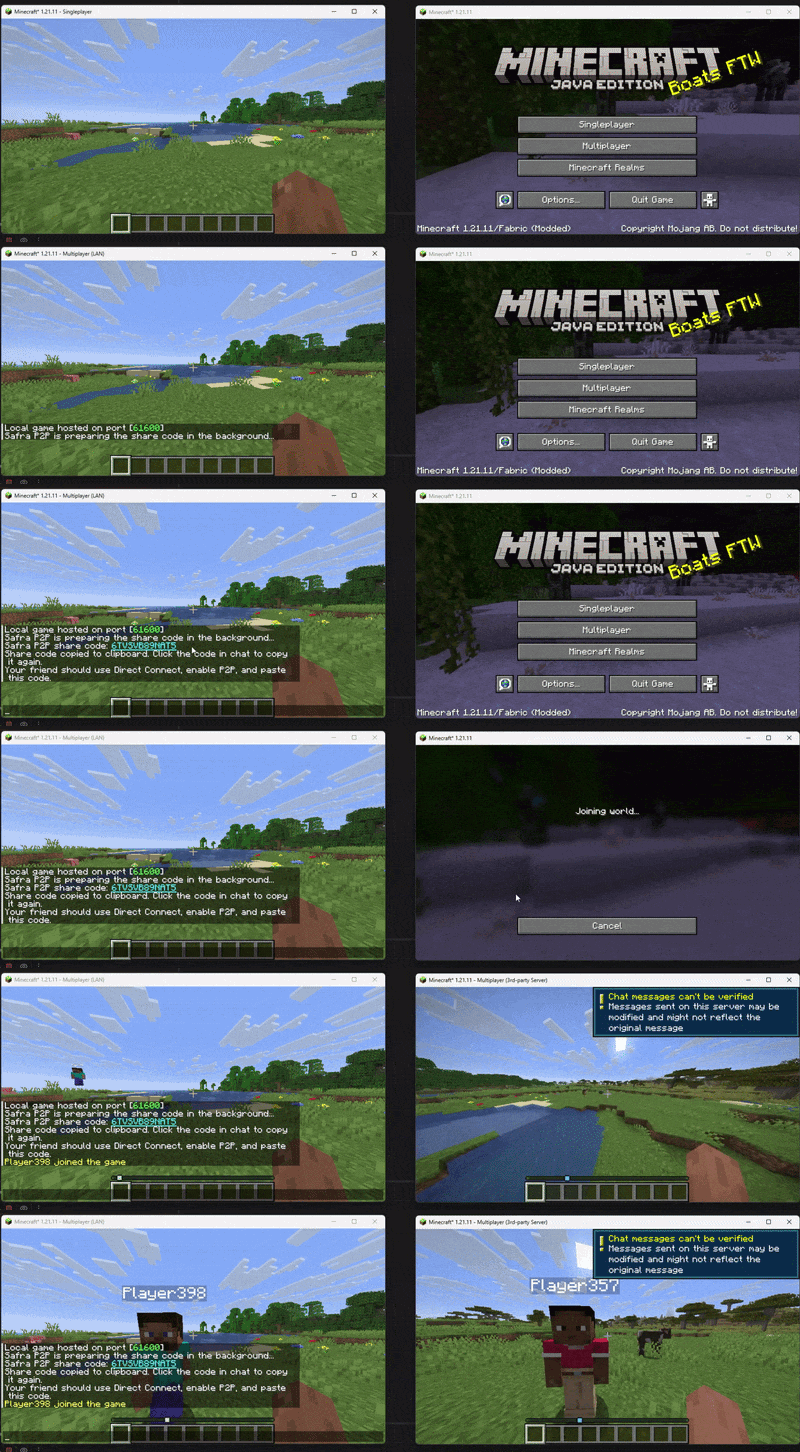
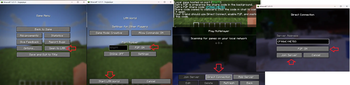
About this Mod


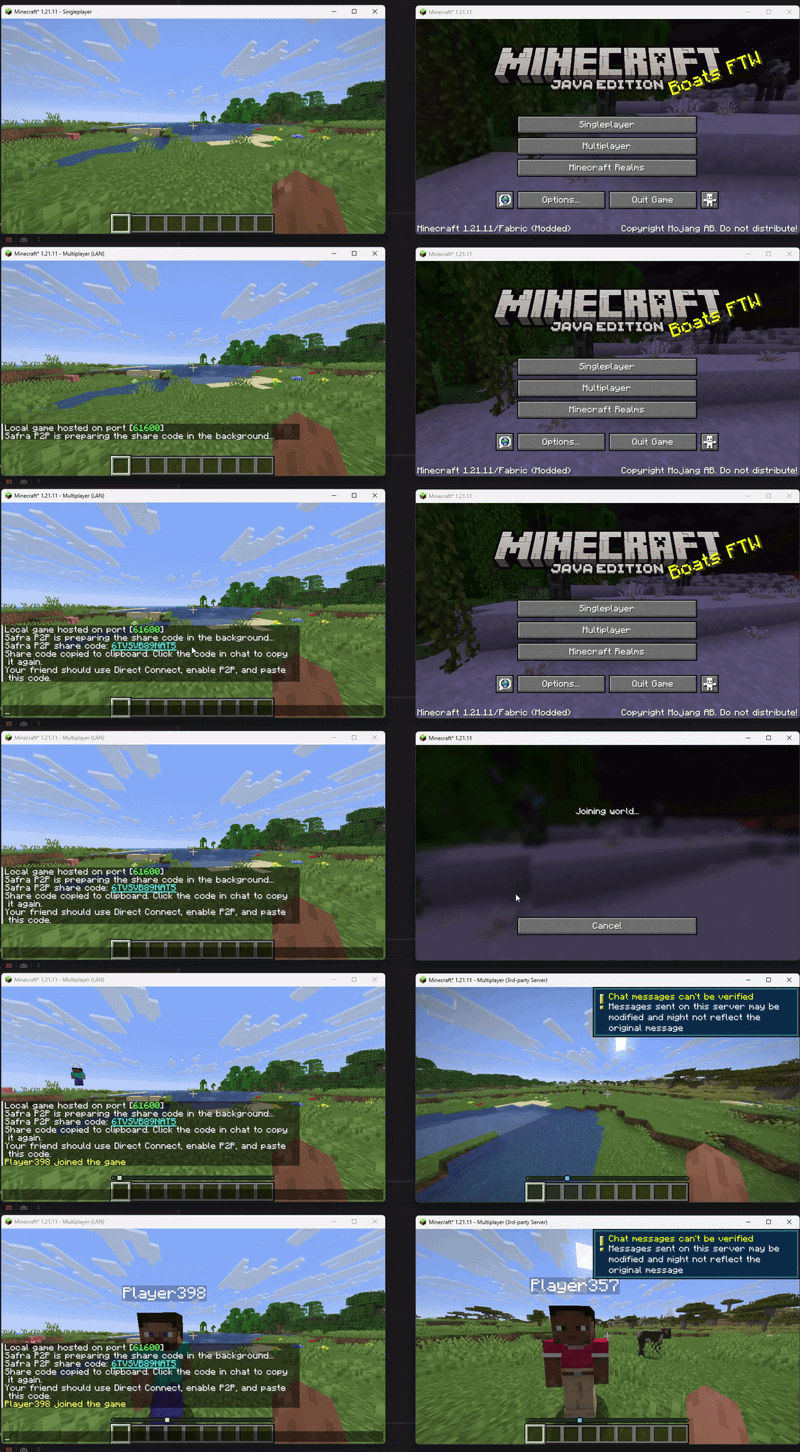

Would you like to read this text in other languages?
 |
|
 |
|
 |
|
 |
|

 |
|
 |
|
 |
|
 |
|

Safra 🚀
Don't waste time dealing with server setup or useless extra steps
Launch your Minecraft server in 2 clicks and jump straight into the game
✅ No complicated interface 😌
✅ No unnecessary systems 🚫
✅ Lightweight and optimized ⚡
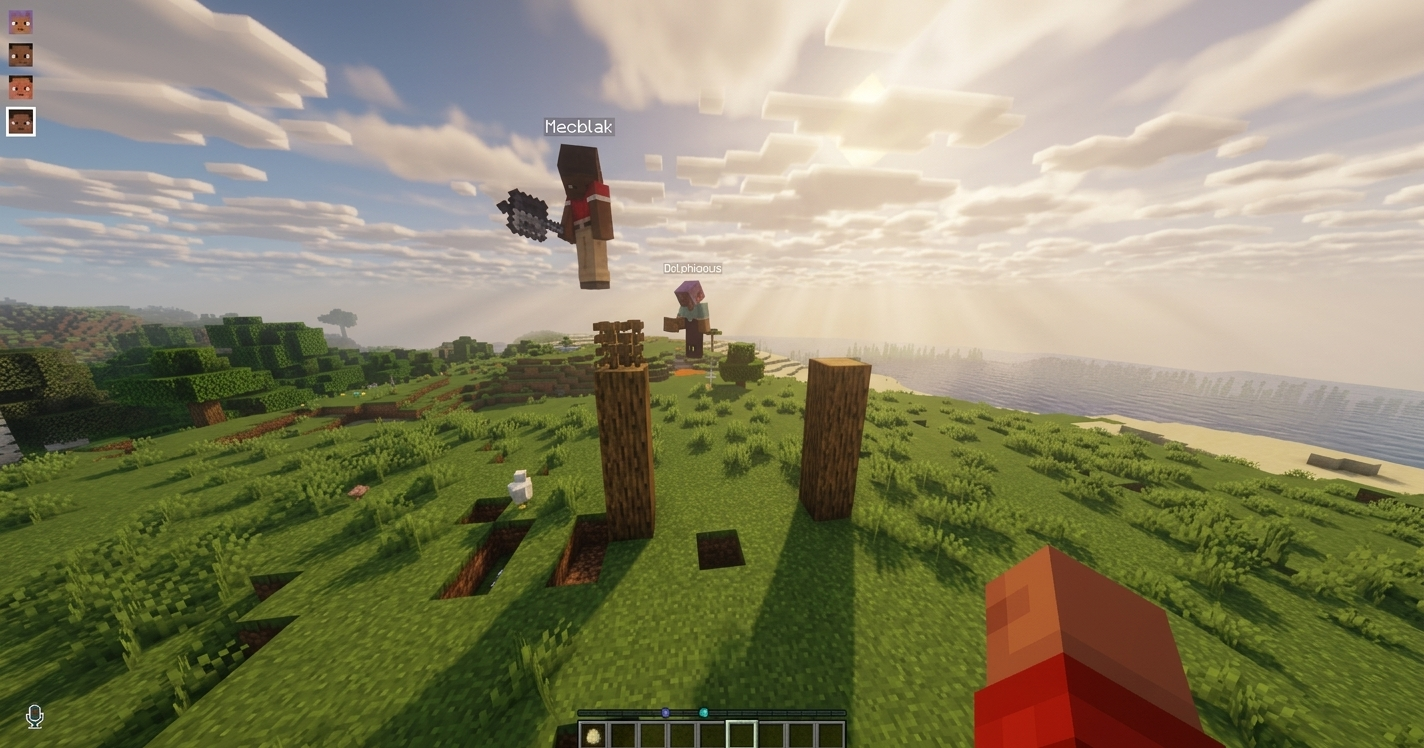
TLauncher is used in the preview (alternative launchers are supported)
Includes voice chat support (mod support)
Mod Support
You can easily play with the mods you and your friends install
Supports Fabric, Forge, and NeoForge
Note ⚠️
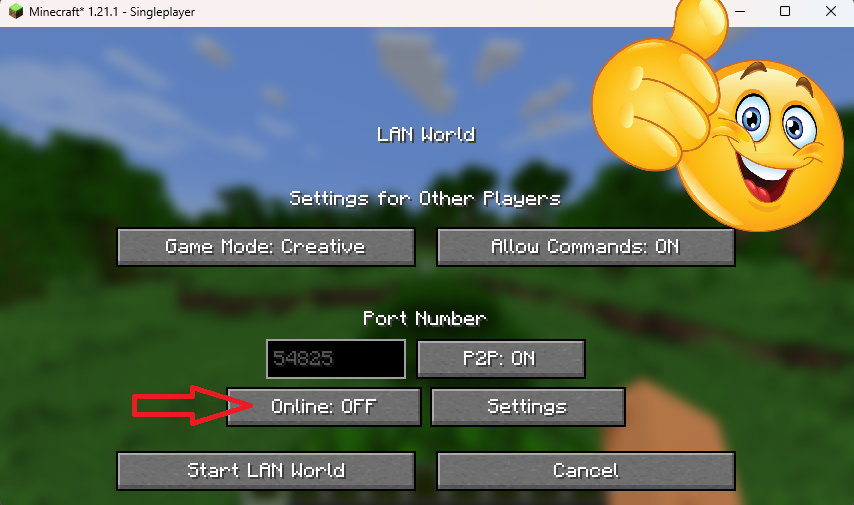
If TLauncher or other launcher players will join, it's enough for the person starting the server to set
online-mode=falsebefore sharing the game.
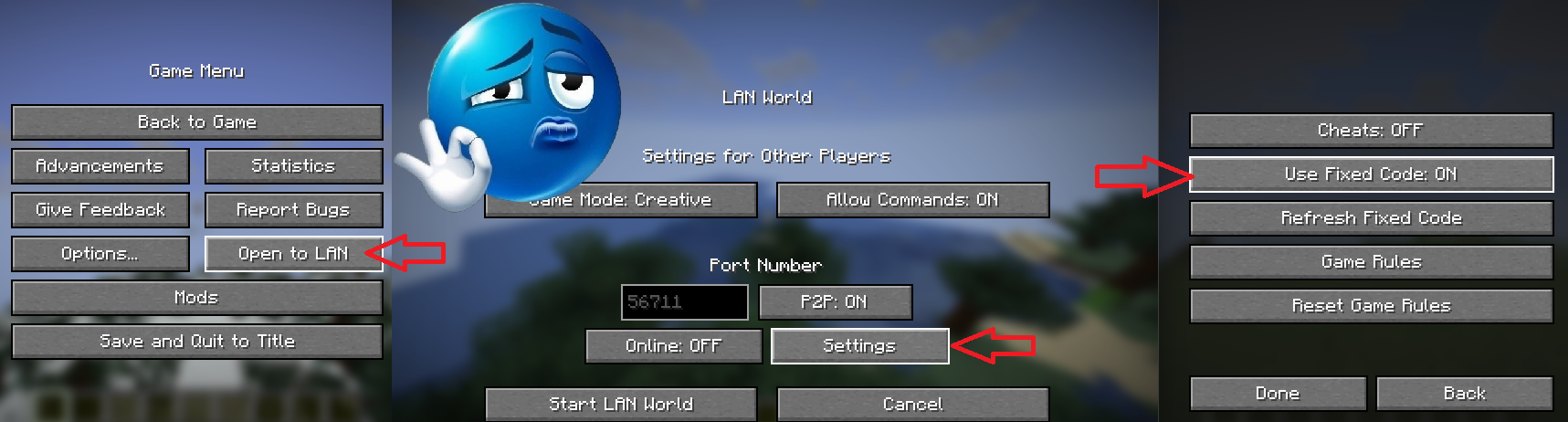
If you want the generated code to stay fixed, just set
Use Fixed Code=onin Settings.
FAQ 🤔

|
✨ Need a feature, got a version idea, or found a bug? You can open an issue on GitHub anytime ❤️ Open-source project lives here DeveloperKubilay/Safra 👀 Want to learn how it works? |
Available Versions
How to Install Safra on Your Server
Order Server
Order a Minecraft Java server with at least 3 GB RAM (4 GB recommended).
Set fabric Loader
In the panel under "Egg", select the fabric loader and matching Minecraft version (26.1.2).
Install Mod
Open the mod browser in the dashboard and search for "Safra". Click "Install" – done! Alternatively, upload the .jar via SFTP to the /mods folder.
Compatibility
Mod Loaders
Minecraft Versions
26.1.2, 26.1.1, 26.1 (+14 more)
Server-side
~ OptionalRecommended RAM
4 GB(min. 3 GB)Frequently Asked Questions
Safra server crashes on startup – what to do?
Most common cause: wrong fabric version or insufficient RAM. Check the server log (latest.log) for "OutOfMemoryError" or "Mixin" errors. With Mado Hosting: ensure at least 3 GB RAM is allocated and the loader matches the mod version (26.1.2). You can switch loaders with one click in the panel.
Is Safra compatible with fabric and forge and neoforge?
Safra officially supports fabric, forge, neoforge for Minecraft 26.1.2, 26.1.1, 26.1. Note: Forge and Fabric mods are NOT cross-compatible – pick one loader and stick with it. The Mado dashboard automatically detects incompatible loader combinations.
Server lagging with Safra – how to optimize performance?
Recommended RAM: 4 GB (per 8 players). Use /spark profiler to check if Safra consumes the most tick time. Common fixes: reduce server view-distance to 8-10, install "performant" or "starlight" as supplementary mods on Forge. With Mado Hosting, your server runs on NVMe SSDs with dedicated CPU cores for minimal latency.
Similar Mods






Rent Modded Server
Install Safra with just one click on your server.