
Sakura Rosea
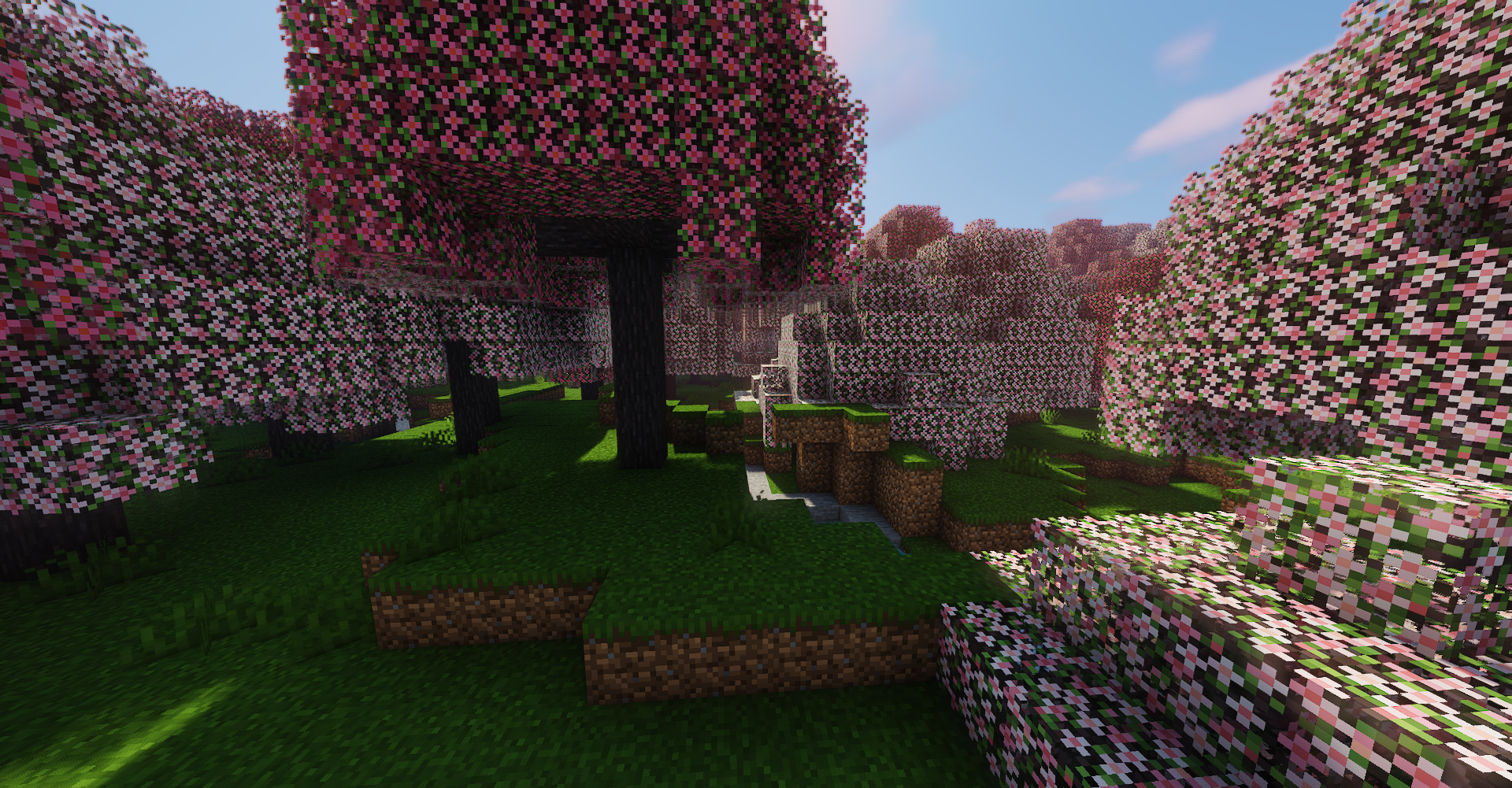
A cherry tree biome mod (with a few more things)
About this Mod
 QSL is REQUIRED for this mod to work.
TerraBlender is REQUIRED for this mod to work.
A huge thank you to the TerraformersMC team for the help on this!
On 1.19.4 and below, this mod plays as standalone biome generation.
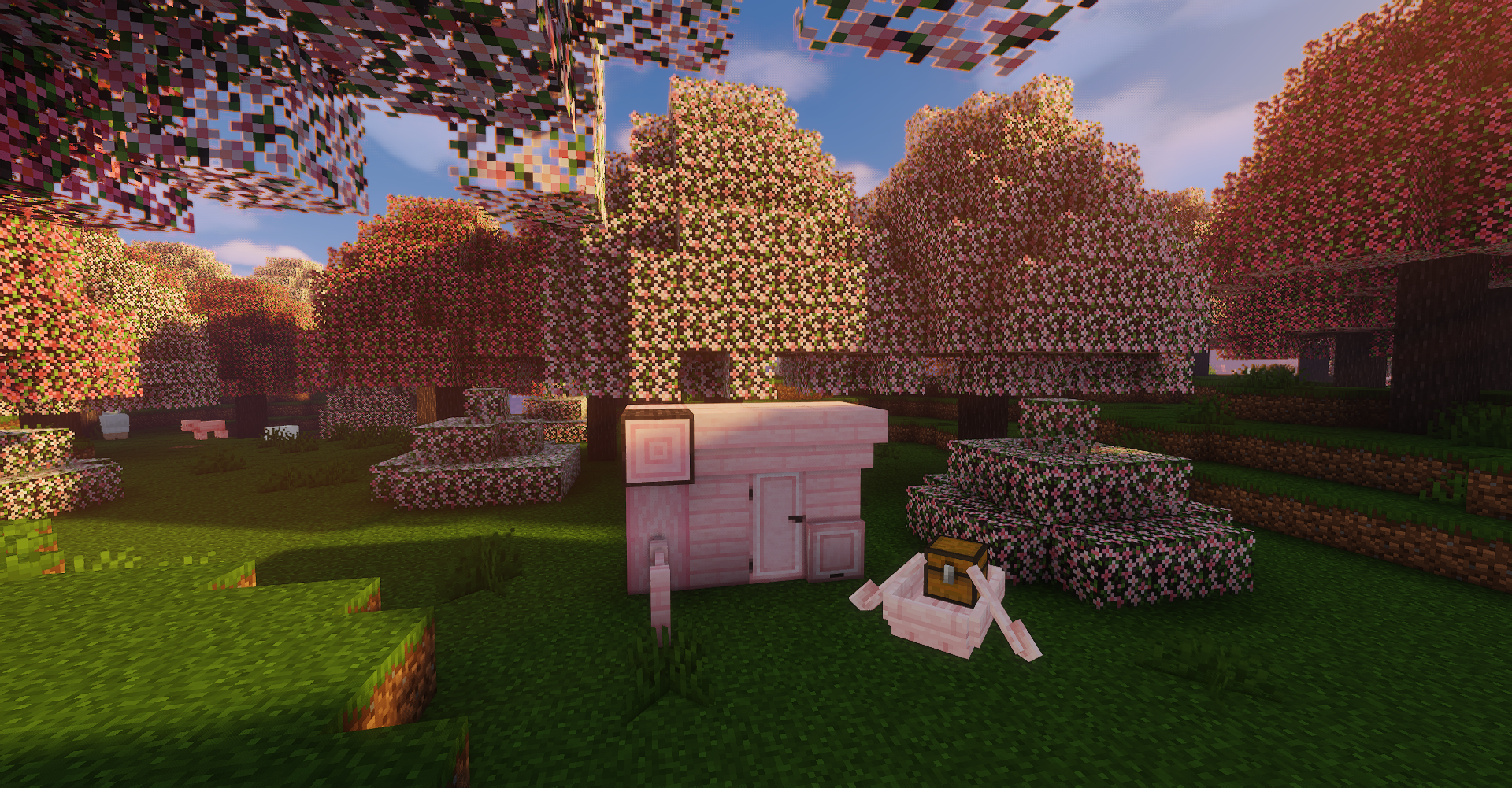
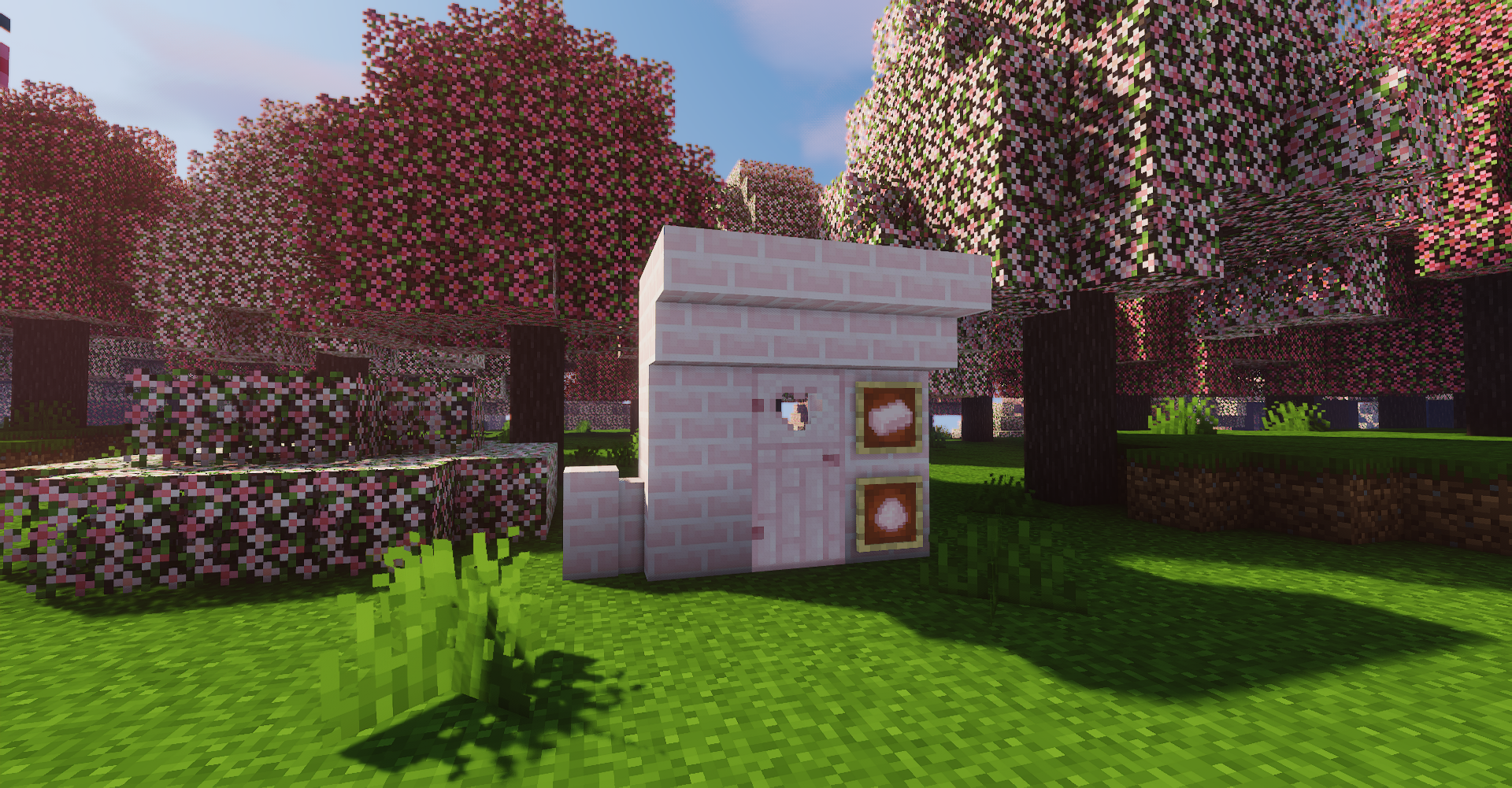
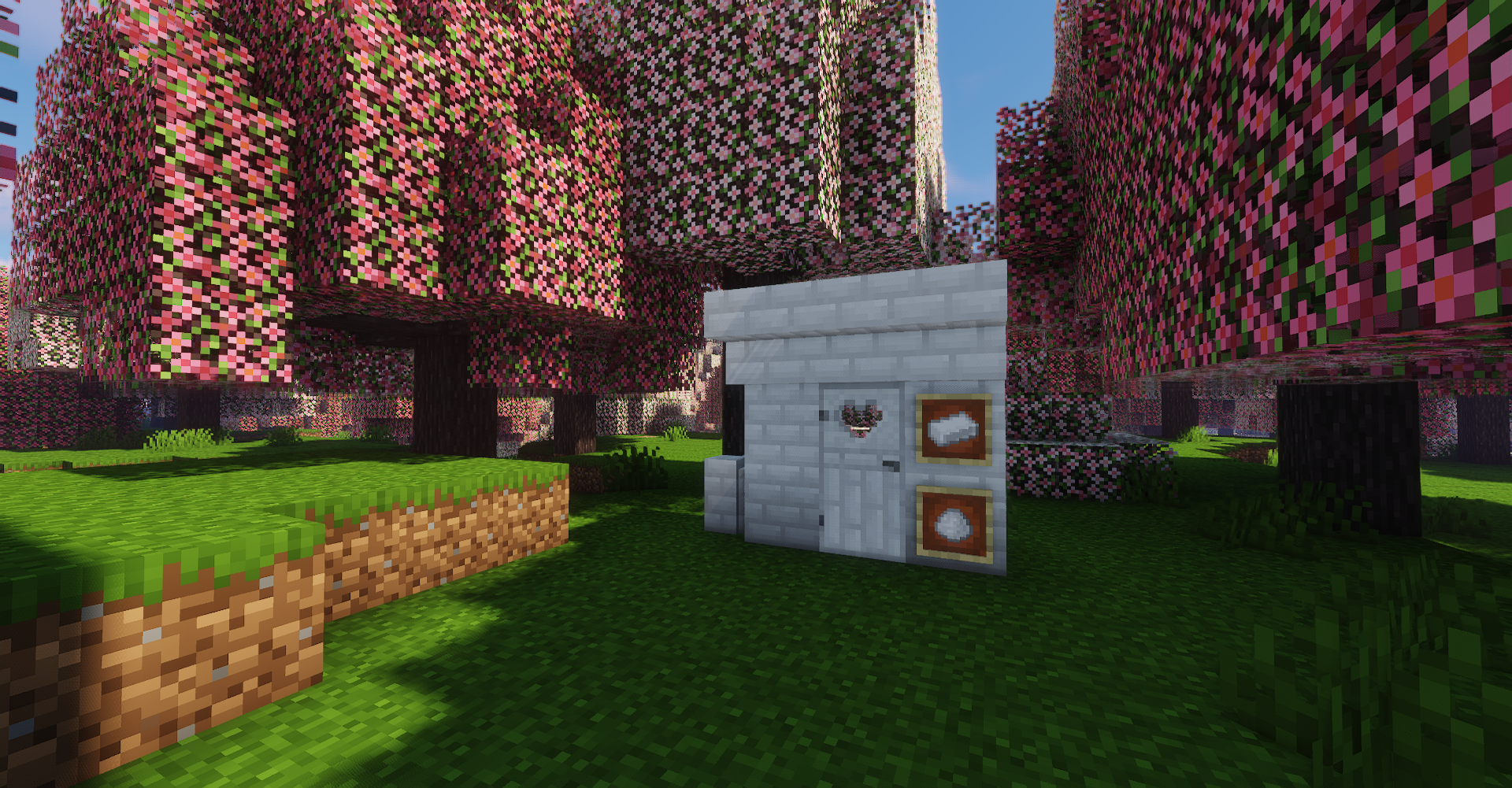
For 1.20+, it will replace textures and names of the vanilla Cherry Biome, but maintain the wood plank textures from base game. Bricks and its components will still be there.
You're free to add this to your modpack! Our only conditions are that you don't change any assets, and link to this page somewhere if you redistribute it.
THIS IS A QUILT MOD! <3
- Okay, but how do I use Quilt?
You go to https://quiltmc.org/en/install/ and click on the "universal" option. It installs like any other modloader.
You will also (probably) need QSL for mods to work. You can get it here or click on the Quilt image at the very top of this page.
- What about my Fabric mods?!
All Fabric mods are compatible with Quilt! Using Quilt will not prevent you from loading any Fabric mods, you can add as many as you want and use both Fabric and Quilt mods by just installing Quilt.
- Will you continue to update for Fabric?
No. There's really no need for it since Quilt loads Fabric mods anyways. You will always be able to load your Fabric mods on Quilt :)
 If you need support, please contact us through our Discord.
Available Versions
How to Install Sakura Rosea on Your Server
Order Server
Order a Minecraft Java server with at least 4 GB RAM (6 GB recommended).
Set fabric Loader
In the panel under "Egg", select the fabric loader and matching Minecraft version (1.19.4).
Install Mod
Open the mod browser in the dashboard and search for "Sakura Rosea". Click "Install" – done! Alternatively, upload the .jar via SFTP to the /mods folder.
Compatibility
Mod Loaders
Minecraft Versions
1.19.4, 1.19.3, 1.16.3
Server-side
✓ RequiredRecommended RAM
6 GB(min. 4 GB)Frequently Asked Questions
Sakura Rosea server crashes on startup – what to do?
Most common cause: wrong fabric version or insufficient RAM. Check the server log (latest.log) for "OutOfMemoryError" or "Mixin" errors. With Mado Hosting: ensure at least 4 GB RAM is allocated and the loader matches the mod version (1.19.4). You can switch loaders with one click in the panel.
Is Sakura Rosea compatible with fabric and quilt?
Sakura Rosea officially supports fabric, quilt for Minecraft 1.19.4, 1.19.3, 1.16.3. The Mado dashboard automatically detects incompatible loader combinations.
Server lagging with Sakura Rosea – how to optimize performance?
Recommended RAM: 6 GB (per 5 players). Use /spark profiler to check if Sakura Rosea consumes the most tick time. Common fixes: reduce server view-distance to 8-10, install "performant" or "starlight" as supplementary mods on Forge. With Mado Hosting, your server runs on NVMe SSDs with dedicated CPU cores for minimal latency.
Similar Mods




Rent Modded Server
Install Sakura Rosea with just one click on your server.