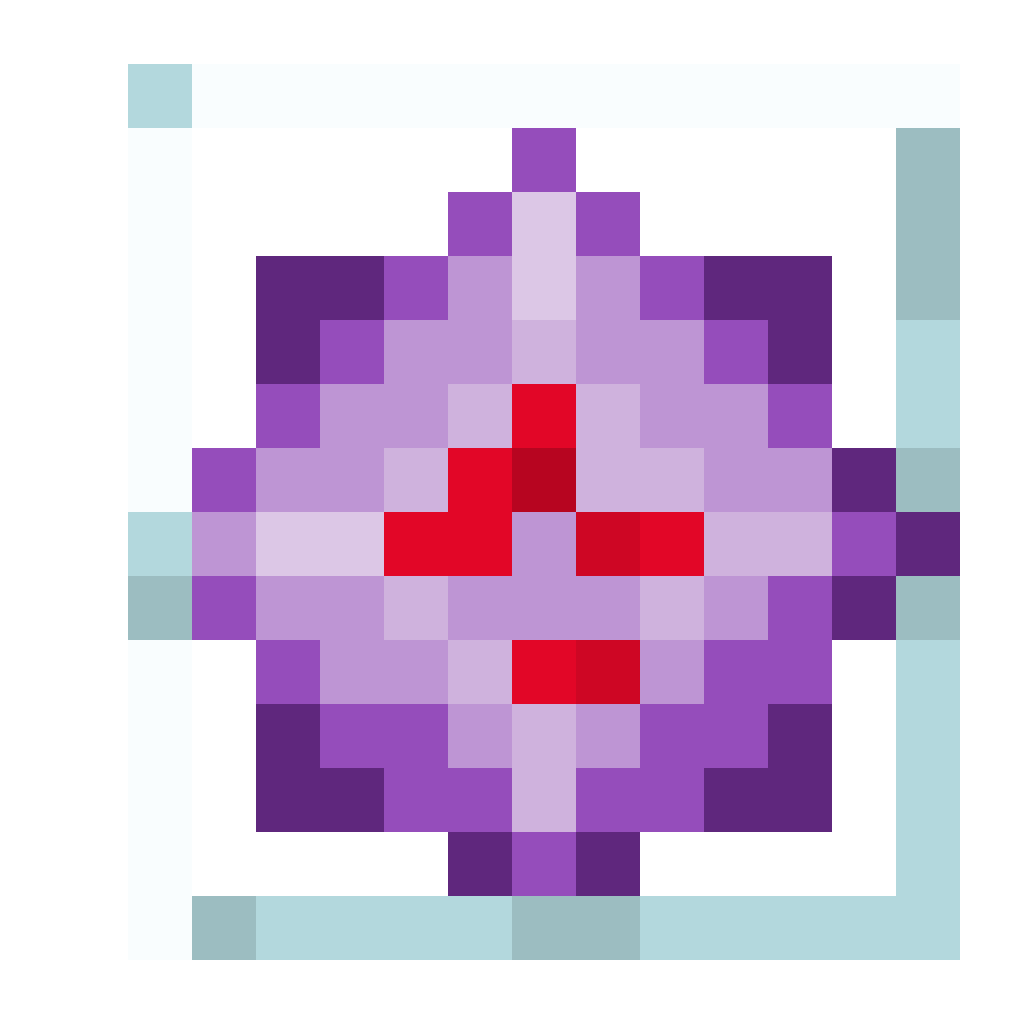
Save Item to PNG
Save Item to PNG is a lightweight, client-side utility mod designed for content creators, wiki editors, and developers who need high-quality, transparent renders of in-game items instantly.
About this Mod
Save Item to PNG
A lightweight, client-side utility mod designed for content creators, wiki editors, and developers who need high-quality, transparent renders of in-game items instantly.
With a simple key combination, you can export any item directly from your inventory into a clean .png file with a transparent background.
🌟 Features
Instant Export: Extract item textures directly within your inventory screens.
Smart Transparency: Automatically cuts out backgrounds, leaving you with a perfectly isolated item icon.
Pixel-Perfect Scaling: Detects the native resolution of the item sprite and scales it dynamically to match your screen size without losing sharpness.
Organized Output: Saves images with clean, standardized filenames based on the item registry ID inside a dedicated .minecraft/item-exports/ folder.
🎮 How to Use
Open your Survival Inventory or the Creative Menu.
Hover over any item you want to export.
Ctrl + Left Click on the item.
See chat for a success notification and find your image inside the item-exports folder!
Side: Client-side only (Does not need to be installed on servers).
Available Versions
How to Install Save Item to PNG on Your Server
Order Server
Order a Minecraft Java server with at least 3 GB RAM (4 GB recommended).
Set fabric Loader
In the panel under "Egg", select the fabric loader and matching Minecraft version (1.21.11).
Install Mod
Open the mod browser in the dashboard and search for "Save Item to PNG". Click "Install" – done! Alternatively, upload the .jar via SFTP to the /mods folder.
Compatibility
Mod Loaders
Minecraft Versions
1.21.11
Server-side
✗ UnsupportedRecommended RAM
4 GB(min. 3 GB)Frequently Asked Questions
Save Item to PNG server crashes on startup – what to do?
Most common cause: wrong fabric version or insufficient RAM. Check the server log (latest.log) for "OutOfMemoryError" or "Mixin" errors. With Mado Hosting: ensure at least 3 GB RAM is allocated and the loader matches the mod version (1.21.11). You can switch loaders with one click in the panel.
Is Save Item to PNG compatible with fabric?
Save Item to PNG officially supports fabric for Minecraft 1.21.11. The Mado dashboard automatically detects incompatible loader combinations.
Server lagging with Save Item to PNG – how to optimize performance?
Recommended RAM: 4 GB (per 8 players). Use /spark profiler to check if Save Item to PNG consumes the most tick time. Common fixes: reduce server view-distance to 8-10, install "performant" or "starlight" as supplementary mods on Forge. With Mado Hosting, your server runs on NVMe SSDs with dedicated CPU cores for minimal latency.
Rent Modded Server
Install Save Item to PNG with just one click on your server.