
Scattered Shards
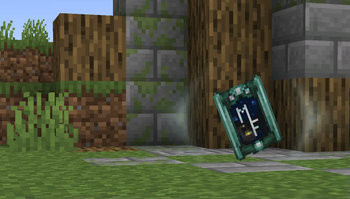
Collectible trading cards... without the trading—Shards! A tactile, convenient alternative to advancements for adventure maps.
Screenshots
About this Mod
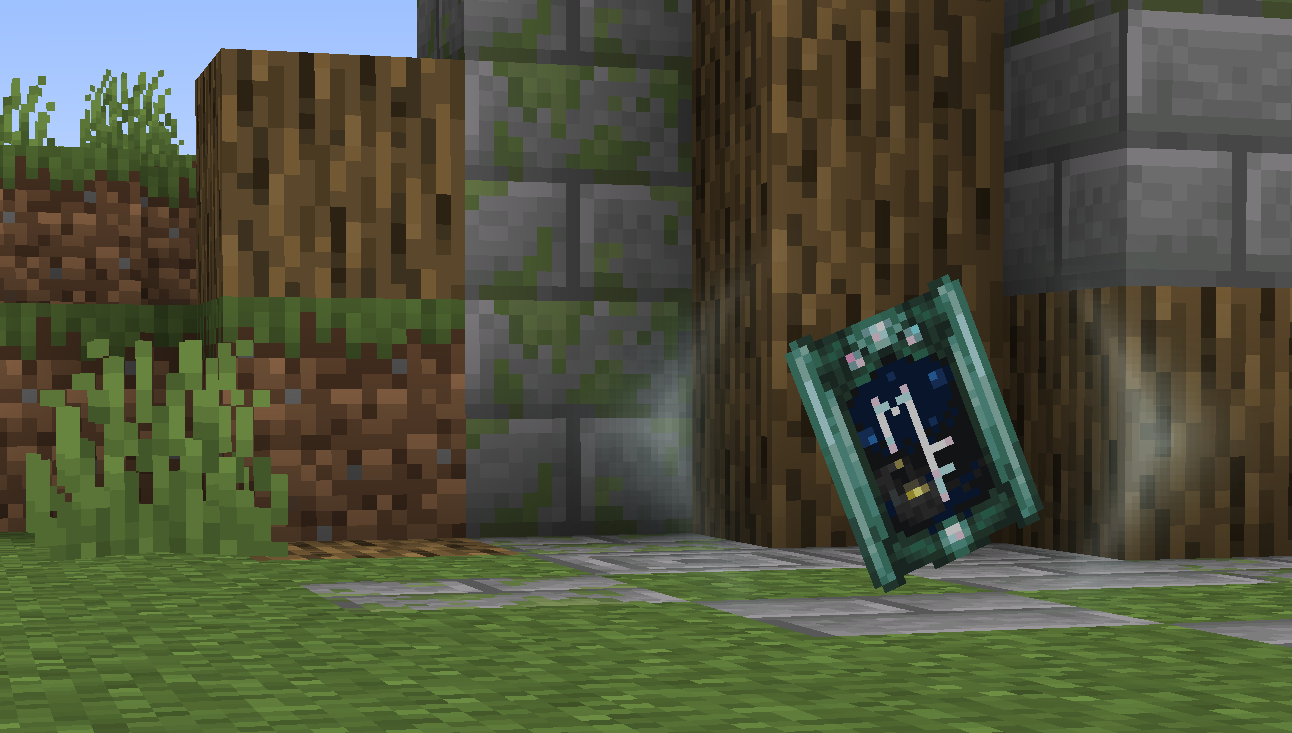
Maintained for use at ModFest events.
Requires Connector and FFAPI on (neo)forge.
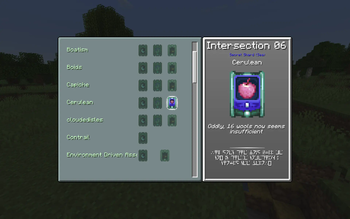
Scattered Shards adds a system of collectible "shards" that can be created via a UI and placed in-world.
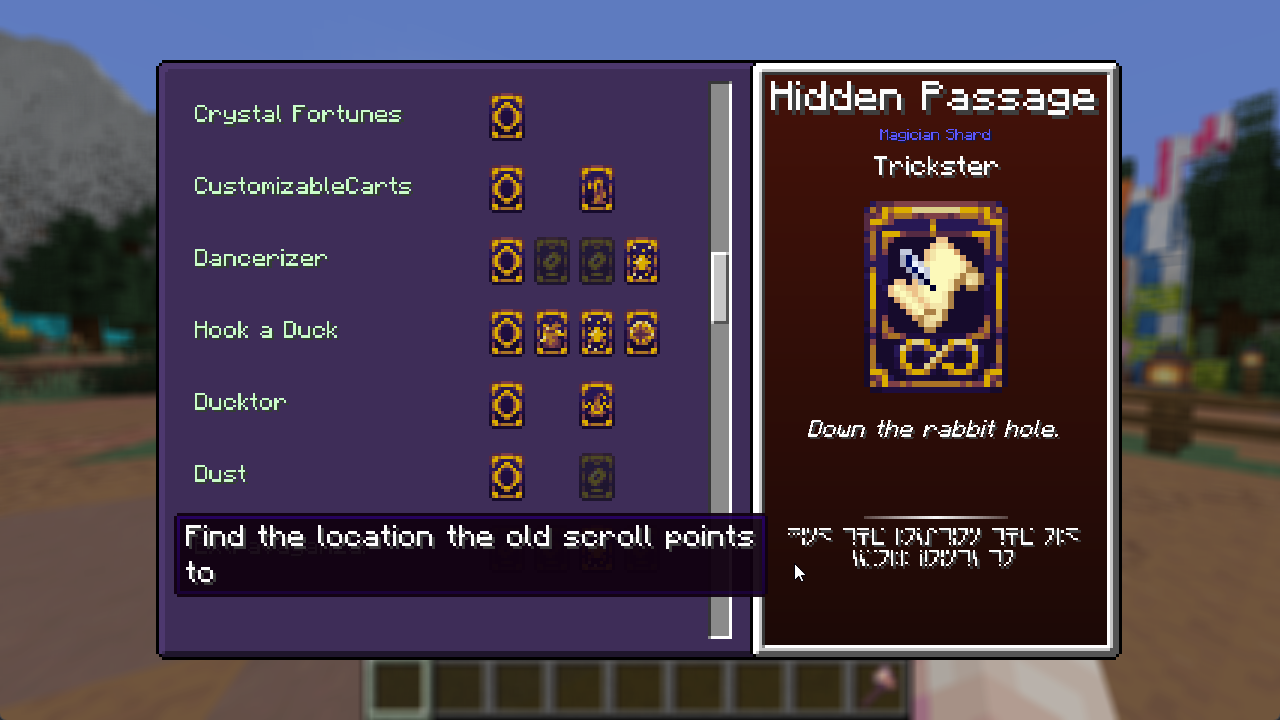
Type /shards or use a Shard Tablet any time to view shows obtained and missing shards. There is also a keybind to open the tablet;
it is not bound by default, so you may want to create a default setting for your modpack!
Features:
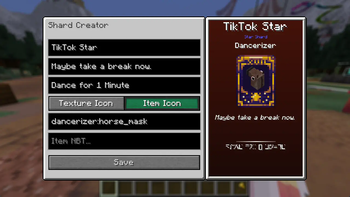
- Shards can have titles, descriptions, and face art in the form of item stacks or arbitrary textures
- Shards can also have a "hint", which is shown in standard galactic until moused over
- Shards have a "type" e.g. clubs, foil, rare, secret, difficult (data-driven)
- Shard types can have custom names, textures, and collection sounds (resource-driven)
- Shards are arranged into "sets" which can have one shard of each type
- Suggested as installed mod IDs by default, but can be completely arbitrary (locations, skillsets, etc)
Shard Creation
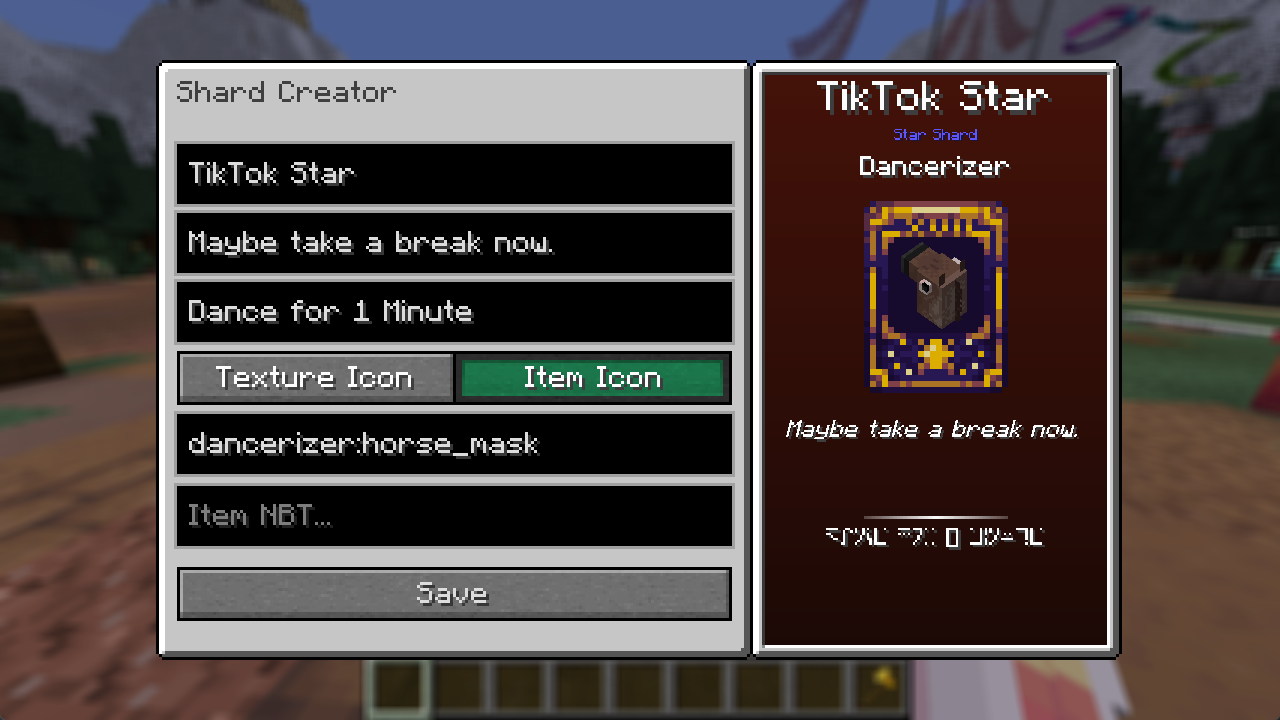
- Run
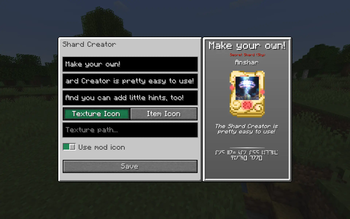
/shardc creator new [set] [type]to open the shard creator - set can be an arbitary ID- In the shard creator, you can fill in the title, description, hint, and icon for the shard
- If you used an installed mod ID for the set, you can enable "use mod icon" to use the mod icon
- To allow regular players to collect the shard, either:
- Run
/shard block [shard]and place the provided block - this collects the shard when walking over - Place a command block with e.g.
/shard award @p [shard]- this collects the shard for the nearest player
- Run
Shard Types
See Wiki: Creating Shard Types for a tutorial on customizing what types of shards are available to create.
This mod was originally created by Falkreon and acikek as a base mod for BlanketCon '23.
Feel free to contribute bugfixes and improvements!
Sound Effects
- "Victory Fanfare (Light Wills Ever)" by SilverIllusionist
- "Healing 5 (Crystalline Respite)" by SilverIllusionist
- "Healing 4 (Wave of Vigour)" by SilverIllusionist
- "Level Up/Mission Complete (Cyberpunk Vibe) 2" by SilverIllusionist
- "Reversed Crash Cymbal" by TheEndOfACycle
- "Success! Quest Complete! (RPG Sound) by qubodup
Available Versions
How to Install Scattered Shards on Your Server
Order Server
Order a Minecraft Java server with at least 3 GB RAM (4 GB recommended).
Set fabric Loader
In the panel under "Egg", select the fabric loader and matching Minecraft version (26.1.2).
Install Mod
Open the mod browser in the dashboard and search for "Scattered Shards". Click "Install" – done! Alternatively, upload the .jar via SFTP to the /mods folder.
Compatibility
Mod Loaders
Minecraft Versions
26.1.2, 26.1.1, 26.1 (+7 more)
Server-side
✓ RequiredRecommended RAM
4 GB(min. 3 GB)Frequently Asked Questions
Scattered Shards server crashes on startup – what to do?
Most common cause: wrong fabric version or insufficient RAM. Check the server log (latest.log) for "OutOfMemoryError" or "Mixin" errors. With Mado Hosting: ensure at least 3 GB RAM is allocated and the loader matches the mod version (26.1.2). You can switch loaders with one click in the panel.
Is Scattered Shards compatible with fabric and neoforge and quilt?
Scattered Shards officially supports fabric, neoforge, quilt for Minecraft 26.1.2, 26.1.1, 26.1. The Mado dashboard automatically detects incompatible loader combinations.
Server lagging with Scattered Shards – how to optimize performance?
Recommended RAM: 4 GB (per 8 players). Use /spark profiler to check if Scattered Shards consumes the most tick time. Common fixes: reduce server view-distance to 8-10, install "performant" or "starlight" as supplementary mods on Forge. With Mado Hosting, your server runs on NVMe SSDs with dedicated CPU cores for minimal latency.
Similar Mods




Rent Modded Server
Install Scattered Shards with just one click on your server.