
Screenshot Studio
Turn Minecraft into a cinematic camera studio. Capture moments cinematically, not just screenshots.
Screenshots

About this Mod
Screenshot Studio
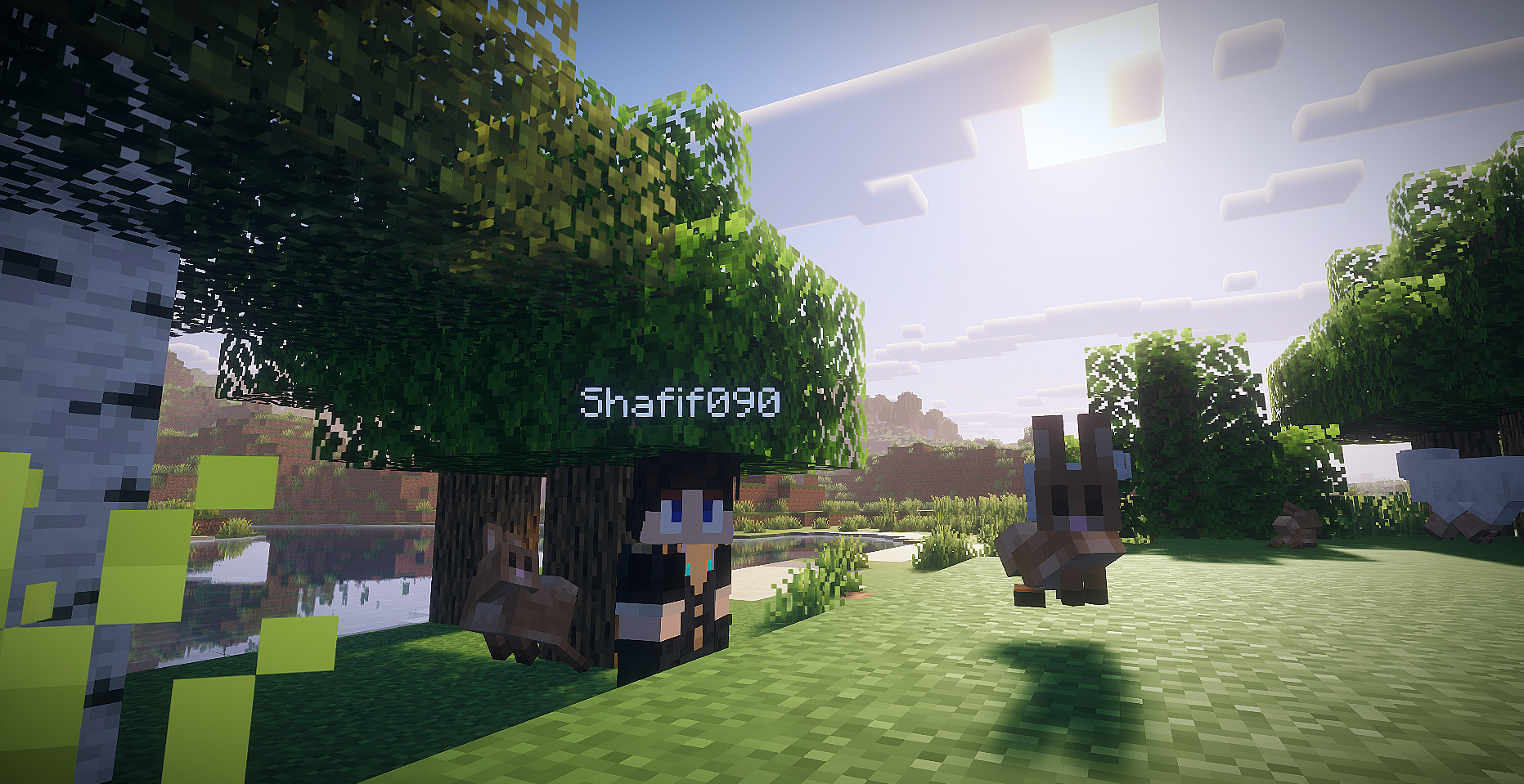
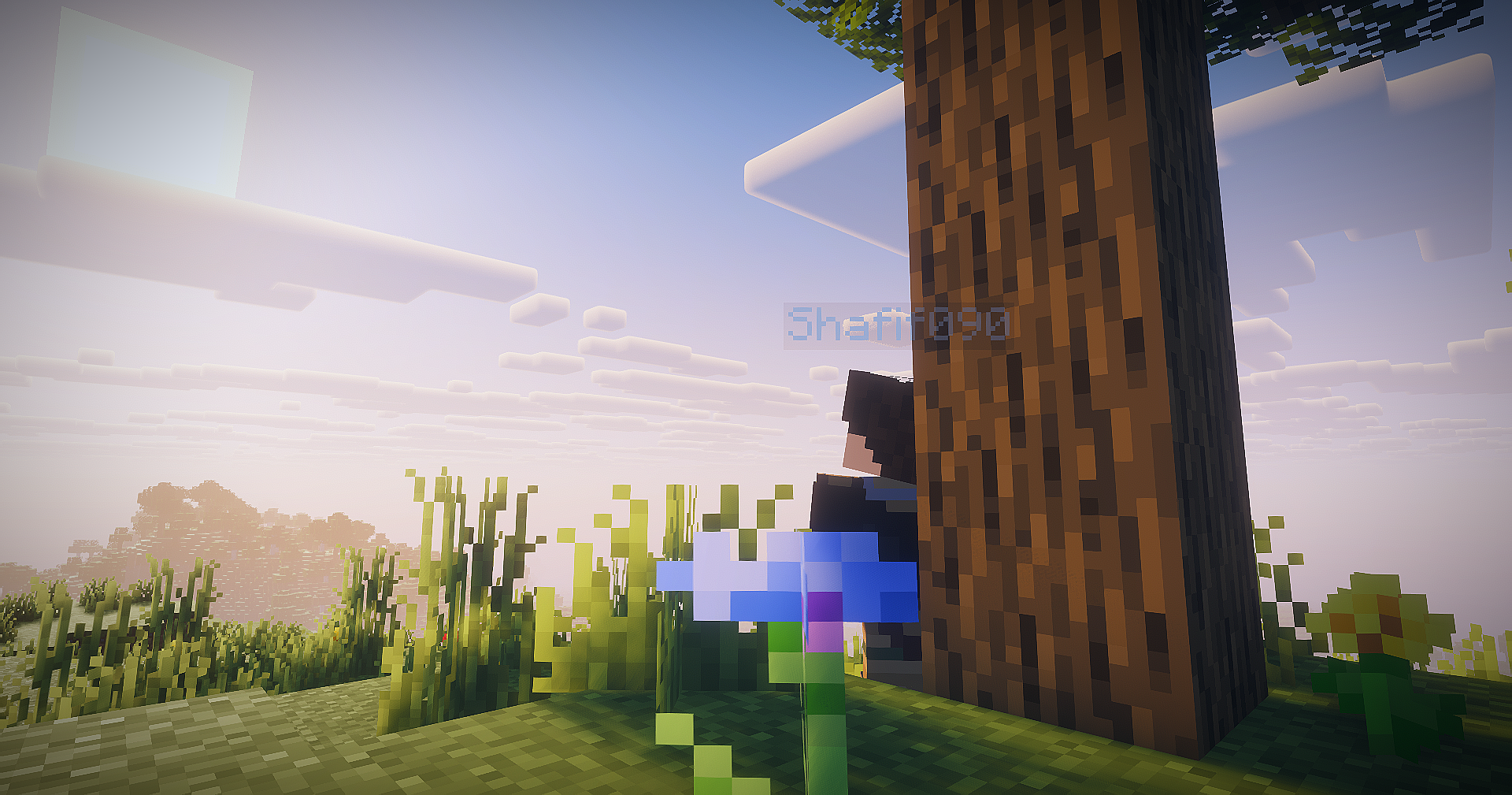
Screenshot Studio is a client-side Fabric mod that turns Minecraft into a cinematic camera studio for capturing high-quality, cinematic screenshots. Capture screenshots with full camera control, visual effects, and presets.
Features
- Toggleable photo mode with default
F9keybind. - Singleplayer opens paused by default, with a photo mode button to switch the world between paused and running.
- Multiplayer and LAN-published worlds keep running because the server cannot be paused client-side.
- Detached free camera with precision, cinematic, and scouting movement modes.
- WASD horizontal camera movement, Space/Shift vertical movement, Ctrl boost, Q/E roll, mouse drag look, mouse-wheel FOV, and Alt+scroll speed control.
- Hidden vanilla HUD and first-person hand while photo mode is active.
- Screenshot flash without capturing the photo mode panel.
- Right-side photo panel with camera, color, effects, preset tabs, reset, screenshot, and help controls.
- Help popup with the important photo mode keybinds.
- Toast notification button for opening the saved screenshot.
- Built-in presets: Cinematic, Vivid, Noir.
- Custom presets saved as JSON under
.minecraft/config/screenshotstudio/presets/. - Screenshot panel button using Minecraft's current screenshot API through a small abstraction.
- Shader resources for color grading, vignette, chromatic aberration, grain, and DoF fallback math.
Keybinds
F9: Toggle photo mode.H: Hide or show the photo panel while photo mode is open.W/A/S/D: Move the detached camera horizontally.Space/Shift: Move camera up / down.Ctrl: Boost camera movement.Q/E: Roll camera.Mouse drag: Look around while dragging outside the panel.Mouse wheel: Adjust FOV while scrolling outside the panel.Alt + mouse wheel: Adjust camera movement speed.F: Pick depth-of-field focus from the current target.Middle click: Pick depth-of-field focus while clicking outside the panel.M: Cycle movement mode.- Optional screenshot keybind is registered but disabled by default in
config/screenshotstudio.json.
Screenshots and Videos

Known Limitations
- Multiplayer freecam is client-side. Server chunk loading is still limited by the chunks the server sends around the real player.
- Minecraft
26.1.2moved GUI rendering toGuiGraphicsExtractor, so post effects are implemented with a safe overlay fallback by default. The GLSL resources are present for a future renderer-specific pipeline hook. - Depth of field uses a screen-space center blur fallback because stable depth-buffer access is not exposed safely here.
- The time-of-day slider is disabled gracefully; visual-only sky time needs a version-specific renderer hook.
- Mouse look is drag-based while the UI screen is open, which keeps multiplayer input from being sent accidentally.
Available Versions
How to Install Screenshot Studio on Your Server
Order Server
Order a Minecraft Java server with at least 3 GB RAM (4 GB recommended).
Set fabric Loader
In the panel under "Egg", select the fabric loader and matching Minecraft version (26.1.2).
Install Mod
Open the mod browser in the dashboard and search for "Screenshot Studio". Click "Install" – done! Alternatively, upload the .jar via SFTP to the /mods folder.
Compatibility
Mod Loaders
Minecraft Versions
26.1.2
Server-side
✗ UnsupportedRecommended RAM
4 GB(min. 3 GB)Frequently Asked Questions
Screenshot Studio server crashes on startup – what to do?
Most common cause: wrong fabric version or insufficient RAM. Check the server log (latest.log) for "OutOfMemoryError" or "Mixin" errors. With Mado Hosting: ensure at least 3 GB RAM is allocated and the loader matches the mod version (26.1.2). You can switch loaders with one click in the panel.
Is Screenshot Studio compatible with fabric?
Screenshot Studio officially supports fabric for Minecraft 26.1.2. The Mado dashboard automatically detects incompatible loader combinations.
Server lagging with Screenshot Studio – how to optimize performance?
Recommended RAM: 4 GB (per 8 players). Use /spark profiler to check if Screenshot Studio consumes the most tick time. Common fixes: reduce server view-distance to 8-10, install "performant" or "starlight" as supplementary mods on Forge. With Mado Hosting, your server runs on NVMe SSDs with dedicated CPU cores for minimal latency.
Rent Modded Server
Install Screenshot Studio with just one click on your server.