
Screenshots
Adds some more functionality to screenshots like cropping and copying to clipboard
About this Mod
Screenshots
Screenshots is yet another mod centered around the screenshot functionality in Minecraft. There
are a few features missing, in my opinion, so I decided to implement them here.
Settings
Crop Screenshots
This is the main setting I've seen missing from the other screenshot mods out there. Like the
setting suggests, this setting allows the user to crop screenshots as if they are using snipping
tool on Windows. Just press F2 like normal, and then drag to select the area you want to
screenshot.
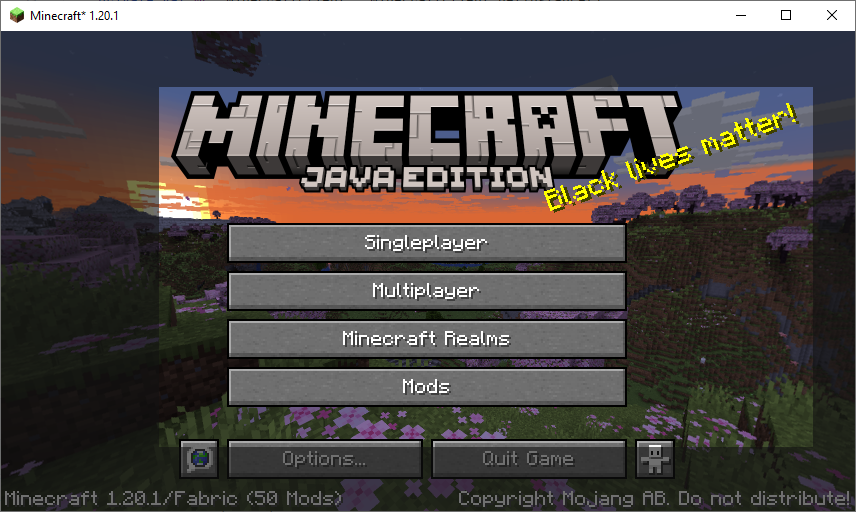
Example Preview
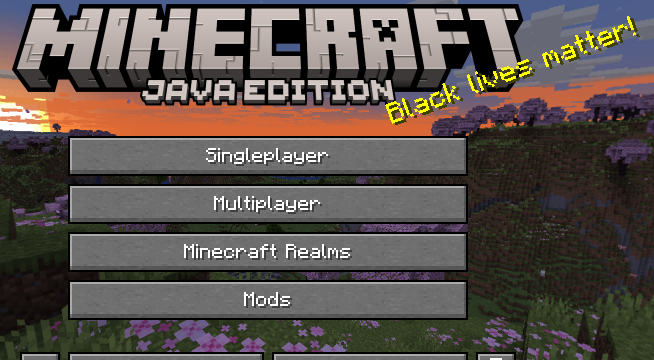
Result
Pause Game While Cropping
This setting allows for the game to appear to be paused while the cropping HUD is rendered.
Save Screenshot File
By default, screenshots will save to a file, like normal Minecraft. However, with this setting
disabled, that will not be the case.
Copy Screenshot to Clipboard
This setting allows for screenshots to be copied to the clipboard. This setting should work on
MacOS, but it is untested. If you run into problems please feel free to
make an issue.
License
This code is licensed under the MIT License. Information about it can be found inside the file
titled LICENSE.
Available Versions
How to Install Screenshots on Your Server
Order Server
Order a Minecraft Java server with at least 3 GB RAM (4 GB recommended).
Set fabric Loader
In the panel under "Egg", select the fabric loader and matching Minecraft version (1.21).
Install Mod
Open the mod browser in the dashboard and search for "Screenshots". Click "Install" – done! Alternatively, upload the .jar via SFTP to the /mods folder.
Compatibility
Mod Loaders
Minecraft Versions
1.21, 1.20.4, 1.20.2 (+1 more)
Server-side
✗ UnsupportedRecommended RAM
4 GB(min. 3 GB)Frequently Asked Questions
Screenshots server crashes on startup – what to do?
Most common cause: wrong fabric version or insufficient RAM. Check the server log (latest.log) for "OutOfMemoryError" or "Mixin" errors. With Mado Hosting: ensure at least 3 GB RAM is allocated and the loader matches the mod version (1.21). You can switch loaders with one click in the panel.
Is Screenshots compatible with fabric?
Screenshots officially supports fabric for Minecraft 1.21, 1.20.4, 1.20.2. The Mado dashboard automatically detects incompatible loader combinations.
Server lagging with Screenshots – how to optimize performance?
Recommended RAM: 4 GB (per 8 players). Use /spark profiler to check if Screenshots consumes the most tick time. Common fixes: reduce server view-distance to 8-10, install "performant" or "starlight" as supplementary mods on Forge. With Mado Hosting, your server runs on NVMe SSDs with dedicated CPU cores for minimal latency.
Rent Modded Server
Install Screenshots with just one click on your server.