
Secure Pouch
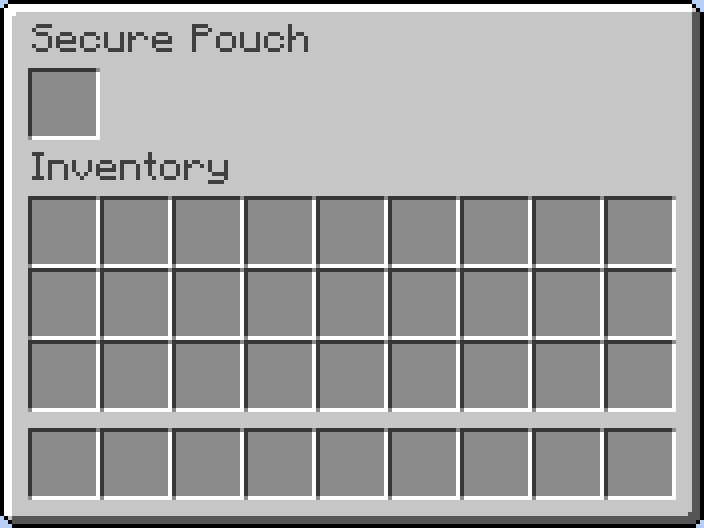
Adds a secure pouch that protects your most valuable items from being lost on death.
Screenshots
About this Mod
Tired of losing your hard-earned valuables every time you lose a fight? Secure Pouch is a simple but essential mod, inspired by the container system in Escape from Tarkov, designed to reduce the frustration of death in high-stakes environments.


Secure Pouch - v1.0.0 Official Release!
Key Features
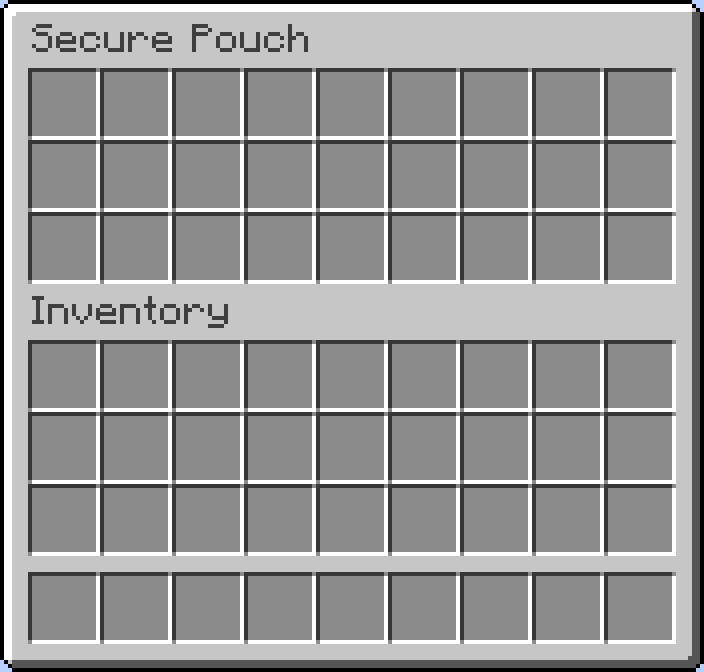
- Pouch Expansion System: You can now expand the number of slots in your pouch using a new item.
- New Item: 'Pouch Upgrade Kit': Crafted from Diamonds, Leather, and a Netherite Ingot. Hold it and Right-click to use.
- Server-Side Configuration (
securepouch-server.toml): Server administrators can now configure the 'initial slots', 'maximum slots', and 'slots added per upgrade' for the pouch. - Death-Proof Storage: Store your most precious items in a special pouch. Everything inside is 100% safe when you die.
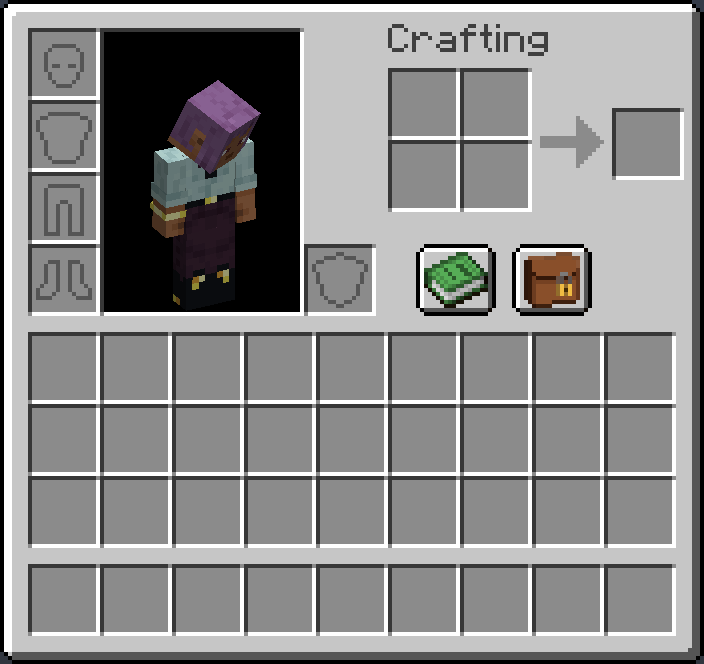
- Easy Access: A simple button is added directly to your player inventory screen. No extra hotkeys or commands to remember.
- Seamless Integration: Designed to feel like a natural part of the game. The inventory management is intuitive and works just like a chest.
- Server-Side & Secure: All pouch data is handled securely on the server, ensuring there's no way for other players to access your protected loot.
How to Use
- Press 'E' to open your inventory.
- Click the new pouch button located next to your character.
- Move items between your main inventory and the secure pouch. It's that simple!
Perfect for PvP servers, hardcore survival worlds, or for any player who wants a little extra insurance against disaster.
Available Versions
How to Install Secure Pouch on Your Server
Order Server
Order a Minecraft Java server with at least 3 GB RAM (4 GB recommended).
Set forge Loader
In the panel under "Egg", select the forge loader and matching Minecraft version (1.20.1).
Install Mod
Open the mod browser in the dashboard and search for "Secure Pouch". Click "Install" – done! Alternatively, upload the .jar via SFTP to the /mods folder.
Compatibility
Mod Loaders
Minecraft Versions
1.20.1
Server-side
✓ RequiredRecommended RAM
4 GB(min. 3 GB)Frequently Asked Questions
Secure Pouch server crashes on startup – what to do?
Most common cause: wrong forge version or insufficient RAM. Check the server log (latest.log) for "OutOfMemoryError" or "Mixin" errors. With Mado Hosting: ensure at least 3 GB RAM is allocated and the loader matches the mod version (1.20.1). You can switch loaders with one click in the panel.
Is Secure Pouch compatible with forge?
Secure Pouch officially supports forge for Minecraft 1.20.1. The Mado dashboard automatically detects incompatible loader combinations.
Server lagging with Secure Pouch – how to optimize performance?
Recommended RAM: 4 GB (per 8 players). Use /spark profiler to check if Secure Pouch consumes the most tick time. Common fixes: reduce server view-distance to 8-10, install "performant" or "starlight" as supplementary mods on Forge. With Mado Hosting, your server runs on NVMe SSDs with dedicated CPU cores for minimal latency.
Similar Mods


Rent Modded Server
Install Secure Pouch with just one click on your server.