
Selenium
A simple mod that allows the player to create and customise their own gui. Mainly useful for other mod developers who don't want to spend the time and energy in creating a gui
Screenshots
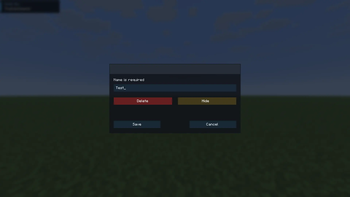
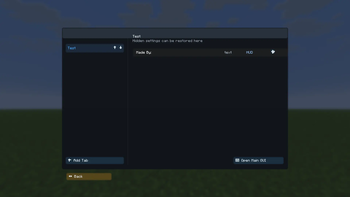
About this Mod
Selenium
A simple mod that allows YOU to make your own gui complete with editable hud.
This mod aims at easing the lives of developers who don't wish to spend the excessive time needed to create a gui.
They can directly use this mod's api to easily add buttons that control their functions.
This includes:
- creating main tabs
- creating settings
- creating child settings
- choosing type (CHECK, NUMBER, TEXT)
- setting default value
- marking them as HUD
- reading/writing your values later
The current api includes the following features
Ensures a main tab exists in Selenium.
SeleniumApi.ensureMainTab(name)
Registers a top-level setting with default locked API permissions.
SeleniumApi.registerSetting(ownerModId, key, mainTab, label, type, renderType, defaultValue, hud, subSettings)
Registers a top-level setting with explicit player-edit permissions.
SeleniumApi.registerSetting(ownerModId, key, mainTab, label, type, renderType, defaultValue, hud, subSettings, permissions)
Registers a child setting under an existing parent with default locked API permissions.
SeleniumApi.registerChildSetting(ownerModId, key, mainTab, parentId, label, type, renderType, defaultValue, hud, subSettings)
Registers a child setting under an existing parent with explicit player-edit permissions.
SeleniumApi.registerChildSetting(ownerModId, key, mainTab, parentId, label, type, renderType, defaultValue, hud, subSettings, permissions)
Checks whether a Selenium setting with that id exists.
SeleniumApi.hasSetting(id)
Reads a check/toggle setting as a boolean.
SeleniumApi.getToggle(id)
Sets a check/toggle setting value.
SeleniumApi.setToggle(id, enabled)
Reads a number setting as a double.
SeleniumApi.getNumber(id)
Sets a number setting value.
SeleniumApi.setNumber(id, value)
Reads a text setting value.
SeleniumApi.getText(id)
Sets a text setting value.
SeleniumApi.setText(id, value)
Declares a boolean on/off setting type
SeleniumApi.SettingType.CHECK
Declares a numeric setting type.
SeleniumApi.SettingType.NUMBER
Declares a text/string setting type.
SeleniumApi.SettingType.TEXT
Defines what the player is allowed to do to an API-created setting.
SeleniumApi.Permissions(allowHudEdits, allowGuiAdd, allowGuiEdit, allowHiding)
Returns the default API permissions: locked editing, hiding allowed.
SeleniumApi.Permissions.defaults()
Returns permissions that let the player fully edit the setting and HUD.
SeleniumApi.Permissions.fullyEditable()
Add a color setting type (stores the color as hex #RRGGBB)
SeleniumApi.registerSetting(ownerModId, key, mainTab, label, SeleniumApi.SettingType.COLOR, renderType, "#FFFFFF", hud, subSettings, permissions)
Add a bounded slider setting type (min/max/step)
SeleniumApi.registerSetting(ownerModId, key, mainTab, label,
    SeleniumApi.SettingType.SLIDER, renderType, "50",
    Map.of("min", "0", "max", "100", "step", "1"),
    hud, subSettings, permissions)
You can pass metadata via a
Map<String, String>parameter to set the min/max/steps.
The default value is set by "50" by hardcoding it (This is where the slider starts by default)
Add a selectable choice setting type (comma separated options)
    SeleniumApi.SettingType.CHOICE, renderType, "Medium",
    Map.of("options", "Low, Medium, High"),
    hud, subSettings, permissions)
Same as slider, the metadata can be passed via a
Map<String, String>parameter to set the choices. The default chocie is set by hardcoding it
Commands
Selenium adds a few commands, namely:
/selenium gui
Opens the main gui, listing all the options allowing enabling/disabling options
/selenium edithud
Allows the editing of the hud, by dragging and resizing the elements
/selenium editgui
Allows the creation/deletion of new buttons
Editing is disbaled by default, unless the develpoer chooses to enable it.
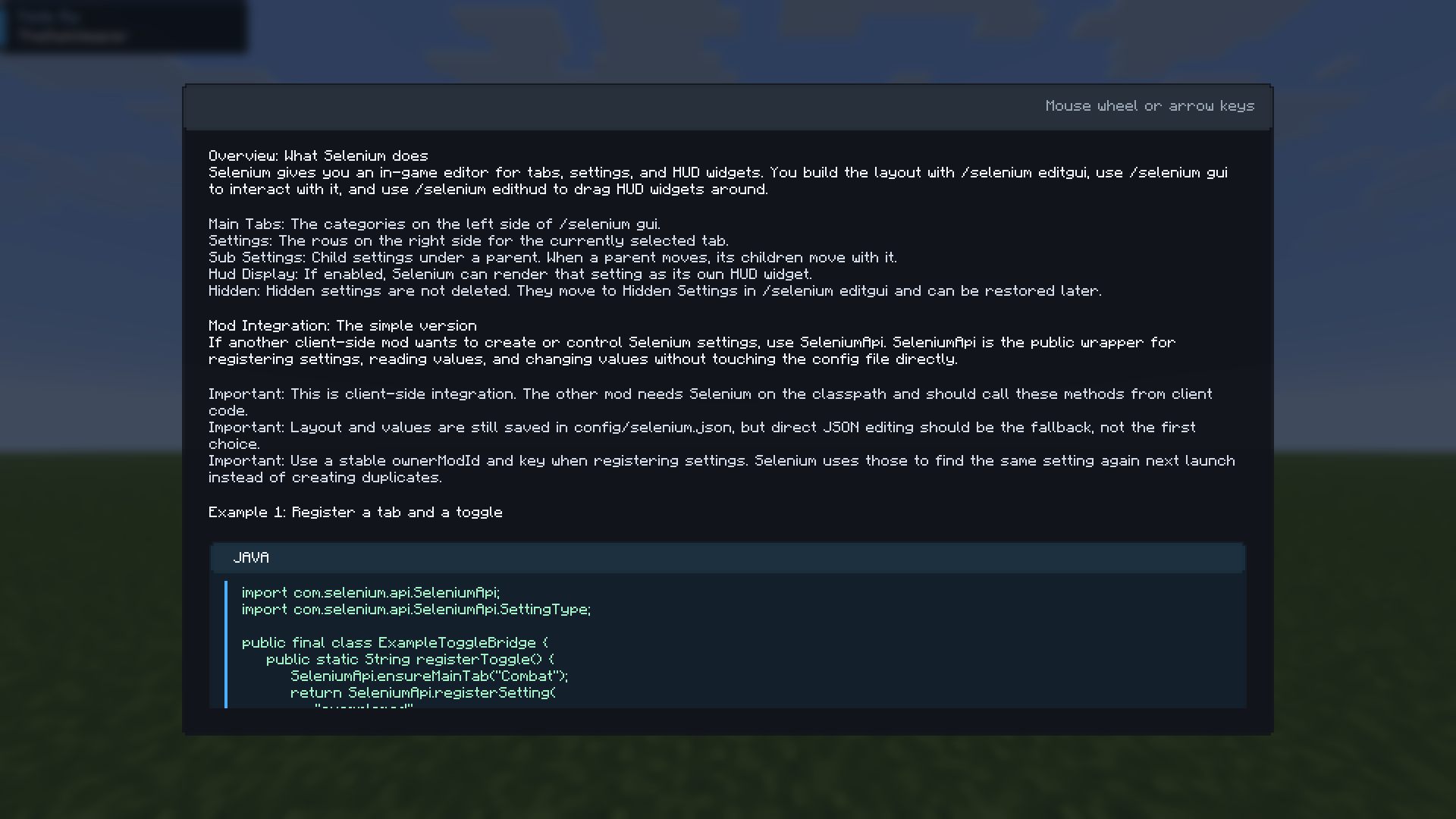
/selenium tutorial
Opens the tutorial screen
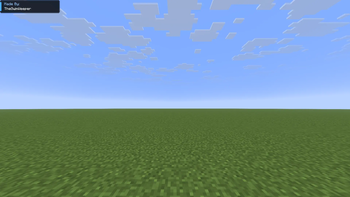
Hud rendering
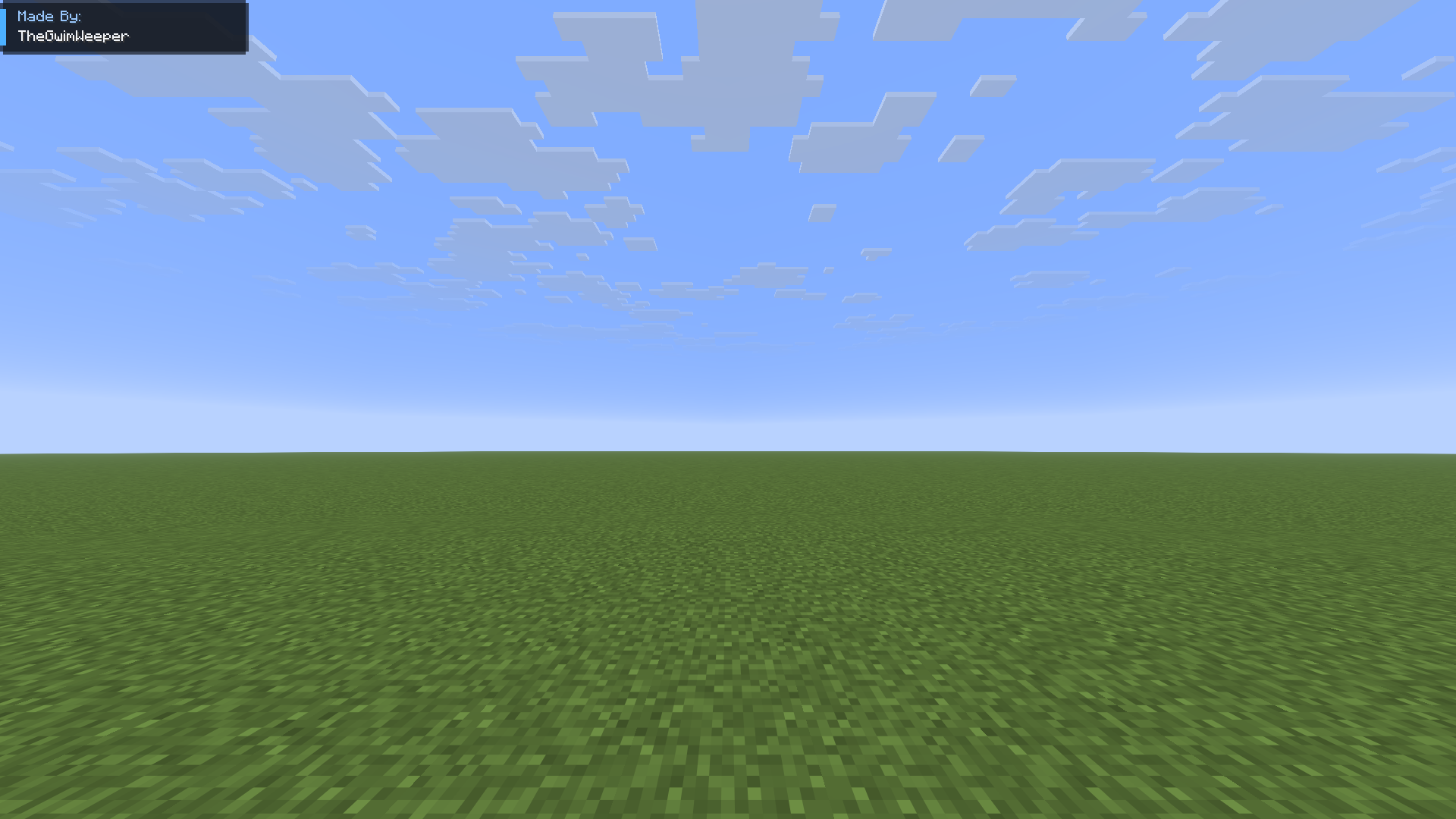
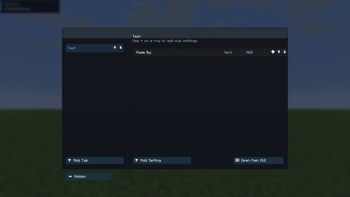
The main UI
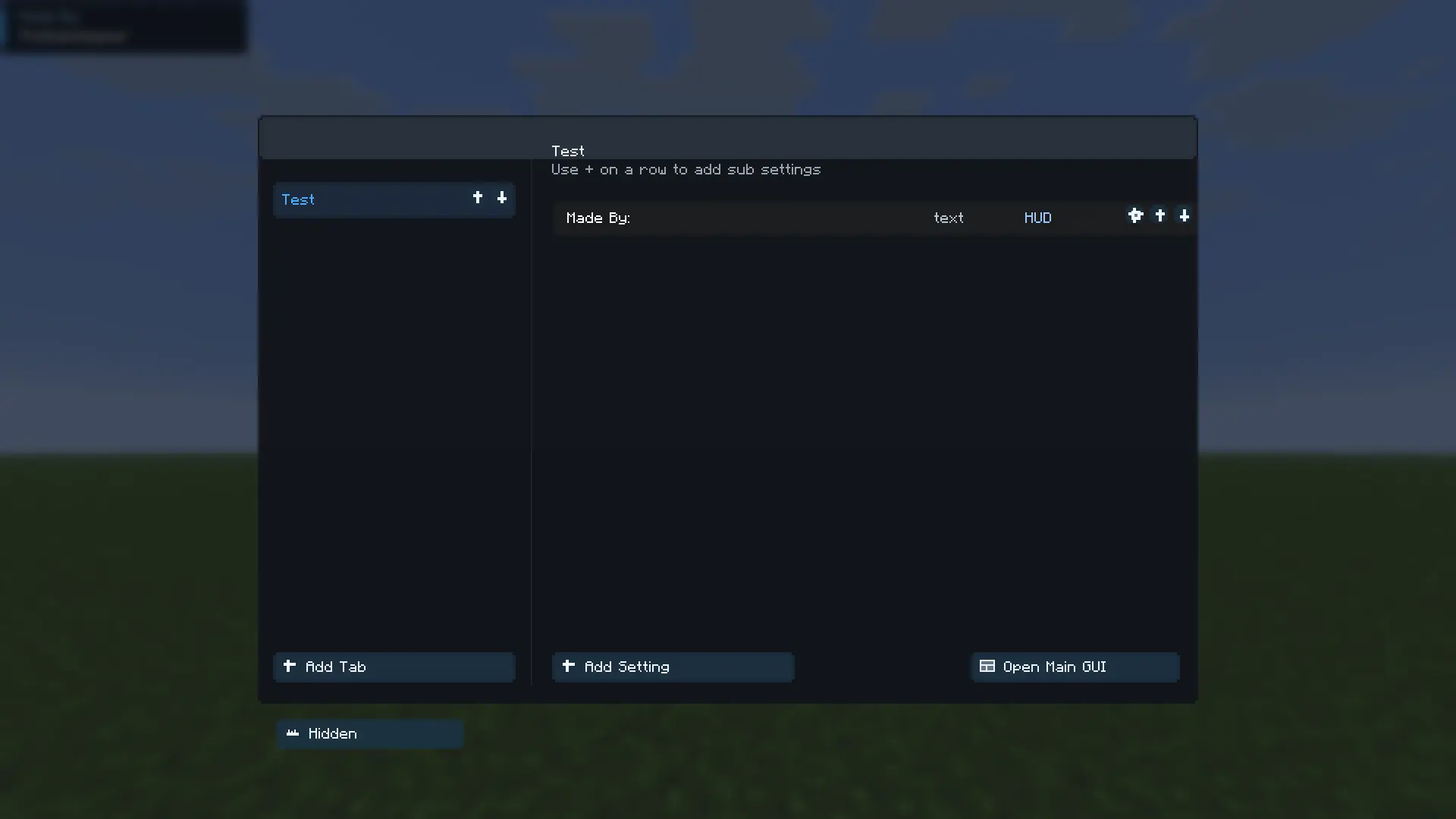
Editing main tab
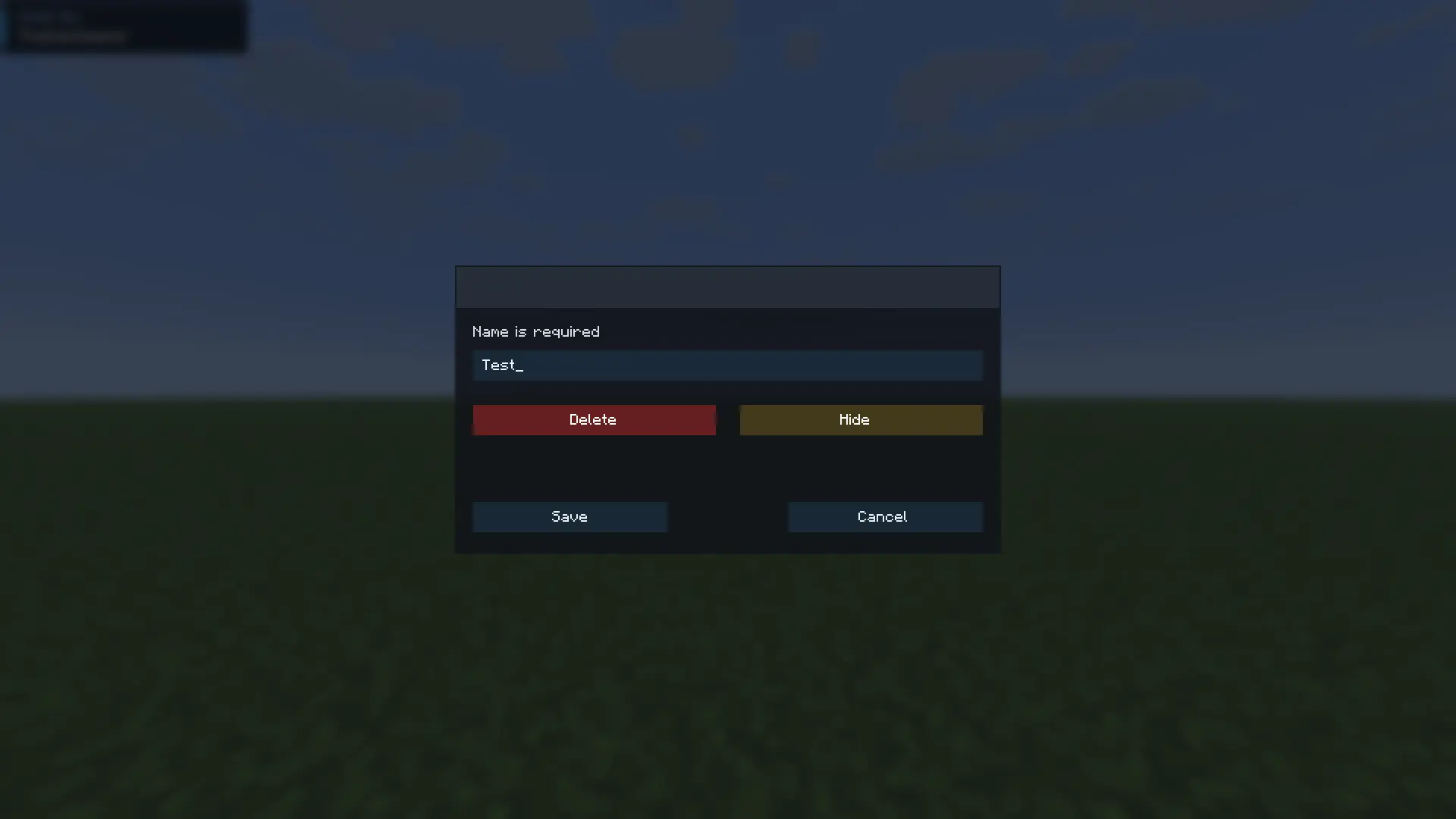
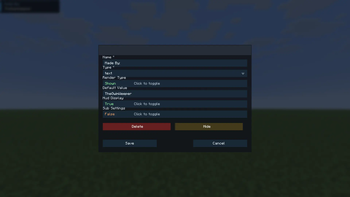
Editing an existing setting
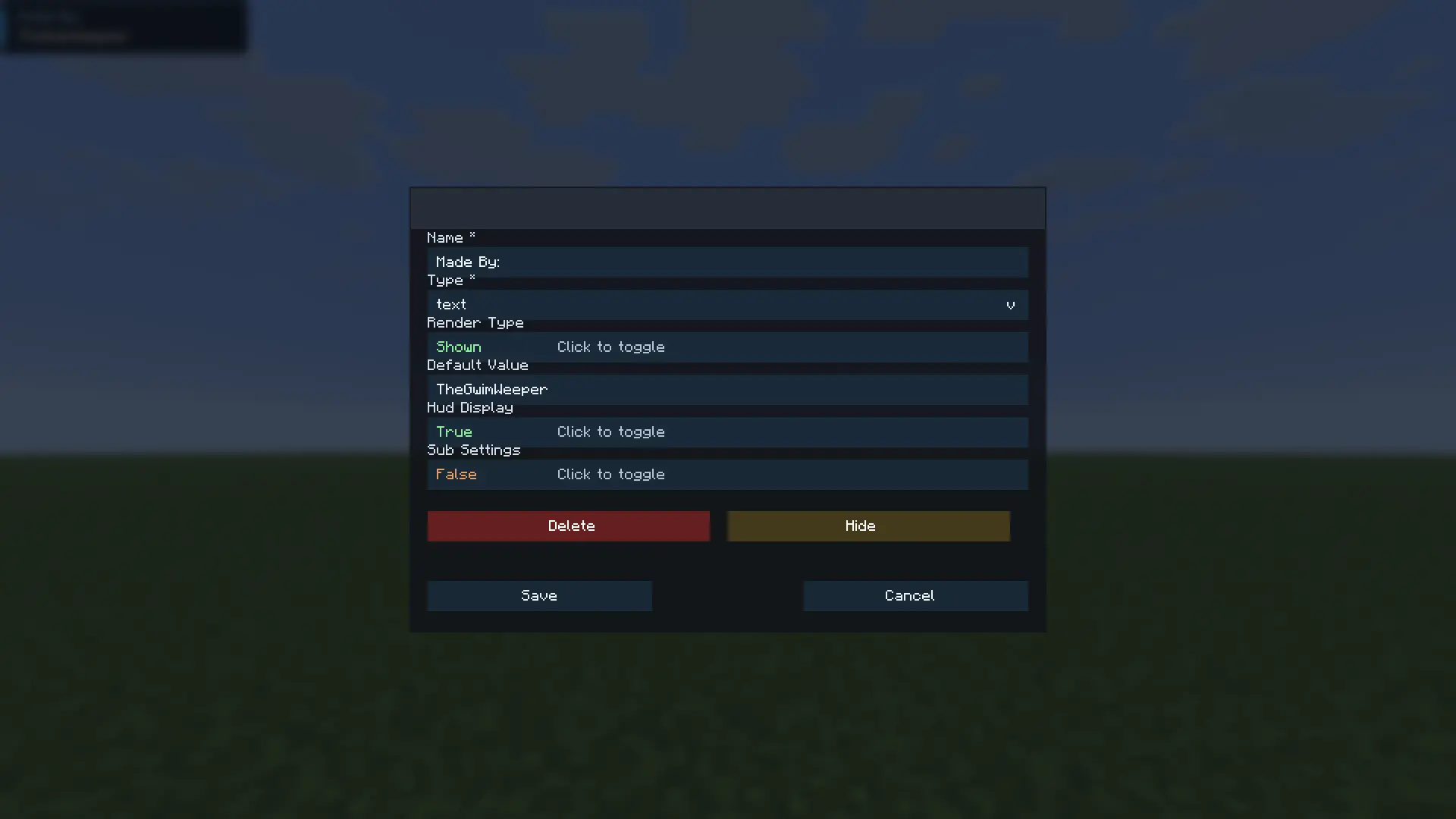
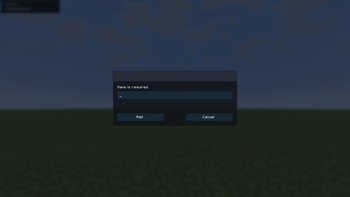
Creating a main tab (shown on the left side of the ui)
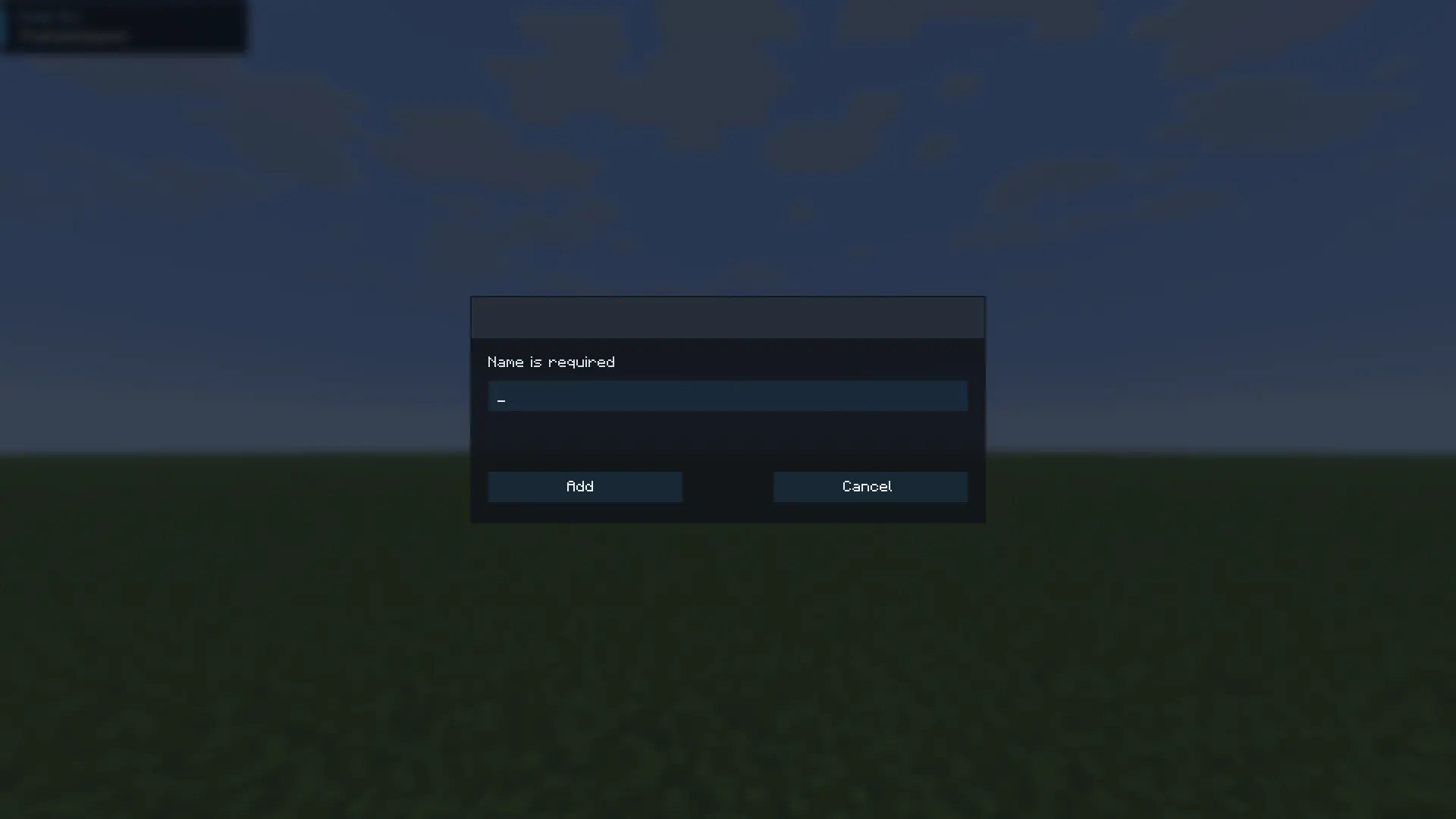
Easily hide settings and access them
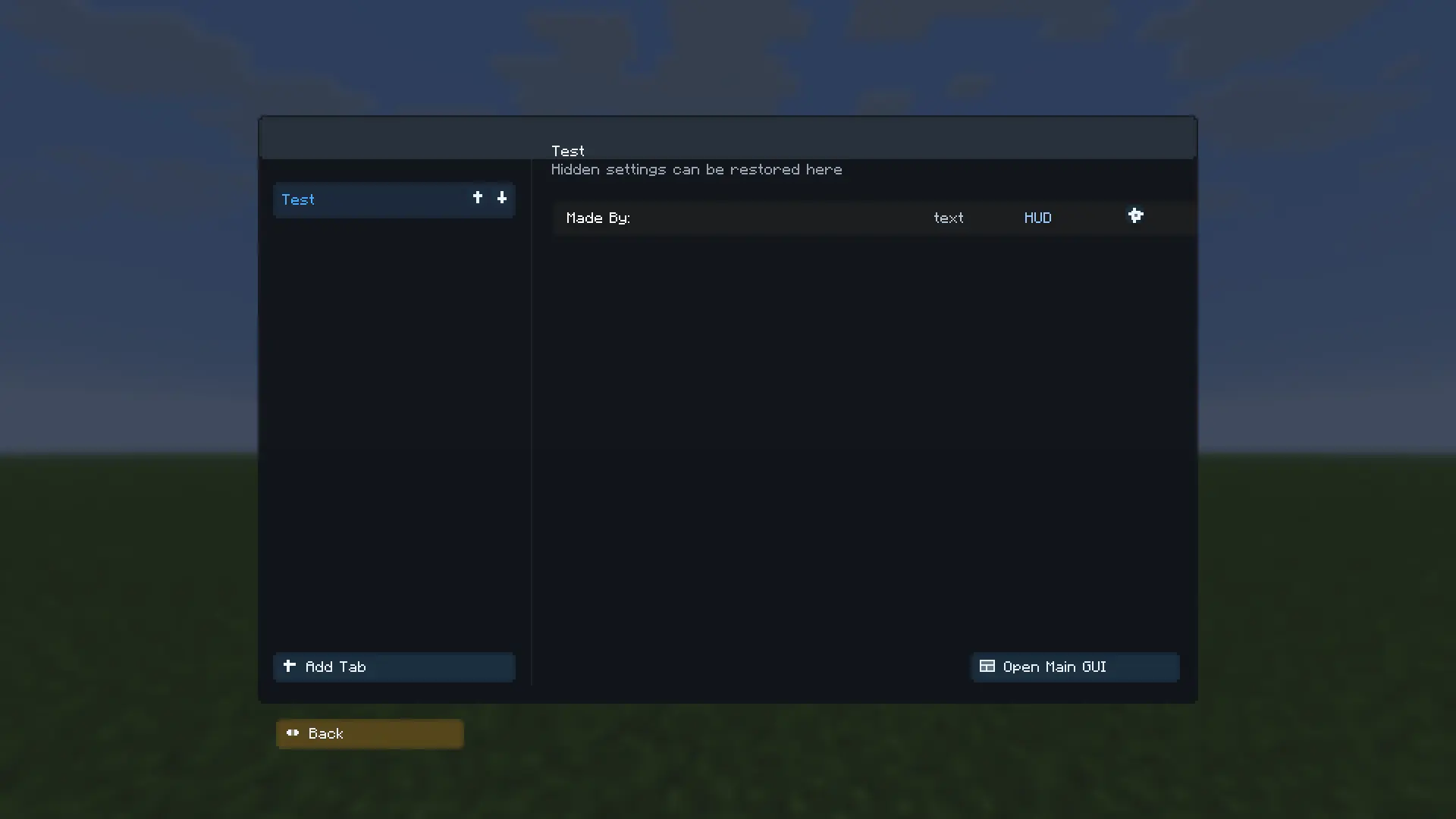
The tutorial screen
Available Versions
How to Install Selenium on Your Server
Order Server
Order a Minecraft Java server with at least 3 GB RAM (4 GB recommended).
Set fabric Loader
In the panel under "Egg", select the fabric loader and matching Minecraft version (1.21.11).
Install Mod
Open the mod browser in the dashboard and search for "Selenium". Click "Install" – done! Alternatively, upload the .jar via SFTP to the /mods folder.
Compatibility
Mod Loaders
Minecraft Versions
1.21.11
Server-side
✗ UnsupportedRecommended RAM
4 GB(min. 3 GB)Frequently Asked Questions
Selenium server crashes on startup – what to do?
Most common cause: wrong fabric version or insufficient RAM. Check the server log (latest.log) for "OutOfMemoryError" or "Mixin" errors. With Mado Hosting: ensure at least 3 GB RAM is allocated and the loader matches the mod version (1.21.11). You can switch loaders with one click in the panel.
Is Selenium compatible with fabric?
Selenium officially supports fabric for Minecraft 1.21.11. The Mado dashboard automatically detects incompatible loader combinations.
Server lagging with Selenium – how to optimize performance?
Recommended RAM: 4 GB (per 8 players). Use /spark profiler to check if Selenium consumes the most tick time. Common fixes: reduce server view-distance to 8-10, install "performant" or "starlight" as supplementary mods on Forge. With Mado Hosting, your server runs on NVMe SSDs with dedicated CPU cores for minimal latency.
Similar Mods






Rent Modded Server
Install Selenium with just one click on your server.