
Server Rules
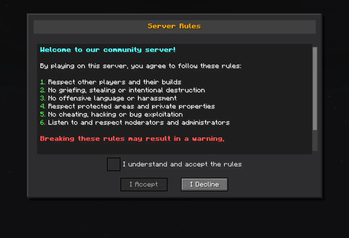
Mod designed to enforce server rules by displaying a mandatory rules screen to new players. Players must read and accept the rules before they can join the game, ensuring a friendly and respectful community environment.
Screenshots

About this Mod
Server Rules Mod for Minecraft Fabric
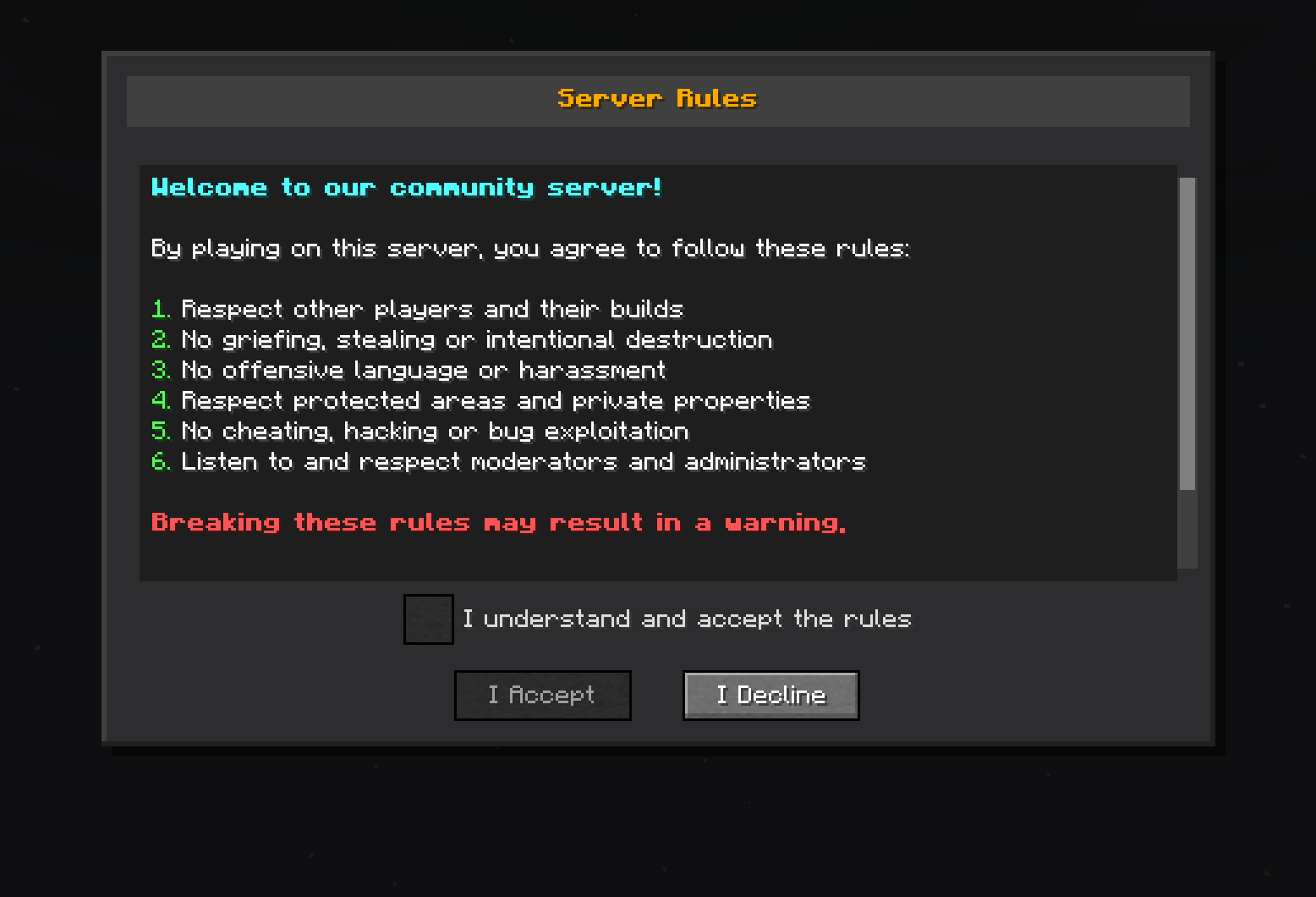
Server Rules is a Minecraft Fabric mod designed to enforce server rules by displaying a mandatory rules screen to new players. Players must read and accept the rules before they can join the game, ensuring a friendly and respectful community environment.
Features
Rules System
- Custom rules screen: Automatically displays server rules to new players
- Mandatory validation: Players must accept the rules to play
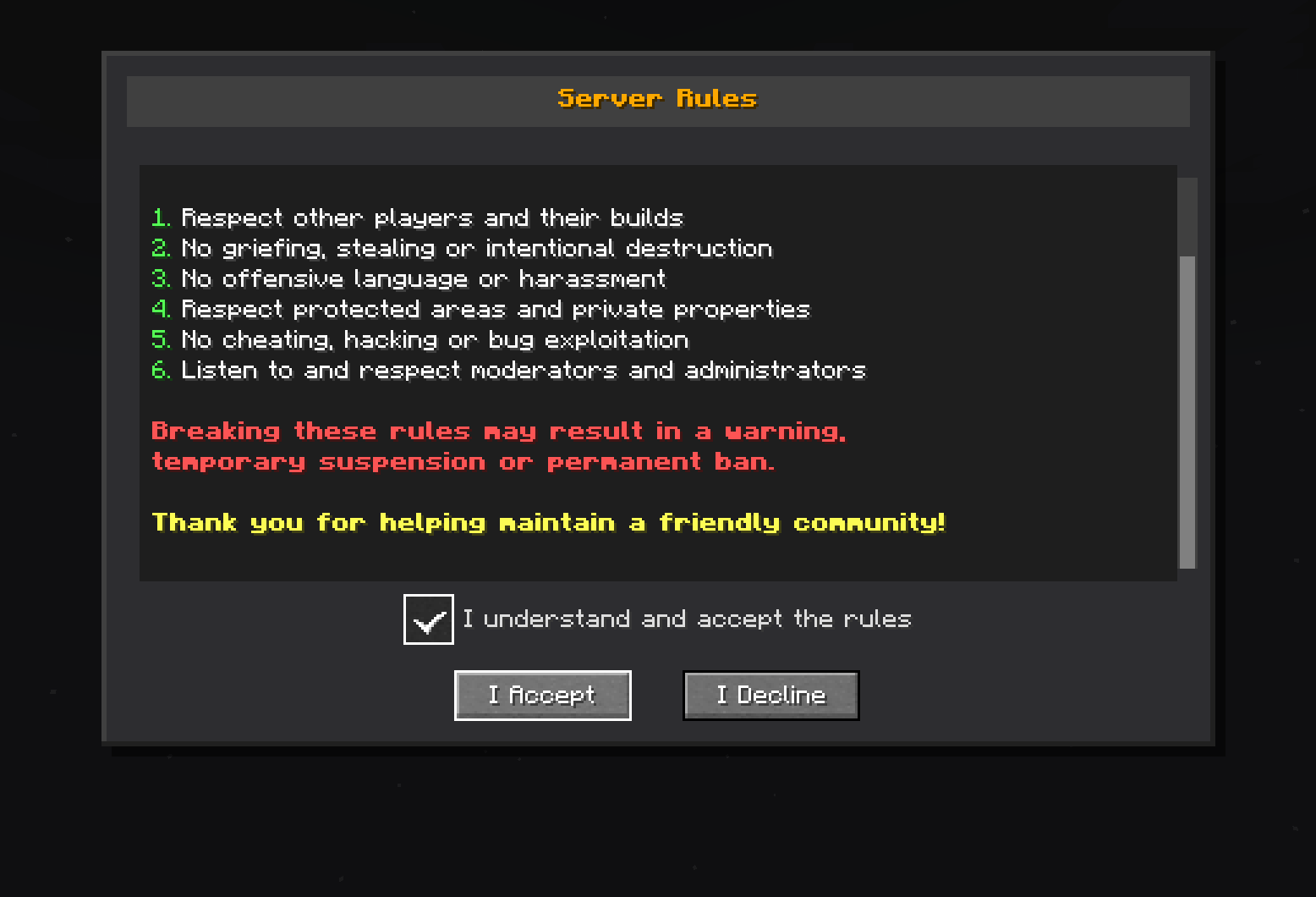
- Graphical interface: Screen with scrolling, checkbox, and customizable buttons
Requirements
- Minecraft: Version 1.20.1 + Fabric
Installation
Install the mod:
- Place the
serverrules-1.0-SNAPSHOT.jarfile in themods/folder
- Place the
Start the server:
- The mod will configure itself automatically on first startup
- Configuration file will be created at
config/serverrules/config.yml
Configuration
The config/serverrules/config.yml file allows you to customize configuration
rules:
   enabled: true
   title: §6§lServer Rules
   content: |
      §b§lWelcome to our community server!

      §fBy playing on this server, you agree to follow these rules:

      §a1. §fRespect other players and their builds
      §a2. §fNo griefing, stealing or intentional destruction
      §a3. §fNo offensive language or harassment
      §a4. §fRespect protected areas and private properties
      §a5. §fNo cheating, hacking or bug exploitation
      §a6. §fListen to and respect moderators and administrators

      §c§lBreaking these rules may result in a warning,
      §c§ltemporary suspension or permanent ban.

      §e§lThank you for helping maintain a friendly community!
   accept_button: I Accept
   decline_button: I Decline
   checkbox_text: I understand and accept the rules
   declined_message: You must accept the rules to play on this server.
   accepted_message: You have accepted the server rules. Welcome!
   sending_error_message: 'Error sending rules: %error%'
Usage
When a new player connects to the server:
- Automatic display: The rules screen appears automatically
- Mandatory reading: The player must scroll to the bottom
- Validation: A checkbox becomes available after complete reading
- Acceptance: The player must check the box and click "I Accept"
- Memory: Acceptance is saved, no need to re-validate
License
This project is licensed under the AGPL-3.0 License - see the LICENSE file for details.
Author
DrEmixam - Main developer
Support
To report bugs or request features, please create an issue on the project repository.
Available Versions
How to Install Server Rules on Your Server
Order Server
Order a Minecraft Java server with at least 3 GB RAM (4 GB recommended).
Set fabric Loader
In the panel under "Egg", select the fabric loader and matching Minecraft version (1.20.1).
Install Mod
Open the mod browser in the dashboard and search for "Server Rules". Click "Install" – done! Alternatively, upload the .jar via SFTP to the /mods folder.
Compatibility
Mod Loaders
Minecraft Versions
1.20.1
Server-side
✓ RequiredRecommended RAM
4 GB(min. 3 GB)Frequently Asked Questions
Server Rules server crashes on startup – what to do?
Most common cause: wrong fabric version or insufficient RAM. Check the server log (latest.log) for "OutOfMemoryError" or "Mixin" errors. With Mado Hosting: ensure at least 3 GB RAM is allocated and the loader matches the mod version (1.20.1). You can switch loaders with one click in the panel.
Is Server Rules compatible with fabric?
Server Rules officially supports fabric for Minecraft 1.20.1. The Mado dashboard automatically detects incompatible loader combinations.
Server lagging with Server Rules – how to optimize performance?
Recommended RAM: 4 GB (per 8 players). Use /spark profiler to check if Server Rules consumes the most tick time. Common fixes: reduce server view-distance to 8-10, install "performant" or "starlight" as supplementary mods on Forge. With Mado Hosting, your server runs on NVMe SSDs with dedicated CPU cores for minimal latency.
Similar Mods






Rent Modded Server
Install Server Rules with just one click on your server.