
servermodmenu
A fork of mod menu that allows players to download universal environment mods from any server that uses SCMC mod.
Screenshots
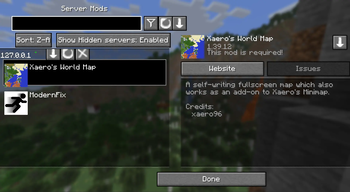
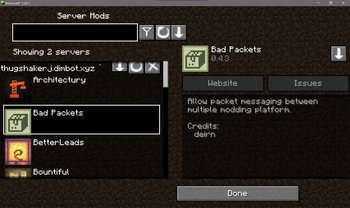
About this Mod
Server Mod Menu - 0.8.6.0
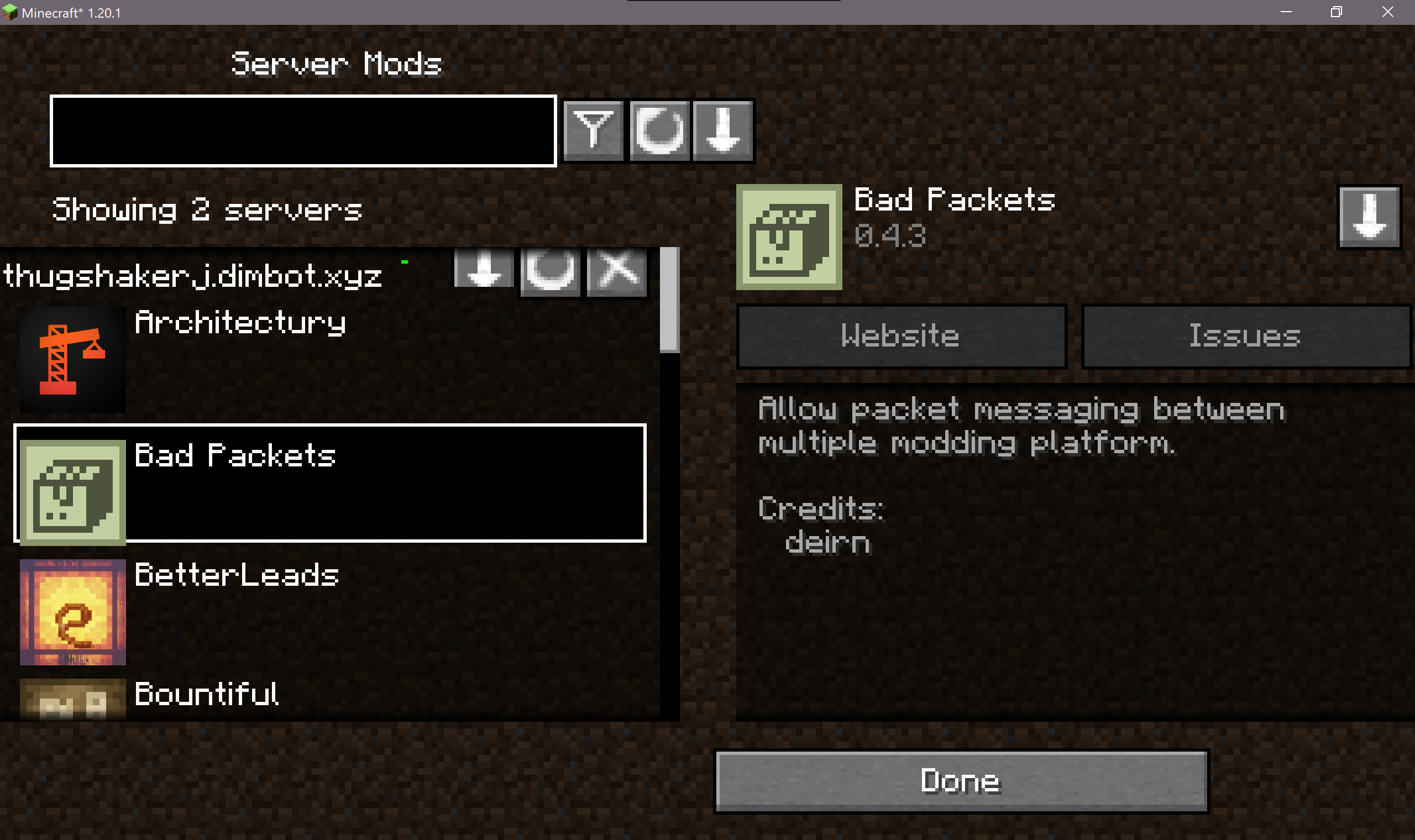
A direct fork of ModMenu made for downloading and getting details of server mods
Do you need to update?
Not much other than the new translation api support that has been added in SCMC 0.9.4.2 - All previous versions of SCMC should work with this fine so don't worry
Running and using this mod
It's pretty easy, download the mod's jar file and run minecraft.
No extra nonsense or dependencies to install just like the original modmenu mod.
Dependencies:
- Fabric Loader - Recommanding 0.16.0
- Minecraft - Currently 1.20.1 (I made this mod for a server i play with my friends so i want them to install mods easily :D. The server is 1.20.1)
Although, an 1.21.2 version may release sometime or someday when this mod is finished with no odd bugs or issues
You should see a server mod's button, click it.
Since this mod needs to see the mods, i created a secondary server side mod named SCMC. Please suggest this mod to your server owner's if your server uses universal environment mods
For server owners
You can download the appropriate version of SCMC for your server, make sure to read the documentation so that you don't make your members download unnecessary server side mods that aren't flagged as server side only.
ChangeLog
You wouldn't be seeing much BIG changelogs other than bug fixes and added adjustments as the first release itself had everything
- Translation API Support
Stuff that hasn't been worked on
- Translations - Switching the language that isn't EN_US will pretty make the mod chaotic. I will plan on making a crowdin as well but for now. Sorry :(
Future plans
- Look for any translators, if you are willing to become a translator, join the discord server and we'll see how this will go
- Fix most minor GUI bugs but honestly have no idea where to begin (The odd selectipn colors)
- Add a button on the disconnect screen if its related to server mod menu
- Clean up the code a little bit (But thats probably going to happen when i port it to 1.21.2)
Not important but might help this project
If you already read, i have a host that runs a minecraft server and serveral of my stuff. This can be expensive so support could me alot while making this
Ko-Fi
Available Versions
How to Install servermodmenu on Your Server
Order Server
Order a Minecraft Java server with at least 3 GB RAM (4 GB recommended).
Set fabric Loader
In the panel under "Egg", select the fabric loader and matching Minecraft version (1.21.10).
Install Mod
Open the mod browser in the dashboard and search for "servermodmenu". Click "Install" – done! Alternatively, upload the .jar via SFTP to the /mods folder.
Compatibility
Mod Loaders
Minecraft Versions
1.21.10, 1.21.9, 1.21.8 (+3 more)
Server-side
✗ UnsupportedRecommended RAM
4 GB(min. 3 GB)Frequently Asked Questions
servermodmenu server crashes on startup – what to do?
Most common cause: wrong fabric version or insufficient RAM. Check the server log (latest.log) for "OutOfMemoryError" or "Mixin" errors. With Mado Hosting: ensure at least 3 GB RAM is allocated and the loader matches the mod version (1.21.10). You can switch loaders with one click in the panel.
Is servermodmenu compatible with fabric and forge and neoforge?
servermodmenu officially supports fabric, forge, neoforge for Minecraft 1.21.10, 1.21.9, 1.21.8. Note: Forge and Fabric mods are NOT cross-compatible – pick one loader and stick with it. The Mado dashboard automatically detects incompatible loader combinations.
Server lagging with servermodmenu – how to optimize performance?
Recommended RAM: 4 GB (per 8 players). Use /spark profiler to check if servermodmenu consumes the most tick time. Common fixes: reduce server view-distance to 8-10, install "performant" or "starlight" as supplementary mods on Forge. With Mado Hosting, your server runs on NVMe SSDs with dedicated CPU cores for minimal latency.
Similar Mods






Rent Modded Server
Install servermodmenu with just one click on your server.