
ServerShop
A simple mod to add a shop to your server
Screenshots

About this Mod
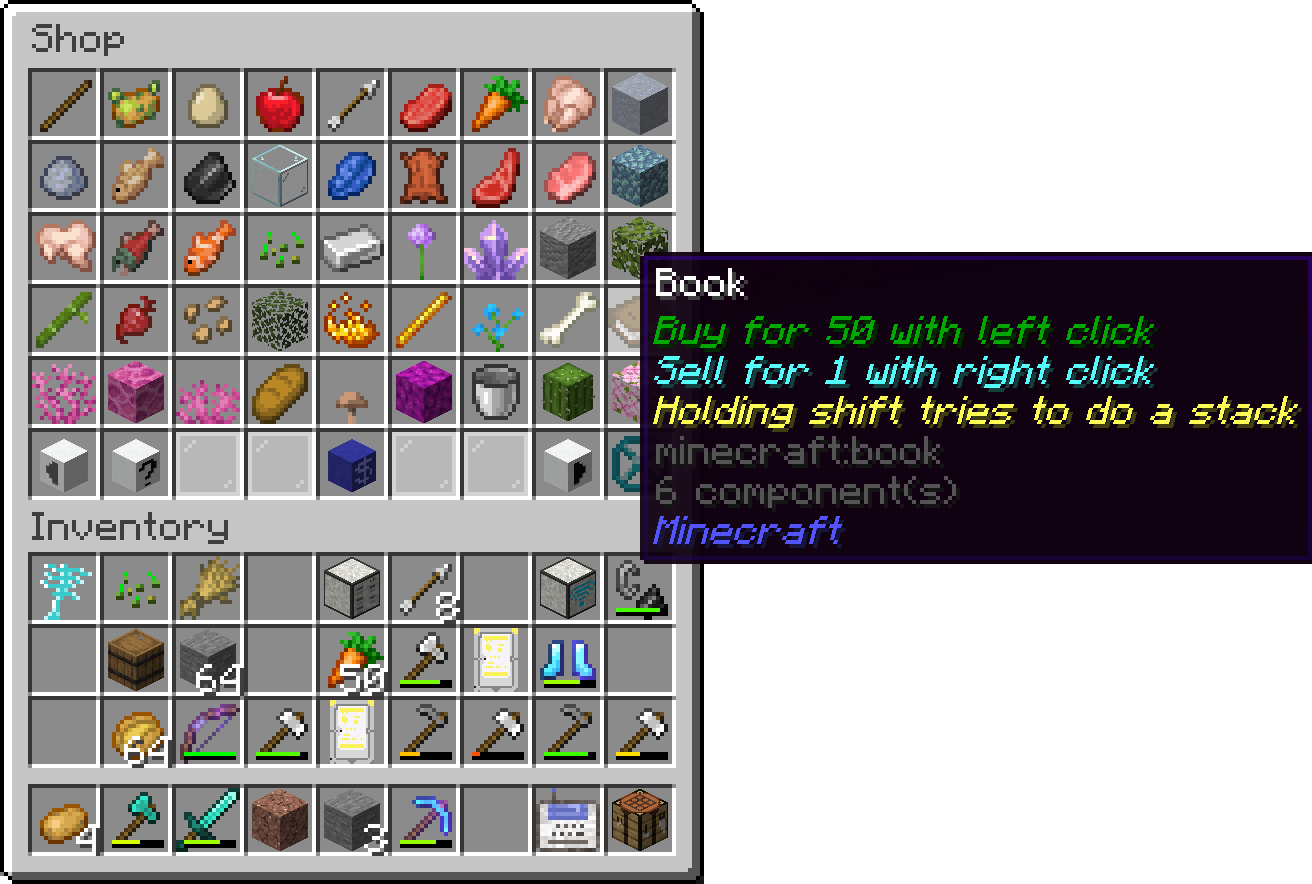
This mod adds a simple shop for selling and buying items. It can be accessed by using the /shop command. The shop system includes several functionalities that can be managed through different subcommands:
- /shop: The main command to access the shop interface. Users can browse available items or interact with the shop in various ways depending on their permissions.
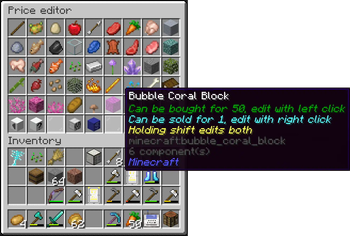
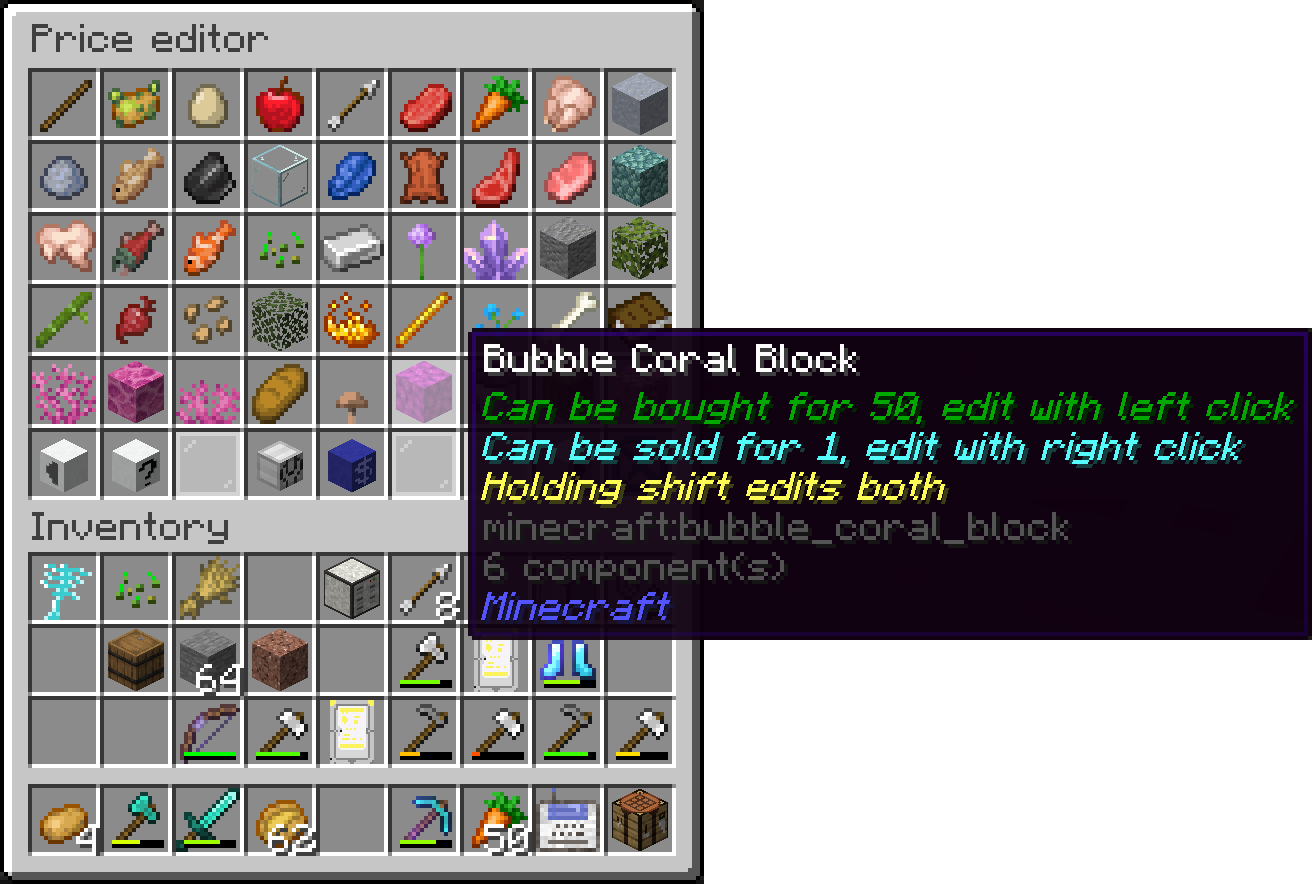
- /shop edit: Allows admins (users with permission level 2 or higher) to edit the shop's inventory. This includes adding or removing items from the shop.
/shop load: Admins can load the shop's configuration from a file, making it easy to reset or update the shop's content.
/shop save: This command saves the current state of the shop to a file, preserving any changes made during the session.
/shop set: This command allows admins to set the prices for items in the shop. By using
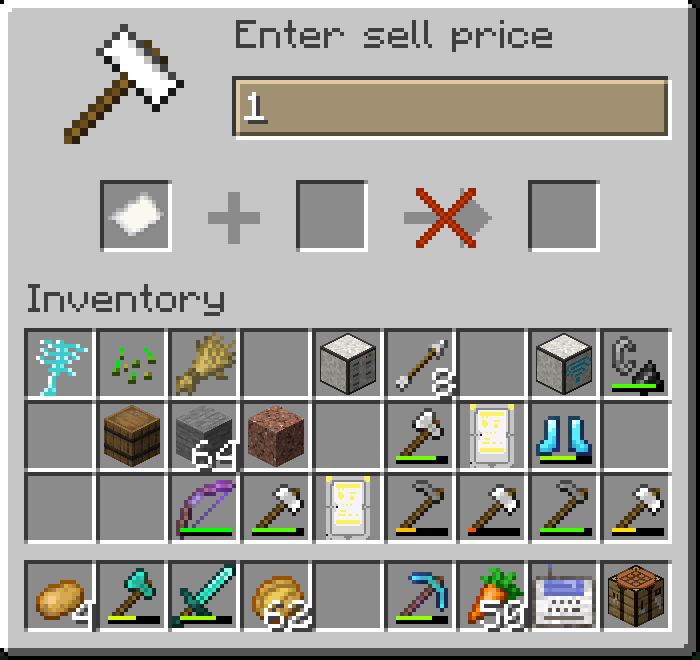
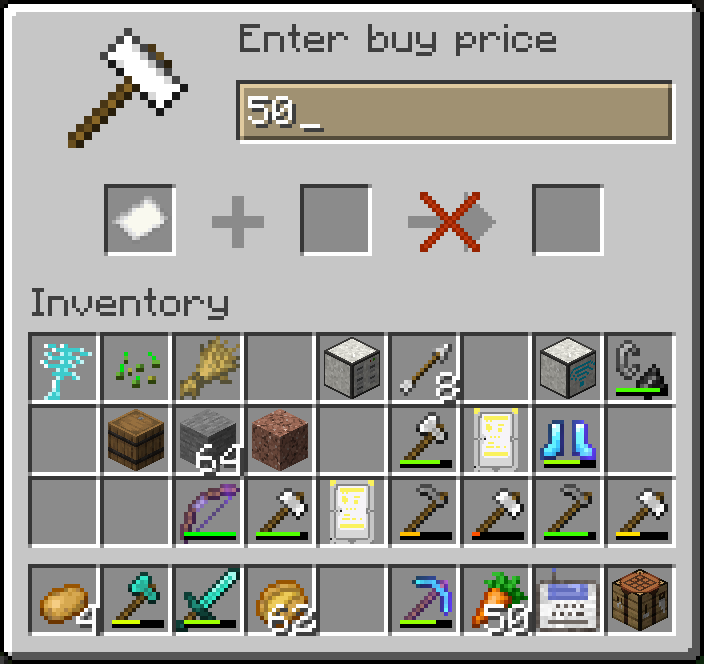
/shop set, you can specify the item, buy price, and sell price to adjust how the shop will trade that item.Example:
/shop set <item> <buyprice> <sellprice>
Here,<item>represents the item to be sold,<buyprice>is the price players must pay to buy the item, and<sellprice>is the amount players will receive when selling the item to the shop./shop setHand: Sets the price for the item currently held in the player's hand. This is a quicker alternative to using
/shop set./price: Players can check the price of an item using
/price <item>or/priceto check the price of the item in their hand./buy: Lets players purchase items from the shop. Players can specify the quantity they want to buy.
/sell: Allows players to sell items back to the shop, specifying the quantity if needed.
Additionally, the mod includes an auctionhouse:
- /auction: A command for browsing item auctions
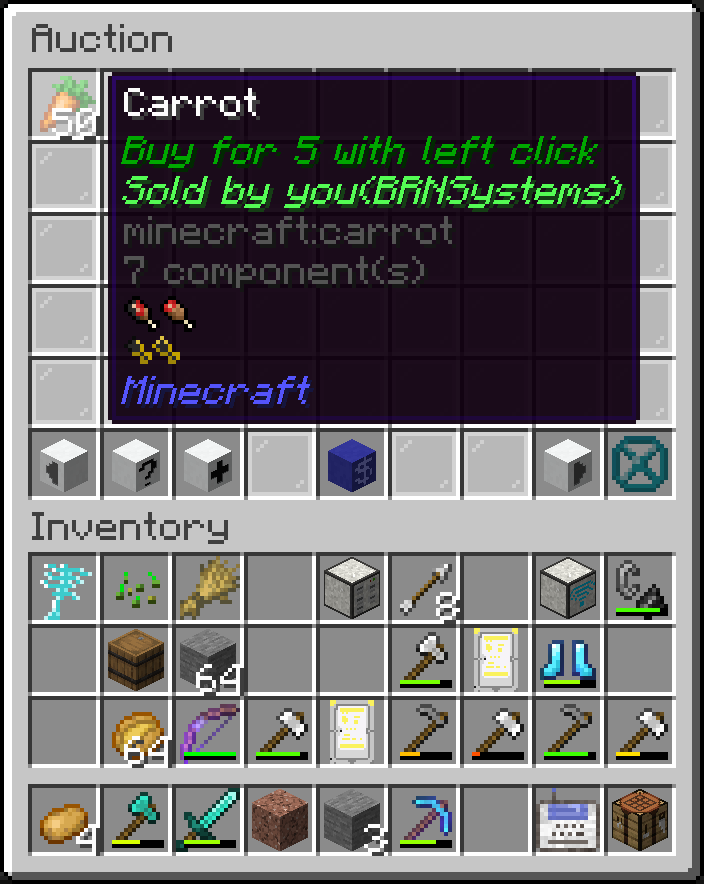
- /auction create
: A command to start an auction for an item in hand when specifying the price in the command, if the price is not specified, a dialog appears which needs a price and item insertion
For managing the account of the players you can use these commands:
/pay: Allows players to transfer money to others using
/pay <recipient> <amount>./balance: This command lets players check their balance, or for admins to check and modify other players' balances. It includes subcommands like
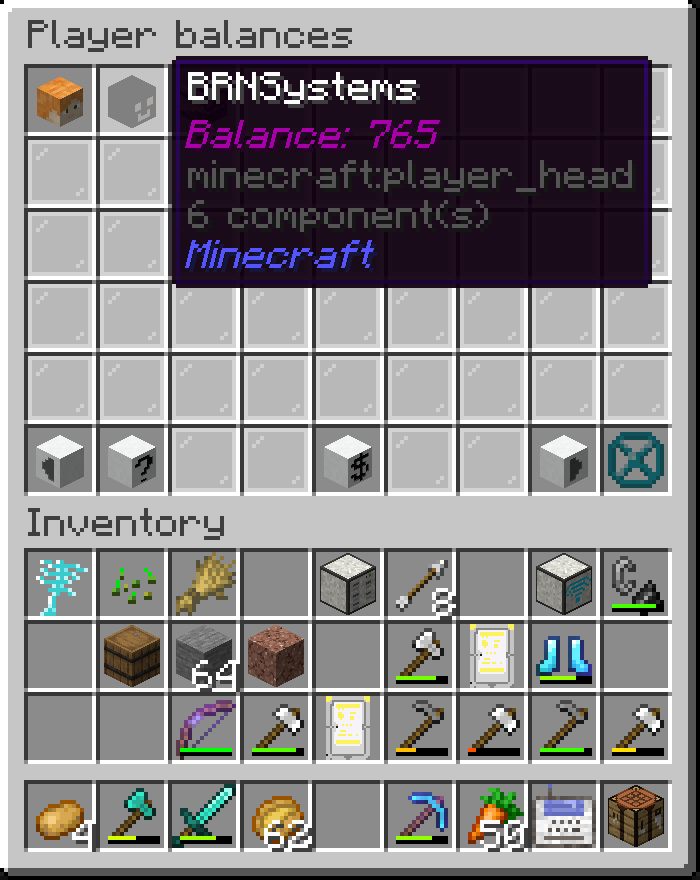
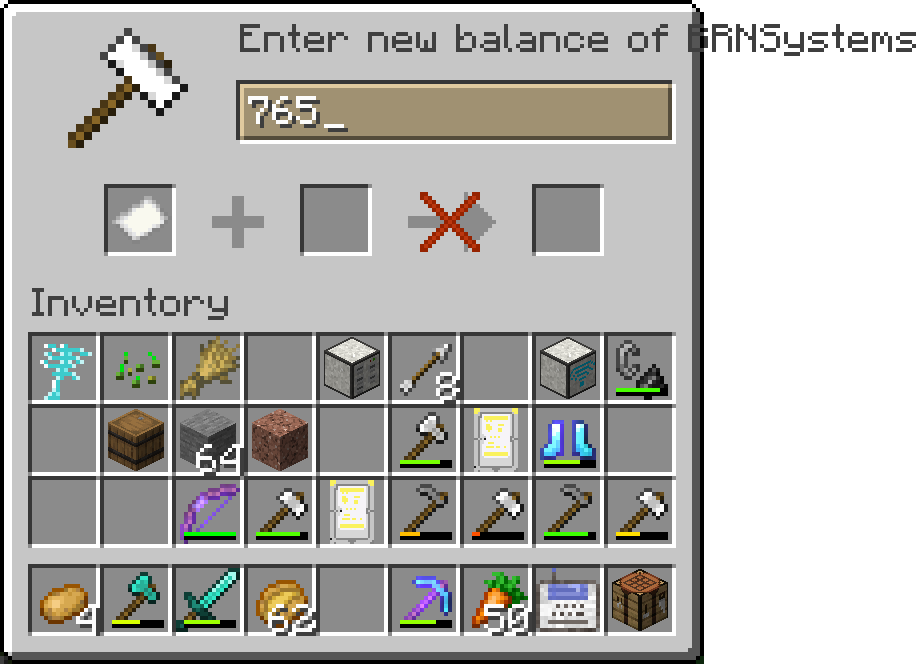
/balance load,/balance save, and/balance set./balance list: Opens a gui with a list of players and their balances. If you click on a player, you can set their balance.
This shop and auction system is designed to be simple yet flexible, providing both players and admins with the tools they need to manage in-game economies efficiently.
Available Versions
How to Install ServerShop on Your Server
Order Server
Order a Minecraft Java server with at least 3 GB RAM (4 GB recommended).
Set fabric Loader
In the panel under "Egg", select the fabric loader and matching Minecraft version (1.21.8).
Install Mod
Open the mod browser in the dashboard and search for "ServerShop". Click "Install" – done! Alternatively, upload the .jar via SFTP to the /mods folder.
Compatibility
Mod Loaders
Minecraft Versions
1.21.8, 1.21.5, 1.21.4 (+2 more)
Server-side
✓ RequiredRecommended RAM
4 GB(min. 3 GB)Frequently Asked Questions
ServerShop server crashes on startup – what to do?
Most common cause: wrong fabric version or insufficient RAM. Check the server log (latest.log) for "OutOfMemoryError" or "Mixin" errors. With Mado Hosting: ensure at least 3 GB RAM is allocated and the loader matches the mod version (1.21.8). You can switch loaders with one click in the panel.
Is ServerShop compatible with fabric?
ServerShop officially supports fabric for Minecraft 1.21.8, 1.21.5, 1.21.4. The Mado dashboard automatically detects incompatible loader combinations.
Server lagging with ServerShop – how to optimize performance?
Recommended RAM: 4 GB (per 8 players). Use /spark profiler to check if ServerShop consumes the most tick time. Common fixes: reduce server view-distance to 8-10, install "performant" or "starlight" as supplementary mods on Forge. With Mado Hosting, your server runs on NVMe SSDs with dedicated CPU cores for minimal latency.
Similar Mods





Rent Modded Server
Install ServerShop with just one click on your server.