
Shader Profiles
Manage, save, and quickly switch between multiple configuration profiles for your Iris shaders. Forget about manual reconfiguration.
Screenshots
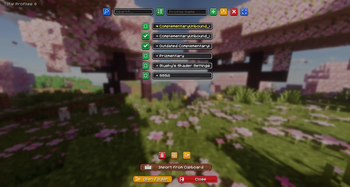
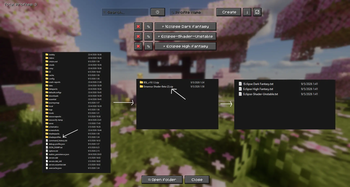
About this Mod
Shader Profiles
Shader Profiles is a lightweight, client-side utility mod designed to bring a comprehensive profile management system to your Iris shader configurations. It allows you to save, manage, and switch between multiple shader settings seamlessly without ever leaving the game.
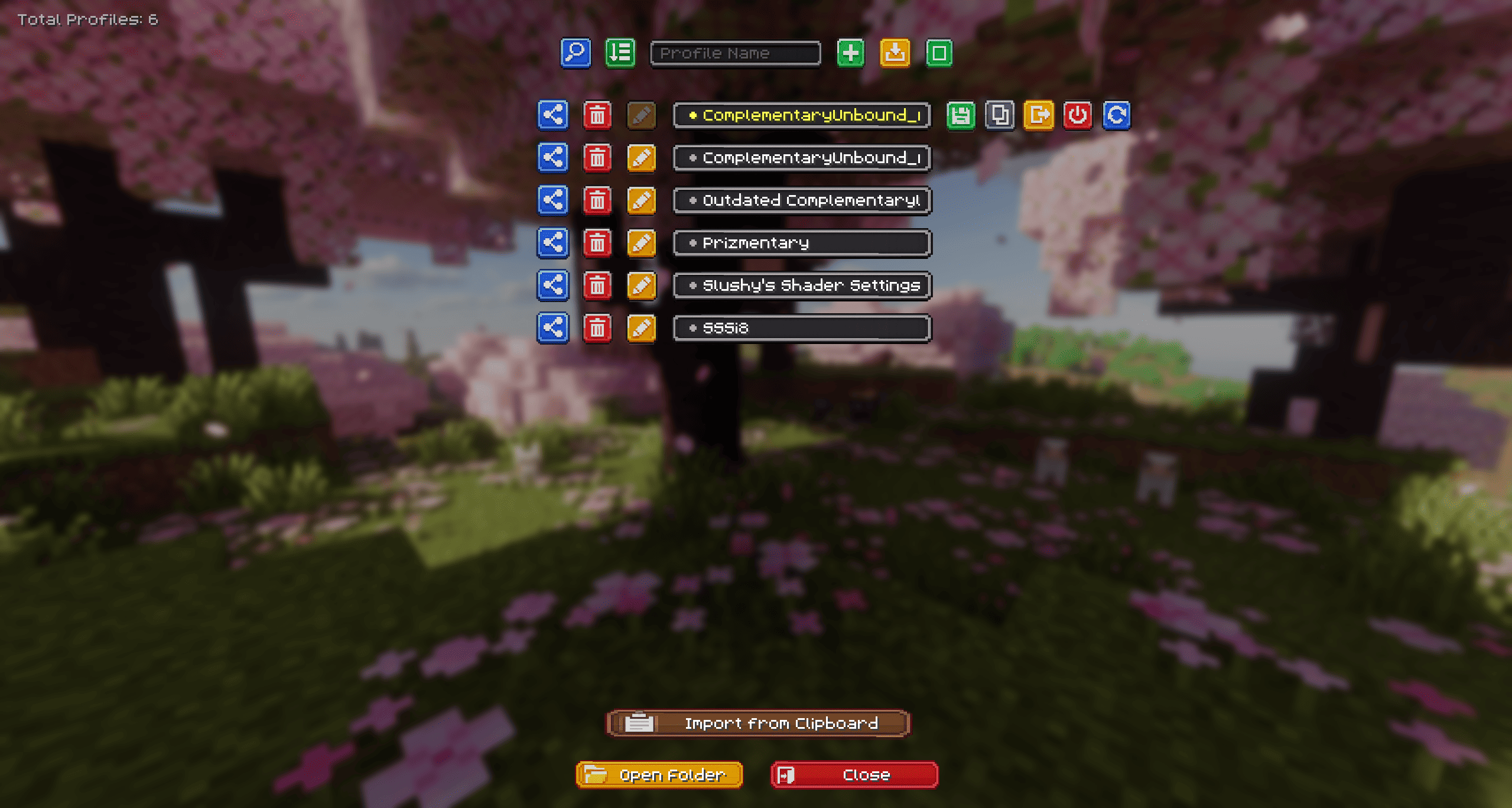
Why use Shader Profiles?
If you frequently change your shader settings based on your current activity—such as using highly demanding settings for taking cinematic screenshots, and performance-optimized settings for regular gameplay or combat—this mod eliminates the need to manually adjust individual sliders every time.
Features
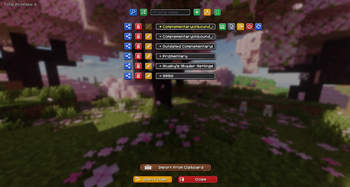
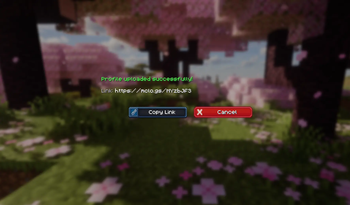
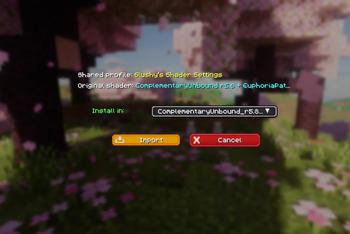
- Cloud Integration (NEW): Instantly upload your configurations to the cloud (powered by mclo.gs) to generate a short link. You can send this link directly to the server chat with a single click to easily share it with your friends! You can also magically import profiles directly from a copied link in your clipboard.
- Smart Shader Detection (NEW): When importing a cloud profile, the mod deeply scans your
shaderpacksfolder and uses a smart fingerprinting system to automatically detect and select the correct matching shader, even if you changed the original.zipfile name. - Profile Comparison (NEW): Select exactly two profiles in multi-select mode to compare them. View every single configuration difference side-by-side using the built-in diff interface!
- Enhanced Custom UI (NEW): Features a polished, custom-textured interface with dynamic loading animations, colored feedback, and auto-scrolling marquee text, all integrating naturally into the existing Iris Shader Packs screen.
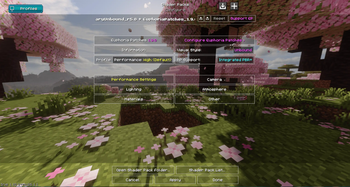
- Profile Management: Easily create, rename, duplicate, and delete distinct configuration profiles for any installed shader pack.
- Quick Switch: Change active shader profiles instantly directly from the shader selection menu.
- Local Import & Export: Share your tailored configurations by exporting single
.txtfiles or bulk-exporting via.ziparchives. You can easily import these local files back into the game. - Bulk Actions: Utilize the multi-select mode to delete several profiles at once or export them as a batch.
Technical Details & Dependencies
- Client-Side Only: This mod operates entirely on the client. It does not need to be installed on servers for you to use it in multiplayer.
- Requirements:
- Fabric API
- Iris Shaders
How to Use
- Navigate to
Video Settings>Shader Packsand select a shader. - Open the
Shader Pack Settingsmenu. - Click the new
Profilesbutton located in the top-left corner. - From this interface, you can create, modify, share, and manage your custom configurations.
- Keybind: Press the assigned hotkey (default: O) while in-game for instant access. You can change this in the standard Minecraft
Controlsmenu under the Shader Profiles category.
Available Versions
How to Install Shader Profiles on Your Server
Order Server
Order a Minecraft Java server with at least 3 GB RAM (4 GB recommended).
Set fabric Loader
In the panel under "Egg", select the fabric loader and matching Minecraft version (26.1.2).
Install Mod
Open the mod browser in the dashboard and search for "Shader Profiles". Click "Install" – done! Alternatively, upload the .jar via SFTP to the /mods folder.
Compatibility
Mod Loaders
Minecraft Versions
26.1.2, 26.1.1, 26.1 (+3 more)
Server-side
✗ UnsupportedRecommended RAM
4 GB(min. 3 GB)Frequently Asked Questions
Shader Profiles server crashes on startup – what to do?
Most common cause: wrong fabric version or insufficient RAM. Check the server log (latest.log) for "OutOfMemoryError" or "Mixin" errors. With Mado Hosting: ensure at least 3 GB RAM is allocated and the loader matches the mod version (26.1.2). You can switch loaders with one click in the panel.
Is Shader Profiles compatible with fabric?
Shader Profiles officially supports fabric for Minecraft 26.1.2, 26.1.1, 26.1. The Mado dashboard automatically detects incompatible loader combinations.
Server lagging with Shader Profiles – how to optimize performance?
Recommended RAM: 4 GB (per 8 players). Use /spark profiler to check if Shader Profiles consumes the most tick time. Common fixes: reduce server view-distance to 8-10, install "performant" or "starlight" as supplementary mods on Forge. With Mado Hosting, your server runs on NVMe SSDs with dedicated CPU cores for minimal latency.
Similar Mods






Rent Modded Server
Install Shader Profiles with just one click on your server.