
Simple Dragons
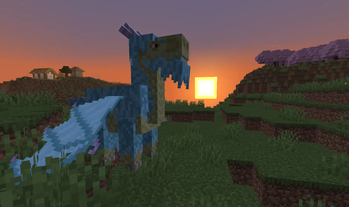
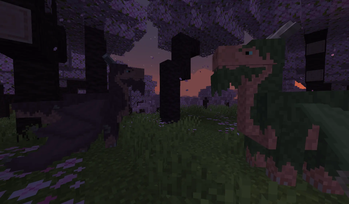
This mod adds dragons to minecraft. For now there is only one kind: Eastern Eldwyrm. Eldwyrms are cute, multicolored and quite useful.
Screenshots
About this Mod
Simple Dragons
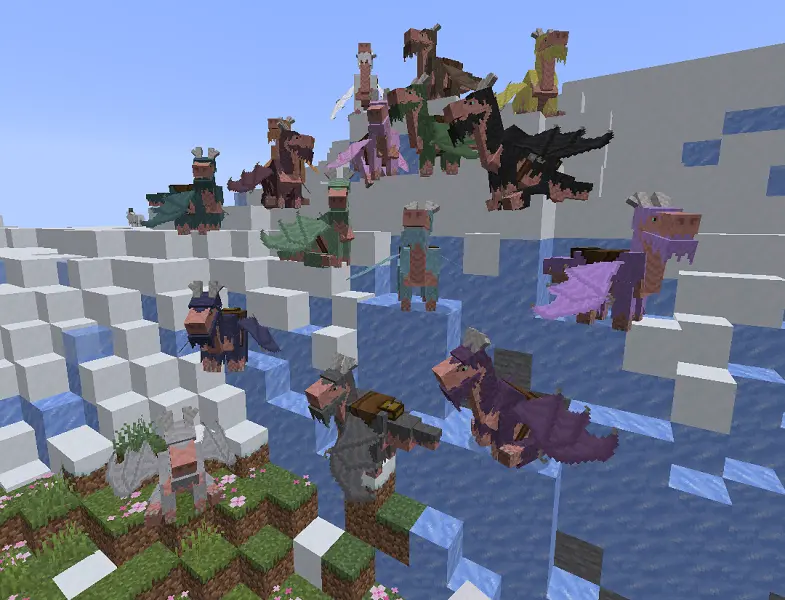
This mod adds dragons to minecraft. They're not big and scary, but rather cute and helpful.
Eastern Eldwyrm
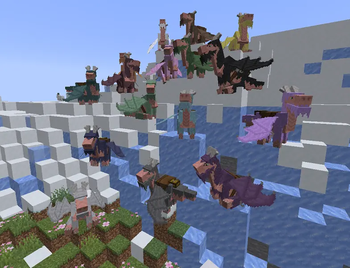
For now there is only one type of dragon — Eastern Eldwyrm. I used Asian dragons with deer horns and beards as a basis. You can paint them in any color and put your things in saddlebags.
But first things first. You need to find Eastern Temple, which is located in cherry grove.
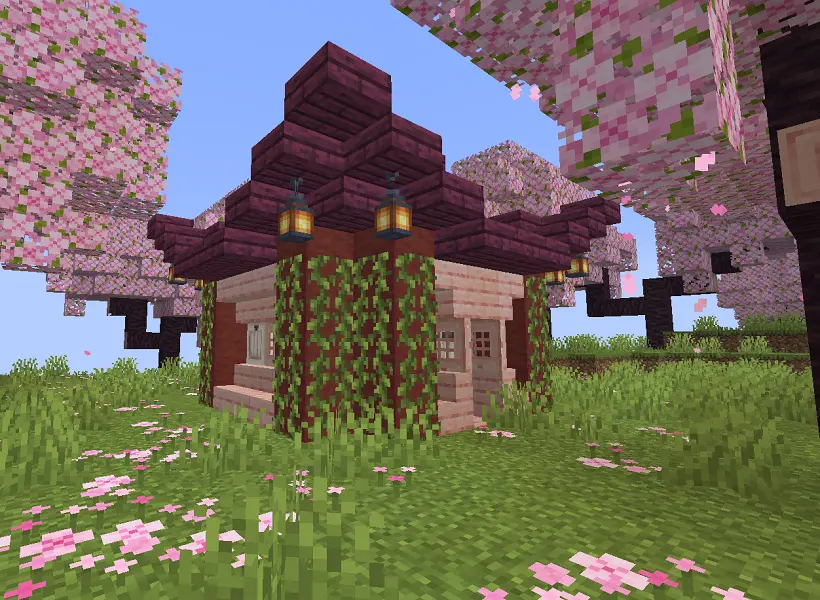
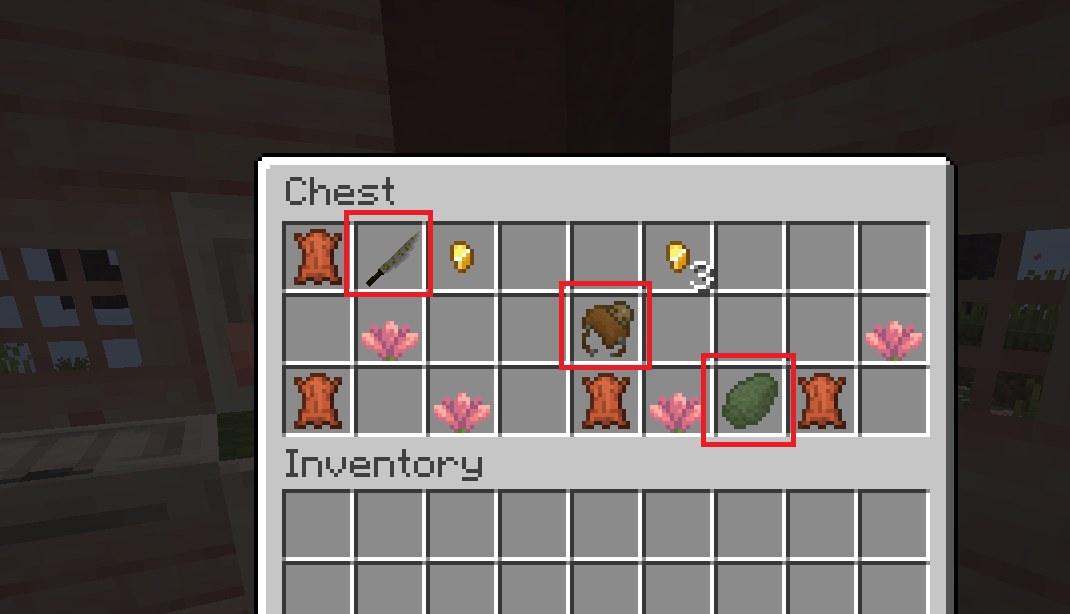
There will be a chest, where you can find 3 new items:
- Scaly Egg;
- Katana;
- Dragon saddle.
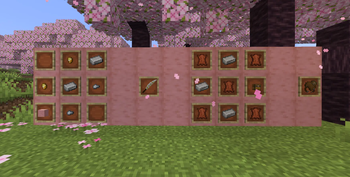
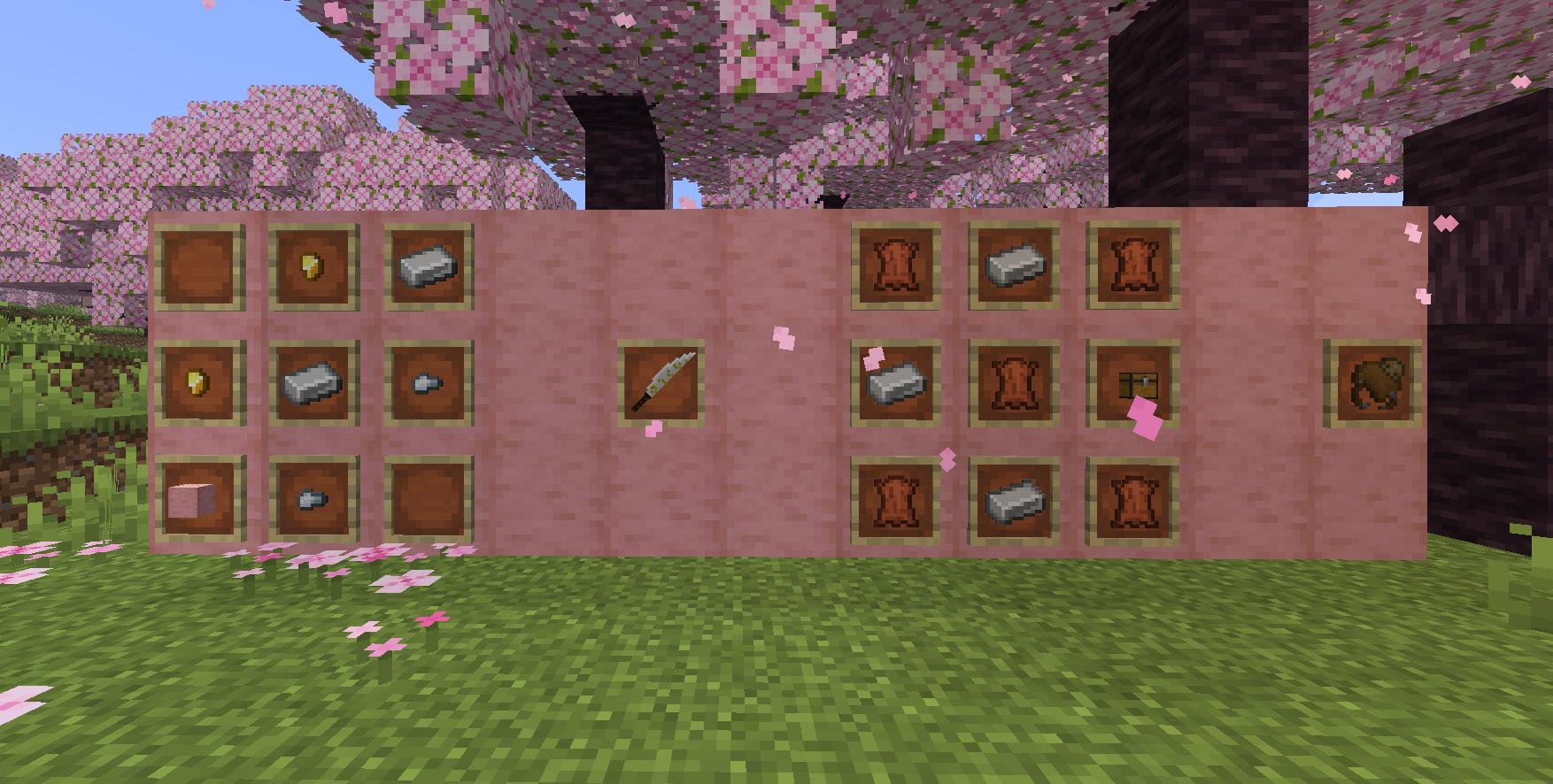
You can also craft Katana and Dragon saddle:
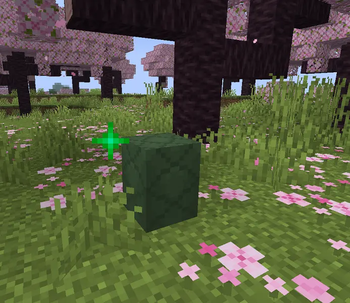
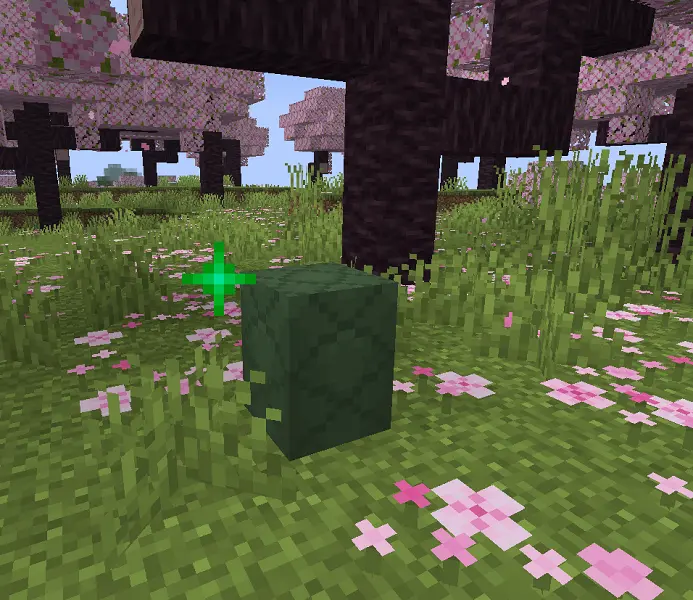
Now you need to place this egg anywhere on the ground.
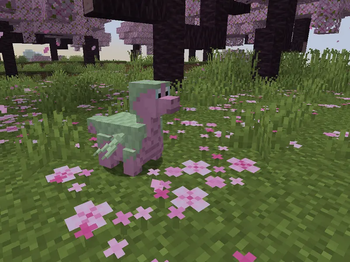
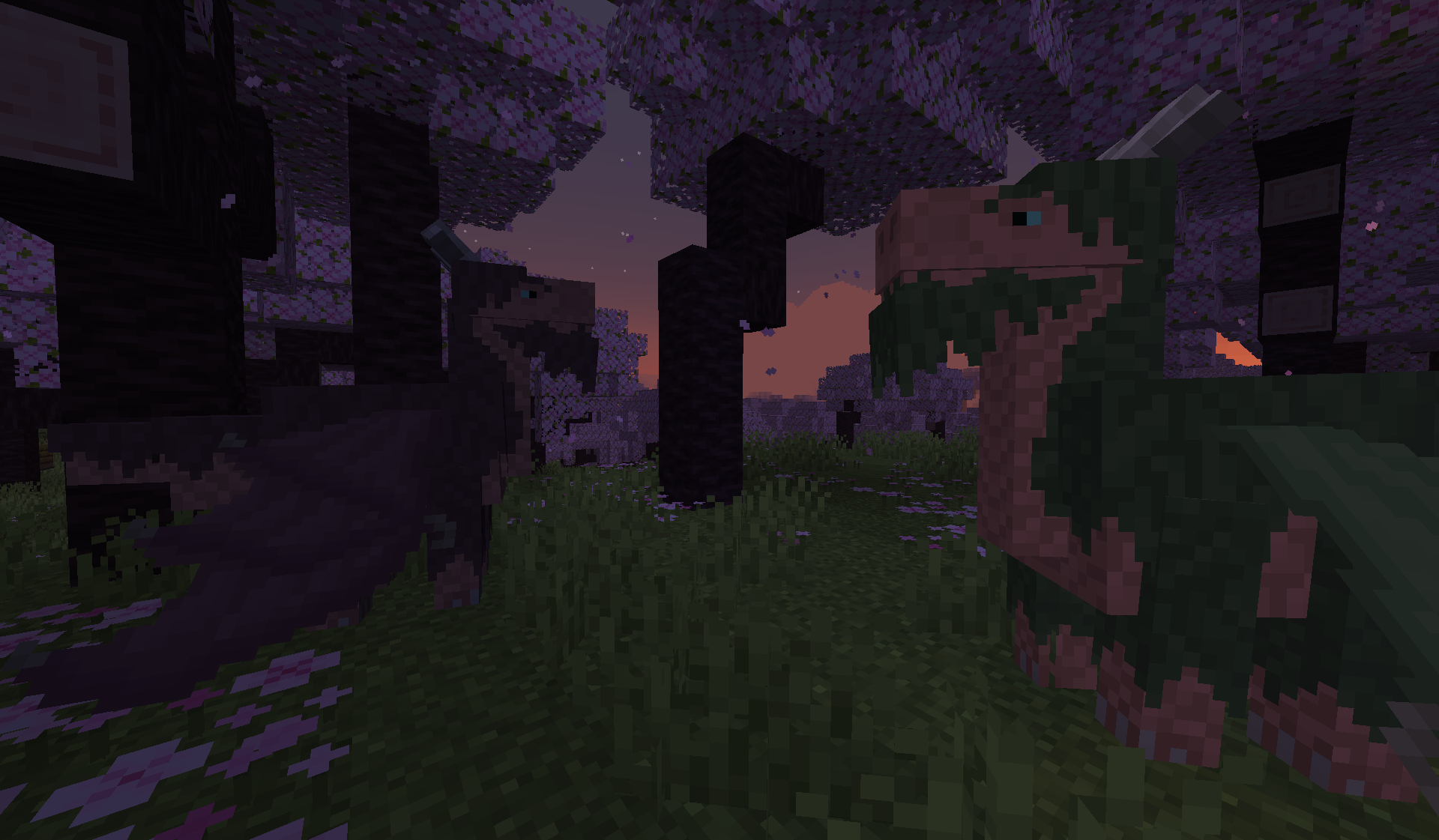
After 10-20 min a little dragon (with a custom model!) will hatch:
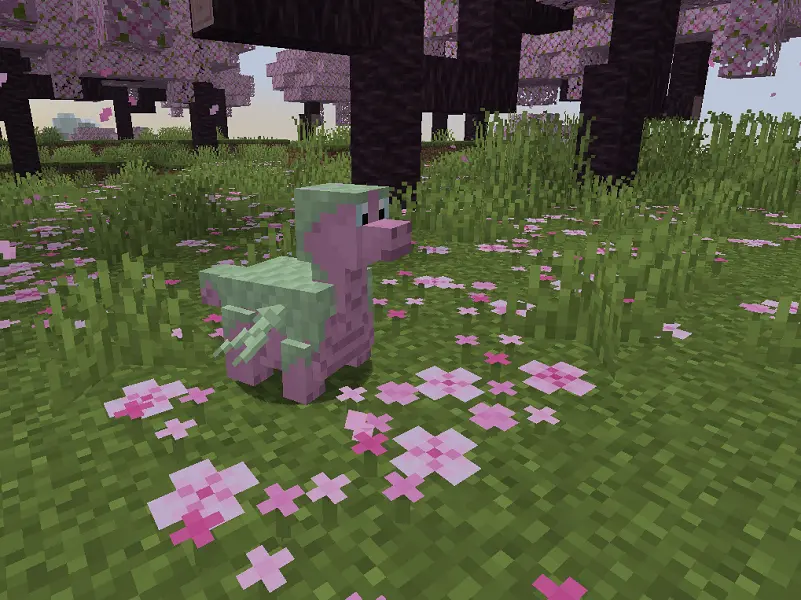
Then you need to wait for one day, and the dragon will grow up. You can tame and breed adult dragons using Cactus flowers.
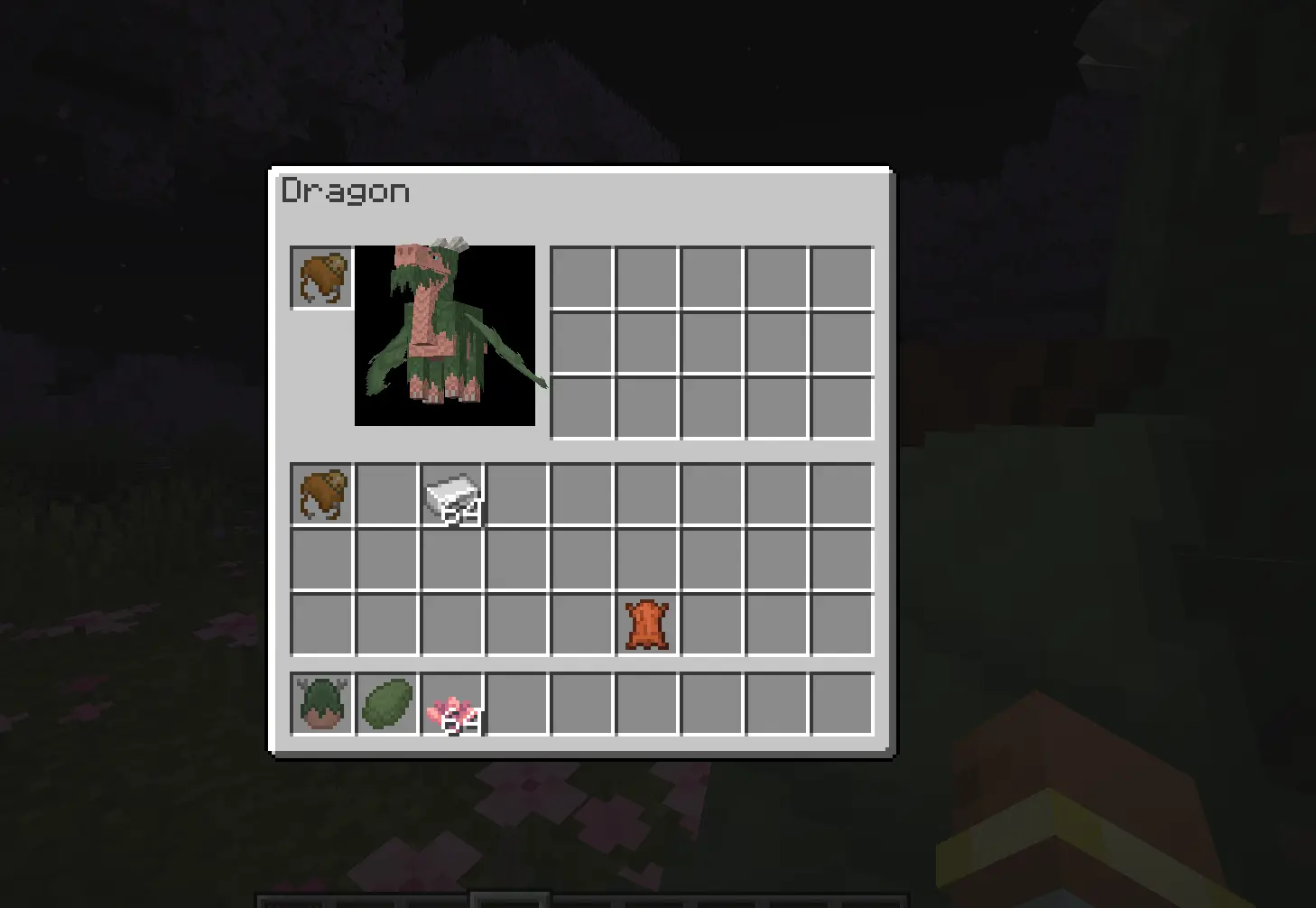
Then you can equip a saddle on a dragon an put something into its inventory. You need to shift+rightclick on a saddled dragon with empty hand to open gui:
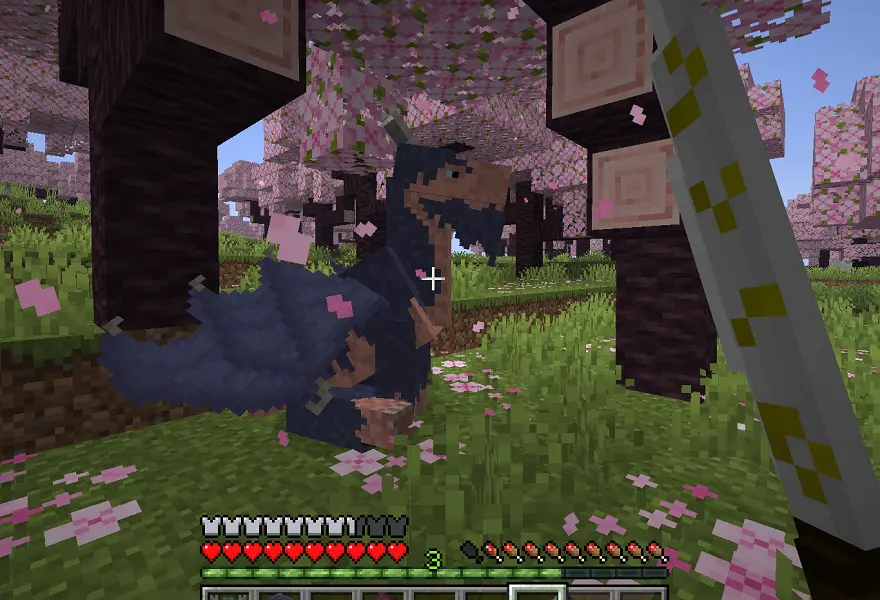
You can use katana to sit your dragon down or make him stand up:
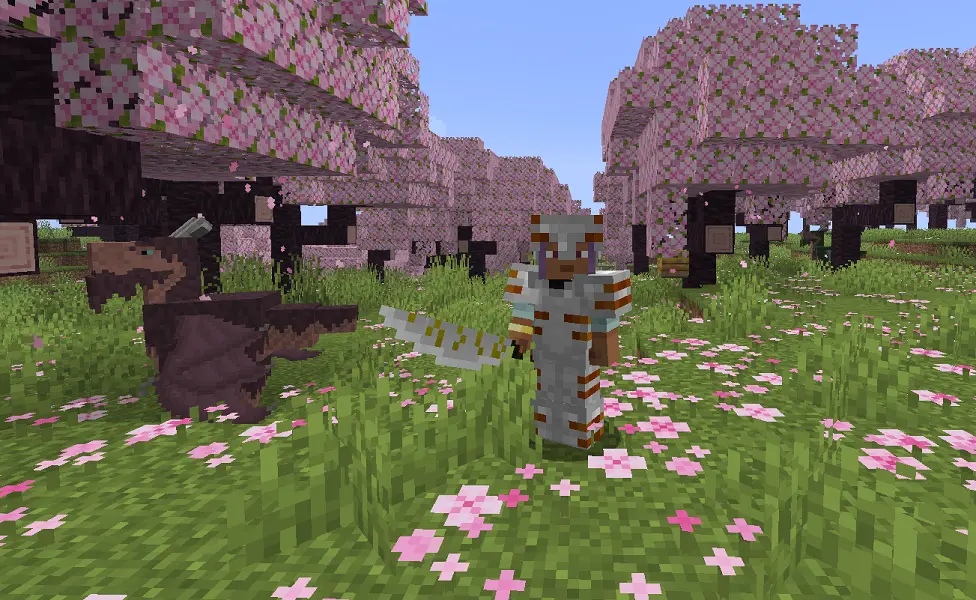
By the way, kata has its own custom model. Its slightly stronger than iron sword but has greater attack speed.
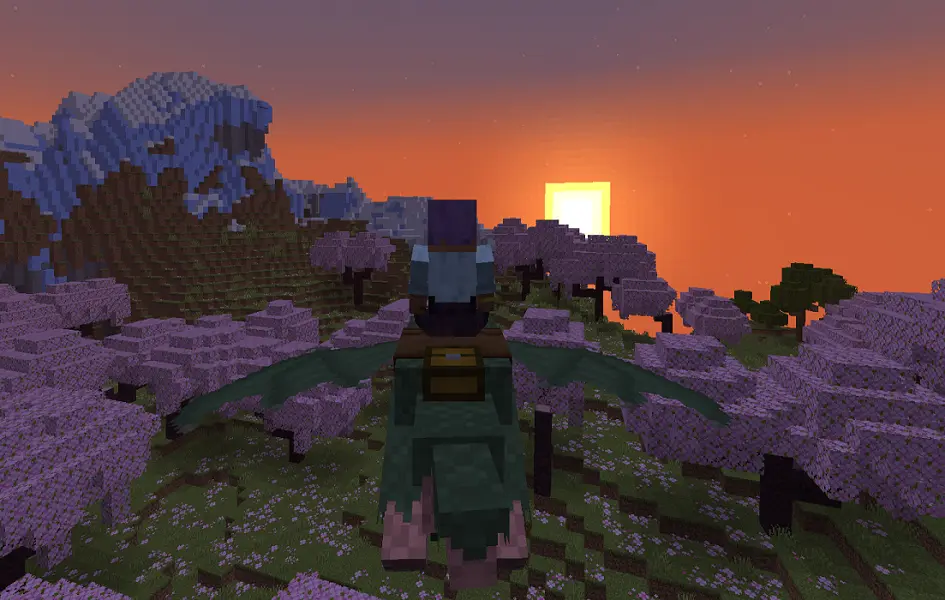
To dye your dragon, just rightclick on it with any dye. When the dragon is customized and his saddlebag is filled with your equipment, you can just fly away:
- to fly up, hold space up to 3 sec (the longer you hold, the higher will the dragon fly);
- when flying, you can press space up to 5 more times to speed up. The dragon will fly in the direction of your gaze, but after a few seconds it will get tired and begin to descend. At this point, press the space bar again or, if you have already used acceleration 5 times, go down to the ground to rest and take off again.
Lighting Dragon
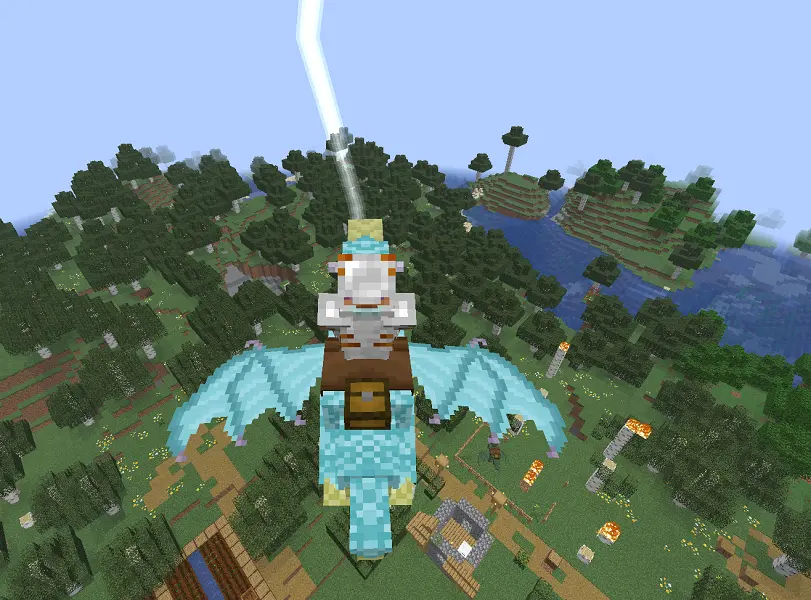
It's another variation of Eldwyrm. Firstly, you need to find Weather Pearls in Eastern Temple and craft Weather Orb.
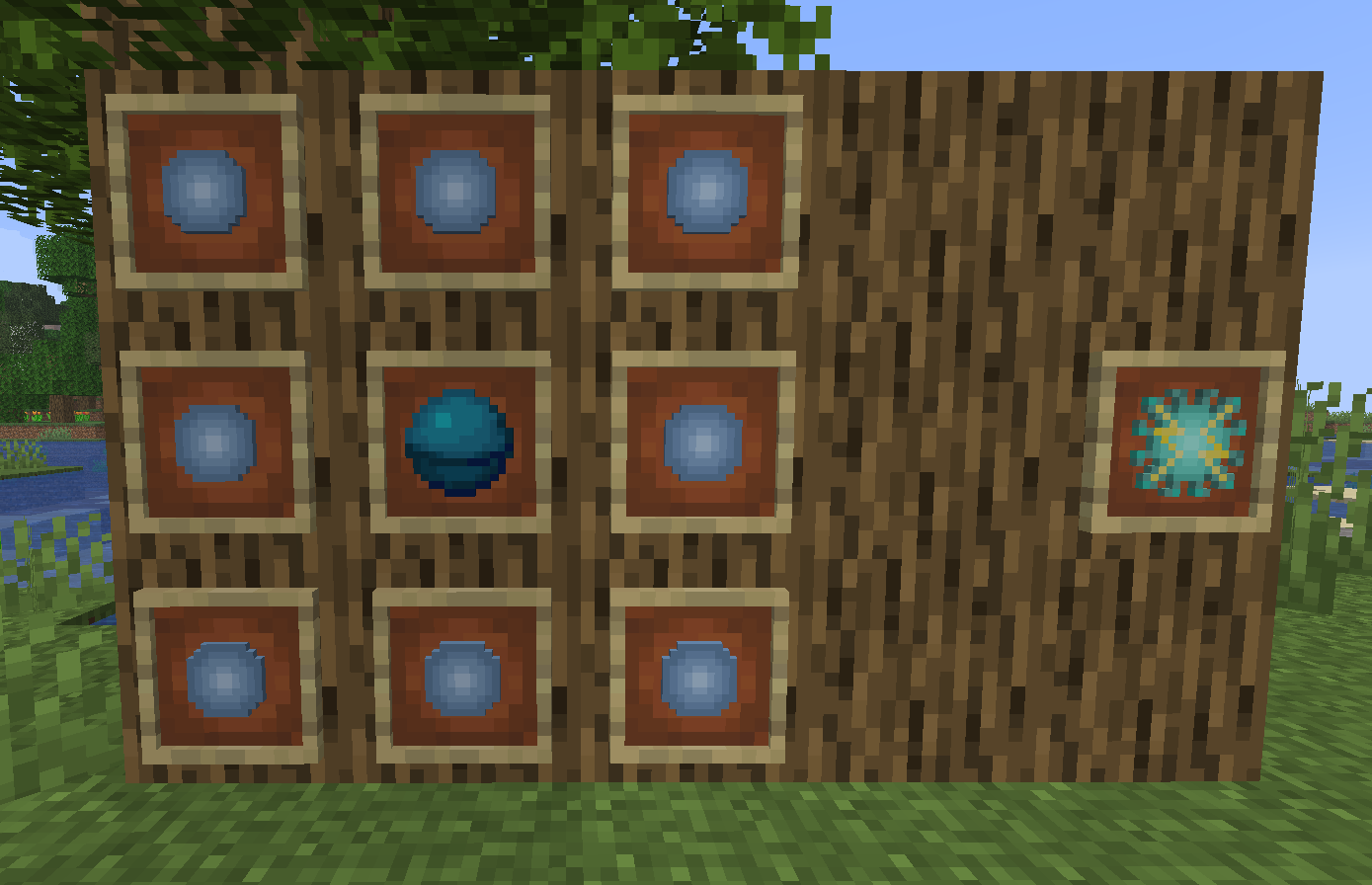
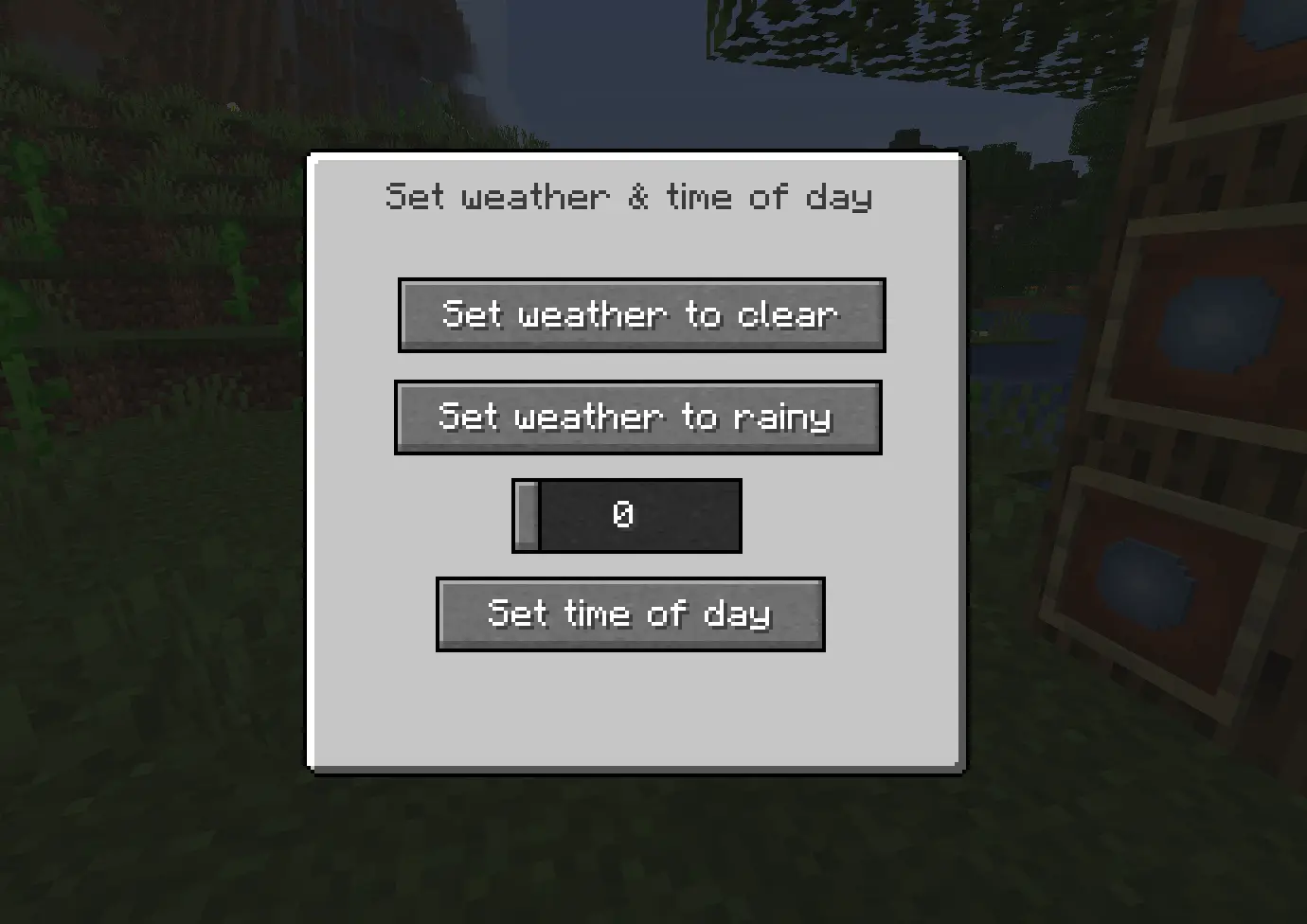
By the way, you can shoot Weather Pearls - they spawn lightnings when hit the ground! You can also use Weather Orb to change the weather:
Then you need to rightclick on your dragon with the orb:
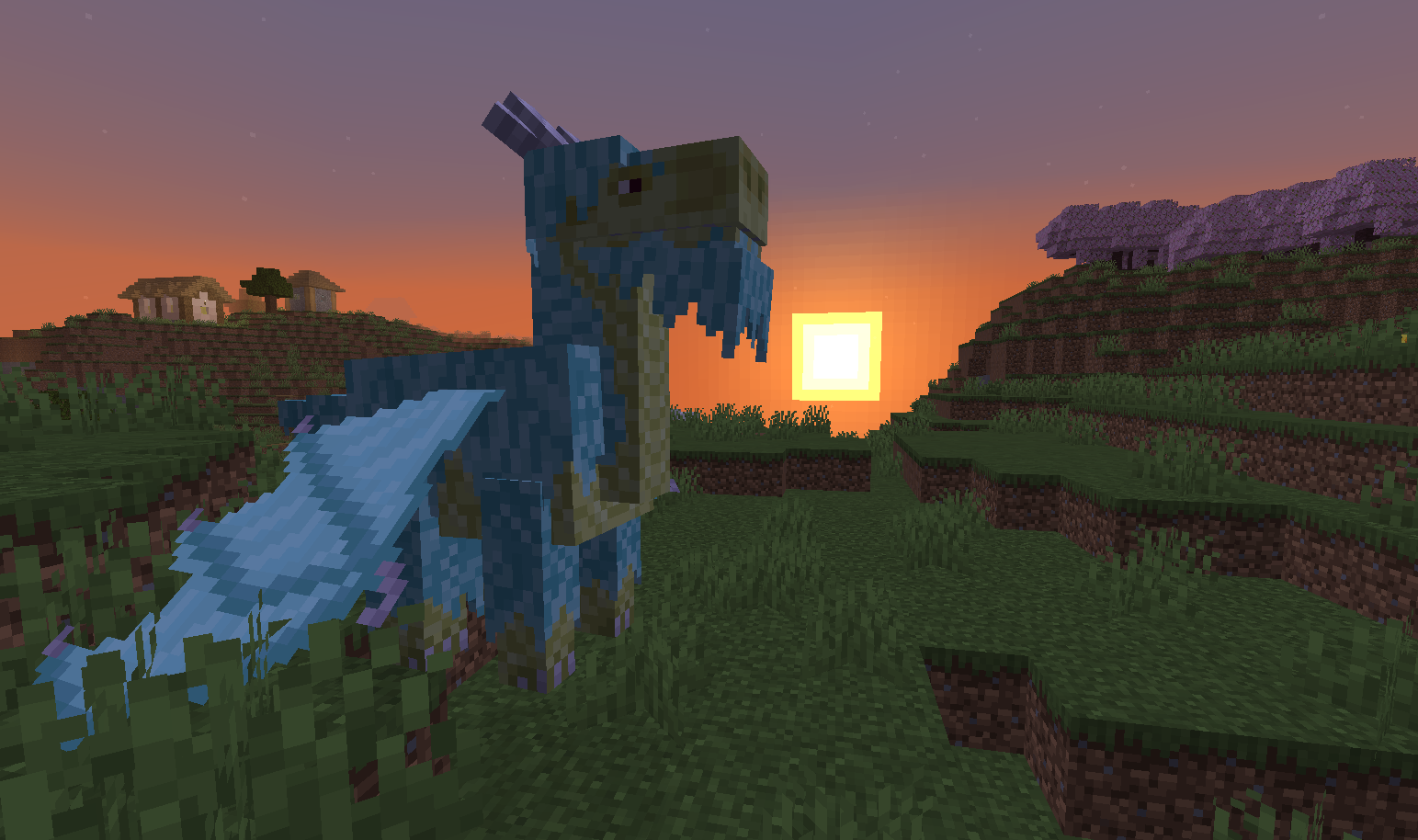
This dragon cannot be dyed. It can strike lightnings when you press J while riding it.
That's all for now. I hope you'll enjoy the mod.
There will be more dragon species in the nearest future!
Available Versions
How to Install Simple Dragons on Your Server
Order Server
Order a Minecraft Java server with at least 3 GB RAM (4 GB recommended).
Set neoforge Loader
In the panel under "Egg", select the neoforge loader and matching Minecraft version (26.1.2).
Install Mod
Open the mod browser in the dashboard and search for "Simple Dragons". Click "Install" – done! Alternatively, upload the .jar via SFTP to the /mods folder.
Compatibility
Mod Loaders
Minecraft Versions
26.1.2, 26.1.1, 26.1 (+4 more)
Server-side
✓ RequiredRecommended RAM
4 GB(min. 3 GB)Frequently Asked Questions
Simple Dragons server crashes on startup – what to do?
Most common cause: wrong neoforge version or insufficient RAM. Check the server log (latest.log) for "OutOfMemoryError" or "Mixin" errors. With Mado Hosting: ensure at least 3 GB RAM is allocated and the loader matches the mod version (26.1.2). You can switch loaders with one click in the panel.
Is Simple Dragons compatible with neoforge?
Simple Dragons officially supports neoforge for Minecraft 26.1.2, 26.1.1, 26.1. The Mado dashboard automatically detects incompatible loader combinations.
Server lagging with Simple Dragons – how to optimize performance?
Recommended RAM: 4 GB (per 8 players). Use /spark profiler to check if Simple Dragons consumes the most tick time. Common fixes: reduce server view-distance to 8-10, install "performant" or "starlight" as supplementary mods on Forge. With Mado Hosting, your server runs on NVMe SSDs with dedicated CPU cores for minimal latency.
Similar Mods




Rent Modded Server
Install Simple Dragons with just one click on your server.