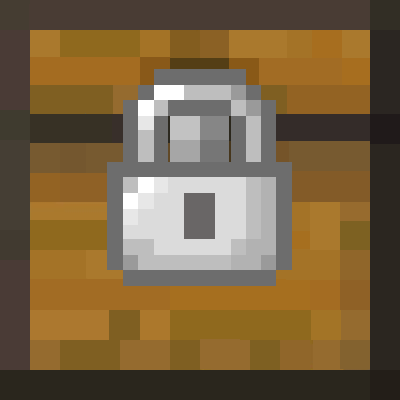
Simple Locks
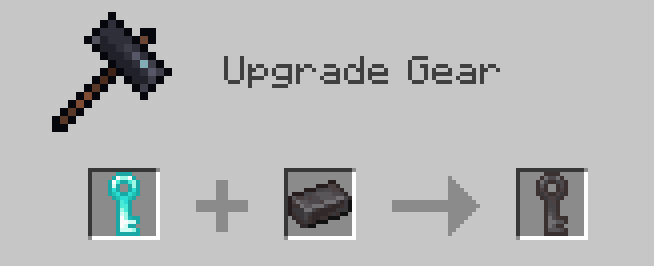
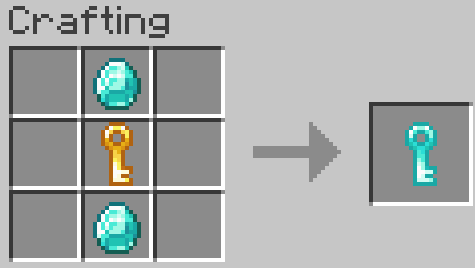
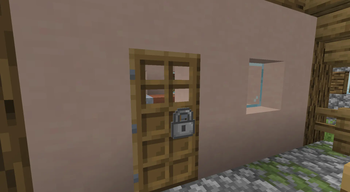
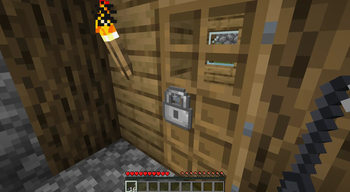
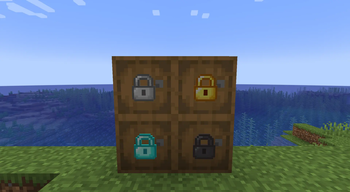
Simple Locks is a simple mod that adds locks, keys, and lockpick.
Screenshots

About this Mod
Simple Locks
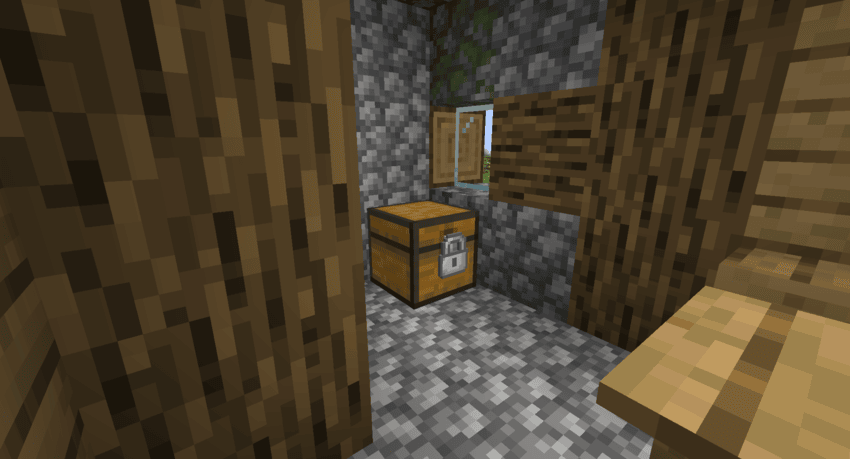
Simple Locks is a simple mod that adds locks, keys, and lockpick.
Commands
- /simple_locks lockpick [enable/disable]
Enables or disables lockpicks. Enabled by default.
- /simple_locks multiLock [enable/disable]
Enables or disables the ability to lock and unlock multiple locks with a single key (a key can only unlock the locks it has locked). When disabled, one key is bound to a single lock. Enabled by default.
- /simple_locks keyReset [eneble/disable]
Enables or disables the ability to clear a used key. When enabled, placing a key with a lock ID into any crafting grid will return a blank key of the same material with no ID. Enabled by default.
- /simple_locks unlock
Unlocks the locked block the player is currently looking at without requiring a key.
Configurations
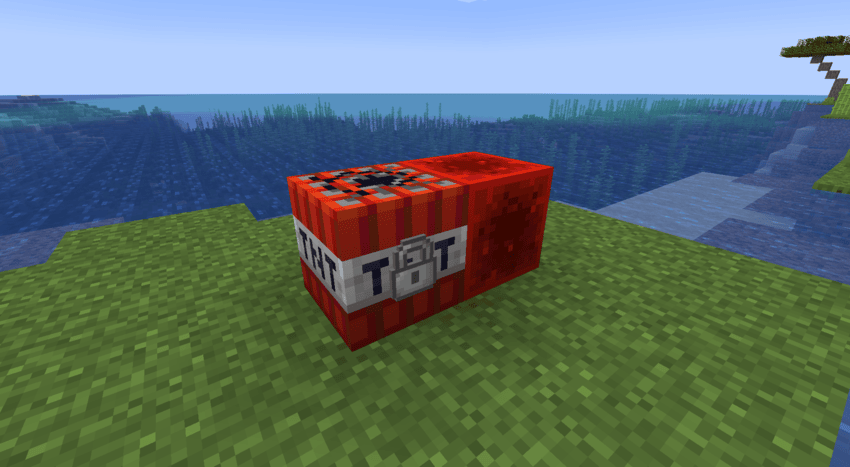
This mod generates a simple_locks.json file inside the Minecraft config folder. You can make any vanilla Minecraft block—or blocks from other mods—lockable by adding their specific identifiers to this file.
Example:
{
  "lockable_blocks": [
  "minecraft:tnt",
  "minecraft:furnace"
  ]
}
With the configuration above, you can now place locks on TNT and furnaces. You are not limited to vanilla Minecraft blocks; you can add block identifiers from other mods into this JSON file to make them lockable as well.
When a lock is placed on a block and is in the locked state, the block gains the following properties until it is unlocked with the correct key:
- It cannot be broken.
- Items cannot be inserted into or extracted from it (e.g., via hoppers).
- It becomes completely immune to redstone signals.
- It cannot be moved by pistons.
Note: Adding certain complex or incompatible blocks to this list may cause the game to crash. Proceed with caution when adding modded blocks.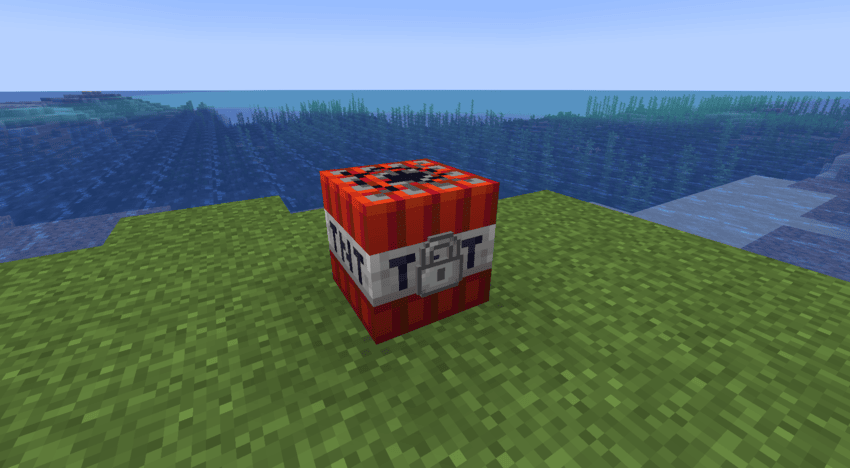
Available Versions
How to Install Simple Locks on Your Server
Order Server
Order a Minecraft Java server with at least 3 GB RAM (4 GB recommended).
Set fabric Loader
In the panel under "Egg", select the fabric loader and matching Minecraft version (1.18.2).
Install Mod
Open the mod browser in the dashboard and search for "Simple Locks". Click "Install" – done! Alternatively, upload the .jar via SFTP to the /mods folder.
Compatibility
Mod Loaders
Minecraft Versions
1.18.2
Server-side
✓ RequiredRecommended RAM
4 GB(min. 3 GB)Frequently Asked Questions
Simple Locks server crashes on startup – what to do?
Most common cause: wrong fabric version or insufficient RAM. Check the server log (latest.log) for "OutOfMemoryError" or "Mixin" errors. With Mado Hosting: ensure at least 3 GB RAM is allocated and the loader matches the mod version (1.18.2). You can switch loaders with one click in the panel.
Is Simple Locks compatible with fabric?
Simple Locks officially supports fabric for Minecraft 1.18.2. The Mado dashboard automatically detects incompatible loader combinations.
Server lagging with Simple Locks – how to optimize performance?
Recommended RAM: 4 GB (per 8 players). Use /spark profiler to check if Simple Locks consumes the most tick time. Common fixes: reduce server view-distance to 8-10, install "performant" or "starlight" as supplementary mods on Forge. With Mado Hosting, your server runs on NVMe SSDs with dedicated CPU cores for minimal latency.
Similar Mods




Rent Modded Server
Install Simple Locks with just one click on your server.