
Simply Quests
A Progression Quest Mod for Minecraft 26.1.X
Screenshots
About this Mod
Simply Quests!
Questing!
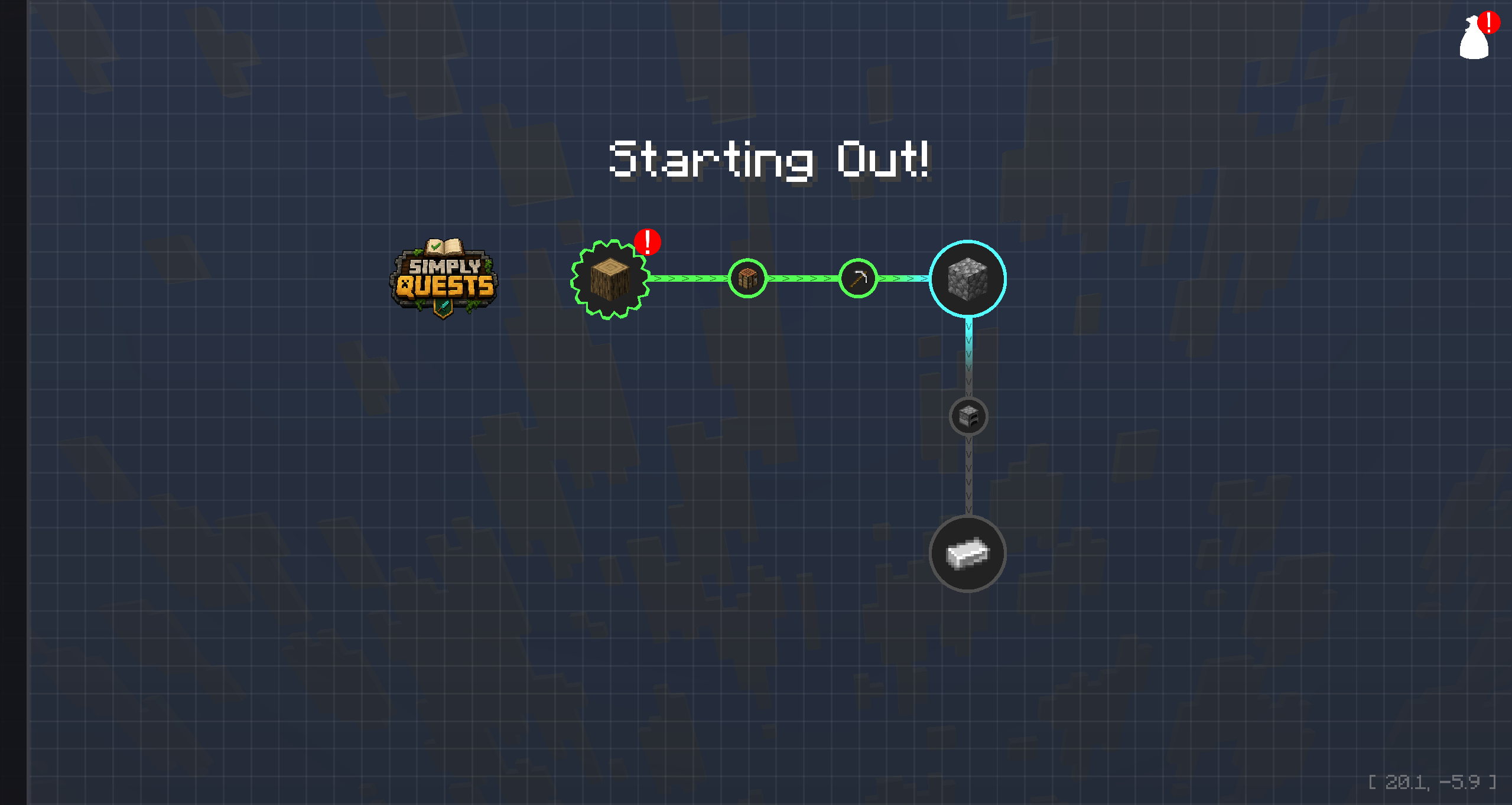
Open the quest window by clicking the quest book in your inventory screen or by pressing the O key. The quest book can be dragged to a desired position.
Create Quests for other players to undertake and reward them for completing tasks. All Quests reside in Chapters. Chapters can either be Standalone, or they can be contained within Groups.
Progression!
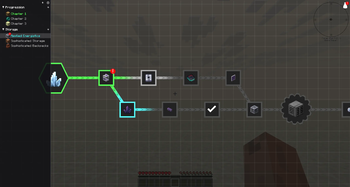
Every Quest can be unlocked by completing Dependencies, or if you just want a free standing Quest, that is fine too. As you work your way through the Quest Line, the colors change and update for both Quests and the lines that connect to them.
Collaborate!
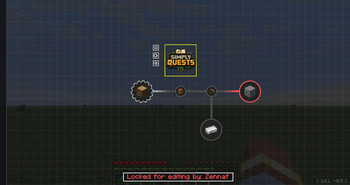
Simply Quests works in a Server Environment. So if you are part of a Team working on a Modpack, everyone can join a Server and work on Quest Lines together. When a player begins editing a Quest, that Quest gets locked to prevent players from overwriting each others work. Changes apply in real time, so you can see changes from other players as it happens.
Secure!
Ability to Edit Quests is a 2 step process. Players must be an Operator in the game (Commands enabled) and they must have Editing Enabled. Editing can be enabled by typing the following command:
/simplyquests enableEditMode true
Customize!
All of the UI Elements of this mod can be Customized within the Settings panel found by clicking the gear icon in the Side Bar.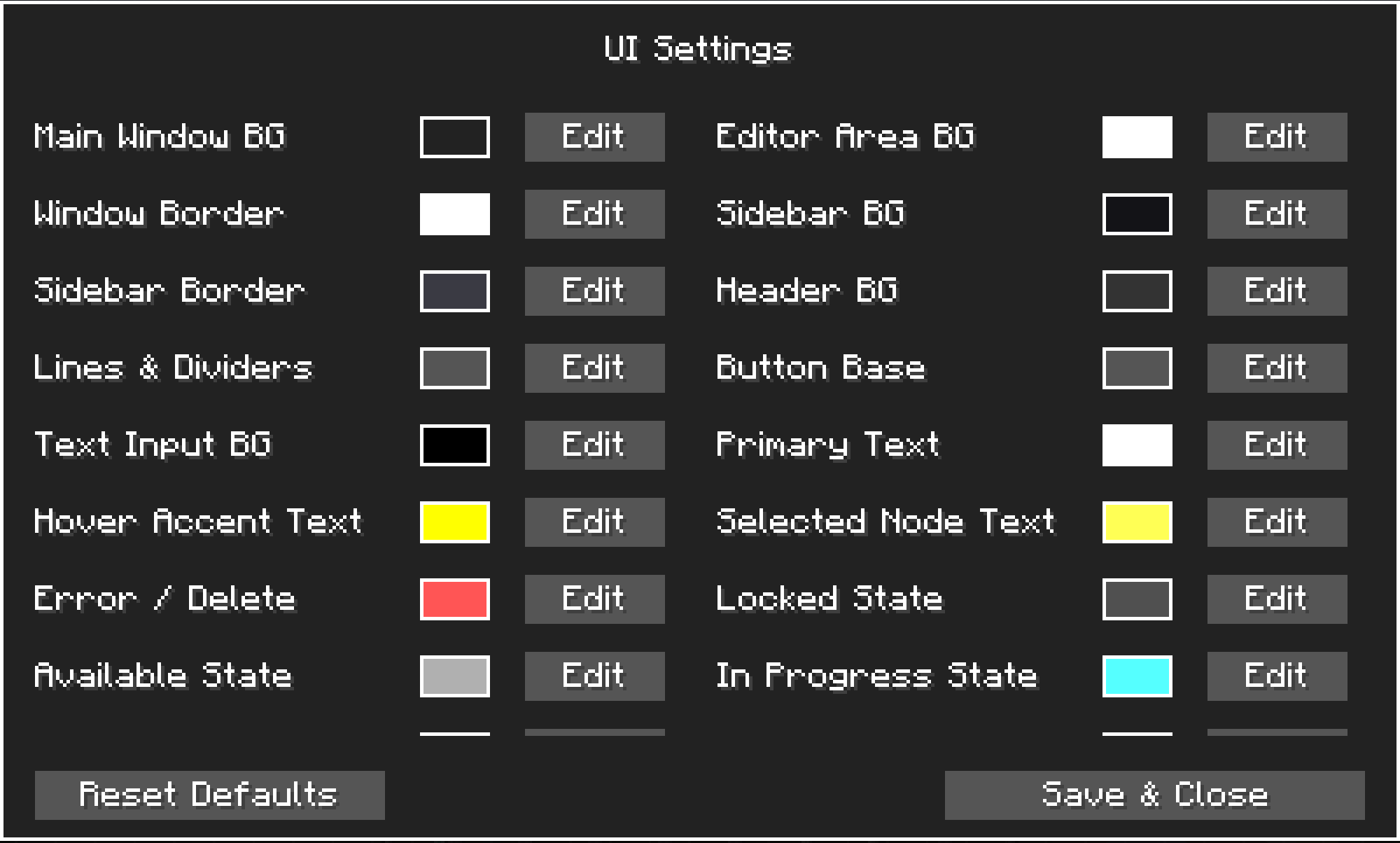
Note:
I am not great at writing Descriptions! If you feel that I have missed any important information, please let me know and I will adjust everything as needed!
Available Versions
How to Install Simply Quests on Your Server
Order Server
Order a Minecraft Java server with at least 3 GB RAM (4 GB recommended).
Set neoforge Loader
In the panel under "Egg", select the neoforge loader and matching Minecraft version (26.1.2).
Install Mod
Open the mod browser in the dashboard and search for "Simply Quests". Click "Install" – done! Alternatively, upload the .jar via SFTP to the /mods folder.
Compatibility
Mod Loaders
Minecraft Versions
26.1.2, 26.1.1, 26.1
Server-side
✓ RequiredRecommended RAM
4 GB(min. 3 GB)Frequently Asked Questions
Simply Quests server crashes on startup – what to do?
Most common cause: wrong neoforge version or insufficient RAM. Check the server log (latest.log) for "OutOfMemoryError" or "Mixin" errors. With Mado Hosting: ensure at least 3 GB RAM is allocated and the loader matches the mod version (26.1.2). You can switch loaders with one click in the panel.
Is Simply Quests compatible with neoforge?
Simply Quests officially supports neoforge for Minecraft 26.1.2, 26.1.1, 26.1. The Mado dashboard automatically detects incompatible loader combinations.
Server lagging with Simply Quests – how to optimize performance?
Recommended RAM: 4 GB (per 8 players). Use /spark profiler to check if Simply Quests consumes the most tick time. Common fixes: reduce server view-distance to 8-10, install "performant" or "starlight" as supplementary mods on Forge. With Mado Hosting, your server runs on NVMe SSDs with dedicated CPU cores for minimal latency.
Similar Mods




Rent Modded Server
Install Simply Quests with just one click on your server.