
Slowness Gamble
Every time you break a block, there's a chance you'll become slower.
Screenshots
About this Mod
🎲 SlownessGamble
🇬🇧:
A challenging Minecraft mod where every action has a consequence!
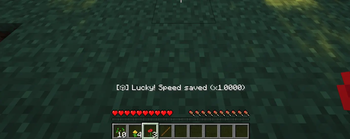
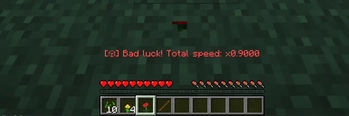
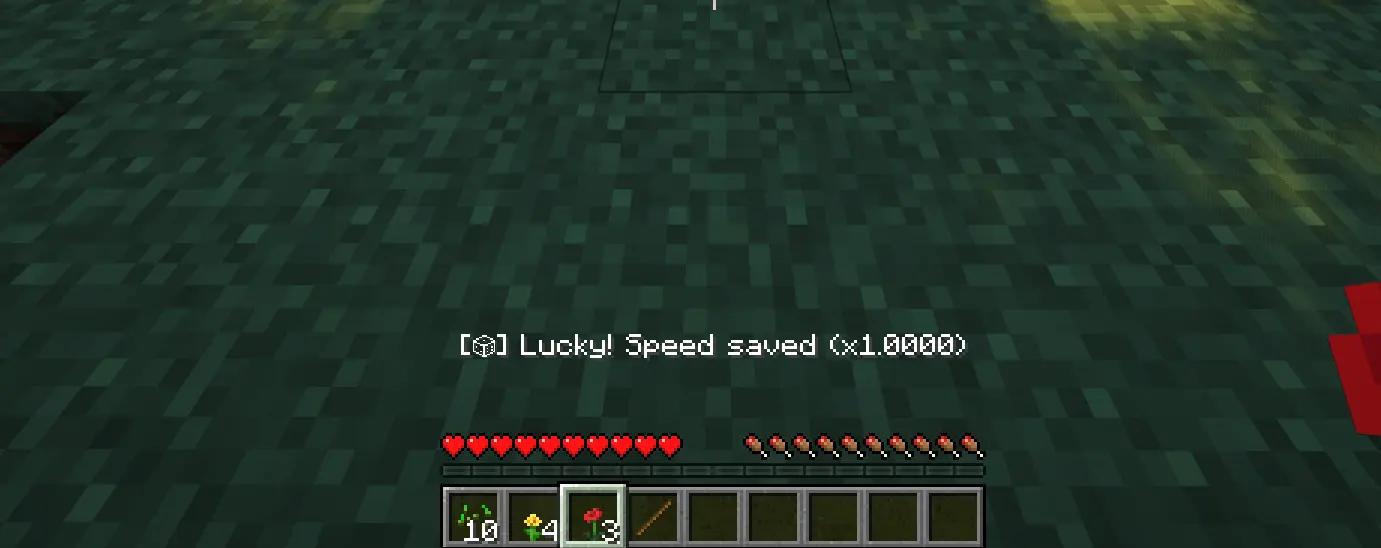
The Mechanic: Every time you break a block, there's a chance your movement speed will decrease.
Gambling: It's all about luck! Will you stay fast or become a snail?
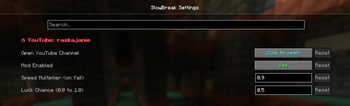
Customizable: Use the in-game menu (requires ModMenu & Cloth Config) to adjust the luck chance and the slowness intensity.
Safety: Turning the mod off in settings instantly restores your original speed.
🇷🇺:
Хардкорный мод, где каждое действие имеет последствия!
Механика: Каждый раз, когда вы ломаете блок, есть шанс, что ваша скорость передвижения уменьшится.
Гемблинг: Всё зависит от твоей удачи! Останешься ли ты быстрым или превратишься в улитку?
Настройки: Используйте внутриигровое меню (требуются ModMenu и Cloth Config), чтобы настроить шанс удачи и силу замедления.
Безопасность: Выключение мода в настройках мгновенно возвращает вашу обычную скорость.
Available Versions
How to Install Slowness Gamble on Your Server
Order Server
Order a Minecraft Java server with at least 3 GB RAM (4 GB recommended).
Set fabric Loader
In the panel under "Egg", select the fabric loader and matching Minecraft version (1.21.1).
Install Mod
Open the mod browser in the dashboard and search for "Slowness Gamble". Click "Install" – done! Alternatively, upload the .jar via SFTP to the /mods folder.
Compatibility
Mod Loaders
Minecraft Versions
1.21.1, 1.20.1
Server-side
~ OptionalRecommended RAM
4 GB(min. 3 GB)Frequently Asked Questions
Slowness Gamble server crashes on startup – what to do?
Most common cause: wrong fabric version or insufficient RAM. Check the server log (latest.log) for "OutOfMemoryError" or "Mixin" errors. With Mado Hosting: ensure at least 3 GB RAM is allocated and the loader matches the mod version (1.21.1). You can switch loaders with one click in the panel.
Is Slowness Gamble compatible with fabric?
Slowness Gamble officially supports fabric for Minecraft 1.21.1, 1.20.1. The Mado dashboard automatically detects incompatible loader combinations.
Server lagging with Slowness Gamble – how to optimize performance?
Recommended RAM: 4 GB (per 8 players). Use /spark profiler to check if Slowness Gamble consumes the most tick time. Common fixes: reduce server view-distance to 8-10, install "performant" or "starlight" as supplementary mods on Forge. With Mado Hosting, your server runs on NVMe SSDs with dedicated CPU cores for minimal latency.
Similar Mods




Rent Modded Server
Install Slowness Gamble with just one click on your server.