
Space and Constellations
Explore the depths of space through a telescope lens! Discover constellations, draw celestial maps, and unlock magical stellar abilities.
Screenshots
About this Mod
✨ Space & Constellations: The Path of Stars 🔭 Look beyond the horizon. This mod completely reimagines the Minecraft night sky, turning it from a static backdrop into a deep, interactive gameplay mechanic. No longer is the night just for sleeping — it's for discovering the ancient secrets of the Universe.
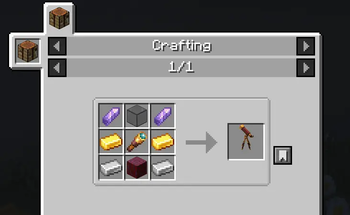
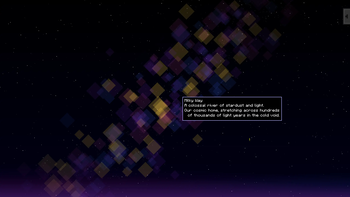
🌌 Main Features: The Advanced Telescope: Craft a functional high-tech telescope and explore a massive, detailed celestial map with nebulae, planets, and moving satellites.
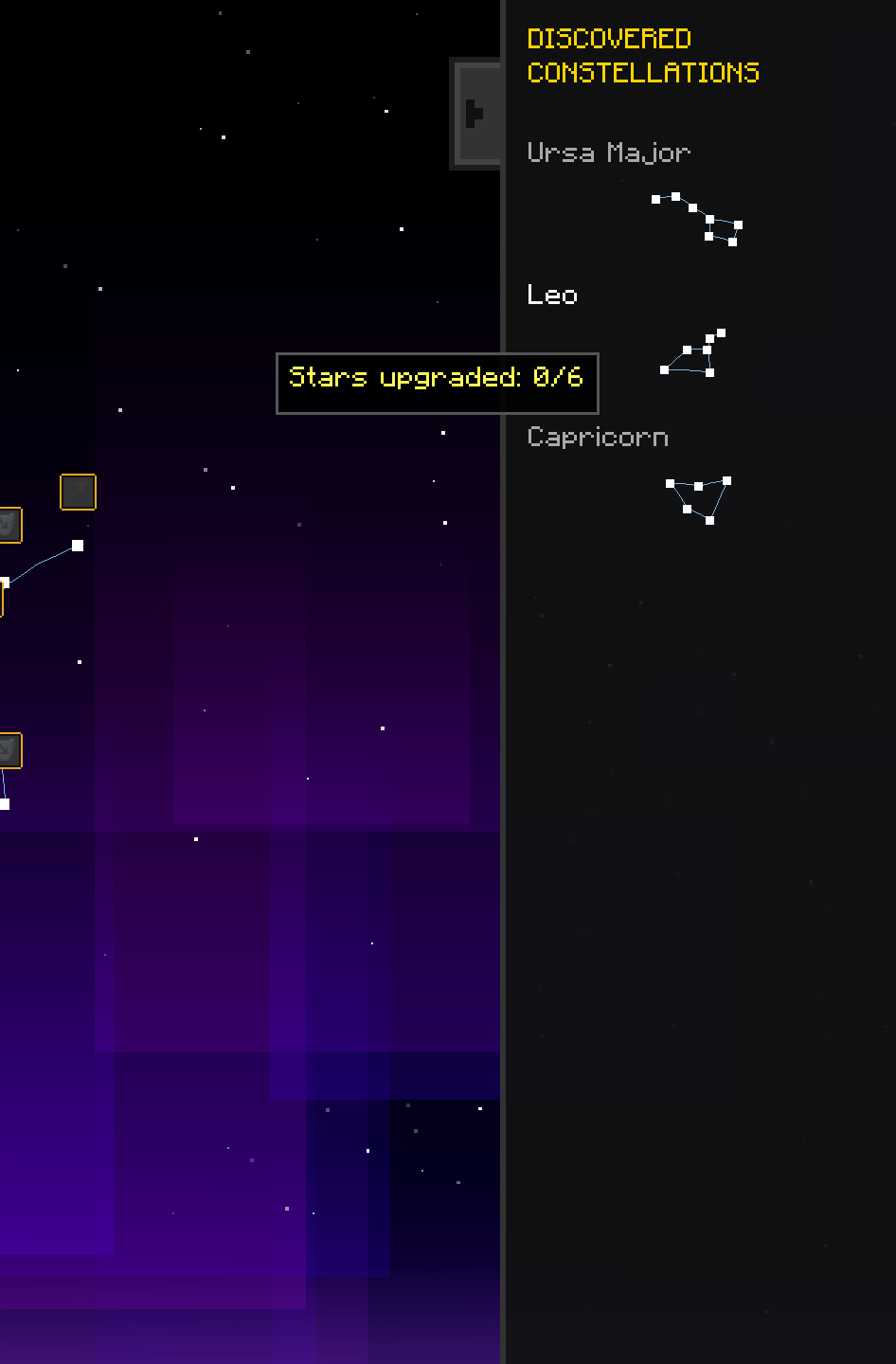
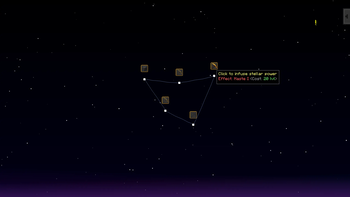
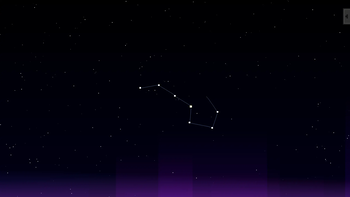
Constellation Mapping: Discover legendary constellations like Ursa Major, Leo, Capricorn, and the new Pisces. Manually connect their stars to unlock forbidden knowledge.
Stellar Progression: Catch falling stars in real-time through your spyglass to obtain Stardust. Use it along with your experience to buy permanent mystical upgrades.
Celestial Events: Witness rare Meteor Showers during the New Moon. Experience the sky lighting up with thousands of sparks, making star-catching easier and faster.
📺 Watch the Mod in Action
🎨 How to start?
- Craft the Telescope: Gather material.
- Wait for a clear night: It won't work in the rain!
- Map the Constellations: Right-click the telescope and start dragging lines between the stars.
- Upgrade your abilities: Open the side menu once a constellation is discovered to claim your powers.
Craft:
- Source Code:

Available Versions
How to Install Space and Constellations on Your Server
Order Server
Order a Minecraft Java server with at least 3 GB RAM (4 GB recommended).
Set forge Loader
In the panel under "Egg", select the forge loader and matching Minecraft version (1.20.1).
Install Mod
Open the mod browser in the dashboard and search for "Space and Constellations". Click "Install" – done! Alternatively, upload the .jar via SFTP to the /mods folder.
Compatibility
Mod Loaders
Minecraft Versions
1.20.1
Server-side
✓ RequiredRecommended RAM
4 GB(min. 3 GB)Frequently Asked Questions
Space and Constellations server crashes on startup – what to do?
Most common cause: wrong forge version or insufficient RAM. Check the server log (latest.log) for "OutOfMemoryError" or "Mixin" errors. With Mado Hosting: ensure at least 3 GB RAM is allocated and the loader matches the mod version (1.20.1). You can switch loaders with one click in the panel.
Is Space and Constellations compatible with forge?
Space and Constellations officially supports forge for Minecraft 1.20.1. The Mado dashboard automatically detects incompatible loader combinations.
Server lagging with Space and Constellations – how to optimize performance?
Recommended RAM: 4 GB (per 8 players). Use /spark profiler to check if Space and Constellations consumes the most tick time. Common fixes: reduce server view-distance to 8-10, install "performant" or "starlight" as supplementary mods on Forge. With Mado Hosting, your server runs on NVMe SSDs with dedicated CPU cores for minimal latency.
Similar Mods




Rent Modded Server
Install Space and Constellations with just one click on your server.