
Spaceward Expansion
Bring Outer Space to Minecraft
Screenshots
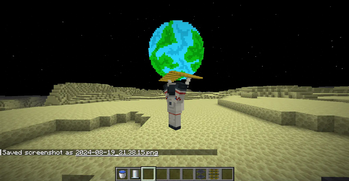
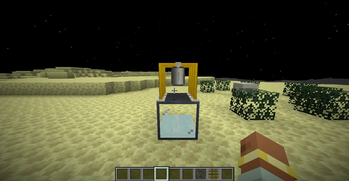
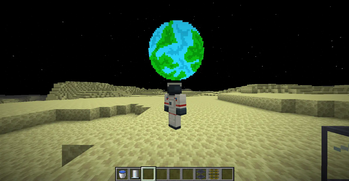
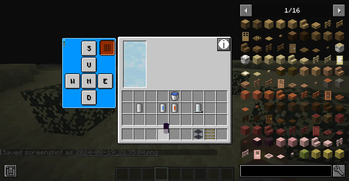
About this Mod
📖 What's this Mod?

This mod will add all sorts of moons and planets that will challenge the player to adjust to different conditions and environments to survive in the great expanse of space. Developers can add their own custom planets through data packs.
Make sure to report Bugs to the tracker and recommend Features!!!
✅ Features:
- Space Suit (With custom player inventory when equipment for Parachutes and Oxygen Tanks)
- Parachutes
- Dynamic Canister (Acts as Oxygen Tank to breathe in Space & Fluid Containers)
- Canister Fillers (Goes Above Tanks to Fill Empty Canisters)
- Fluid Tanks
- Fluid Pipes
- Oxygen Collecter (Place in Oxygenated worlds or around Oxygen Producing blocks/plants)
- Moon (Access by going above y 400 or change in config)
- Configurability (Datapack Tags)
- Custom Planet Creation through Datapacks
📷 Screenshots
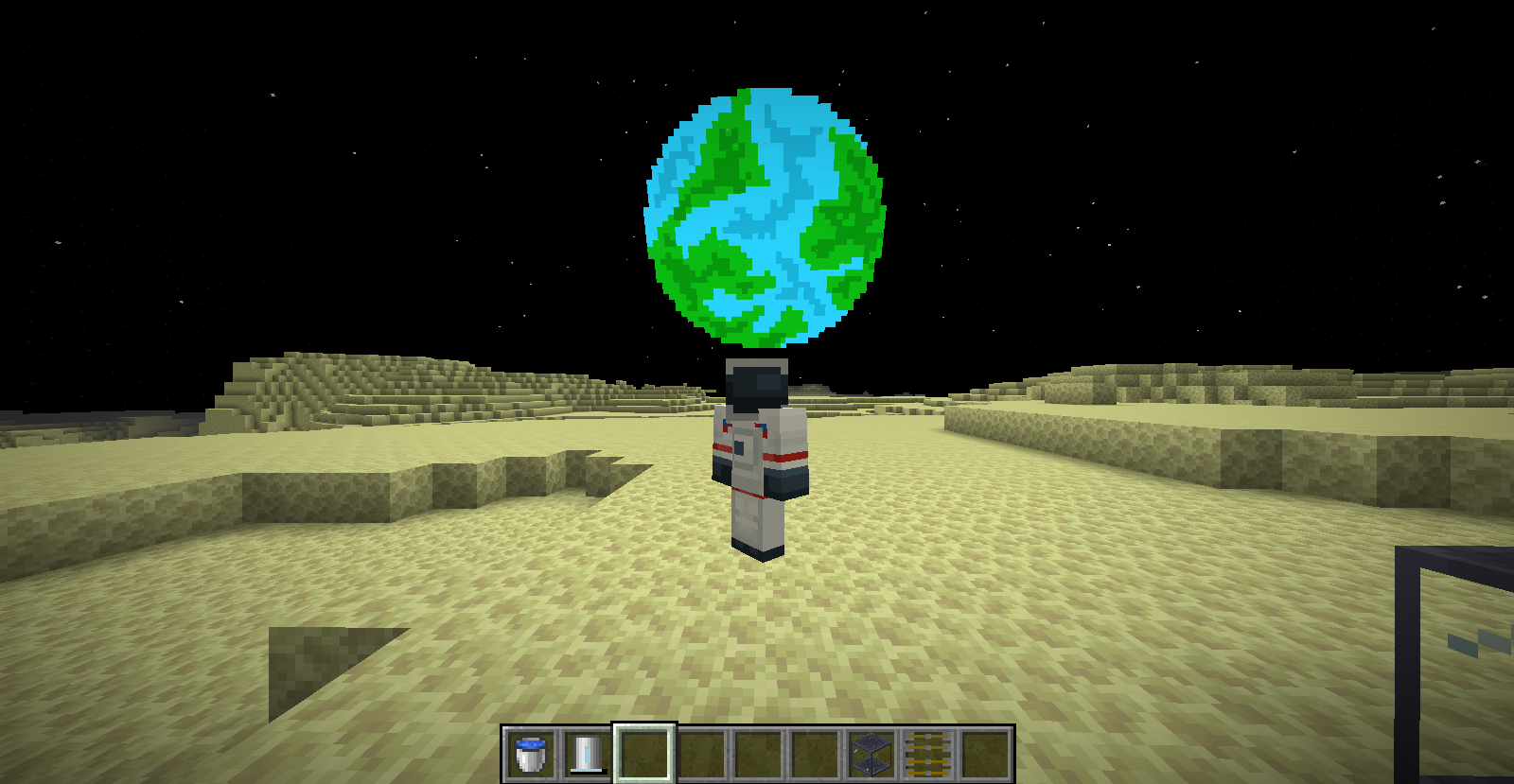
📋 Planned Features:
- Fabric/Forge Versions
- Improved Moon
- Model Rockets + Custom Rockets
- More Planets
- Better Planet Gen
❗Warning
Currently uses Mixin to override Player Inventory to add two slots. One for Oxygen Canisters and the other for Parachutes so may break with other mods. New System under development to fix.
Installation
Fabric Version Requires Fabric API
Optional - JEI Compatability
Available Versions
How to Install Spaceward Expansion on Your Server
Order Server
Order a Minecraft Java server with at least 3 GB RAM (4 GB recommended).
Set fabric Loader
In the panel under "Egg", select the fabric loader and matching Minecraft version (1.21.4).
Install Mod
Open the mod browser in the dashboard and search for "Spaceward Expansion". Click "Install" – done! Alternatively, upload the .jar via SFTP to the /mods folder.
Compatibility
Mod Loaders
Minecraft Versions
1.21.4, 1.21.3, 1.21.2 (+2 more)
Server-side
✓ RequiredRecommended RAM
4 GB(min. 3 GB)Frequently Asked Questions
Spaceward Expansion server crashes on startup – what to do?
Most common cause: wrong fabric version or insufficient RAM. Check the server log (latest.log) for "OutOfMemoryError" or "Mixin" errors. With Mado Hosting: ensure at least 3 GB RAM is allocated and the loader matches the mod version (1.21.4). You can switch loaders with one click in the panel.
Is Spaceward Expansion compatible with fabric and neoforge?
Spaceward Expansion officially supports fabric, neoforge for Minecraft 1.21.4, 1.21.3, 1.21.2. The Mado dashboard automatically detects incompatible loader combinations.
Server lagging with Spaceward Expansion – how to optimize performance?
Recommended RAM: 4 GB (per 8 players). Use /spark profiler to check if Spaceward Expansion consumes the most tick time. Common fixes: reduce server view-distance to 8-10, install "performant" or "starlight" as supplementary mods on Forge. With Mado Hosting, your server runs on NVMe SSDs with dedicated CPU cores for minimal latency.
Similar Mods




Rent Modded Server
Install Spaceward Expansion with just one click on your server.