Spatial
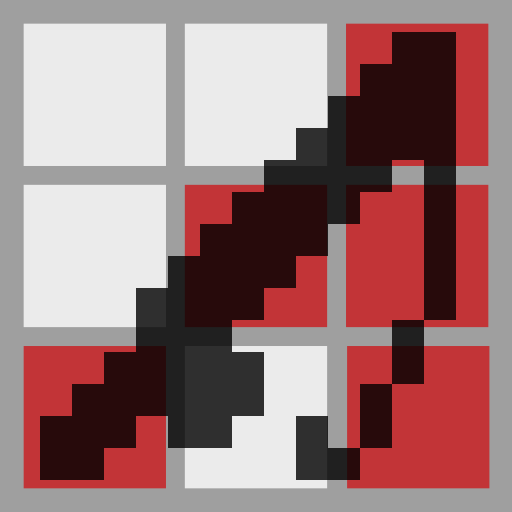
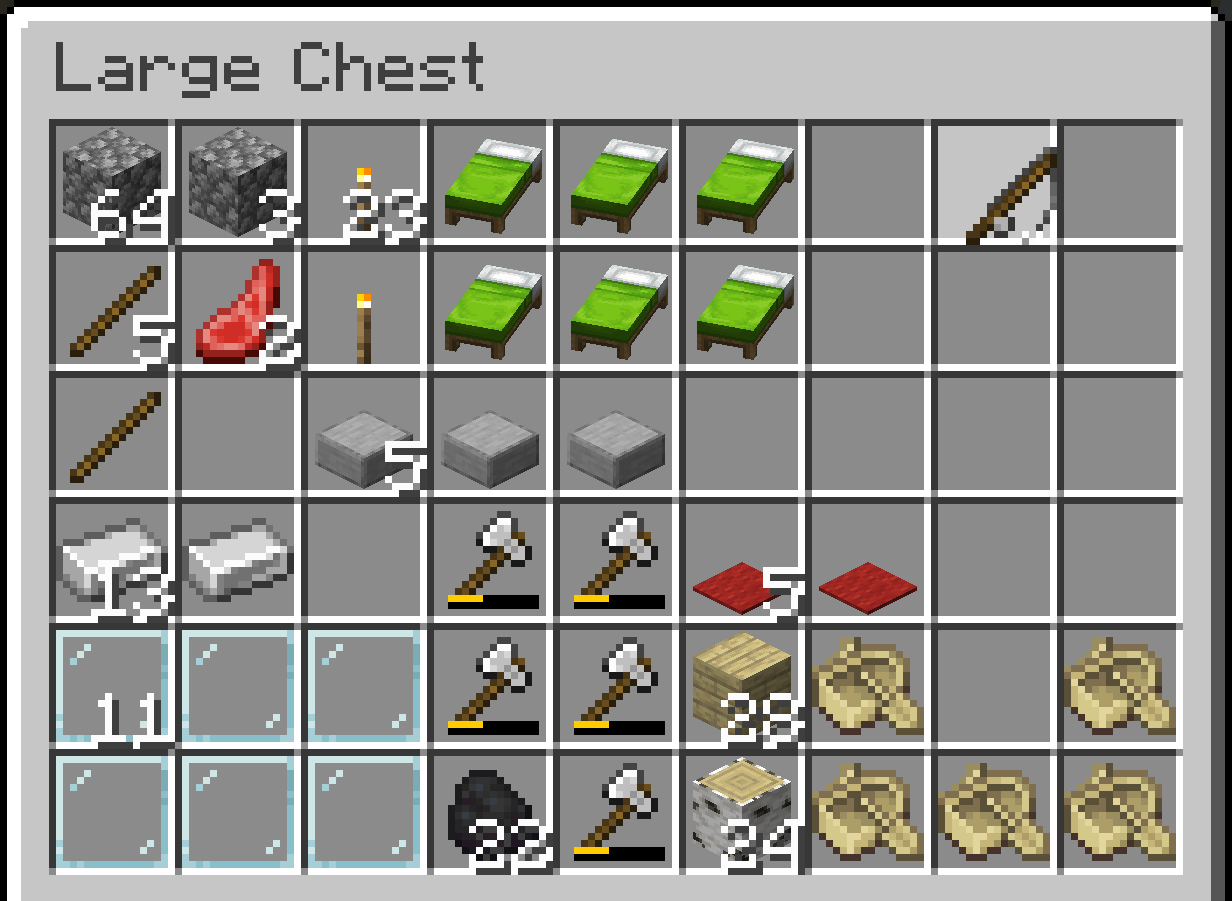
A server side mod that converts the inventory system into a grid-based system. A spatial system.
Screenshots
About this Mod
Spatial
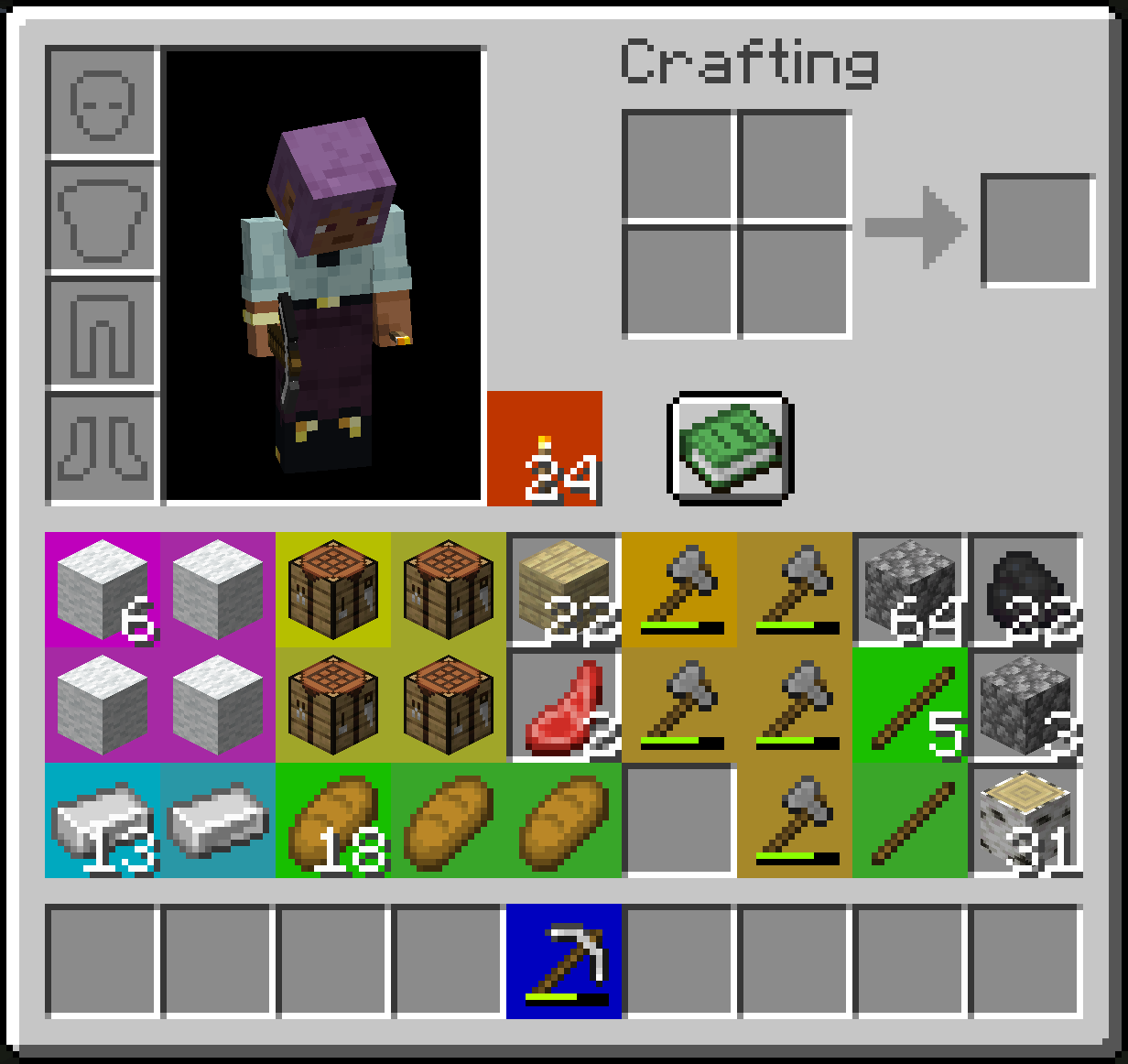
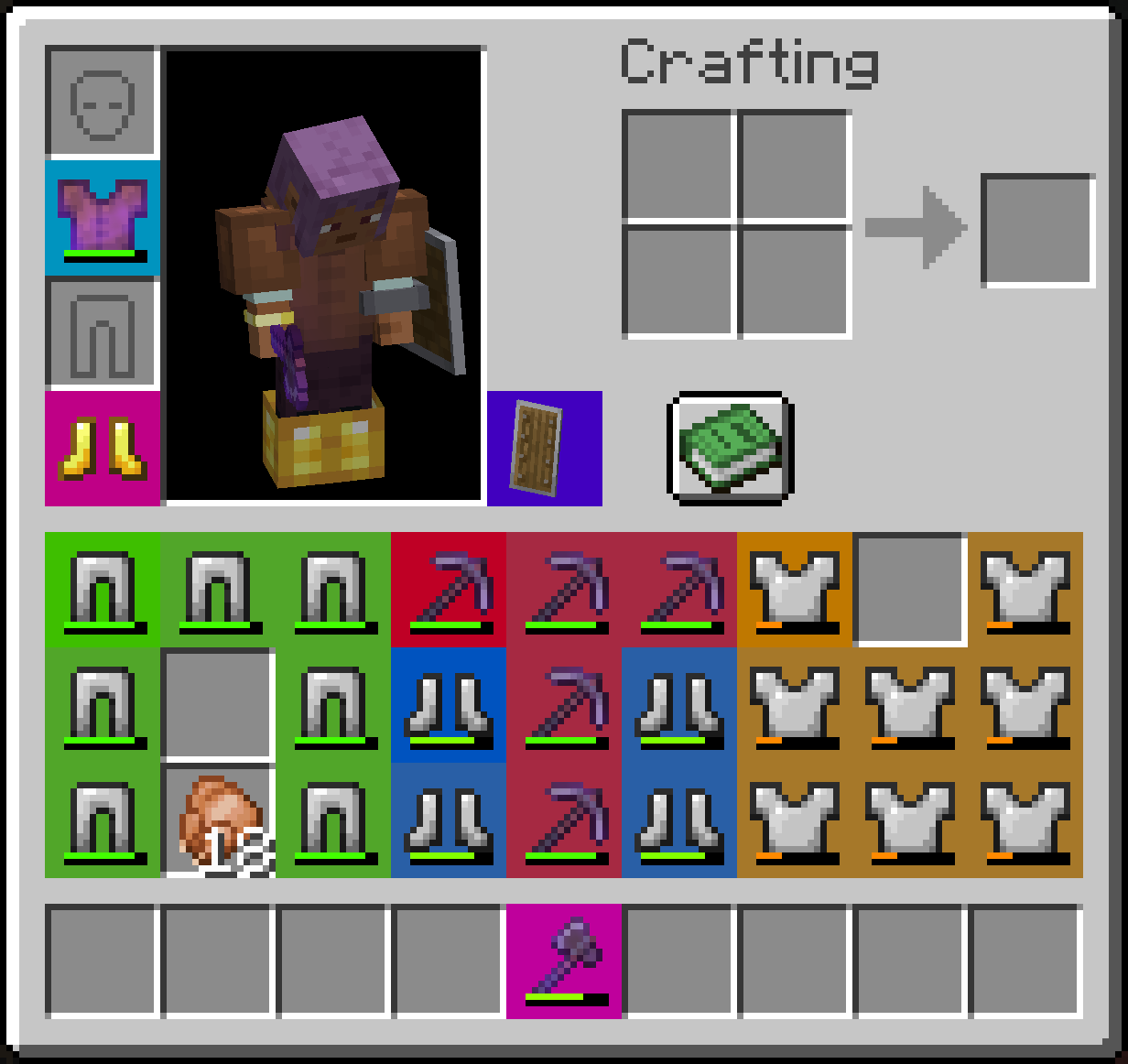
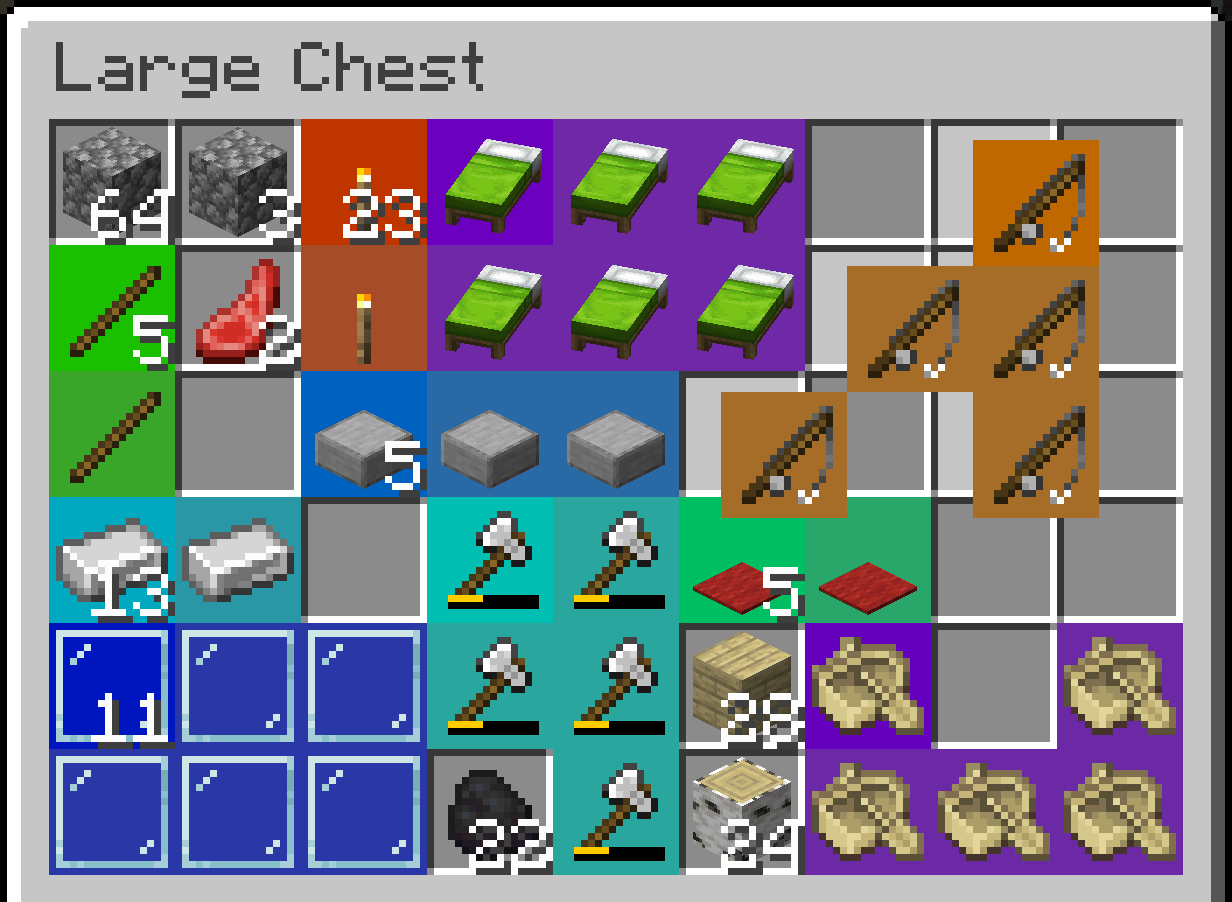
Spatial is a server side Fabric mod that converts the inventory system into a grid-based system. A spatial system.
So many mods these days are trying to fix the ever-growing problem that is the inventory.
This mod is not one of those.
Spatial revolutionizes the way that you struggle to organize your inventory.
There is also a completely optional client side version that improves the rendering and overall cohesiveness of the experience.
Screenshots
With Optional Client Mod
Without Optional Client Mod
Configuration
The config file can be found in ./config/spatial.json.
Overrides for shapes of items can be added in the config using by adding entries to shape_overrides.
Shape Format
The format of shape overrides is similar to the format crafting recipes use for their shape.
Any character besides a space is treated as a slot the item occupies. Spaces are treated as empty slots.
An example config that gives goat horns an L shape.
{
  ...
  "shape_overrides": {
    "minecraft:goat_horn": [
      "x ",
      "xx"
    ]
  },
  ...
}
Brutal Mode
When enabled brutal mode disables stacking of any items.
Disabled by default.
Mod Compatibility
Spatial will automatically detect all shaped recipes loaded at server start.
So no extra work is required for modded items that have shaped crafting recipes.
To avoid breaking modded inventories Spatial is only active in specific inventory screens.
This may be configurable in the future but as of right now it won't work in modded screens that don't extend a vanilla screen that has Spatial items enabled.
Supported Screens
- Survival Player Inventory
- Chests
- Ender Chests
- Barrels
- Shulker Boxes
- Dispensers and Droppers
- Vehicle Inventories
For Modders
If you want to add shape overrides for an item in your mod or another mod
you need to register a listener to Spatial.SHAPES_LOADED and call Spatial.addShapeOverride(item, shape) or any of the other shape override methods.
Available Versions
How to Install Spatial on Your Server
Order Server
Order a Minecraft Java server with at least 3 GB RAM (4 GB recommended).
Set fabric Loader
In the panel under "Egg", select the fabric loader and matching Minecraft version (1.20.2).
Install Mod
Open the mod browser in the dashboard and search for "Spatial". Click "Install" – done! Alternatively, upload the .jar via SFTP to the /mods folder.
Compatibility
Mod Loaders
Minecraft Versions
1.20.2, 1.20.1
Server-side
✓ RequiredRecommended RAM
4 GB(min. 3 GB)Frequently Asked Questions
Spatial server crashes on startup – what to do?
Most common cause: wrong fabric version or insufficient RAM. Check the server log (latest.log) for "OutOfMemoryError" or "Mixin" errors. With Mado Hosting: ensure at least 3 GB RAM is allocated and the loader matches the mod version (1.20.2). You can switch loaders with one click in the panel.
Is Spatial compatible with fabric and quilt?
Spatial officially supports fabric, quilt for Minecraft 1.20.2, 1.20.1. The Mado dashboard automatically detects incompatible loader combinations.
Server lagging with Spatial – how to optimize performance?
Recommended RAM: 4 GB (per 8 players). Use /spark profiler to check if Spatial consumes the most tick time. Common fixes: reduce server view-distance to 8-10, install "performant" or "starlight" as supplementary mods on Forge. With Mado Hosting, your server runs on NVMe SSDs with dedicated CPU cores for minimal latency.
Similar Mods





Rent Modded Server
Install Spatial with just one click on your server.