Spectral
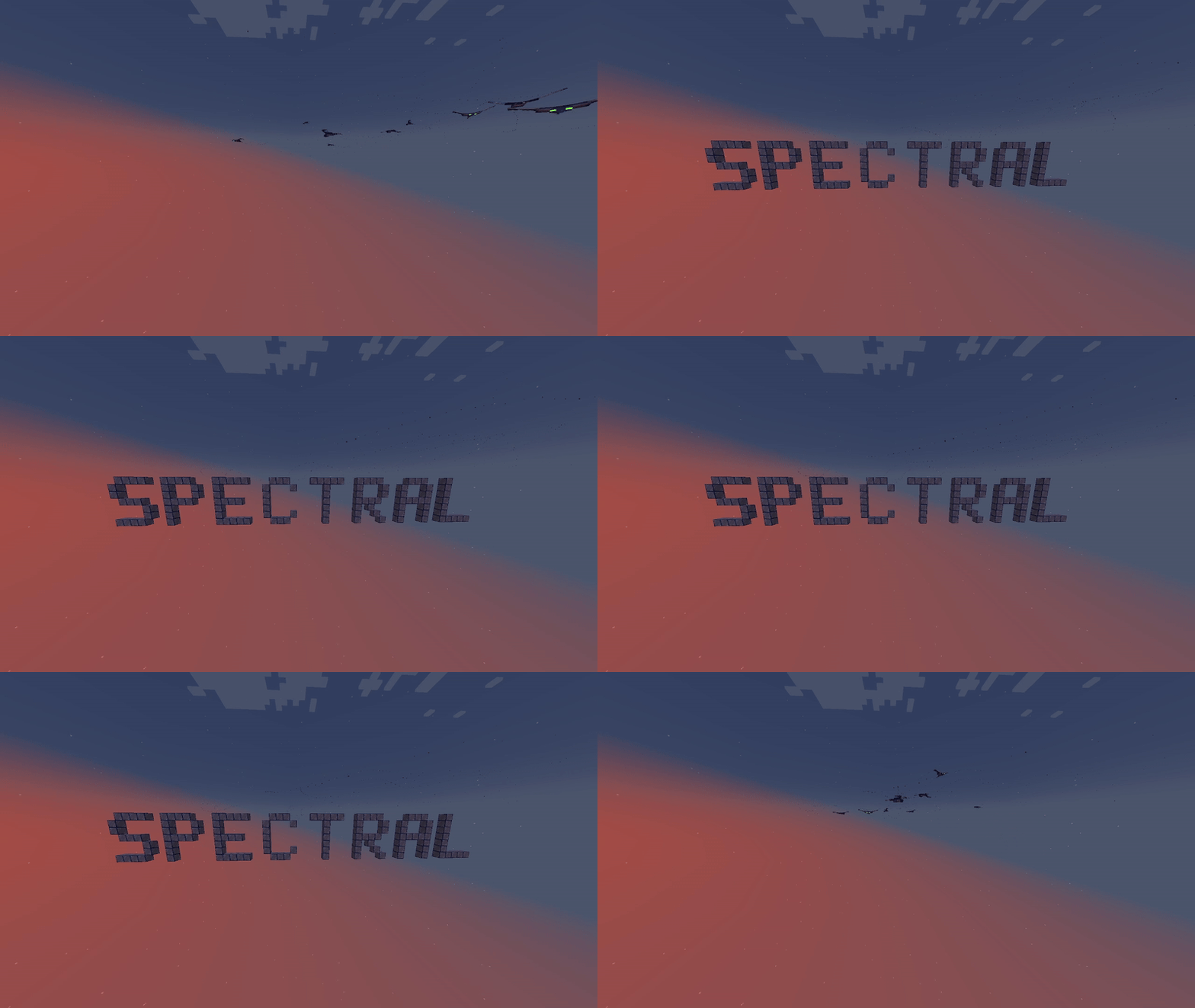
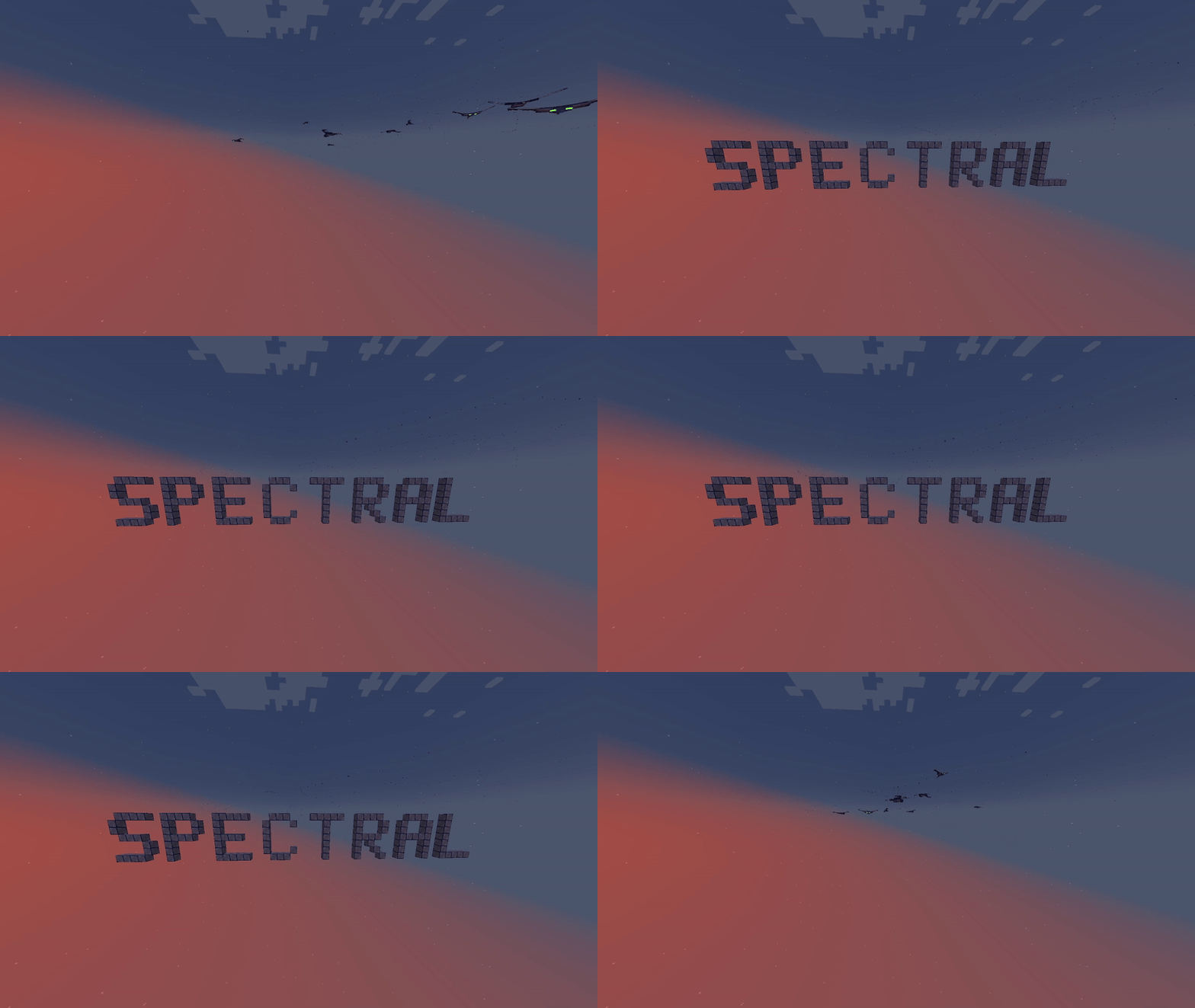
Adds Spectral dust and blocks that can be used to hide things in the Spectral, and goggles to let you see them!
Screenshots
About this Mod
Spectral
Spectral is a mod that currently adds 4 items, three of which are pictured below:
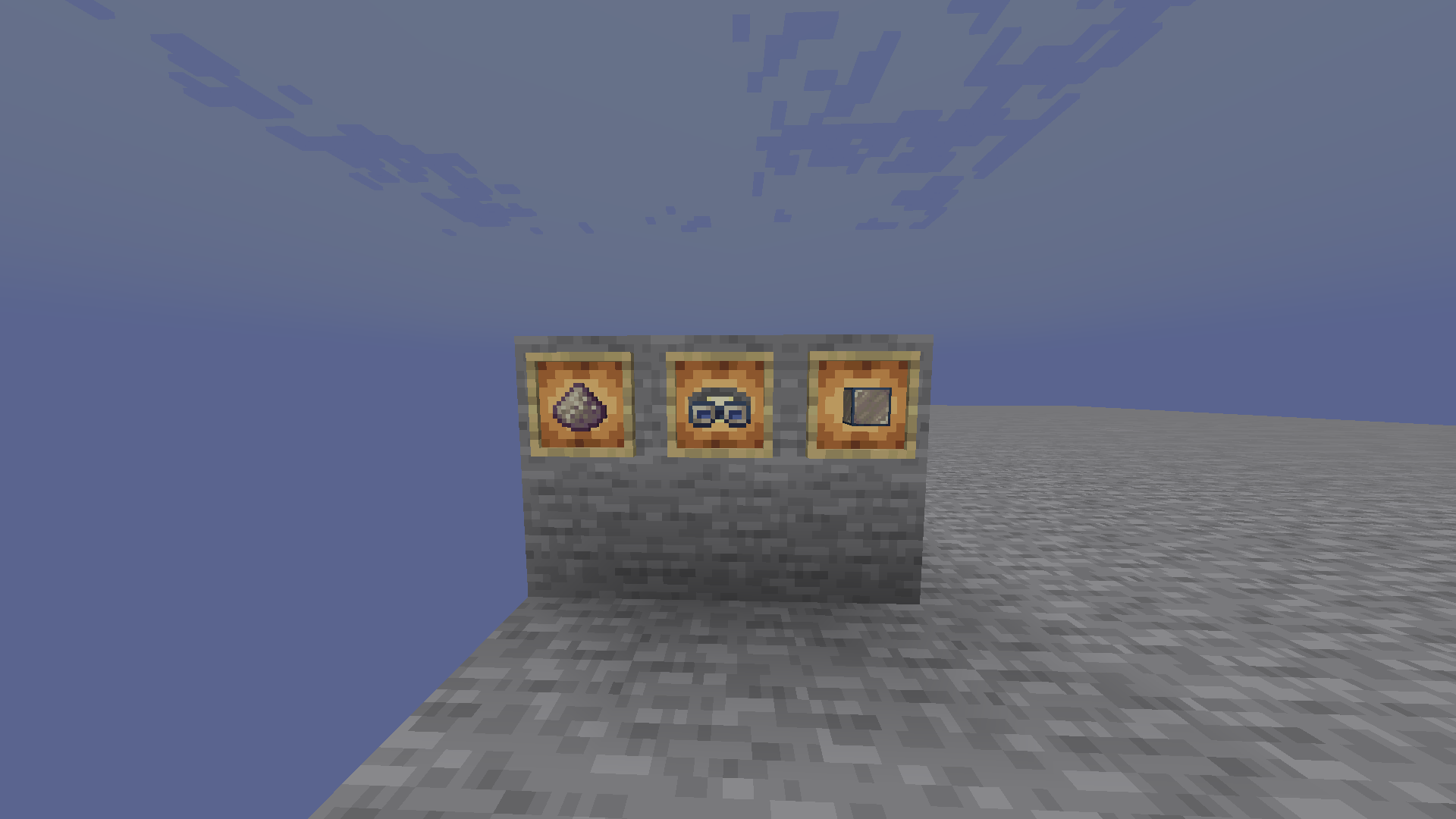
The first, Spectral Dust, is crafted from phantom membranes and can either be eaten to turn temporarily spectral, or put onto a mob to turn it spectral.
The second, Spectral Goggles, put who wears them to enter a spectral state, allowing them to see and interact with spectral blocks and entities. These goggles can be crafted with Spectral Blocks, Spectral Dust, String, and Iron ingots.
The third, Spectral Block can be placed down as a normal block, but can only be seen, collided with, and broken by spectral players and mobs. (This function is per-player, so you might be able to see spectral blocks while your friends cannot!) This block can be crafted from Spectral Dust and glass!
The fourth and newest, Block of Cold Iron is the same as a spectral block but can only be interacted with by non-spectral entities!
Mechanics
The basic mechanics of Spectral function as such:
There are two states living entities can be in, either normal (non-spectral) or spectral. This depends on their spectral_vision attribute (0 for normal, 1 for spectral). A non-spectral entity cannot see, hit, or push spectral entities, and it cannot break, collide, or see spectral blocks. Spectral entities cannot see, hit, or push non-spectral entities, but can fully interact with other spectral entities and spectral blocks.
Known Issues:
-Spectral blocks do not properly change render states when sodium or other optimization mods that affect chunk rebuilds are installed
-Shadows appear ontop of Spectral blocks even when the player is not spectral
-If you encounter any other issues or have any suggestions, please post them on github issues for me to see!
Available Versions
How to Install Spectral on Your Server
Order Server
Order a Minecraft Java server with at least 3 GB RAM (4 GB recommended).
Set fabric Loader
In the panel under "Egg", select the fabric loader and matching Minecraft version (1.21.2).
Install Mod
Open the mod browser in the dashboard and search for "Spectral". Click "Install" – done! Alternatively, upload the .jar via SFTP to the /mods folder.
Compatibility
Mod Loaders
Minecraft Versions
1.21.2, 1.21.1, 1.21
Server-side
✓ RequiredRecommended RAM
4 GB(min. 3 GB)Frequently Asked Questions
Spectral server crashes on startup – what to do?
Most common cause: wrong fabric version or insufficient RAM. Check the server log (latest.log) for "OutOfMemoryError" or "Mixin" errors. With Mado Hosting: ensure at least 3 GB RAM is allocated and the loader matches the mod version (1.21.2). You can switch loaders with one click in the panel.
Is Spectral compatible with fabric?
Spectral officially supports fabric for Minecraft 1.21.2, 1.21.1, 1.21. The Mado dashboard automatically detects incompatible loader combinations.
Server lagging with Spectral – how to optimize performance?
Recommended RAM: 4 GB (per 8 players). Use /spark profiler to check if Spectral consumes the most tick time. Common fixes: reduce server view-distance to 8-10, install "performant" or "starlight" as supplementary mods on Forge. With Mado Hosting, your server runs on NVMe SSDs with dedicated CPU cores for minimal latency.
Similar Mods





Rent Modded Server
Install Spectral with just one click on your server.