
Spotlights or Something
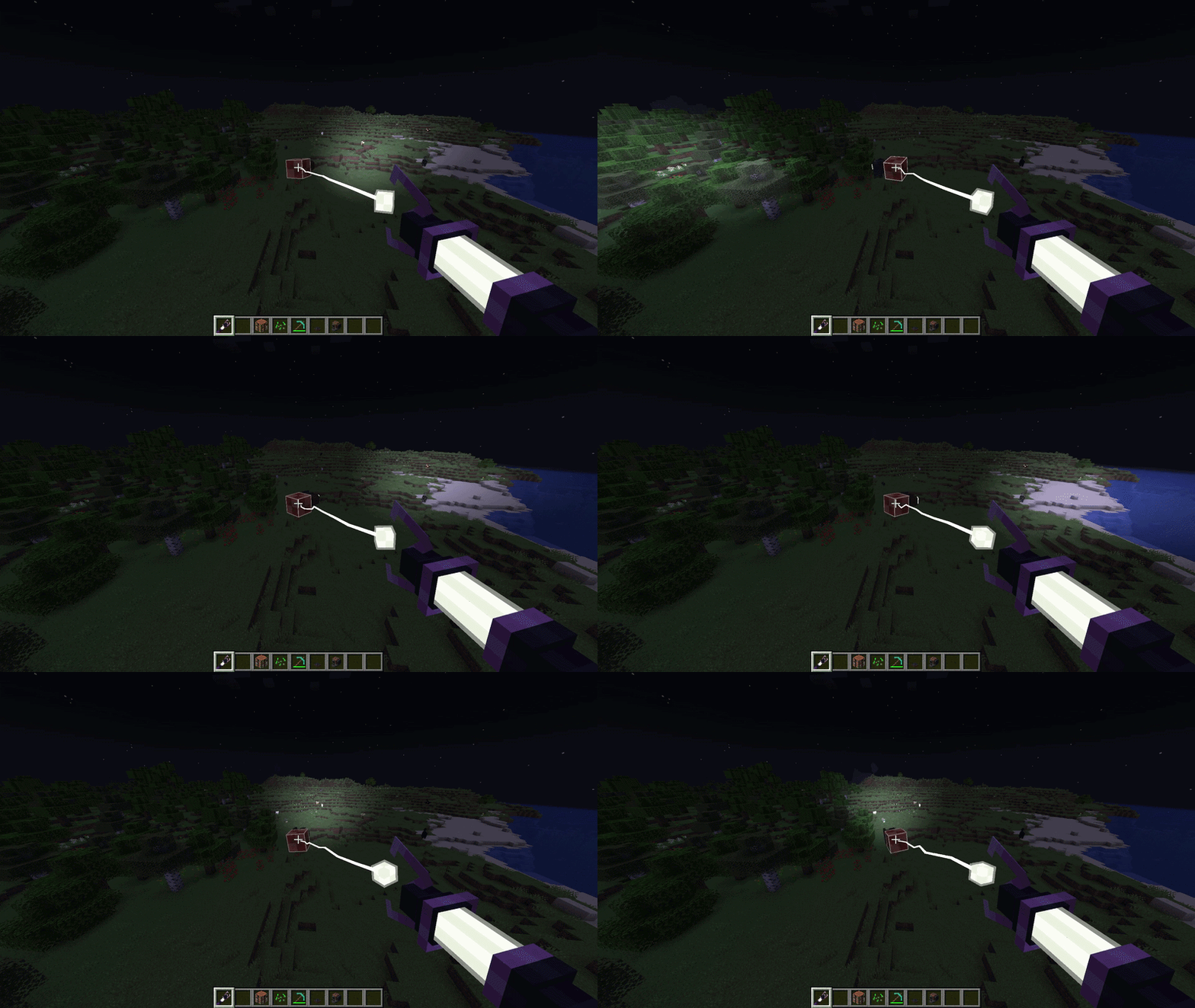
Create aeronautics compatible dynamic cone spotlights using veil
Screenshots
About this Mod
RIGHT NOW IT DOESNT WORK ON DEDICATED SERVERS. IM WORKING ON IT
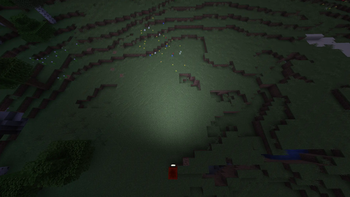
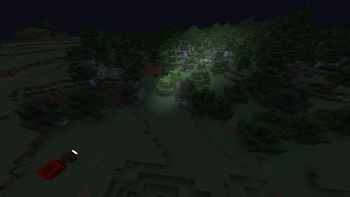
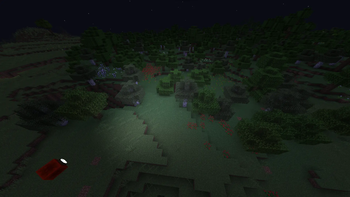
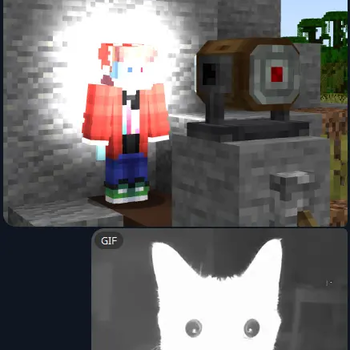
This mod adds create aeronautics compatible dynamic cone spotlights using veil or lambdynamiclights.
It is still in very active development and may be unstable. I'd recommend backing up your world, just in case. :)
You can choose light renderer of your preference in the mod settings screen:
- Lamb option supports shaders and is very good at compatibility. But its calculated on your cpu so its very bad at big lights. You must have LambDynamicLights 4.8.8 installed for it to work
- Veil option does not support shaders and can be very annoying with compatibility issues. BUT it uses shaders so it is perfectly smooth with whatever ranges you want.
it doesnt work on create contraptions for now (like basic mechanical bearings and such). use swivel bearings from aero
KNOWN ISSUES OF VEIL OPTION
- Shaders
- TACZ
- Amd graphics card? (it may or may not work)
- Macbooks? (same)
- Sodium 0.6 (you should use the 0.8.12 version)
- Artifacts with a black shape. Try turning your render distance up or light range down if you see it
- sometimes doesnt work in big modpacks, i would appreciate any info on more incompatibilities
KNOWN ISSUES OF LAMB OPTION
- looks bad
You can right click both blocks to change their settings. They also change their brightness from redstone signal, 0 is off and 15 is max.
If you choose lamb option in searchlight block there will be a "alternative mode" option. it replaces cone with a sphere of light located where the beam should meet ground. Looks a bit different but its like the only option if you want lights beyond 50 blocks range when using lamb
If you want to get in contact, there is a thread in showcase section of create aernoautics discord. Its the only way for now

Available Versions
How to Install Spotlights or Something on Your Server
Order Server
Order a Minecraft Java server with at least 3 GB RAM (4 GB recommended).
Set neoforge Loader
In the panel under "Egg", select the neoforge loader and matching Minecraft version (1.21.1).
Install Mod
Open the mod browser in the dashboard and search for "Spotlights or Something". Click "Install" – done! Alternatively, upload the .jar via SFTP to the /mods folder.
Compatibility
Mod Loaders
Minecraft Versions
1.21.1
Server-side
✓ RequiredRecommended RAM
4 GB(min. 3 GB)Frequently Asked Questions
Spotlights or Something server crashes on startup – what to do?
Most common cause: wrong neoforge version or insufficient RAM. Check the server log (latest.log) for "OutOfMemoryError" or "Mixin" errors. With Mado Hosting: ensure at least 3 GB RAM is allocated and the loader matches the mod version (1.21.1). You can switch loaders with one click in the panel.
Is Spotlights or Something compatible with neoforge?
Spotlights or Something officially supports neoforge for Minecraft 1.21.1. The Mado dashboard automatically detects incompatible loader combinations.
Server lagging with Spotlights or Something – how to optimize performance?
Recommended RAM: 4 GB (per 8 players). Use /spark profiler to check if Spotlights or Something consumes the most tick time. Common fixes: reduce server view-distance to 8-10, install "performant" or "starlight" as supplementary mods on Forge. With Mado Hosting, your server runs on NVMe SSDs with dedicated CPU cores for minimal latency.
Rent Modded Server
Install Spotlights or Something with just one click on your server.