
Supplemental Tools
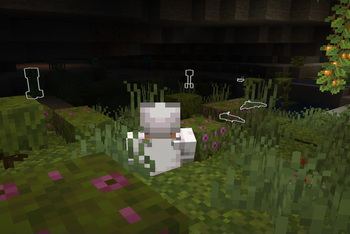
It is a supplementary mod and provides several complementary equipment.
Screenshots

About this Mod
🛠️ Supplemental Tools
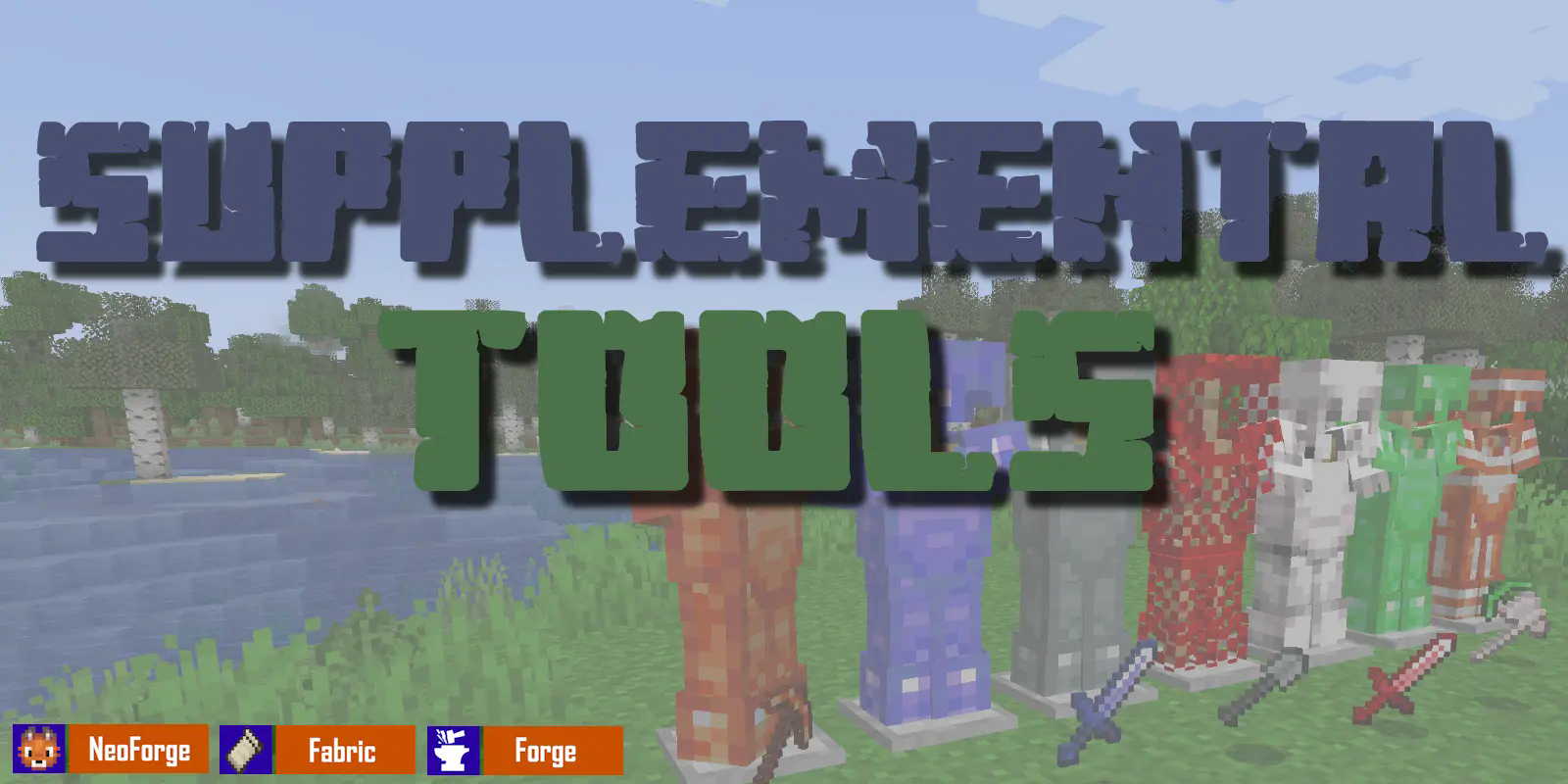
Expand your Minecraft arsenal with elegance and ingenuity.
🌟 Overview
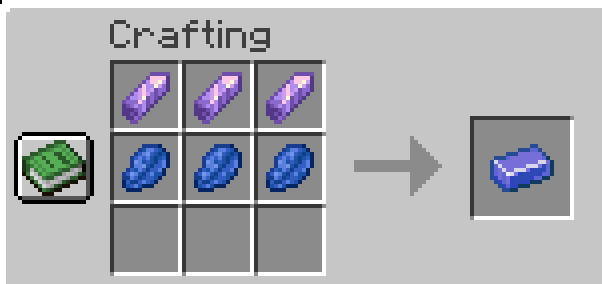
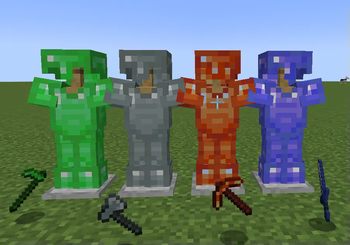
Supplemental Tools introduces a collection of finely-crafted gear made from often-overlooked vanilla materials like Copper, Amethyst, and Emerald. Designed to blend seamlessly into the vanilla experience, these tools and armor sets don’t just look great—they come packed with subtle mechanics that encourage creative gameplay.
🔍 Key Features
- Unique Tool & Armor Sets
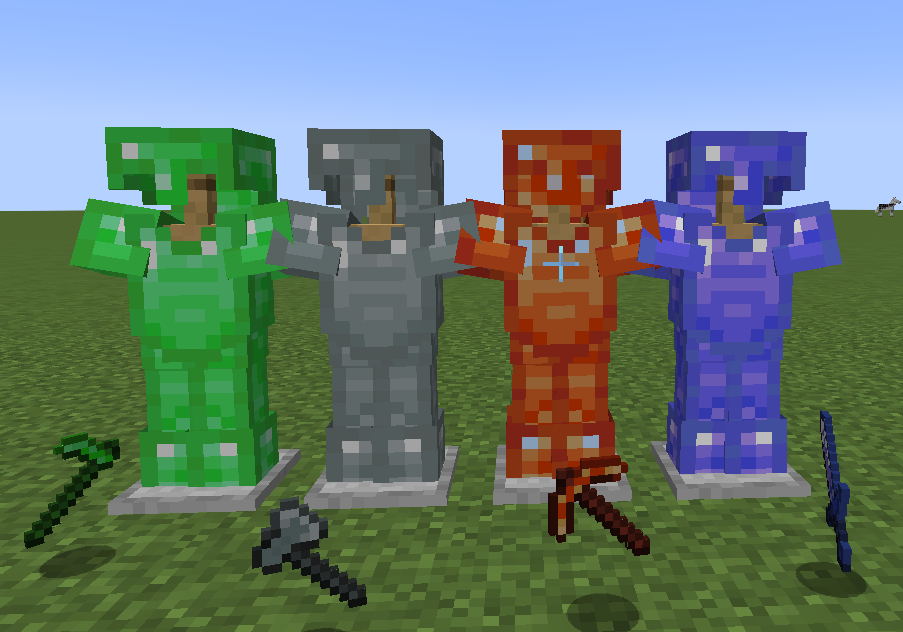
Forge weapons and armor from non-traditional materials like Copper and Amethyst, each bringing its own strengths and style.
- Set Bonuses with a Twist
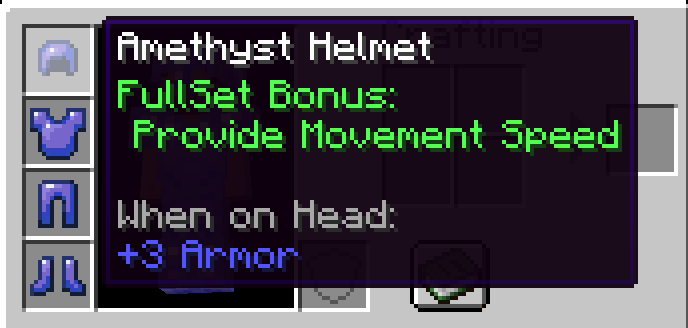
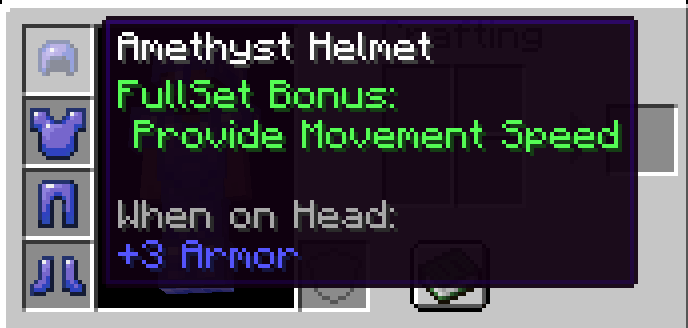
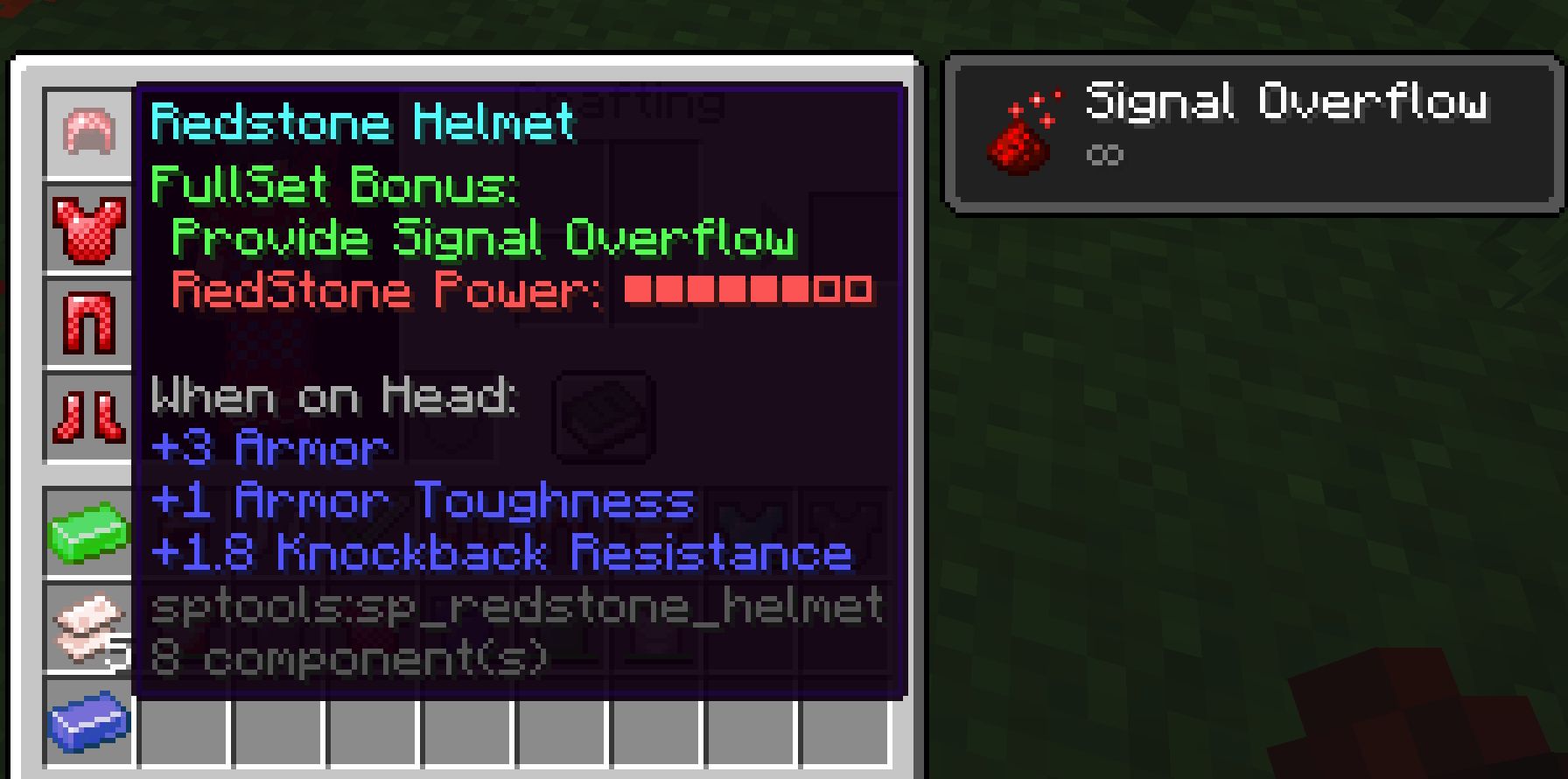
Equip a full set to unlock special abilities—some even react to redstone signals, allowing for dynamic strategies and interactions.
✨ NEW (v2.1.0-)
Vanilla tools you use all the time—now with staying durablity. Who wants to carry stack backups anyway? Not cool.
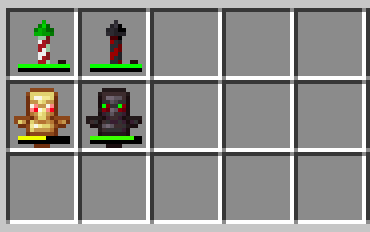
🎯 Perfect For Players Who:
- Want to make better use of vanilla materials with meaningful upgrades
- Enjoy exploring unique mechanics tied to armor sets
- Are looking for a mod that feels like a natural extension of vanilla gameplay
📢 Please note:
Supplemental Tools v2.0 is not compatible with earlier versions of the mod. This change was necessary due to significant design limitations in supporting Minecraft1.21.5 with the previous architecture.
That said, the overall gameplay experience and item feel remain the same—just with a cleaner, more future-proof foundation.
Upgrade your adventures. Look sharp. Play smart. Supplement your tools.
Available Versions
How to Install Supplemental Tools on Your Server
Order Server
Order a Minecraft Java server with at least 4 GB RAM (6 GB recommended).
Set fabric Loader
In the panel under "Egg", select the fabric loader and matching Minecraft version (1.21.11).
Install Mod
Open the mod browser in the dashboard and search for "Supplemental Tools". Click "Install" – done! Alternatively, upload the .jar via SFTP to the /mods folder.
Compatibility
Mod Loaders
Minecraft Versions
1.21.11, 1.21.10, 1.21.8 (+10 more)
Server-side
✓ RequiredRecommended RAM
6 GB(min. 4 GB)Frequently Asked Questions
Supplemental Tools server crashes on startup – what to do?
Most common cause: wrong fabric version or insufficient RAM. Check the server log (latest.log) for "OutOfMemoryError" or "Mixin" errors. With Mado Hosting: ensure at least 4 GB RAM is allocated and the loader matches the mod version (1.21.11). You can switch loaders with one click in the panel.
Is Supplemental Tools compatible with fabric and forge and neoforge?
Supplemental Tools officially supports fabric, forge, neoforge for Minecraft 1.21.11, 1.21.10, 1.21.8. Note: Forge and Fabric mods are NOT cross-compatible – pick one loader and stick with it. The Mado dashboard automatically detects incompatible loader combinations.
Server lagging with Supplemental Tools – how to optimize performance?
Recommended RAM: 6 GB (per 5 players). Use /spark profiler to check if Supplemental Tools consumes the most tick time. Common fixes: reduce server view-distance to 8-10, install "performant" or "starlight" as supplementary mods on Forge. With Mado Hosting, your server runs on NVMe SSDs with dedicated CPU cores for minimal latency.
Similar Mods




![[TaCZ] Timeless and Classics Zero](https://cdn.modrinth.com/data/SzzJttH8/fd27766d2bb8390d284696b1dbd358f87e081439_96.webp)

Rent Modded Server
Install Supplemental Tools with just one click on your server.