
Stack 'Em
A FoxLoader (ReIndev) mod that adds support for stacked (multiple) texturepacks
Screenshots
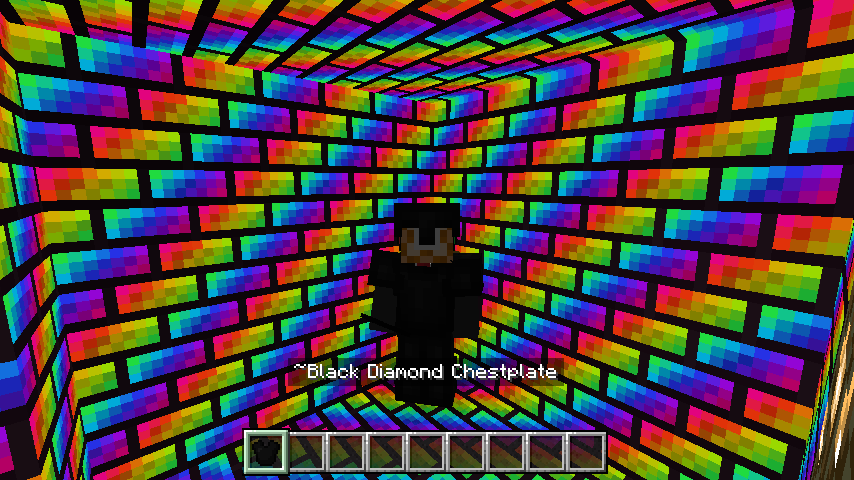
About this Mod
StackEm (Stack 'Em)
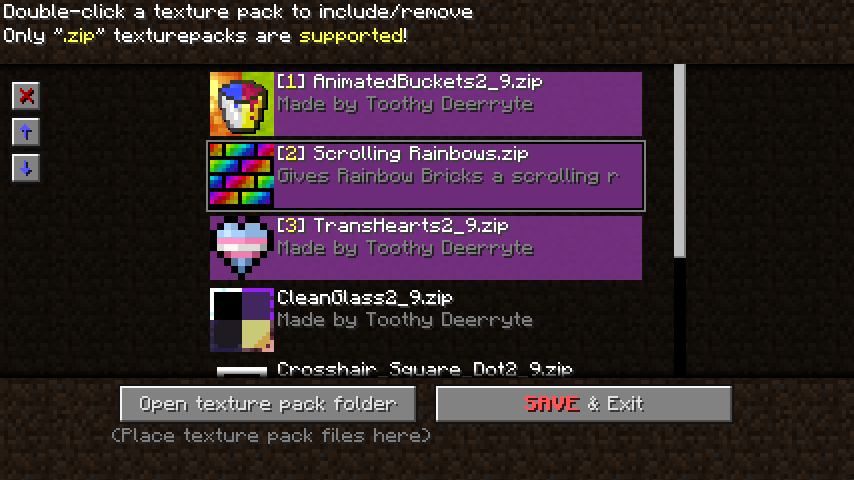
A FoxLoader (ReIndev) modification which allows to load and use several texturepacks simultaneously and adds customization features!
This is achieved by replacing a standard ITexturePack instance with custom one that handles multiple zip files I/O operations. All injections & source code manipulations are done within Mixins.
Features:
- Texturepack stacking and ordering: several texturepacks can be enabled simultaneously and ordered, and the game will respect the order during resource fetching.
- Additional description file: The mod adds support for own additional texturepack description file
stackem.jsonthat aims to add more information on top ofpack.txt. Check the guide page for more information! - Custom item textures swap: Like in
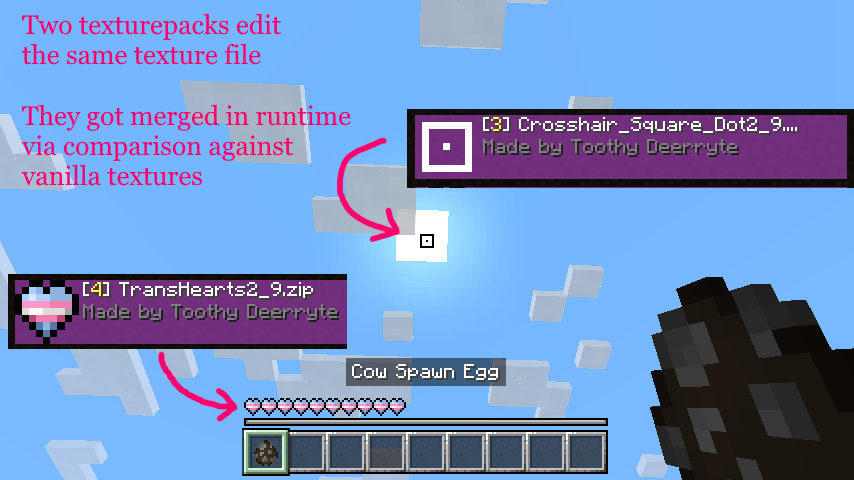
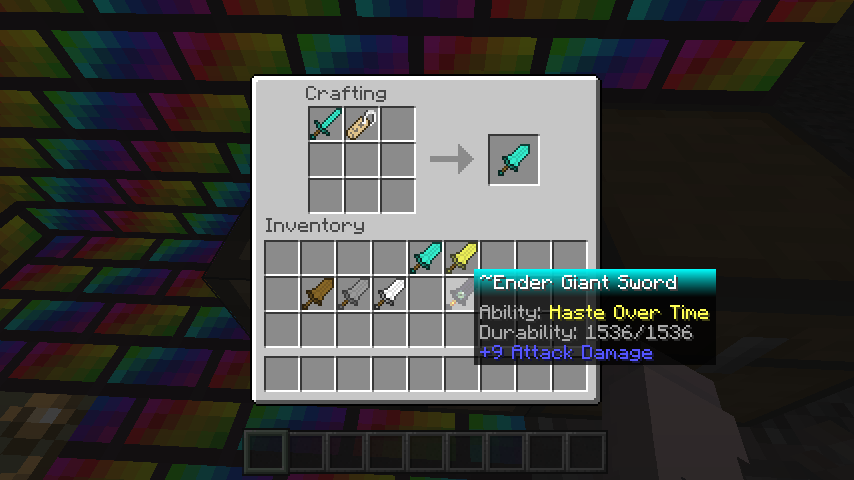
Optifine, you can put a different texture into an item based either on its' display name or its' metadata value. Also, you can change the armor texture with this way. Check the guide page for a tutorial and more information! - Texture gluing: the mod will try to combine textures that's been changed by texturepacks by comparing against vanilla texture (see list of textures below). This is very helpful for micro texturepacks that change HUD textures, such as
Transgender Hearts TexturepackandSquare (Aim) Dot, etc., as they change the same texture file!/textures/gui/effects.png/textures/gui/gui.png/textures/gui/icons.png/textures/gui/web_buttons.png/textures/gui/hud/hud.png/textures/gui/stats/slot.png/textures/environment/particles.png
- Expanded moon and sun textures: The mod provides an expansion for moon and sun textures, allowing for custom cycles, cycle ordering and a celestial scaling. Check the guide page for more info!
- Patched some GUI textures:
ForgeandDimensional Chestnow have their own dedicated GUI textures:/textures/gui/container/forge.png/textures/gui/container/dimensional_chest.png
- Patched sound reloading: Now sound files withing texturepacks are fully reloaded on update, which fixes some audio related bugs.
Screenshots (more in Gallery section):

Installation
Ensure you have FoxLoader installed. Click at the link and follow instructions (Installation section). Or in a nutshell, grab *-mmc.zip file and export it to MultiMC/PrismLauncher.
Simply download a .jar file and put it inside mods folder. That's all.
Sources & License
The mod's sources are publicly available and licensed under Apache License 2.0. Just check the right side of this page for Links section.
Available Versions
How to Install Stack 'Em on Your Server
Order Server
Order a Minecraft Java server with at least 3 GB RAM (4 GB recommended).
Set modloader Loader
In the panel under "Egg", select the modloader loader and matching Minecraft version (b1.7.3).
Install Mod
Open the mod browser in the dashboard and search for "Stack 'Em". Click "Install" – done! Alternatively, upload the .jar via SFTP to the /mods folder.
Compatibility
Mod Loaders
Minecraft Versions
b1.7.3
Server-side
✗ UnsupportedRecommended RAM
4 GB(min. 3 GB)Frequently Asked Questions
Stack 'Em server crashes on startup – what to do?
Most common cause: wrong modloader version or insufficient RAM. Check the server log (latest.log) for "OutOfMemoryError" or "Mixin" errors. With Mado Hosting: ensure at least 3 GB RAM is allocated and the loader matches the mod version (b1.7.3). You can switch loaders with one click in the panel.
Is Stack 'Em compatible with modloader?
Stack 'Em officially supports modloader for Minecraft b1.7.3. The Mado dashboard automatically detects incompatible loader combinations.
Server lagging with Stack 'Em – how to optimize performance?
Recommended RAM: 4 GB (per 8 players). Use /spark profiler to check if Stack 'Em consumes the most tick time. Common fixes: reduce server view-distance to 8-10, install "performant" or "starlight" as supplementary mods on Forge. With Mado Hosting, your server runs on NVMe SSDs with dedicated CPU cores for minimal latency.
Similar Mods



Rent Modded Server
Install Stack 'Em with just one click on your server.