
Star Wars Expansion
Introduces the Star Wars universe to Minecraft.
Screenshots
About this Mod
About Star Wars Expansion
The FazBrick Studios Team presents Star Wars Expansion. Maintained and kept up to date for modern versions of Minecraft and fully compatible with multiplayer.
This project focuses on bringing a large part of the Star Wars universe into Minecraft in a dynamic and innovative way. Star Wars Expansion features ships, weapons, enemies, and new planets that will take you a long time to explore, delivering an experience that feels faithful to the Lucasfilm universe while giving Minecraft a whole new way to play.
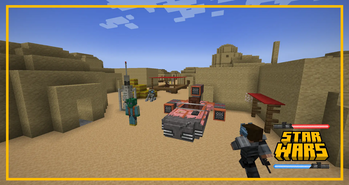
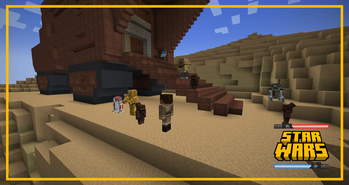
The mod currently includes a wide variety of weapons and ships, along with one planet to explore and begin your adventure: Tatooine. This planet features different structures, dungeons, and villages to enhance immersion in this new universe.
The mod is currently in the early stages of development and will be constantly updated, adding new content and advancing versions.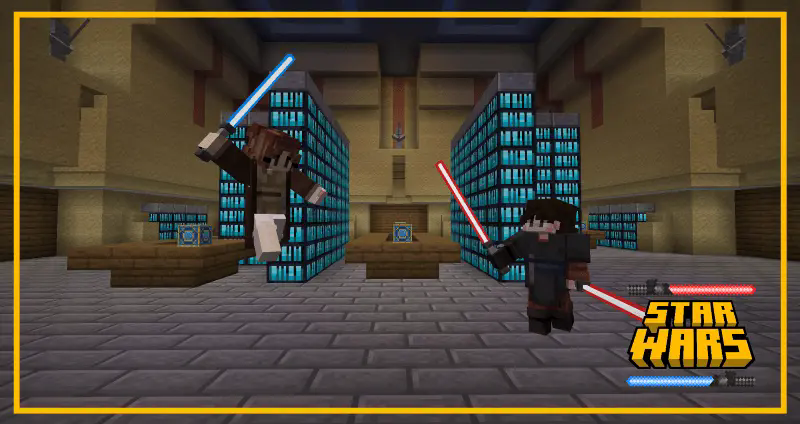
I can put this in Modpacks?
Of course! Feel free to add this mod to your modpacks. I encourage you to do so, just don't forget to give credit.
Star Wars Expansion Features
Star Wars Expansion currently includes a large and solid repertoire of items and structures, allowing you to fully enjoy this experience.
Spoiler
Weapons:
- Vibro-Axe
- Vibro Blade
- Stun Baton
- Gaderffii Stick
- DL-44 Pistol
- E-11 Blaster
- EE-3 Rifle
- Westar-34 Pistol
Spaceships:
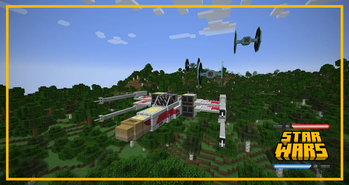
- X-Wing
- TIE Fighter
- Landspeeder
- Speeder Bike
- Escape Pod
- AT-ST
Structures:
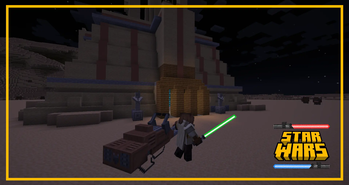
- Jedi Temple
- Broken Escape Pod
- Tatooine Village
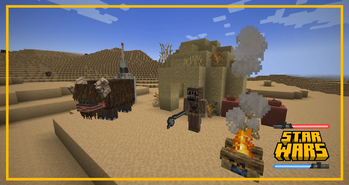
- Tusken Campment
- Mos Eisley
Droids:
- Astromech Droids
- Protocol Droids
- Gonk Droid
- Mouse Droid
- T3-M4
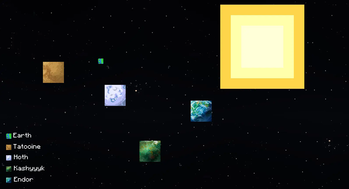
Planets:
- Tatooine
- Kashyyyk
- Hoth
- Endor
Getting Started
To start your adventure, you will need to find a crashed escape pod in the Overworld. You can repair this pod using a repair kit that can be crafted, restoring it to full functionality.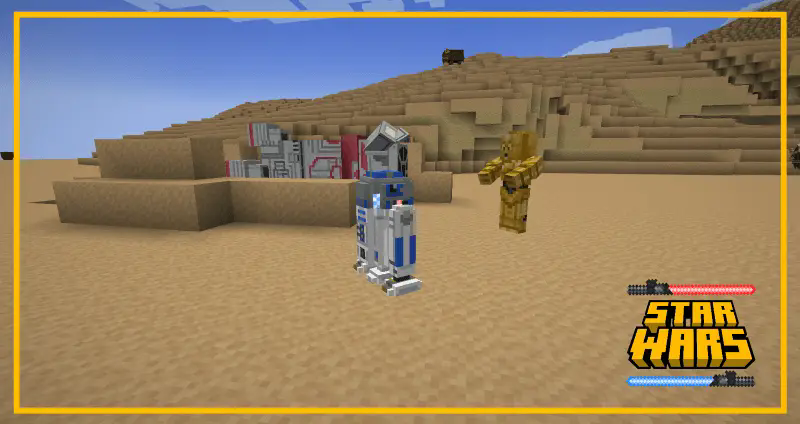
Once repaired, you can board the escape pod and travel to the different planets offered by Star Wars Expansion using a galaxy planet selection system.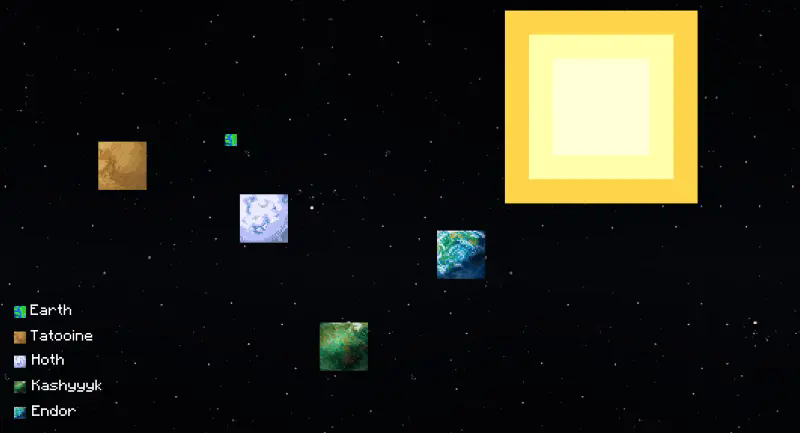
Upon arriving on Tatooine, you can explore villages to trade and buy new materials, items, and weapons, while gathering resources to use in combat against the creatures that become your enemies.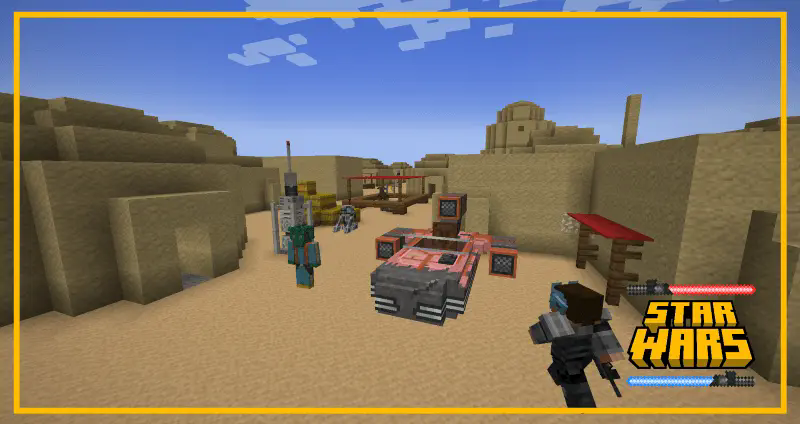
You can buy droids, weapons, and spaceships in these villages using the metals and materials you gather on the planet.

In addition, you will find various Jedi temples scattered across the planet, where you can forge your lightsabers and become one with the Force.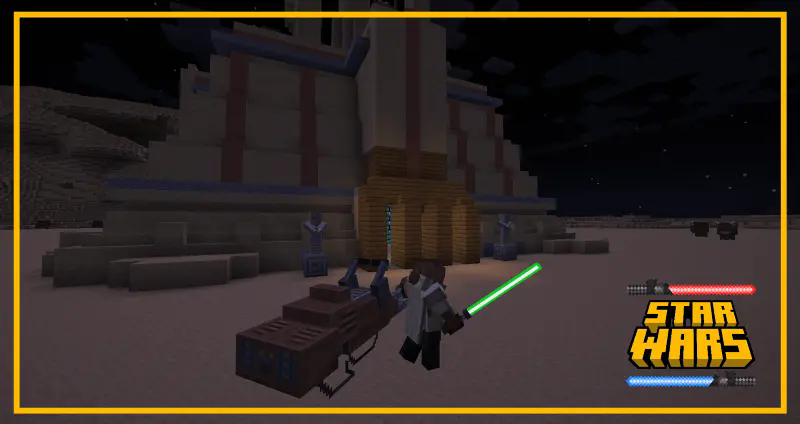
Redistribution License
You are not allowed to upload or redistribute this mod on websites or domains other than Curseforge or Modrinth.
This specifically includes RU-Minecraft.
Requeriments
- Geckolib
- Player Animator
Available Versions
How to Install Star Wars Expansion on Your Server
Order Server
Order a Minecraft Java server with at least 4 GB RAM (6 GB recommended).
Set forge Loader
In the panel under "Egg", select the forge loader and matching Minecraft version (1.20.1).
Install Mod
Open the mod browser in the dashboard and search for "Star Wars Expansion". Click "Install" – done! Alternatively, upload the .jar via SFTP to the /mods folder.
Compatibility
Mod Loaders
Minecraft Versions
1.20.1
Server-side
✓ RequiredRecommended RAM
6 GB(min. 4 GB)Frequently Asked Questions
Star Wars Expansion server crashes on startup – what to do?
Most common cause: wrong forge version or insufficient RAM. Check the server log (latest.log) for "OutOfMemoryError" or "Mixin" errors. With Mado Hosting: ensure at least 4 GB RAM is allocated and the loader matches the mod version (1.20.1). You can switch loaders with one click in the panel.
Is Star Wars Expansion compatible with forge?
Star Wars Expansion officially supports forge for Minecraft 1.20.1. The Mado dashboard automatically detects incompatible loader combinations.
Server lagging with Star Wars Expansion – how to optimize performance?
Recommended RAM: 6 GB (per 5 players). Use /spark profiler to check if Star Wars Expansion consumes the most tick time. Common fixes: reduce server view-distance to 8-10, install "performant" or "starlight" as supplementary mods on Forge. With Mado Hosting, your server runs on NVMe SSDs with dedicated CPU cores for minimal latency.
Similar Mods




Rent Modded Server
Install Star Wars Expansion with just one click on your server.