
Stardew Valley Mod
The definitive mod for merging Minecraft and Stardew Valley into one gameplay experience (also available as a datapack)
Screenshots
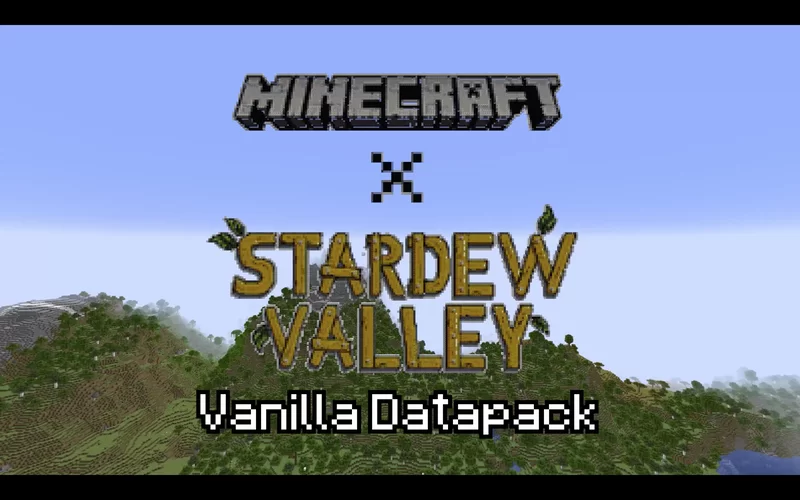
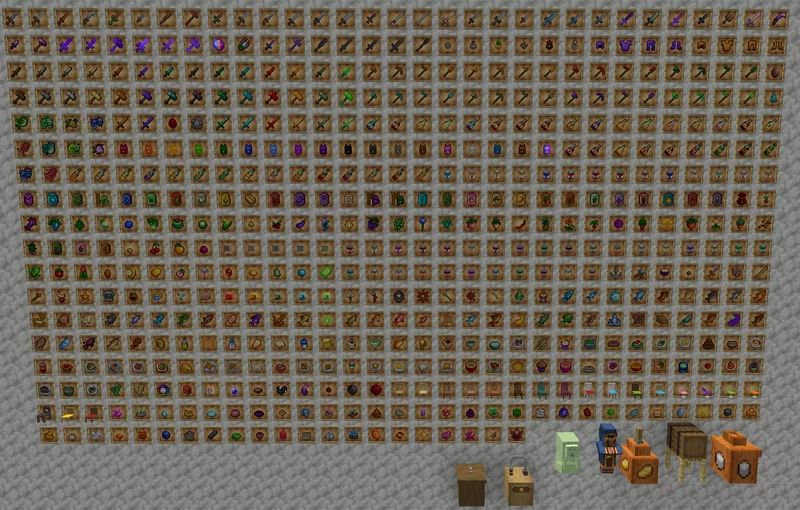
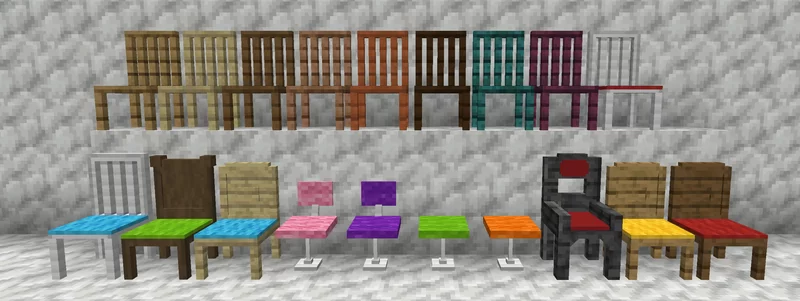
About this Mod
The Stardew Valley Mod includes over 550 items, ranging in function from weapon/tool/armor sets from both Vanilla and custom ores, to special items that can be found in your Minecraft world, to new crops that you can grow, harvest, and turn into other goods from Stardew Valley.
There are new blocks, both decorative and functional, as well as usable chairs and couches. There are changes to vanilla gameplay, such as finding vanilla and custom items when mining, small slimes dealing damage, and only being able to find certain fish in certain conditions, all done to reflect gameplay in Stardew Valley. There’s lots to explore and even more to come!
Works best with Optifine. Some key features do not visually appear without it.
Required resource pack:
To use this mod, you must download and equip the resource pack that is provided— if you wish to add Stardew Valley music, you may also download that one if you wish, though it is very large.
The wiki is available at the following link:
https://stardew-valley-minecraft-datapack.fandom.com/wiki/Stardew_Valley_Minecraft_Datapack_Wiki
Join the discord here: https://discord.gg/bDE3C5zE
Credit to ConcernedApe for all textures and music that are from Stardew Valley
Available Versions
How to Install Stardew Valley Mod on Your Server
Order Server
Order a Minecraft Java server with at least 3 GB RAM (4 GB recommended).
Set forge Loader
In the panel under "Egg", select the forge loader and matching Minecraft version (1.20.1).
Install Mod
Open the mod browser in the dashboard and search for "Stardew Valley Mod". Click "Install" – done! Alternatively, upload the .jar via SFTP to the /mods folder.
Compatibility
Mod Loaders
Minecraft Versions
1.20.1, 1.19.4
Server-side
✓ RequiredRecommended RAM
4 GB(min. 3 GB)Frequently Asked Questions
Stardew Valley Mod server crashes on startup – what to do?
Most common cause: wrong forge version or insufficient RAM. Check the server log (latest.log) for "OutOfMemoryError" or "Mixin" errors. With Mado Hosting: ensure at least 3 GB RAM is allocated and the loader matches the mod version (1.20.1). You can switch loaders with one click in the panel.
Is Stardew Valley Mod compatible with forge?
Stardew Valley Mod officially supports forge for Minecraft 1.20.1, 1.19.4. The Mado dashboard automatically detects incompatible loader combinations.
Server lagging with Stardew Valley Mod – how to optimize performance?
Recommended RAM: 4 GB (per 8 players). Use /spark profiler to check if Stardew Valley Mod consumes the most tick time. Common fixes: reduce server view-distance to 8-10, install "performant" or "starlight" as supplementary mods on Forge. With Mado Hosting, your server runs on NVMe SSDs with dedicated CPU cores for minimal latency.
Similar Mods




Rent Modded Server
Install Stardew Valley Mod with just one click on your server.