
StardewCraft
Bring the Valley to Minecraft!
Screenshots
About this Mod
StardewCraft
A minecraft mod to bring the valley experience to the cubic game
Crops
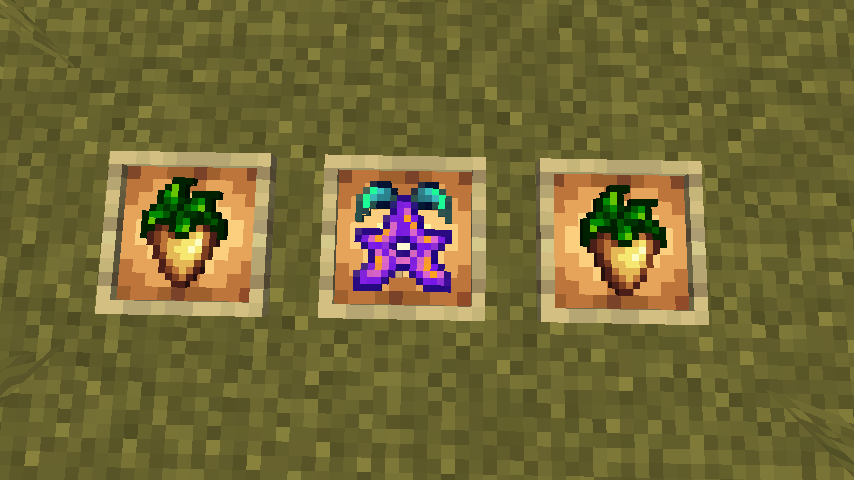
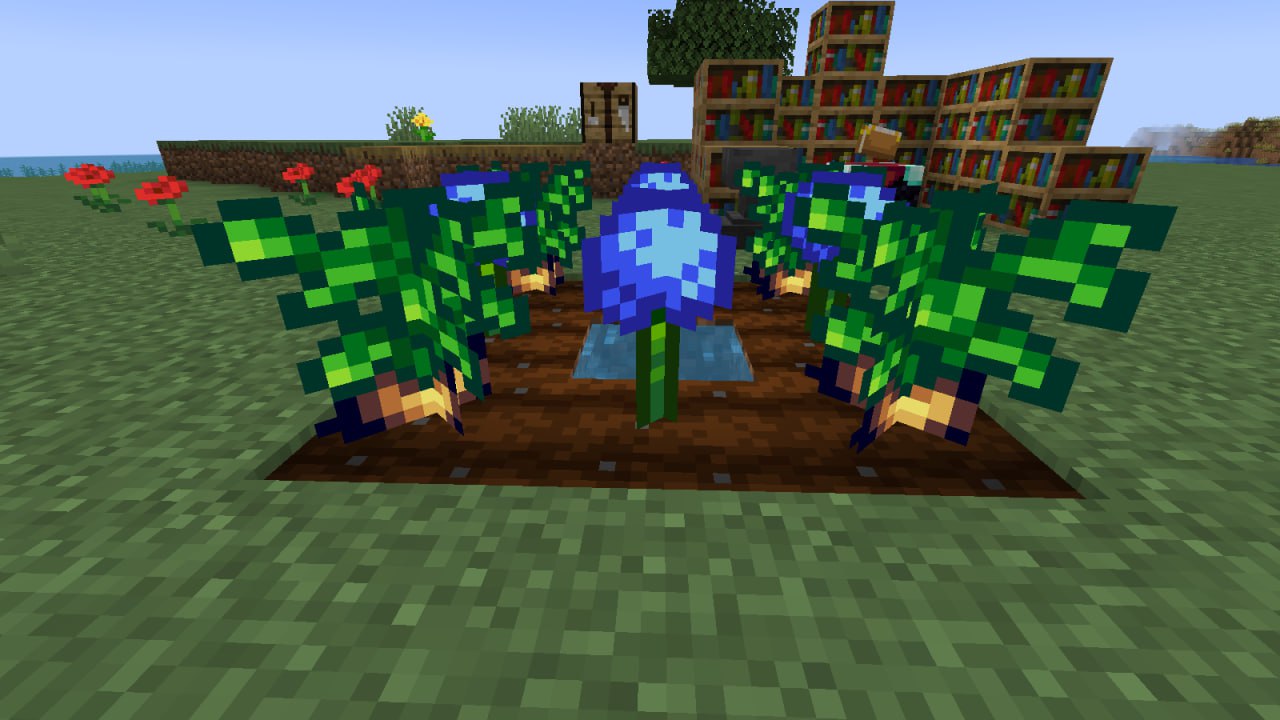
Plant your favorite Stardew valley crops and make delicious dishes with them! (Currently available parsnips and blue jazz).Stardrop
This unique item will enhance your strength by permanently adding an extra heart once consumed.
Scarecrows
Deploy these fellows to shield your crops from pesky crows. Don’t miss out on the exclusive designs—gotta catch'em all!
New Blocks
Get ready to utilize innovative blocks such as the seeding machine, crystalarium, and many others.
New Tools
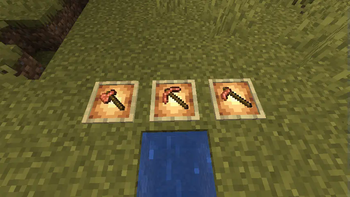
Fed up with accumulating excess copper? Explore the new copper tools, a mid-tier option between stone and iron. Keep an eye out for the upcoming iridium tier, which will be accessible through special events involving meteorite falls in the overworld. In addition to the standard tools, we’re introducing enhancements for the fishing rod to add a twist to your fishing adventures.
And More!
The mod is still in its infancy, but we’re excited to expand the gameplay with additional mechanics, items, and even creatures as we progress.
Stay connected and savor the wonders of the valley!
Available Versions
How to Install StardewCraft on Your Server
Order Server
Order a Minecraft Java server with at least 3 GB RAM (4 GB recommended).
Set fabric Loader
In the panel under "Egg", select the fabric loader and matching Minecraft version (1.20.4).
Install Mod
Open the mod browser in the dashboard and search for "StardewCraft". Click "Install" – done! Alternatively, upload the .jar via SFTP to the /mods folder.
Compatibility
Mod Loaders
Minecraft Versions
1.20.4
Server-side
✓ RequiredRecommended RAM
4 GB(min. 3 GB)Frequently Asked Questions
StardewCraft server crashes on startup – what to do?
Most common cause: wrong fabric version or insufficient RAM. Check the server log (latest.log) for "OutOfMemoryError" or "Mixin" errors. With Mado Hosting: ensure at least 3 GB RAM is allocated and the loader matches the mod version (1.20.4). You can switch loaders with one click in the panel.
Is StardewCraft compatible with fabric?
StardewCraft officially supports fabric for Minecraft 1.20.4. The Mado dashboard automatically detects incompatible loader combinations.
Server lagging with StardewCraft – how to optimize performance?
Recommended RAM: 4 GB (per 8 players). Use /spark profiler to check if StardewCraft consumes the most tick time. Common fixes: reduce server view-distance to 8-10, install "performant" or "starlight" as supplementary mods on Forge. With Mado Hosting, your server runs on NVMe SSDs with dedicated CPU cores for minimal latency.
Similar Mods




Rent Modded Server
Install StardewCraft with just one click on your server.