StereoCraft: Stereoscopic 3D
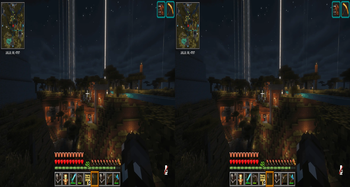
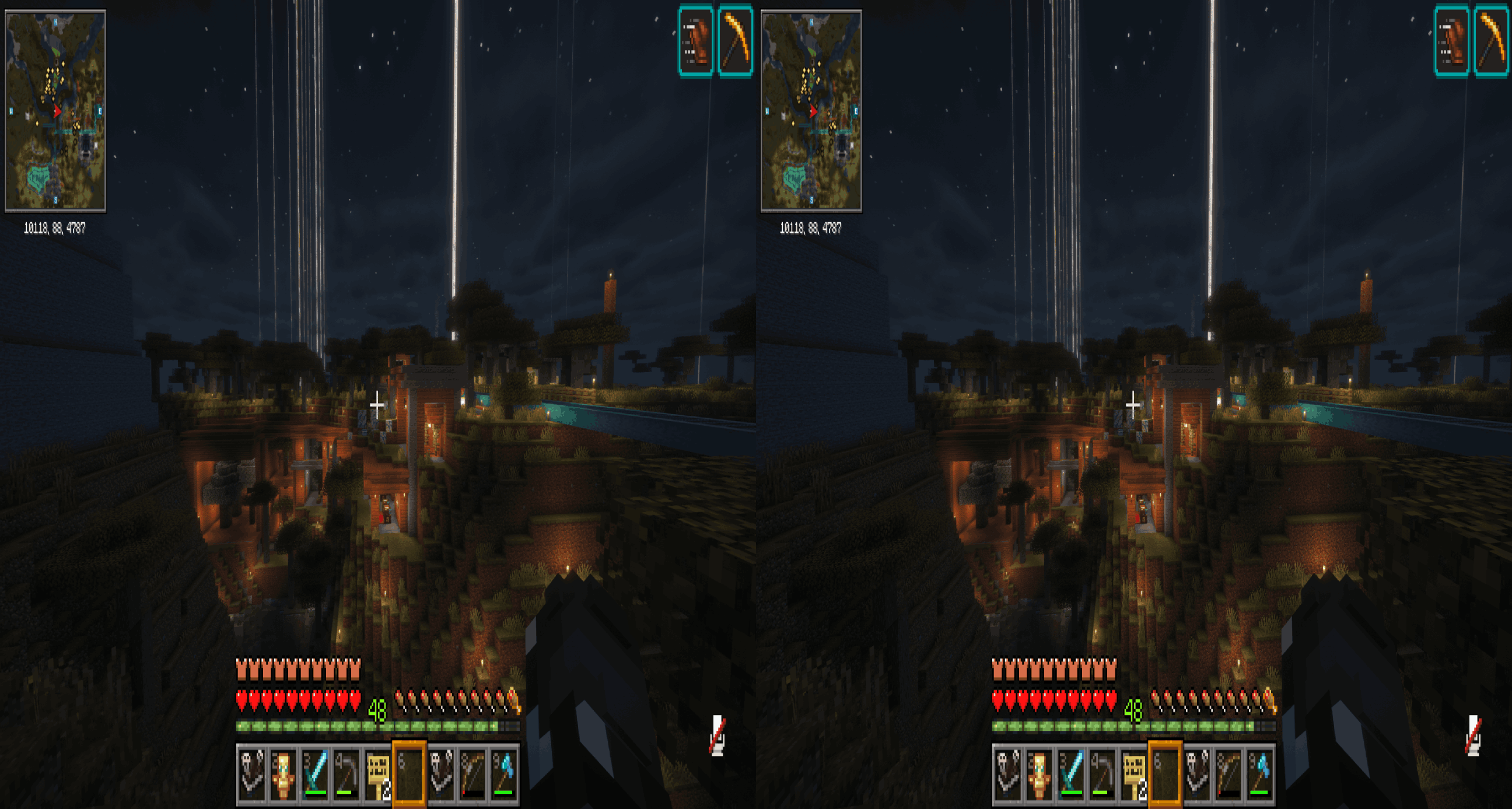
Side-by-side (SBS) stereoscopic 3D rendering for 3D TVs, 3D monitors, and SBS-compatible displays. StereoCraft splits the Minecraft window into left and right eye views with a configurable interpupillary distance (IPD), producing a true stereoscopic image
Screenshots
About this Mod
StereoCraft: Stereoscopic 3D
Side-by-side (SBS) stereoscopic 3D rendering for 3D TVs, 3D monitors, and SBS-compatible displays. StereoCraft splits the Minecraft window into left and right eye views with a configurable interpupillary distance (IPD), producing a true stereoscopic image you can pipe into any SBS-capable display or HMD.
This is the 1.21.11 sibling of the Forge 1.7.10 StereoCraft mod — same features, ported to Fabric.
Requirements
- Minecraft 1.21.11
- Fabric Loader 0.19.2+
- Java 21
- Sodium 0.8.11+ (hard dependency)
Optional
- Iris 1.10.7+1.21.11-fabric for shader compatibility.
- Tested against this exact Iris version. Other Iris versions may load but may silently degrade per-eye rendering — see Known limitations below.
Installation
- Install Fabric Loader 0.19.2+ for Minecraft 1.21.11.
- Install Sodium 0.8.11+ into your
mods/folder. This is required. - (Optional) Install Iris 1.10.7+1.21.11-fabric for shader support.
- Download StereoCraft from Modrinth and drop it into
mods/. - Launch the game.
Configuration
Open the in-game options menu and navigate to Video Settings → Stereoscopic (added by Sodium's options page integration).
- Toggle stereo mode on/off from this page. Toggling the mode triggers a renderer reload, so the screen may flash briefly.
- IPD and other per-eye settings are adjusted on the same page.
The config file lives at config/stereoscopic-options.json. Manual edits round-trip cleanly, but values changed in the in-game options page will overwrite the file on save.
Known limitations
- Cursor in split-screen GUIs: the async-cursor present feature that mirrors the OS cursor into both eyes is Windows-only. On Linux and macOS the cursor will only appear in one eye while a screen (inventory, chat, menu, etc.) is open.
- Iris compatibility: only
1.10.7+1.21.11-fabricis tested. Other Iris versions may load and silently degrade per-eye rendering. If you hit issues, please file a bug report including your exact Iris version.
Screenshot
License
StereoCraft is licensed under LGPL-3.0-only. See LICENSE for the full license text.
Available Versions
How to Install StereoCraft: Stereoscopic 3D on Your Server
Order Server
Order a Minecraft Java server with at least 3 GB RAM (4 GB recommended).
Set fabric Loader
In the panel under "Egg", select the fabric loader and matching Minecraft version (26.1.2).
Install Mod
Open the mod browser in the dashboard and search for "StereoCraft: Stereoscopic 3D". Click "Install" – done! Alternatively, upload the .jar via SFTP to the /mods folder.
Compatibility
Mod Loaders
Minecraft Versions
26.1.2, 1.21.11, 1.21.1 (+1 more)
Server-side
✗ UnsupportedRecommended RAM
4 GB(min. 3 GB)Frequently Asked Questions
StereoCraft: Stereoscopic 3D server crashes on startup – what to do?
Most common cause: wrong fabric version or insufficient RAM. Check the server log (latest.log) for "OutOfMemoryError" or "Mixin" errors. With Mado Hosting: ensure at least 3 GB RAM is allocated and the loader matches the mod version (26.1.2). You can switch loaders with one click in the panel.
Is StereoCraft: Stereoscopic 3D compatible with fabric and forge and neoforge?
StereoCraft: Stereoscopic 3D officially supports fabric, forge, neoforge for Minecraft 26.1.2, 1.21.11, 1.21.1. Note: Forge and Fabric mods are NOT cross-compatible – pick one loader and stick with it. The Mado dashboard automatically detects incompatible loader combinations.
Server lagging with StereoCraft: Stereoscopic 3D – how to optimize performance?
Recommended RAM: 4 GB (per 8 players). Use /spark profiler to check if StereoCraft: Stereoscopic 3D consumes the most tick time. Common fixes: reduce server view-distance to 8-10, install "performant" or "starlight" as supplementary mods on Forge. With Mado Hosting, your server runs on NVMe SSDs with dedicated CPU cores for minimal latency.
Similar Mods





Rent Modded Server
Install StereoCraft: Stereoscopic 3D with just one click on your server.