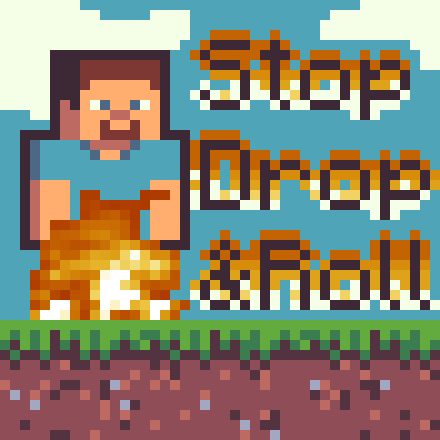
Doom's Stop Drop N Roll
Just Stop, Drop N Roll!
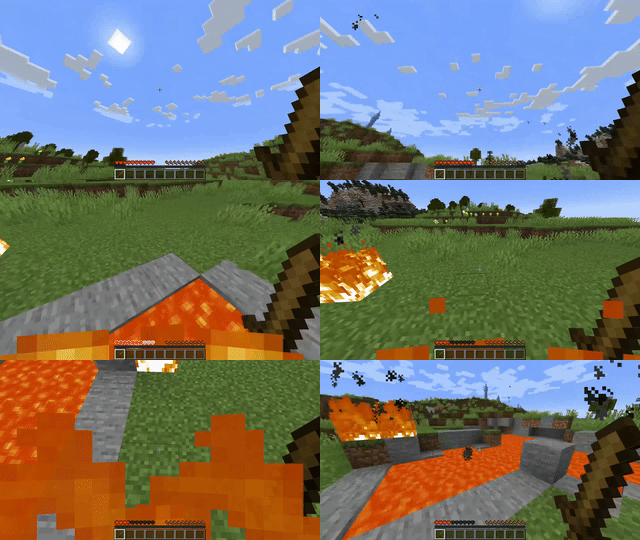
Screenshots
About this Mod
Stop Drop N Roll



"AAAAHHHHHHHHH I'M ON FIRE HELP ME"
"Just do the Stop, Drop N Roll!"
"Oh I'm okay now, thank you!"
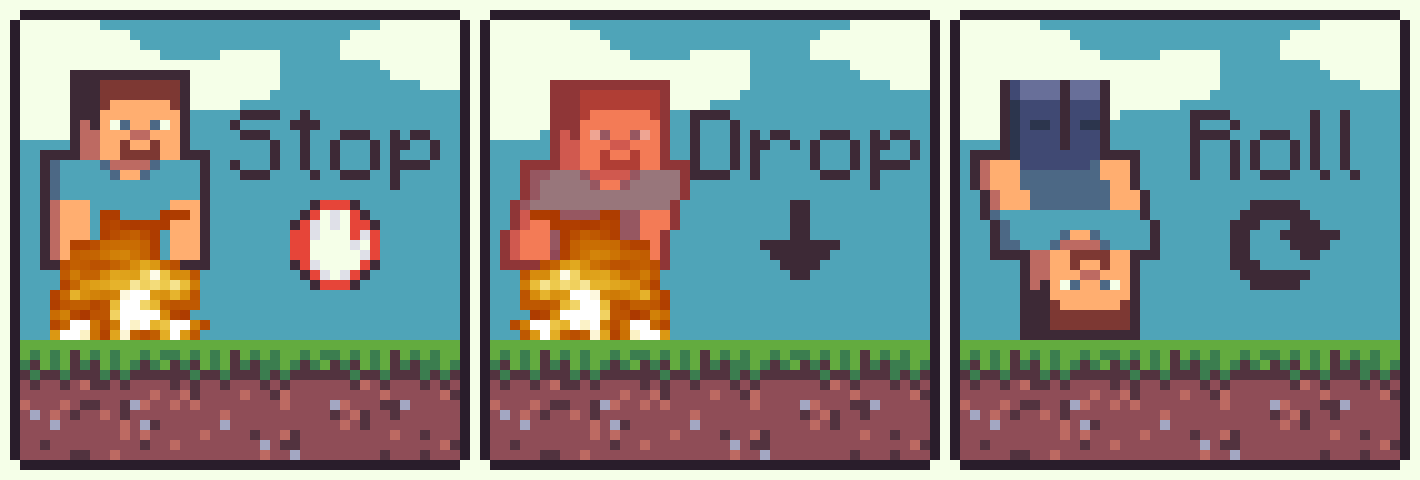
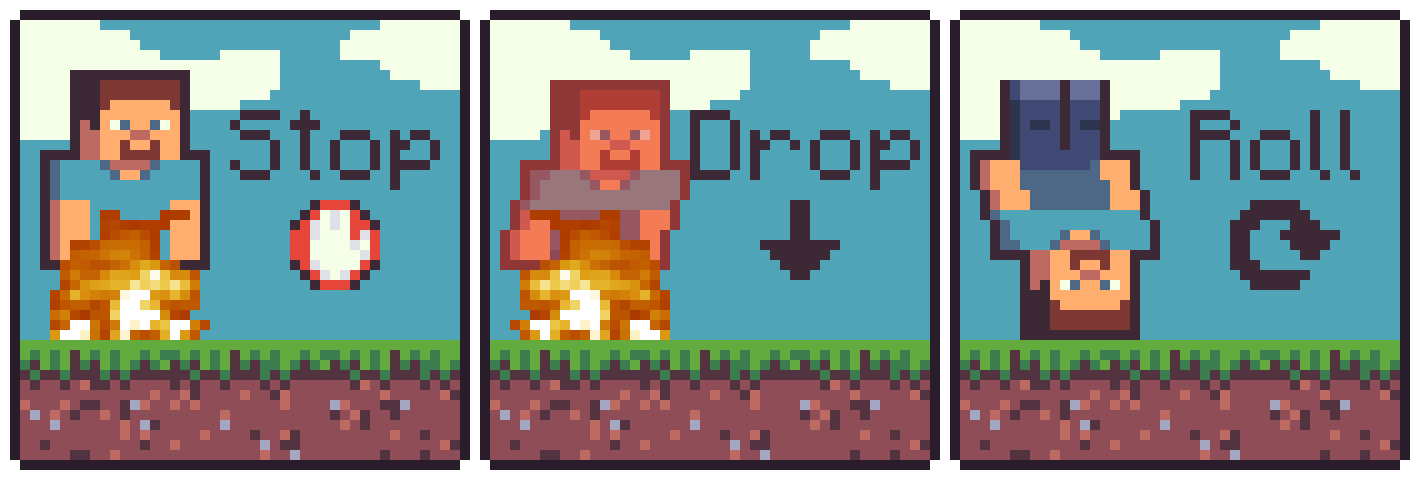
Do you always find yourself on fire? Well me too. But don't worry! You can do the Stop, Drop N Roll to put yourself out!
Stop Drop N Roll adds the ability to crouch and extinguish yourself. By default, it shortens the remaining time you are flammable by a percentage and may not always succeed. These options are configurable, so you can make it always succeed and completely extinguish yourself!
Features
- Crouch to extinguish the flames
- Modify the chance to extinguish the flames
- Modify how long each success removes from the remaining flame time

Planned
- Configurable option to require spinning while crouched (Roll)
- Configurable required spinning speed (or faster spins puts it out faster)
- Advancements
Usage
To use this mod you just need to be on fire, and spam crouch until your no longer on fire!
Configuration
There are currently two options in the config file which can be found in <minecraft directory>/config/stop-drop-n-roll.properties.
chance - The chance that a single crouch will succeed in reducing the time remainingfire-tick-remove-percentage - The amount that will be removed from the remaining fire ticks
Both of these options are from 0-1. 0 is 0%, 1 is 100% and 0.32 would be 32%
Contributors
- JustDoom - Developer
- Am Noah - Gave me the idea for this mod
Support
Support can be provided on my discord server, or you can report any bugs on the GitHub repository here
If you need a new server check out our partner lagless.gg

Use code Dinonuggies for 20% off!
Available Versions
How to Install Doom's Stop Drop N Roll on Your Server
Order Server
Order a Minecraft Java server with at least 3 GB RAM (4 GB recommended).
Set fabric Loader
In the panel under "Egg", select the fabric loader and matching Minecraft version (1.21.7).
Install Mod
Open the mod browser in the dashboard and search for "Doom's Stop Drop N Roll". Click "Install" – done! Alternatively, upload the .jar via SFTP to the /mods folder.
Compatibility
Mod Loaders
Minecraft Versions
1.21.7, 1.21.6, 1.21.5 (+20 more)
Server-side
✓ RequiredRecommended RAM
4 GB(min. 3 GB)Frequently Asked Questions
Doom's Stop Drop N Roll server crashes on startup – what to do?
Most common cause: wrong fabric version or insufficient RAM. Check the server log (latest.log) for "OutOfMemoryError" or "Mixin" errors. With Mado Hosting: ensure at least 3 GB RAM is allocated and the loader matches the mod version (1.21.7). You can switch loaders with one click in the panel.
Is Doom's Stop Drop N Roll compatible with fabric and forge and neoforge and paper and purpur?
Doom's Stop Drop N Roll officially supports fabric, forge, neoforge, paper, purpur for Minecraft 1.21.7, 1.21.6, 1.21.5. Note: Forge and Fabric mods are NOT cross-compatible – pick one loader and stick with it. The Mado dashboard automatically detects incompatible loader combinations.
Server lagging with Doom's Stop Drop N Roll – how to optimize performance?
Recommended RAM: 4 GB (per 8 players). Use /spark profiler to check if Doom's Stop Drop N Roll consumes the most tick time. Common fixes: reduce server view-distance to 8-10, install "performant" or "starlight" as supplementary mods on Forge. With Mado Hosting, your server runs on NVMe SSDs with dedicated CPU cores for minimal latency.
Similar Mods





Rent Modded Server
Install Doom's Stop Drop N Roll with just one click on your server.