StripMining
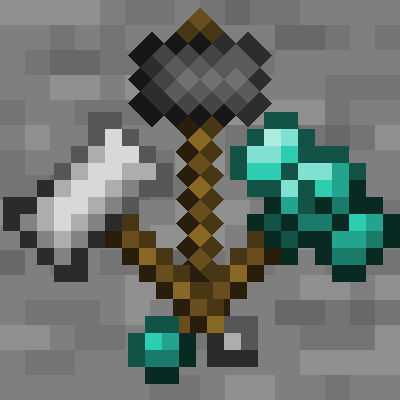
StripMining is a mod that provides the ability to dynamically create highly customized hammers, excavators, and carpenter axes.
Screenshots
About this Mod
StripMining
StripMining is a mod for Minecraft version 1.12.2 that provides the ability to dynamically create highly customized hammers, excavators and carpenter axes.
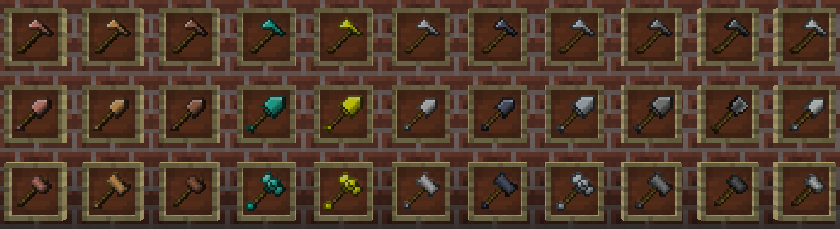
All tools are generated from configuration files, so adding new tools or removing existing tools is as simple as creating or deleting a Json file. Nearly every tool stat is configurable, from tool appearance and color, to the height and width of the break area.
Hammers

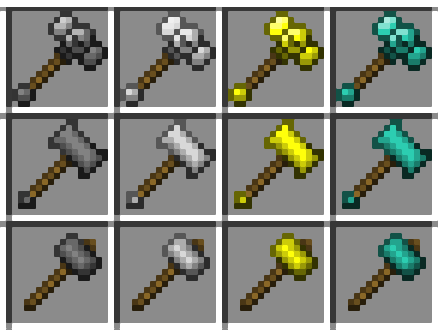
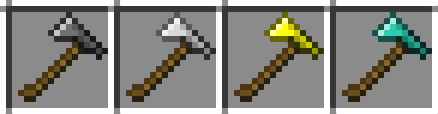
Hammers are pickaxe-like tools that specialize in mining large areas of blocks.
Excavators

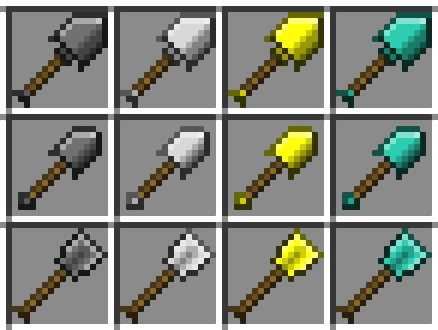
Excavators are shovel-like tools that specialize in digging large areas of blocks.
Prospecting Picks

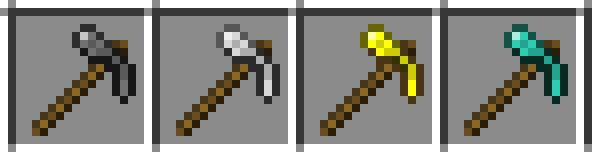
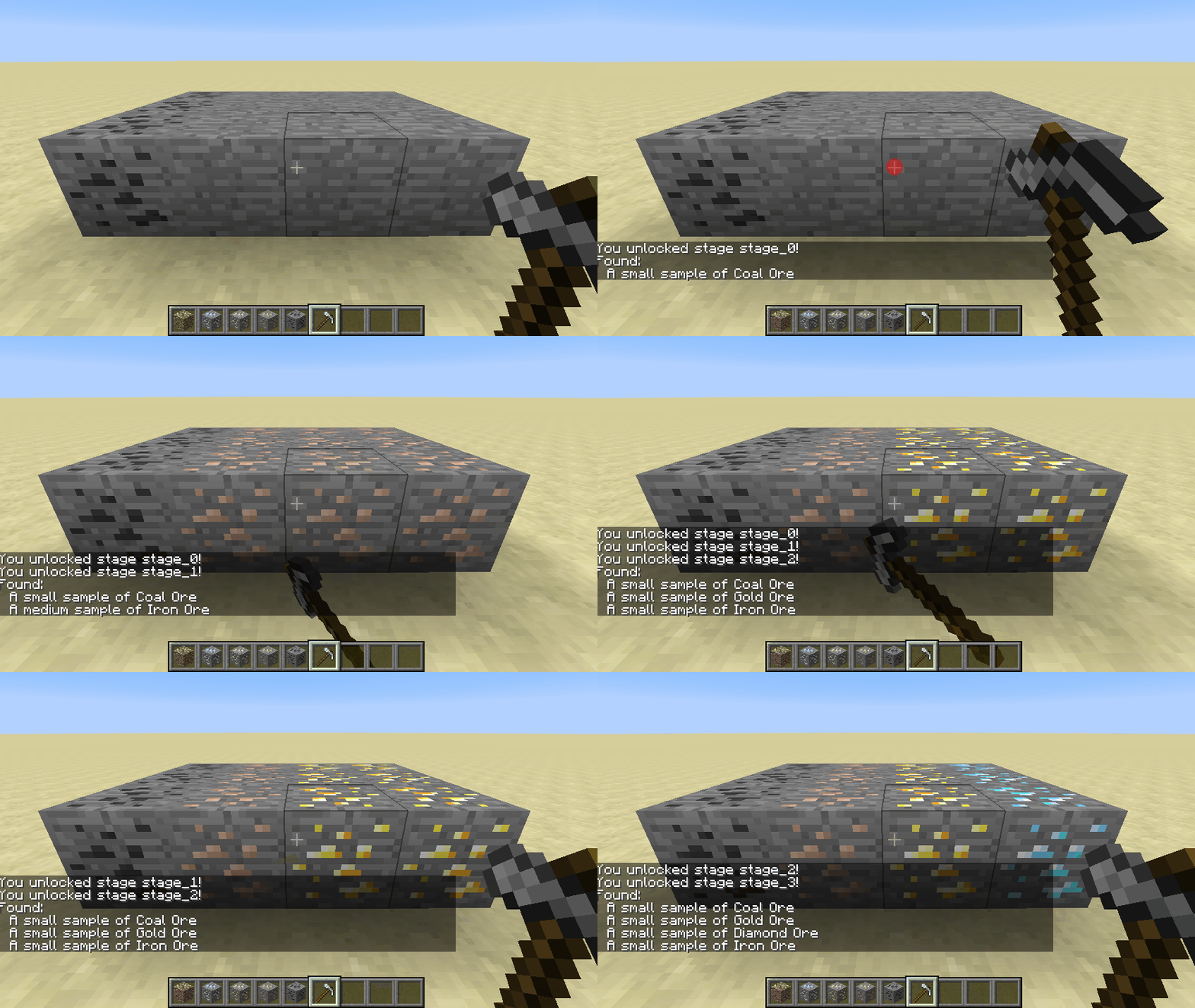
Prospecting Picks are pickaxe-like tools used to locate ores in surrounding blocks. These tools include built-in Game Stage support, hiding or obscuring ores the player does not meet the requirements for.
Carpenter Axes

Carpenter Axes are specialized tools used to break areas of wood blocks. While functionally similar to normal axes, these axes lack the ability to rapidly harvest foliage.
Tool Showcase
By default, StripMining includes templates for the following material types:
- Aluminum
- Bronze
- Copper
- Diamond
- Gold
- Iron
- Lead
- Silver
- Steel
- Stone
- Tin
Additional templates for tools using other materials can be found in the source repository here.
For information about how to create your own tools using other materials, check out the StripMining Wiki.
Available Versions
How to Install StripMining on Your Server
Order Server
Order a Minecraft Java server with at least 3 GB RAM (4 GB recommended).
Set forge Loader
In the panel under "Egg", select the forge loader and matching Minecraft version (1.12.2).
Install Mod
Open the mod browser in the dashboard and search for "StripMining". Click "Install" – done! Alternatively, upload the .jar via SFTP to the /mods folder.
Compatibility
Mod Loaders
Minecraft Versions
1.12.2
Server-side
✓ RequiredRecommended RAM
4 GB(min. 3 GB)Frequently Asked Questions
StripMining server crashes on startup – what to do?
Most common cause: wrong forge version or insufficient RAM. Check the server log (latest.log) for "OutOfMemoryError" or "Mixin" errors. With Mado Hosting: ensure at least 3 GB RAM is allocated and the loader matches the mod version (1.12.2). You can switch loaders with one click in the panel.
Is StripMining compatible with forge?
StripMining officially supports forge for Minecraft 1.12.2. The Mado dashboard automatically detects incompatible loader combinations.
Server lagging with StripMining – how to optimize performance?
Recommended RAM: 4 GB (per 8 players). Use /spark profiler to check if StripMining consumes the most tick time. Common fixes: reduce server view-distance to 8-10, install "performant" or "starlight" as supplementary mods on Forge. With Mado Hosting, your server runs on NVMe SSDs with dedicated CPU cores for minimal latency.
Similar Mods




![[TaCZ] Timeless and Classics Zero](https://cdn.modrinth.com/data/SzzJttH8/fd27766d2bb8390d284696b1dbd358f87e081439_96.webp)

Rent Modded Server
Install StripMining with just one click on your server.