
SuperFancyClouds: Refabricated
A vanilla style mod that makes clouds fancier and more dynamic.
Screenshots

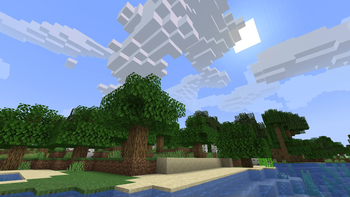
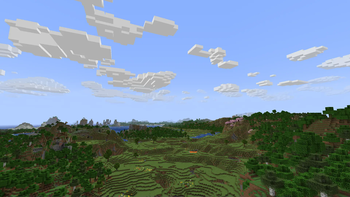


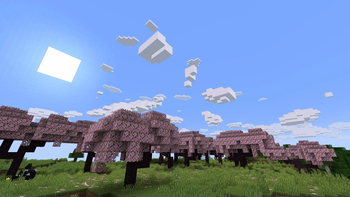
About this Mod
Refabricated / Rearchitected / Reneoforged
This is an unofficial continuation of SuperFancyClouds original by ami-wishes.
- This mod is a fabric port of SuperFancyClouds in the beginning, so named "refabricated".
- Since 1.7.4 we support multiloader powered by Arch-Api, this mod is rename to "rearchitected".
- Since x.9.1 we support neoforge but without arch, this mod is rename to "reneoforged".
SuperFancyClouds
A client/server side mod makes your Minecraft sky full of more stereoscopic and dynamic clouds.
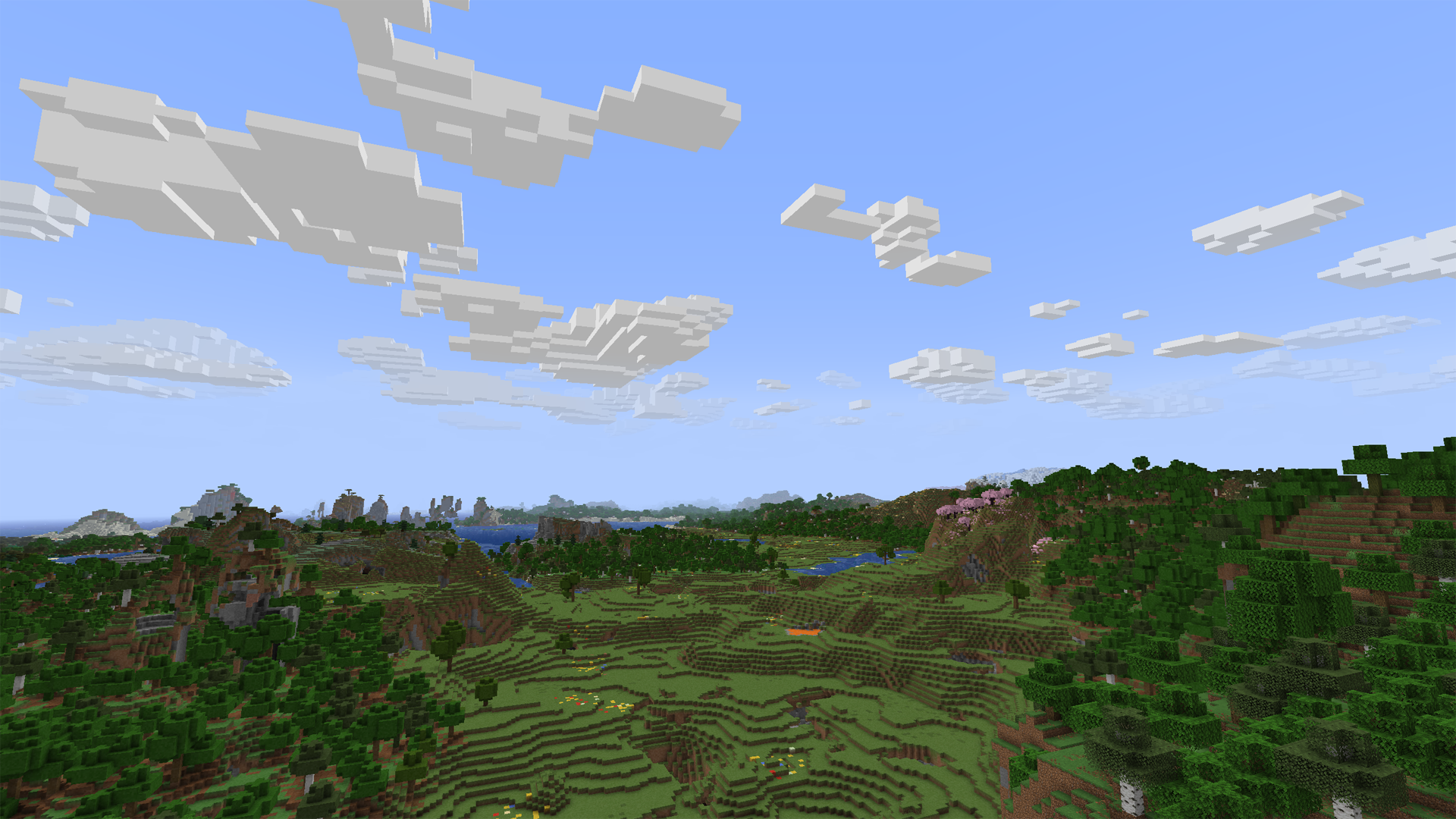
Tap the Images on navigator bar for more preview.
Beyond the Original
- Cloud height / density / width / thickness and other contents is highly configurable.
- Cloud can detect current weather and biome to change its density.
- Cloud will get blush at dawn or dusk.
- Cloud bottom will get darker when its thickness is high.
- Cloud will dodge from higher mountains or tall building. (>1.7.0, inspired by RealisticClouds)
- Cloud can detect biome chunk-by-chunk for more accurate and rational placing. (>1.7.0, personal revival from RealisticClouds, it's a nice mod :)
- Rain can only appear where is cloud above.
- Dimension divide config supported.
- And more…
Fix
- Cloud will not be culled in view boundary.
- Cloud will not refresh when playing for too long.
- Improved flicker issue when player across chunk border.
Mod relationship
Dependence
For all platform:
- Architectury API is required (for multiplatform version).
- Cloth Config is optional to build config screen on client.
Fabric extra:
- Fabric API is required.
- Mod Menu is optional to access config screen on client.
Compatibility
- Distant Horizons 's LOD chunk no longer covered by SFCR (manually enable required).
- Particle Rain 's rain particle no generated where is no clouds (manually enable required).
- SereneSeasons & Fabric Seasons can changing SFCR cloud density by different seasons.
Incompatibility
Obviously incompatible with most mod who modified cloud render system. Include Cull Clouds, Extended Clouds and the others. If you put SFCR with it together, they will throw some issue even crash.
- If you encounter a crash with Sodium,try disable its cloud mixin by add
mixin.features.render.world.clouds=falseto .minecraft/config/sodium-mixins.properties - Iris or other shadermod break SFCR when shader is enable on v2.0.
- Can be ignored if you installed Distant Horizons and enable DHCompat in SFCR config at same time.
Q&A
Few cloud?
It's maybe normal due to cloud noise sampler and dynamic density feature. You can decrease sample steps, biome affect, and increase common density in config screen to let the sampler generating more clouds. (The density curve is not straight but like a stair. You may need to move larger range on density slider to make it effect.)
Fog may also cover the clouds. You can disable it to check the clouds amounts.
If you set a high value of biome affect and play in desert or savanna, there may not be a cloud in the sky. Its based on biome downfall value and times with cloud density.
Client or Server?
Client side only is OK. But if it have both side installed and enable server function in config, SFCR can make every player have same shape of clouds.
On dedicated server, there is a command list for its administrators to control SFCR feature & config remotely. Simply type in "/sfcr help" then enter in chat bar you'll see it.
Version supports?
Latest Minecraft version will get newest maintenance.
Stable mod version may backport to older Minecraft version in someday.
Modpacks?
Free to use under MIT License.
Link
You can submit your suggestion or issue on Github.
Or, also 
Available Versions
How to Install SuperFancyClouds: Refabricated on Your Server
Order Server
Order a Minecraft Java server with at least 3 GB RAM (4 GB recommended).
Set fabric Loader
In the panel under "Egg", select the fabric loader and matching Minecraft version (26.2-rc-2).
Install Mod
Open the mod browser in the dashboard and search for "SuperFancyClouds: Refabricated". Click "Install" – done! Alternatively, upload the .jar via SFTP to the /mods folder.
Compatibility
Mod Loaders
Minecraft Versions
26.2-rc-2, 26.2-rc-1, 26.2-pre-6 (+34 more)
Server-side
~ OptionalRecommended RAM
4 GB(min. 3 GB)Frequently Asked Questions
SuperFancyClouds: Refabricated server crashes on startup – what to do?
Most common cause: wrong fabric version or insufficient RAM. Check the server log (latest.log) for "OutOfMemoryError" or "Mixin" errors. With Mado Hosting: ensure at least 3 GB RAM is allocated and the loader matches the mod version (26.2-rc-2). You can switch loaders with one click in the panel.
Is SuperFancyClouds: Refabricated compatible with fabric and forge and neoforge?
SuperFancyClouds: Refabricated officially supports fabric, forge, neoforge for Minecraft 26.2-rc-2, 26.2-rc-1, 26.2-pre-6. Note: Forge and Fabric mods are NOT cross-compatible – pick one loader and stick with it. The Mado dashboard automatically detects incompatible loader combinations.
Server lagging with SuperFancyClouds: Refabricated – how to optimize performance?
Recommended RAM: 4 GB (per 8 players). Use /spark profiler to check if SuperFancyClouds: Refabricated consumes the most tick time. Common fixes: reduce server view-distance to 8-10, install "performant" or "starlight" as supplementary mods on Forge. With Mado Hosting, your server runs on NVMe SSDs with dedicated CPU cores for minimal latency.
Rent Modded Server
Install SuperFancyClouds: Refabricated with just one click on your server.