
Sword in the Stone
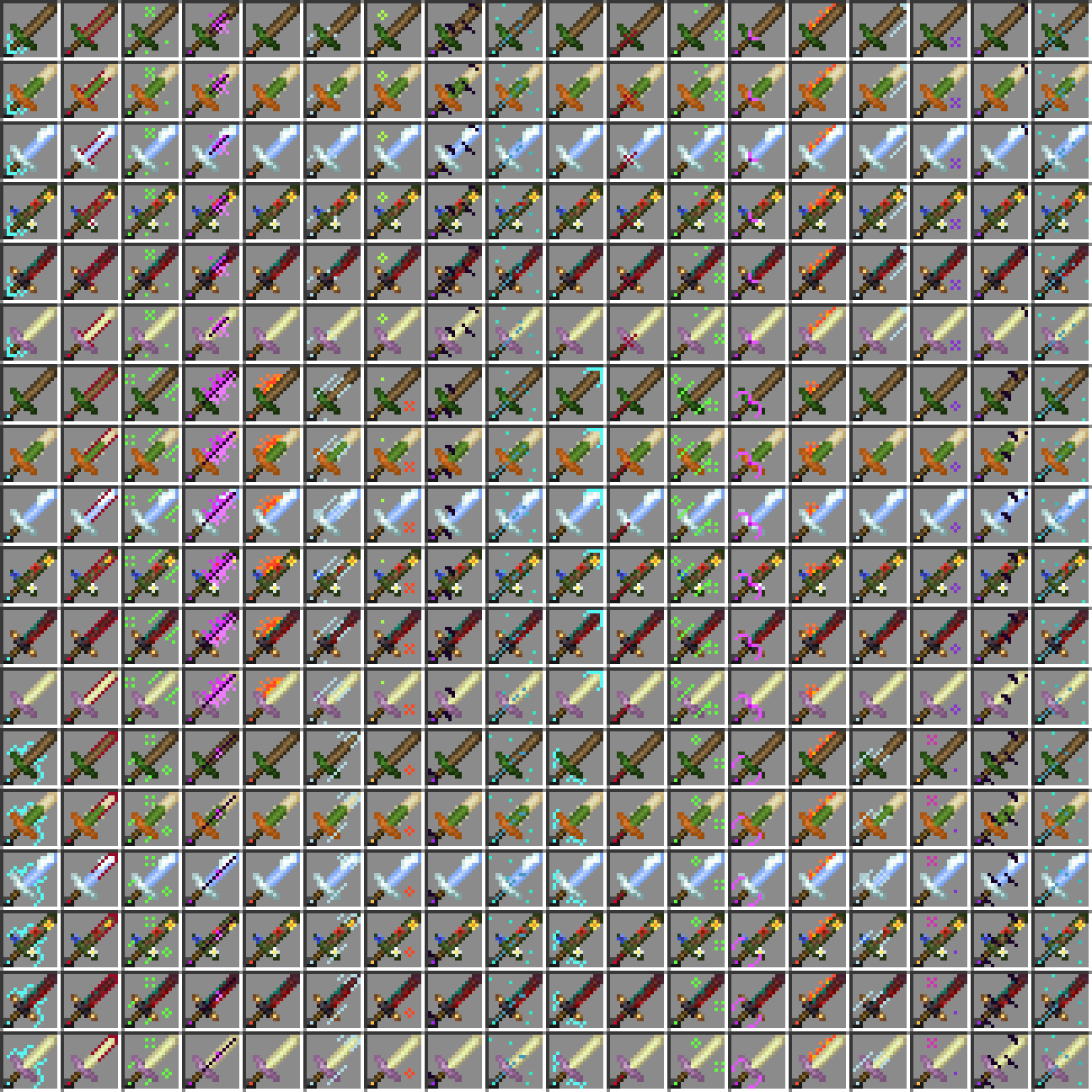
This mod adds fun unique swords that you can find throughout your world! Each one has random stats and a random magical ability.
Screenshots
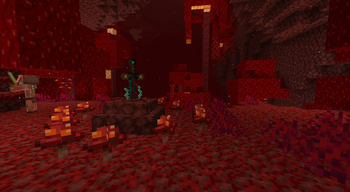
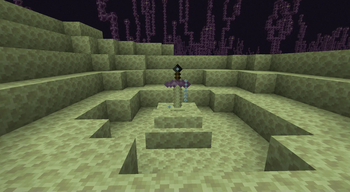
About this Mod

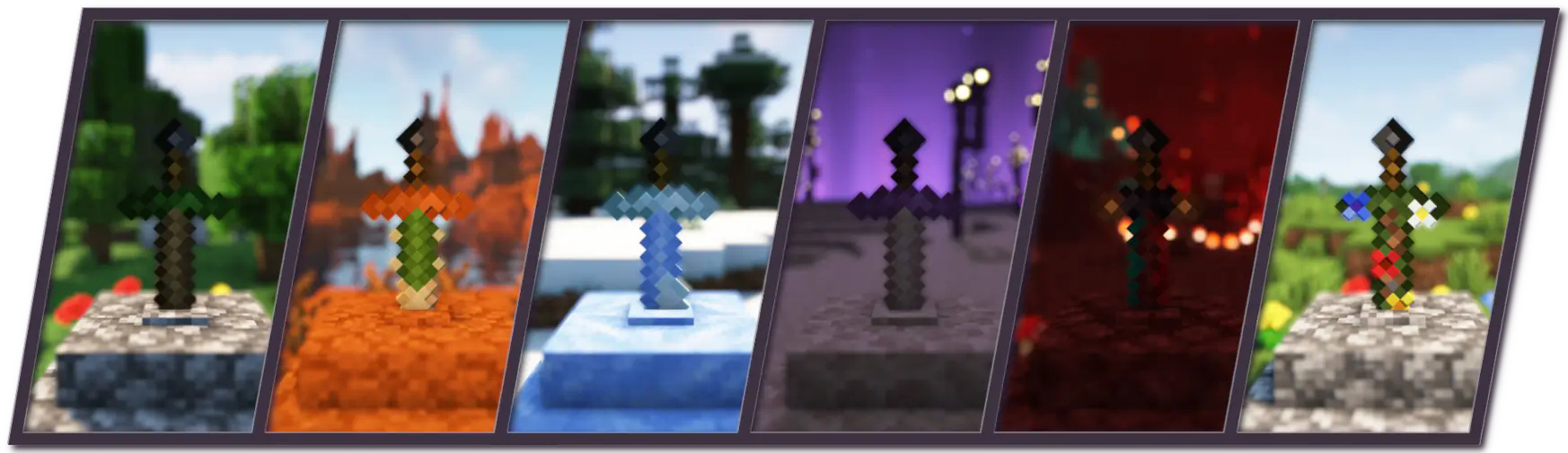
About
Sword in the Stone is a weapon mod that aims to improve exploration by adding fun and unique swords that the player can find throughout the world. Available for Forge 1.18.2, 1.19.2, 1.19.4, and 1.20.1, and NeoForge 1.21. No dependencies are required.
Sword Stones
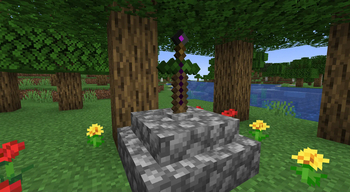
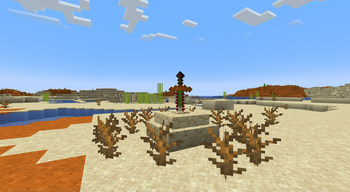
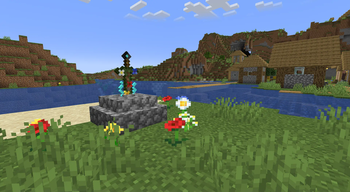
Sword stones are structures that can be found in all 3 vanilla dimensions. They each contain a unique sword which have different variants depending on the biome that they are found in. Unique swords have random attack damage and attack speed stats as well as each having a random magic ability. Hold right click on the stone to retrieve the sword.
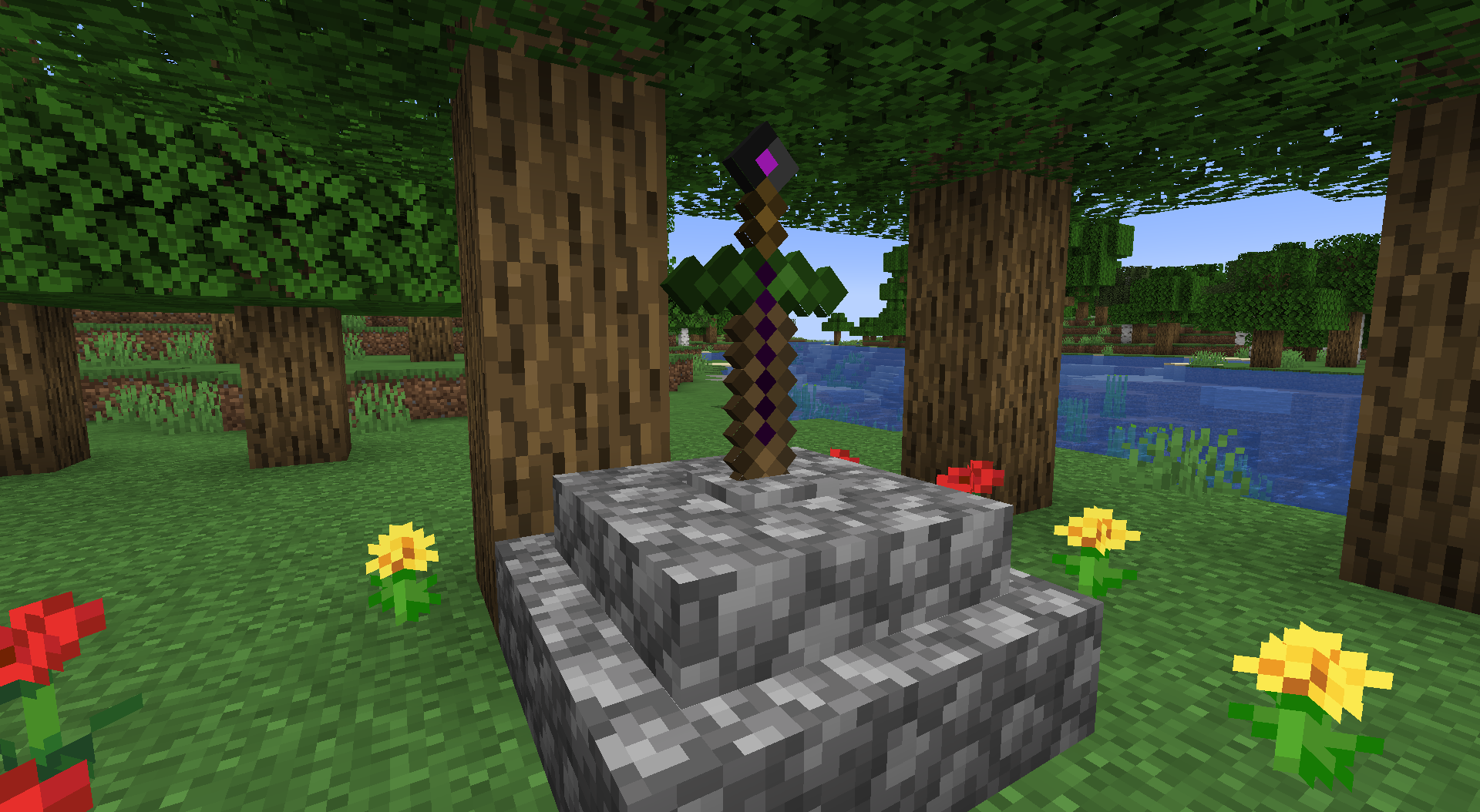
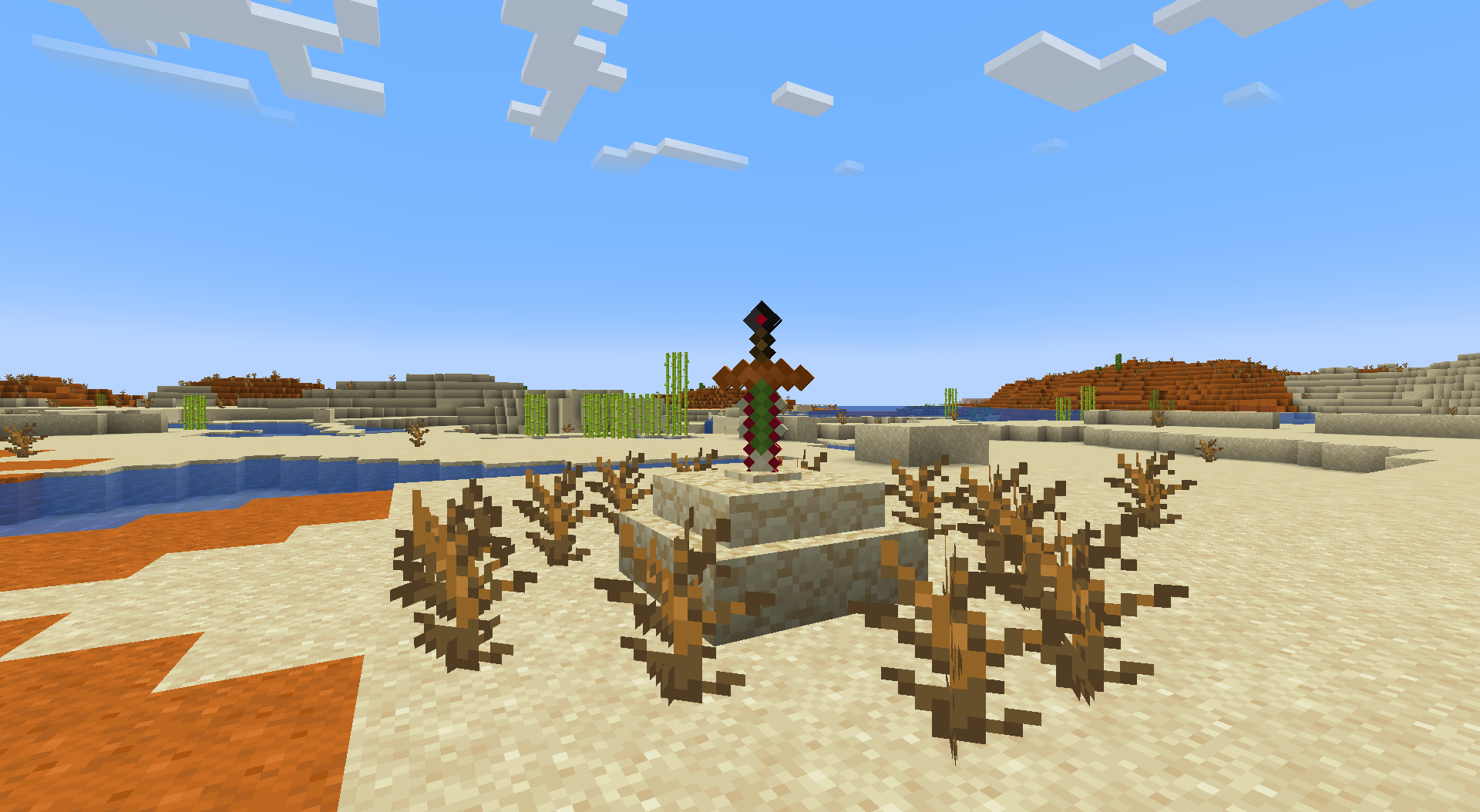
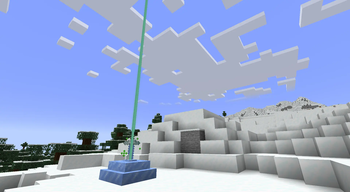
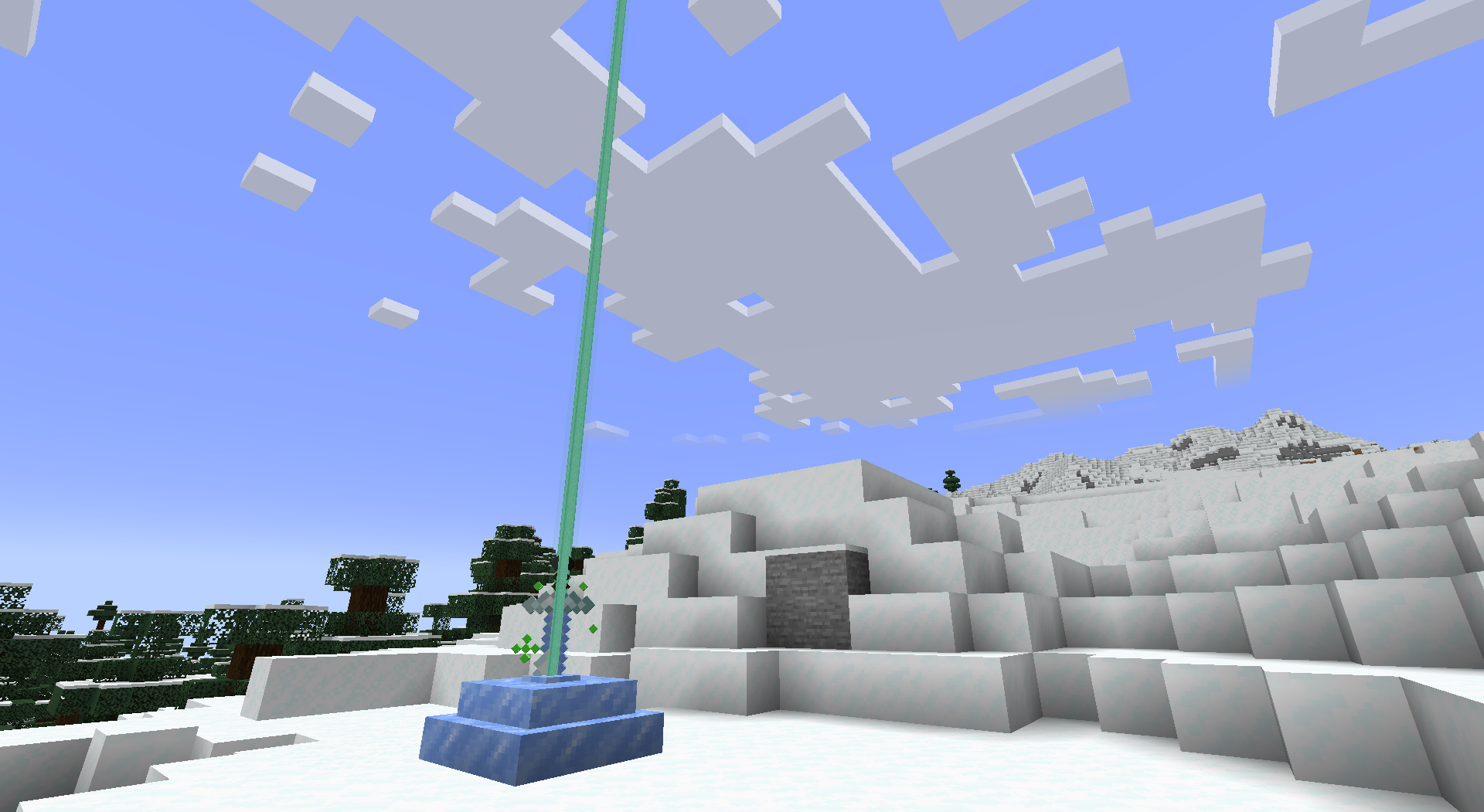
Until a player retrieves the sword from a stone, the sword shoots a laser straight up periodically to allow the player to find it more easily.
Abilities
Each sword has one of 9 different magic abilities. This is described in the sword's tooltip and affects the color of the sword's name. Some abilities are passive, while others are activated by right-clicking.
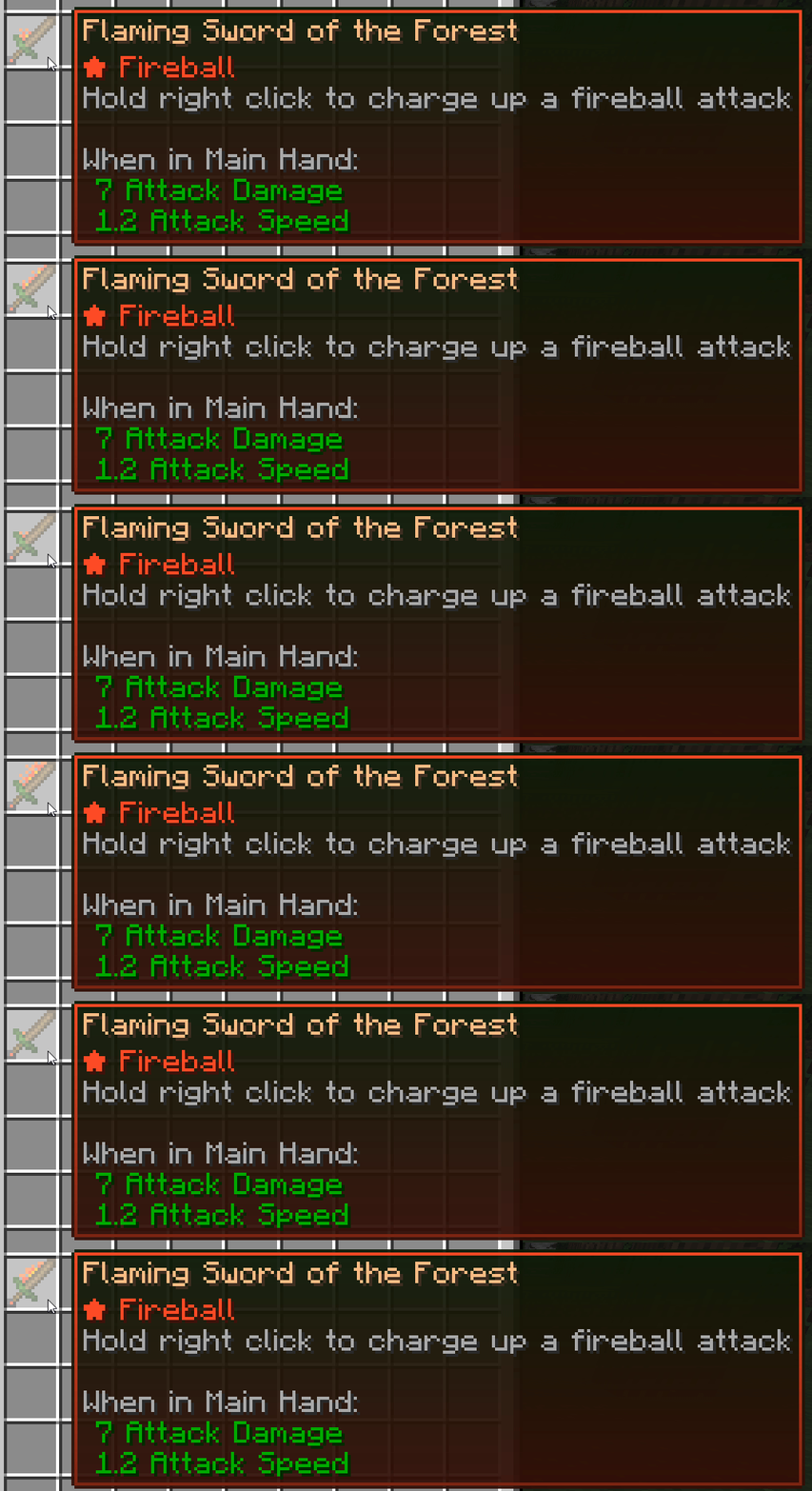
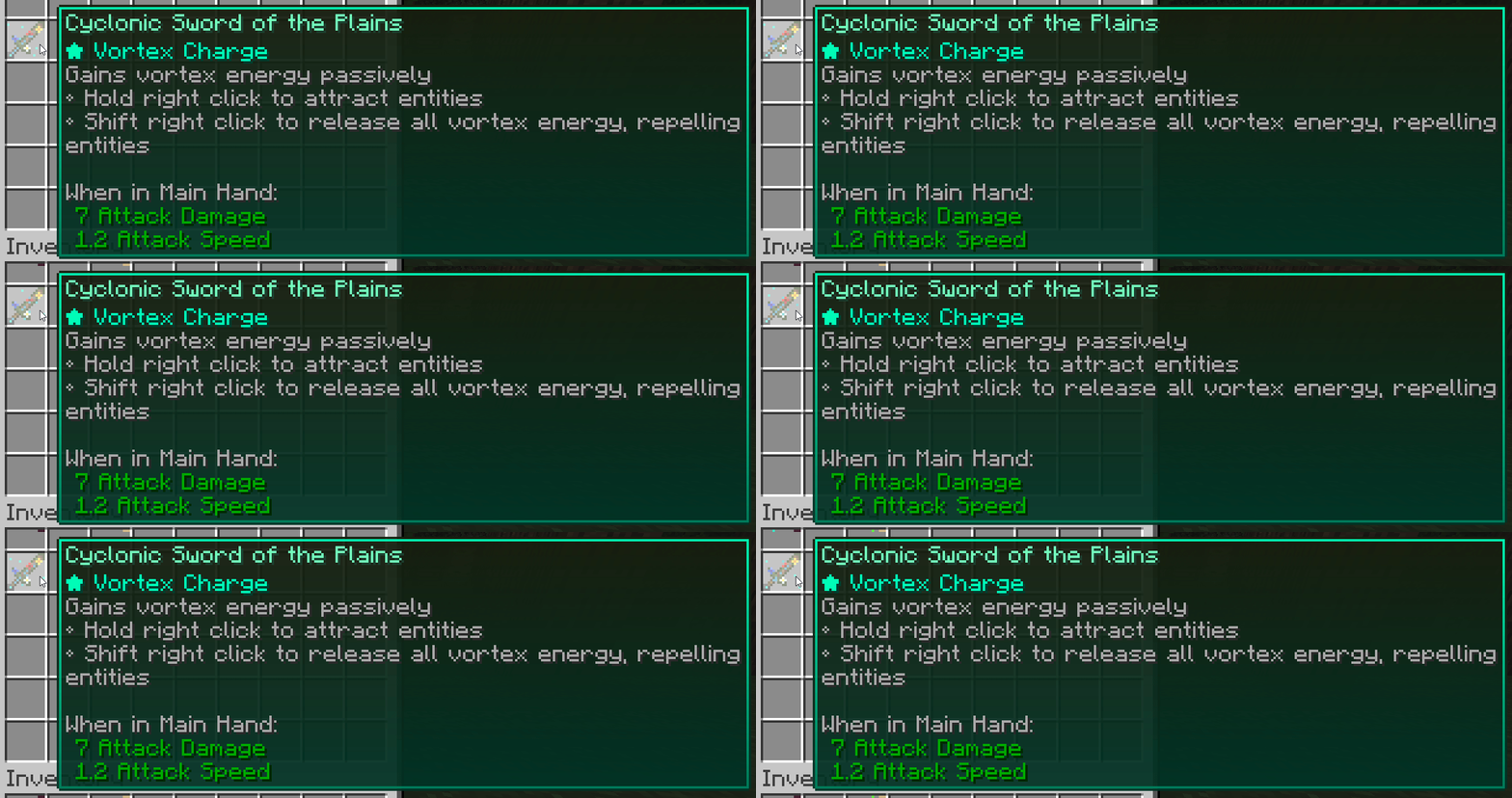
As of version 2.0, there are 54 different sword combinations for players to find!
FAQs
Can I add this to a modpack?
Sure! Feel free to add this to any modpack.Can I port/fork this mod?
Please ask me first.What if I find a bug or want to suggest a feature?
Please visit the mod's github issue page: https://github.com/BrownBear85/swordinthestone/issuesEnjoy Sword in the Stone!
Available Versions
How to Install Sword in the Stone on Your Server
Order Server
Order a Minecraft Java server with at least 3 GB RAM (4 GB recommended).
Set forge Loader
In the panel under "Egg", select the forge loader and matching Minecraft version (1.21).
Install Mod
Open the mod browser in the dashboard and search for "Sword in the Stone". Click "Install" – done! Alternatively, upload the .jar via SFTP to the /mods folder.
Compatibility
Mod Loaders
Minecraft Versions
1.21, 1.20.1, 1.20 (+4 more)
Server-side
✓ RequiredRecommended RAM
4 GB(min. 3 GB)Frequently Asked Questions
Sword in the Stone server crashes on startup – what to do?
Most common cause: wrong forge version or insufficient RAM. Check the server log (latest.log) for "OutOfMemoryError" or "Mixin" errors. With Mado Hosting: ensure at least 3 GB RAM is allocated and the loader matches the mod version (1.21). You can switch loaders with one click in the panel.
Is Sword in the Stone compatible with forge and neoforge?
Sword in the Stone officially supports forge, neoforge for Minecraft 1.21, 1.20.1, 1.20. The Mado dashboard automatically detects incompatible loader combinations.
Server lagging with Sword in the Stone – how to optimize performance?
Recommended RAM: 4 GB (per 8 players). Use /spark profiler to check if Sword in the Stone consumes the most tick time. Common fixes: reduce server view-distance to 8-10, install "performant" or "starlight" as supplementary mods on Forge. With Mado Hosting, your server runs on NVMe SSDs with dedicated CPU cores for minimal latency.
Similar Mods




![[TaCZ] Timeless and Classics Zero](https://cdn.modrinth.com/data/SzzJttH8/fd27766d2bb8390d284696b1dbd358f87e081439_96.webp)

Rent Modded Server
Install Sword in the Stone with just one click on your server.