Symbiotic Swiss Knife
A powerful multitool for GregTech Modern with tons of functionality
Screenshots
About this Mod

This mod adds a Symbiotic Swiss Knife to GregTech modern.
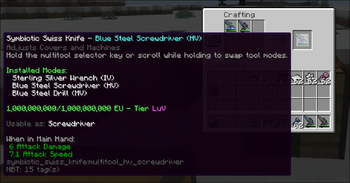
This tool lets you slot any other kind of GT Tool into a singular tool for extreme QOL swappability! It's got all your tools in one.
You can also read the description of the item in game for more information.
Switching
You can easily swap between tools through three different methods.
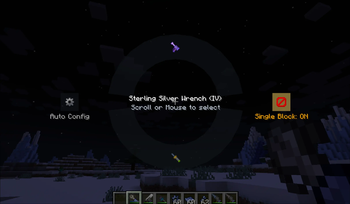
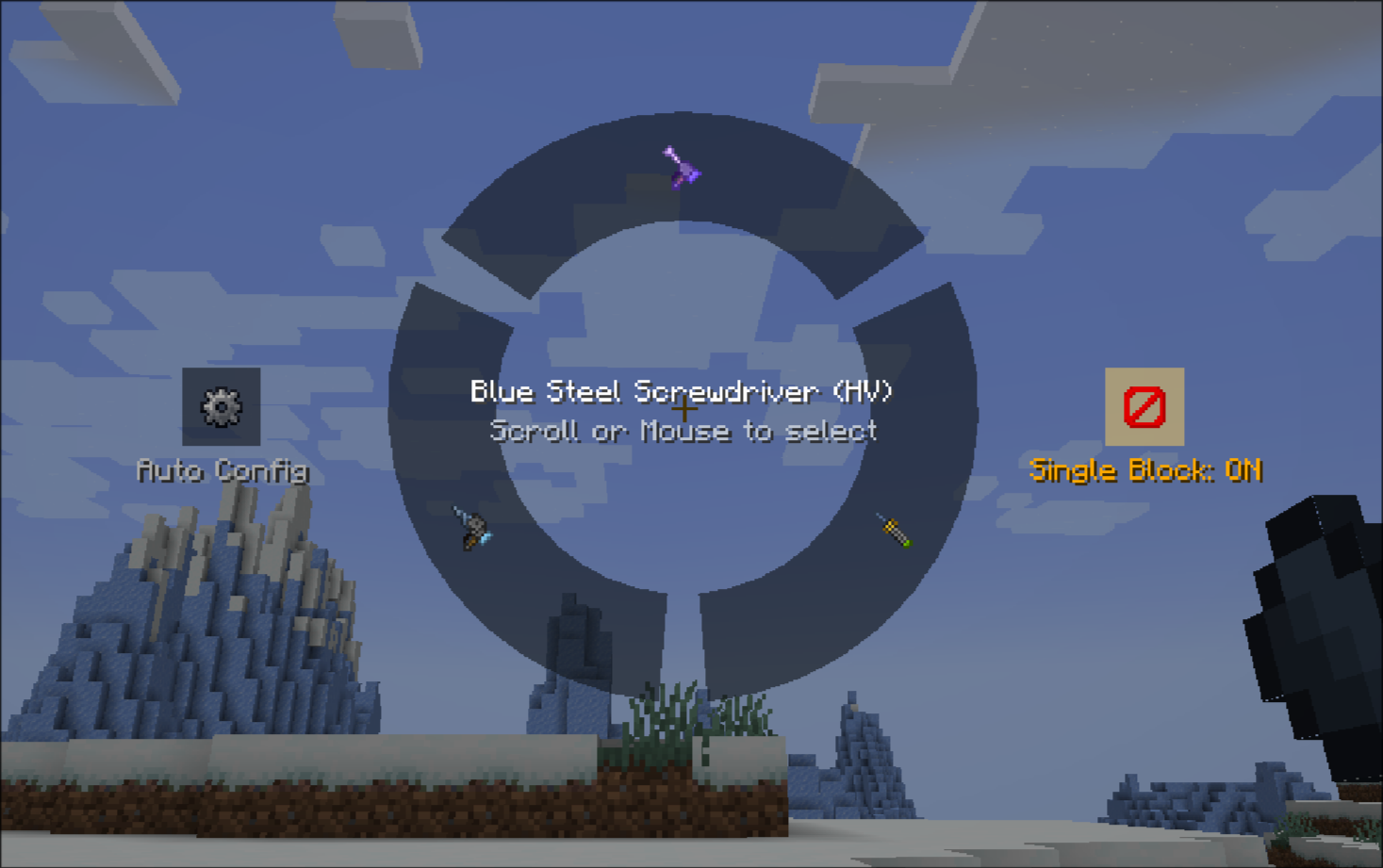
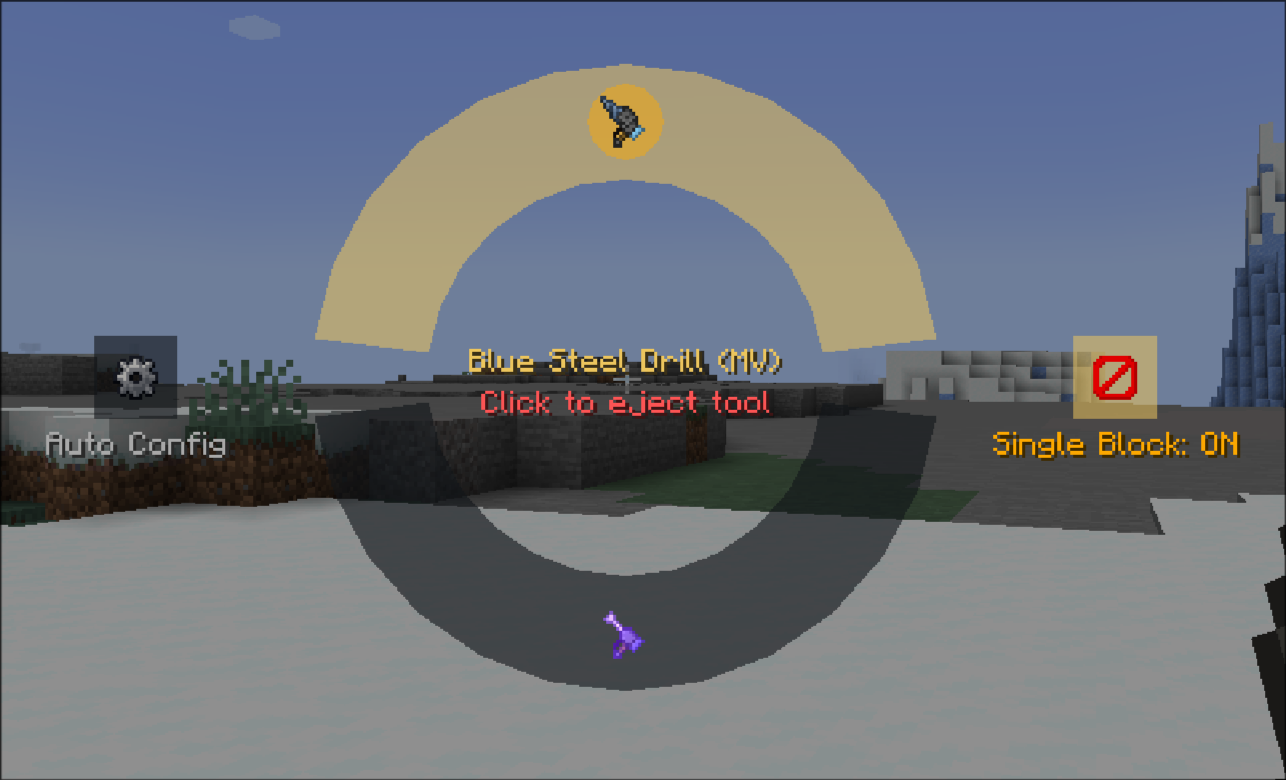
The multitool selector UI
You can use your mouse to freely select in a radial wheel the multitool of your choosing!
Scroll Wheel
Holding the multitool while shifting and scrolling will quickly swap between each item in order! Use this for quick swapping.
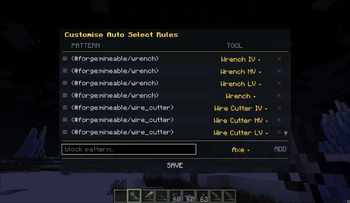
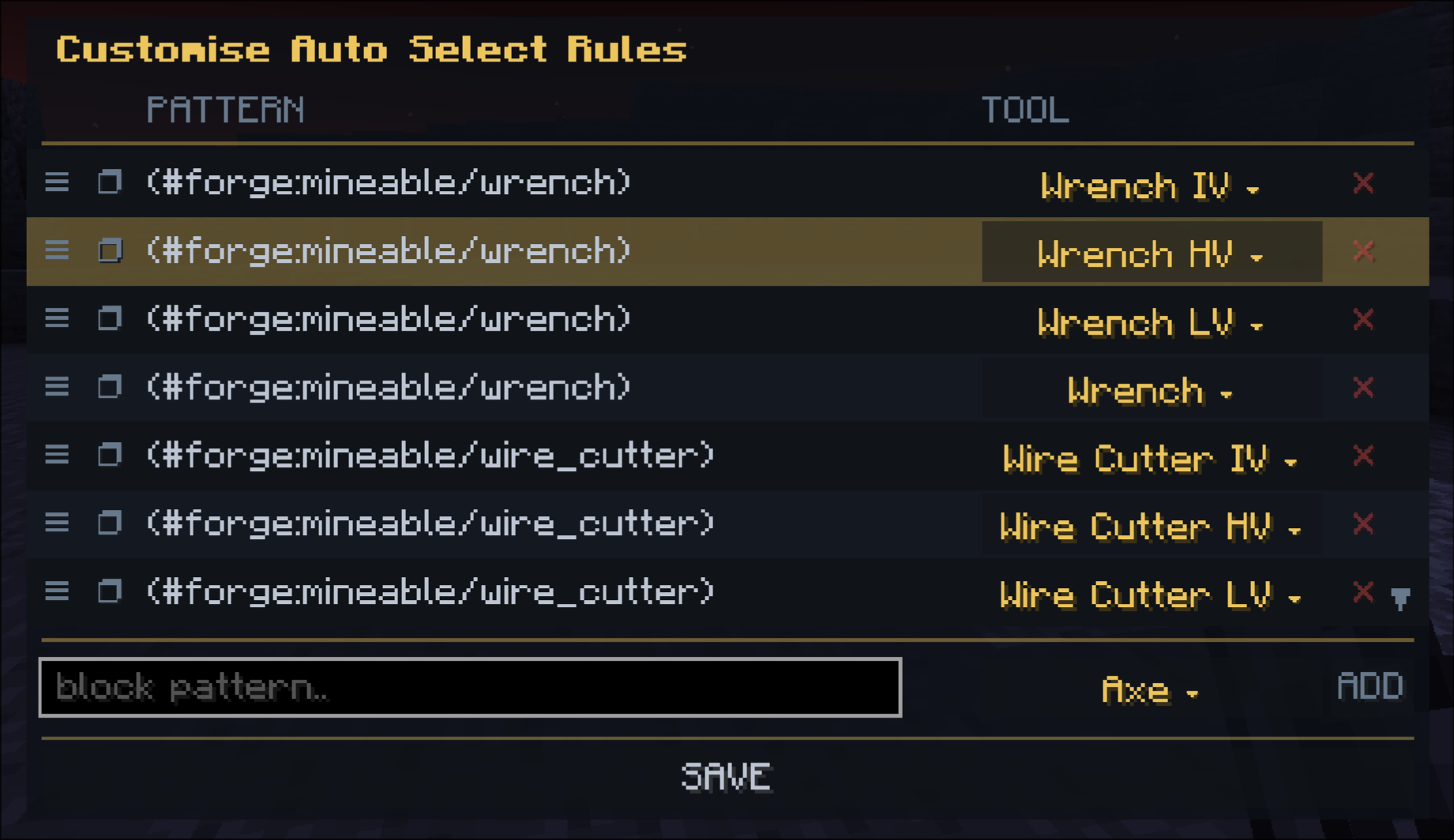
And the most powerful! The Auto-Select!
By pressing Pick Block, the multitool will automatically select the best tool for the purpose for the block the player is looking at.
This lets you rapidly swap between tools easily, and this is entirely customisable!
Single Block Mode
Tired of breaking your clean rooms due to your wrenches being too fast? We've got you covered with the Single Block Mode.
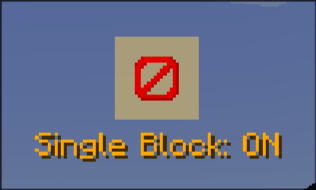
Once toggled on, you'll only be able to break one block per attack action! This means no more obliterating your entire cleanroom when you just want to break one machine.
Adding Tools
You can easily slot new tools by combining the multitool with any other GT Tool type in a crafting table. The multitool supports all base GT tool types:
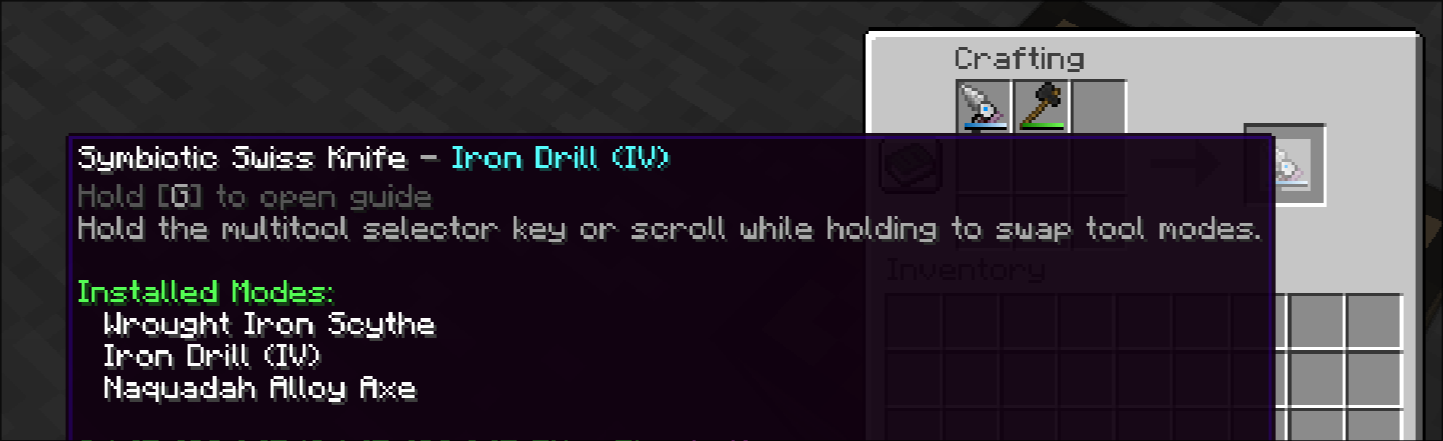
They can be ejected by shift clicking in the multitool selector UI:
Part of the Star Technology Beyond project. https://github.com/Star-Technology-Beyond
Credits:
- All Art by qiuu_qiuu and ariothesnekdragon, Initial Implementation by buggygee.
Available Versions
How to Install Symbiotic Swiss Knife on Your Server
Order Server
Order a Minecraft Java server with at least 3 GB RAM (4 GB recommended).
Set forge Loader
In the panel under "Egg", select the forge loader and matching Minecraft version (1.20.1).
Install Mod
Open the mod browser in the dashboard and search for "Symbiotic Swiss Knife". Click "Install" – done! Alternatively, upload the .jar via SFTP to the /mods folder.
Compatibility
Mod Loaders
Minecraft Versions
1.20.1
Server-side
✓ RequiredRecommended RAM
4 GB(min. 3 GB)Frequently Asked Questions
Symbiotic Swiss Knife server crashes on startup – what to do?
Most common cause: wrong forge version or insufficient RAM. Check the server log (latest.log) for "OutOfMemoryError" or "Mixin" errors. With Mado Hosting: ensure at least 3 GB RAM is allocated and the loader matches the mod version (1.20.1). You can switch loaders with one click in the panel.
Is Symbiotic Swiss Knife compatible with forge and neoforge?
Symbiotic Swiss Knife officially supports forge, neoforge for Minecraft 1.20.1. The Mado dashboard automatically detects incompatible loader combinations.
Server lagging with Symbiotic Swiss Knife – how to optimize performance?
Recommended RAM: 4 GB (per 8 players). Use /spark profiler to check if Symbiotic Swiss Knife consumes the most tick time. Common fixes: reduce server view-distance to 8-10, install "performant" or "starlight" as supplementary mods on Forge. With Mado Hosting, your server runs on NVMe SSDs with dedicated CPU cores for minimal latency.
Similar Mods




![[TaCZ] Timeless and Classics Zero](https://cdn.modrinth.com/data/SzzJttH8/fd27766d2bb8390d284696b1dbd358f87e081439_96.webp)

Rent Modded Server
Install Symbiotic Swiss Knife with just one click on your server.