System Interactions
Adds safe server-triggered system dialogs and Windows notifications
Screenshots
About this Mod
 is a mod that lets Minecraft interact with your system in a safe and controlled way.
Want to show a real system dialog? Send a Windows notification? Make one specific player question reality for a moment?
System Interactions adds a small set of server-triggered desktop effects that can be used from commands, command blocks, datapacks, maps, or server-side logic.
What can it do?
- Show native system dialog windows
- Show Windows notifications
- Target specific players with Minecraft selectors
- Use
info,warning, anderrorstyles - Work from commands, command blocks, and datapacks
- Create weird, immersive, or unexpected moments without custom client scripting
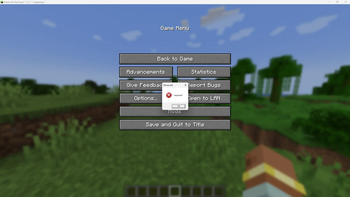
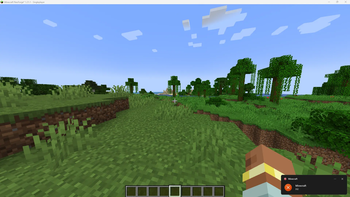
Windows notification: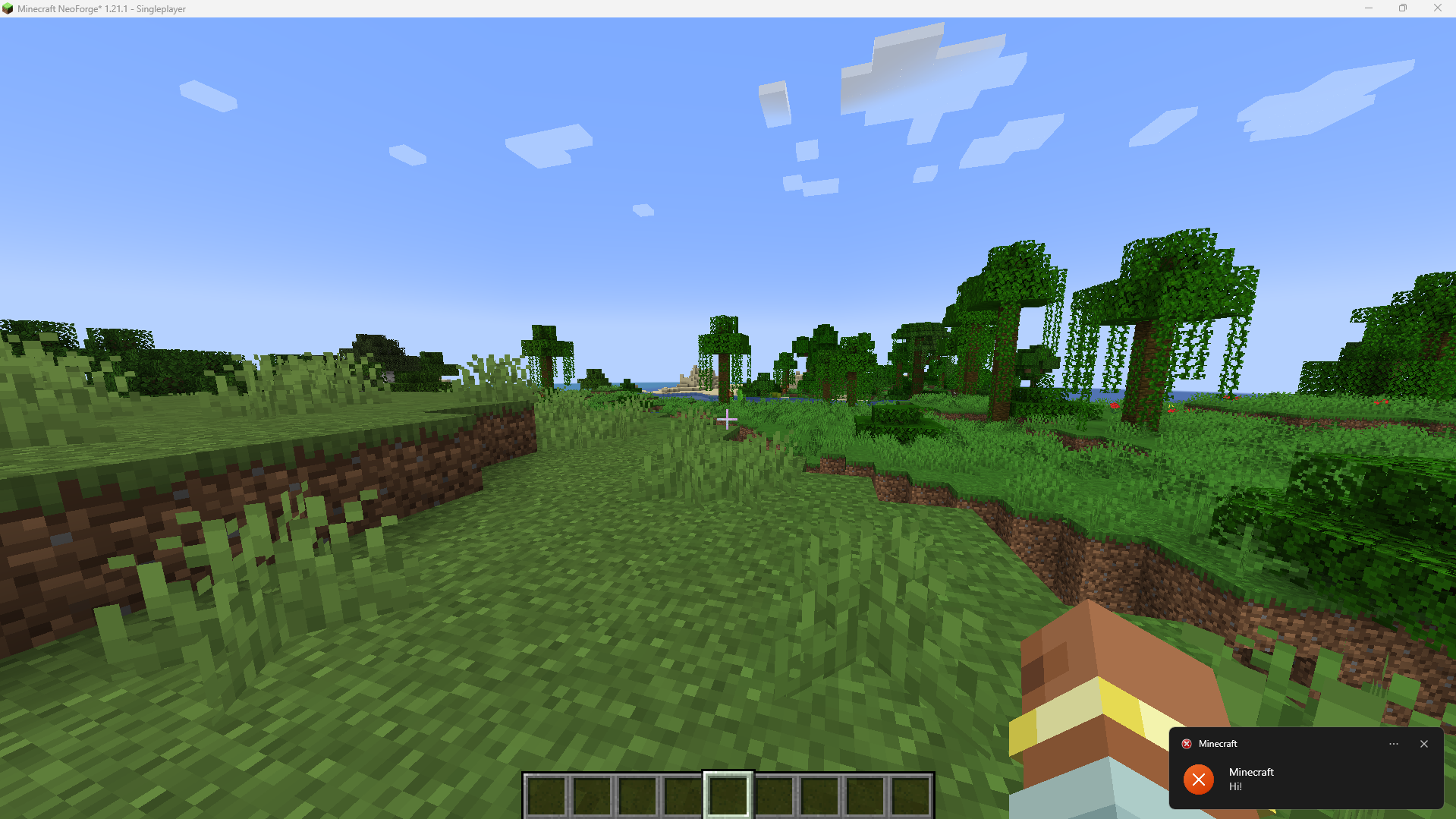
Dialog: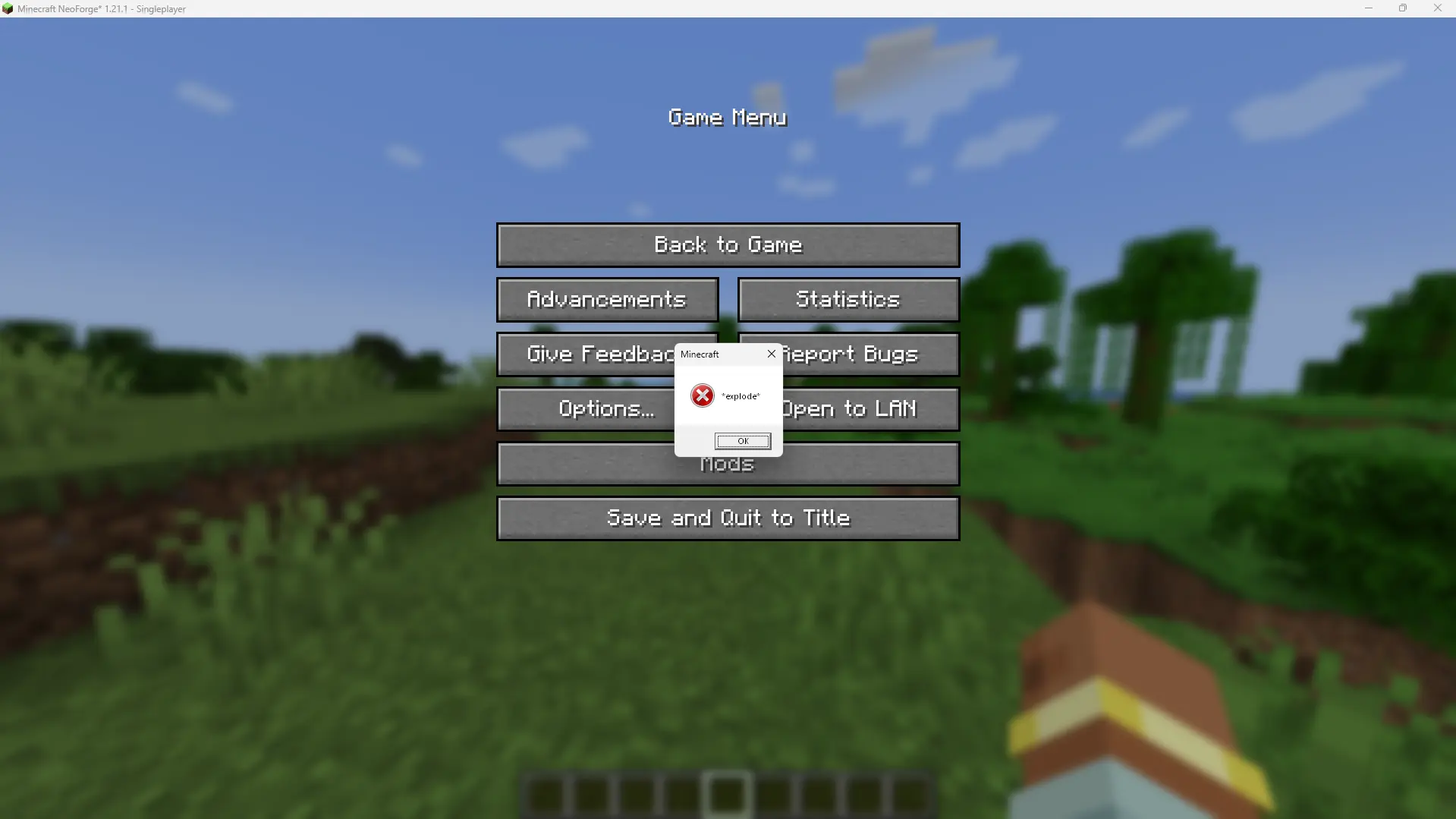
Commands
System dialog:
/si dialog <targets> <type> <title> <message>
Windows notification:
/si toast <targets> <type> <title> <message>
How it works?
does not let servers run arbitrary scripts or system commands.
On Windows, the mod uses PowerShell only as a bridge to call built-in Windows UI features, such as system message boxes. Windows notifications are displayed through a small bundled helper application, so they can appear with the correct app name.
Servers can only request two predefined effects - system dialogs and Windows notifications.
The mod only sends plain text values such as title, message, and icon type.
It does not provide any command for running PowerShell code, shutting down the device, reading files, downloading files, or launching arbitrary programs.
Compatibility
The mod has been properly tested on Windows 11.
Windows 10 support is expected, but not fully tested yet.
Windows notifications may not appear if notifications are disabled in system settings, Focus Assist / Do Not Disturb is enabled, or notifications from the helper application are blocked by Windows.
Available Versions
How to Install System Interactions on Your Server
Order Server
Order a Minecraft Java server with at least 3 GB RAM (4 GB recommended).
Set neoforge Loader
In the panel under "Egg", select the neoforge loader and matching Minecraft version (1.21.1).
Install Mod
Open the mod browser in the dashboard and search for "System Interactions". Click "Install" – done! Alternatively, upload the .jar via SFTP to the /mods folder.
Compatibility
Mod Loaders
Minecraft Versions
1.21.1
Server-side
✓ RequiredRecommended RAM
4 GB(min. 3 GB)Frequently Asked Questions
System Interactions server crashes on startup – what to do?
Most common cause: wrong neoforge version or insufficient RAM. Check the server log (latest.log) for "OutOfMemoryError" or "Mixin" errors. With Mado Hosting: ensure at least 3 GB RAM is allocated and the loader matches the mod version (1.21.1). You can switch loaders with one click in the panel.
Is System Interactions compatible with neoforge?
System Interactions officially supports neoforge for Minecraft 1.21.1. The Mado dashboard automatically detects incompatible loader combinations.
Server lagging with System Interactions – how to optimize performance?
Recommended RAM: 4 GB (per 8 players). Use /spark profiler to check if System Interactions consumes the most tick time. Common fixes: reduce server view-distance to 8-10, install "performant" or "starlight" as supplementary mods on Forge. With Mado Hosting, your server runs on NVMe SSDs with dedicated CPU cores for minimal latency.
Rent Modded Server
Install System Interactions with just one click on your server.