
TeamProjectE-Reborn
Froked From TeamProjectE. Shared EMC and knowledge with your ProjectE team members & EMC display support for Xaero's Minimap.
Screenshots
About this Mod
This mod forked from Team ProjectE by 6LeoY, please do not report problems to the original work.
📖 About:
This mod inherits the functionality of the original Team ProjectE mod, but adds a few improvements and enhancements:
- Shared EMC and knowledge with your projecte team members.
Changes:
- Support MC 1.21.1
- Fixed an issue where EMC and knowledge were cleared when the mod was added to a world that had already been created. Even if the existing saves already exist the EMC and knowledge data of the player, they will not be cleared.
- The integration of Xaero's Minimap emc display has been moved to Project Minimap Hud (after v1.1.0).
Integrated display of player/team EMC and EMC change rate in Xaero's Minimap display information. - Optimized the logic of players joining team to deal with EMC and knowledge. See usage below for details.
- Fixed an issue where the transfer ownership command would not synchronize in real time.
🥁 Usage:
The command is used to operate the team, and the management interface of the GUI is in the plan.
Invite players
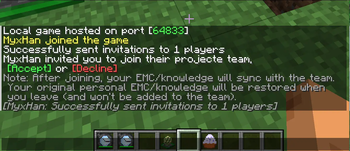
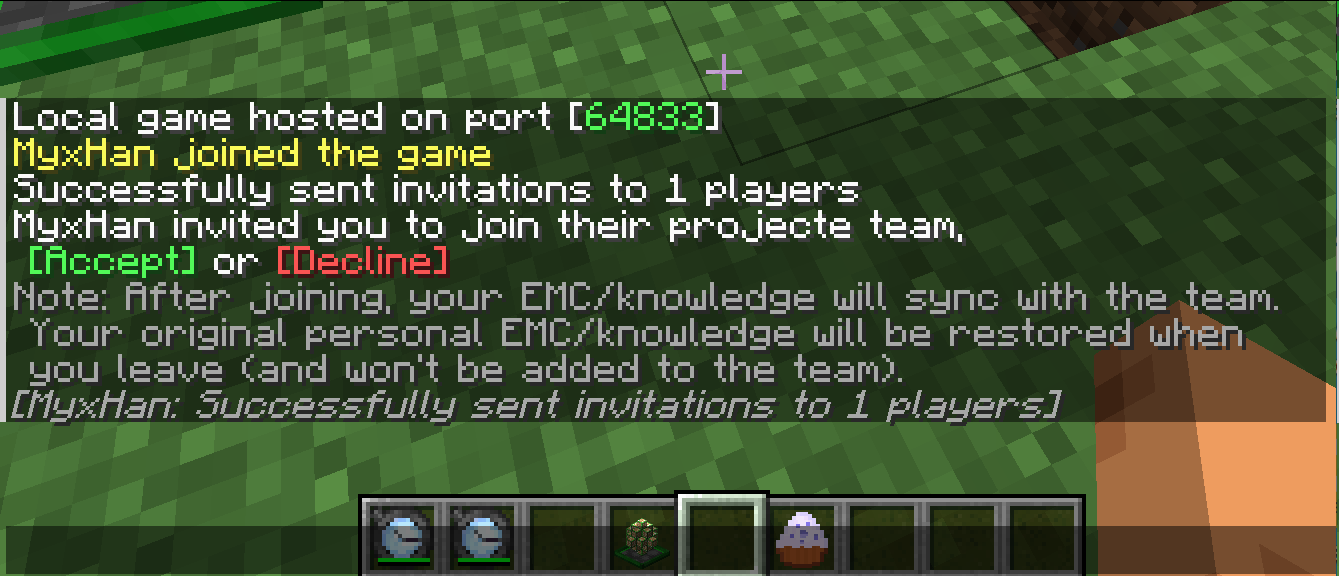
Invite a player to join your team, and his EMC and knowledge will be saved and replaced with yours, sharing the team with you.
/teamper invite <player_name>
Leave your current team
When a player leaves, replace the player's progress before the player joins the team. If the captain transfers the CAPTAIN without saving before joining the team, the progress in the team will be preserved when he leaves the team.
/teamper leave
Kick a team member
Refer to "Leave your current team" above for logic of progress data.
/teamper kick <member_name>
List team members
Only if team members > 1.
/teamper members
Transfer ownership
/teamper transfer_ownership <member_name>
Settings
Only if team members > 1 && player is team owner.
Set EMC sharing, default: true
/teamper settings share_emc <boolean>
Set knowledge sharing, default: true
/teamper settings share_knowledge <boolean>
🎮 Compatibility
Should be compatible with most PE additions. Here are the ones that have been tested:
- Project Expansion MC1.21.1 ✔
- ProjectE Integration MC1.21.1 ✔
- Project Minimap Hud MC1.21.1 ✔
Thanks
- Thanks to 6LeoY, Alic Szecsei, 90 for creating the Team ProjectE mod, which would not have been possible without them.
中文
中文版发在了微信公众号上 https://mp.weixin.qq.com/s/-aN0pvPdlNeSm3FYDAzLYg 懒得再誊一遍了。
Available Versions
How to Install TeamProjectE-Reborn on Your Server
Order Server
Order a Minecraft Java server with at least 3 GB RAM (4 GB recommended).
Set neoforge Loader
In the panel under "Egg", select the neoforge loader and matching Minecraft version (1.21.1).
Install Mod
Open the mod browser in the dashboard and search for "TeamProjectE-Reborn". Click "Install" – done! Alternatively, upload the .jar via SFTP to the /mods folder.
Compatibility
Mod Loaders
Minecraft Versions
1.21.1
Server-side
✓ RequiredRecommended RAM
4 GB(min. 3 GB)Frequently Asked Questions
TeamProjectE-Reborn server crashes on startup – what to do?
Most common cause: wrong neoforge version or insufficient RAM. Check the server log (latest.log) for "OutOfMemoryError" or "Mixin" errors. With Mado Hosting: ensure at least 3 GB RAM is allocated and the loader matches the mod version (1.21.1). You can switch loaders with one click in the panel.
Is TeamProjectE-Reborn compatible with neoforge?
TeamProjectE-Reborn officially supports neoforge for Minecraft 1.21.1. The Mado dashboard automatically detects incompatible loader combinations.
Server lagging with TeamProjectE-Reborn – how to optimize performance?
Recommended RAM: 4 GB (per 8 players). Use /spark profiler to check if TeamProjectE-Reborn consumes the most tick time. Common fixes: reduce server view-distance to 8-10, install "performant" or "starlight" as supplementary mods on Forge. With Mado Hosting, your server runs on NVMe SSDs with dedicated CPU cores for minimal latency.
Rent Modded Server
Install TeamProjectE-Reborn with just one click on your server.