
Technical Utilities
Tech Utils is a mod providing client-side tweaks for Litematica, WorldEdit and other small utilities.
Screenshots
About this Mod
Technical Utilities
Tech Utils is a mod providing client-side tweaks for Litematica, WorldEdit and other small utilities.
Mod config
To access mod config open Mod Menu and select this mod.
Features
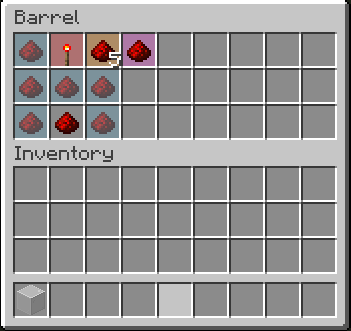
Inventory Verifier addon to Litematica's Schematic Verifier
- Conveniently displays the difference between the expected and found inventory contents side-by-side.
- Has semantic slot highlighting (view feature
inventoryScreenOverlayfurther down). - Turning on
verifyItemComponentswill require item components to match and will also visualize them in the item tooltip for you to compare. - Enables schematic creators to use item predicates - a flexible way to specify what properties items should have. Here's an impractical but exhaustive example via Misode's handy generator.
Check out the feature's showcase video:This feature only works if your server has Servux (or PCA Protocol in 1.20.1-4), or you have nbt query permissions (e.g. by being an operator or installing a permissions mod/plugin), or you're in Singleplayer.
On Multiplayer, make sure you have enabledentityDataSyncandentityDataSyncBackupin Litematica's settings.Sync WorldEdit selection
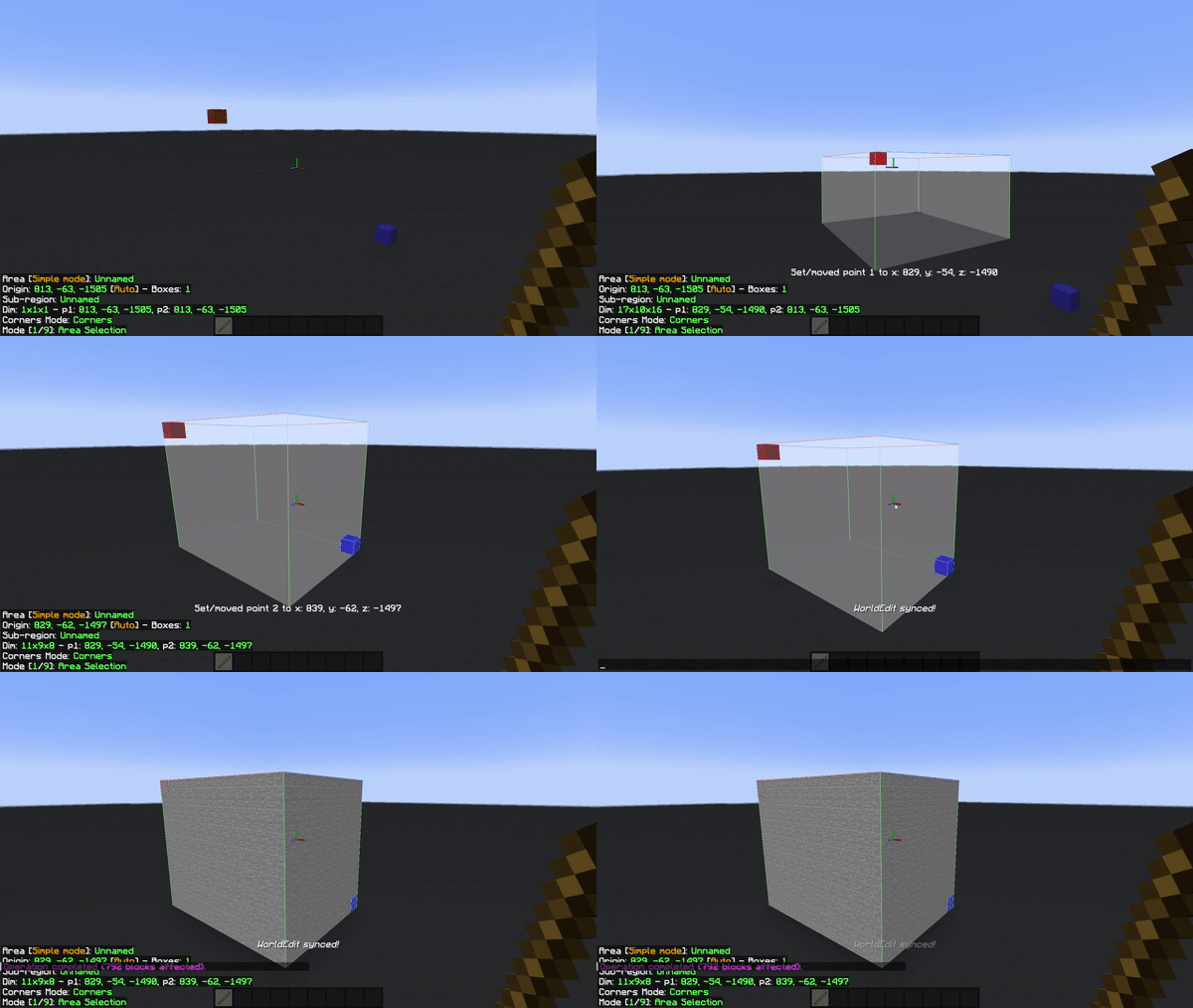
Snap WorldEdit region to active Litematica selection -autoWeSync.
Region synchronizes shortly after you modify a selection, showing you a confirmation message above the hotbar.
Litematic preview (1.21 and below)
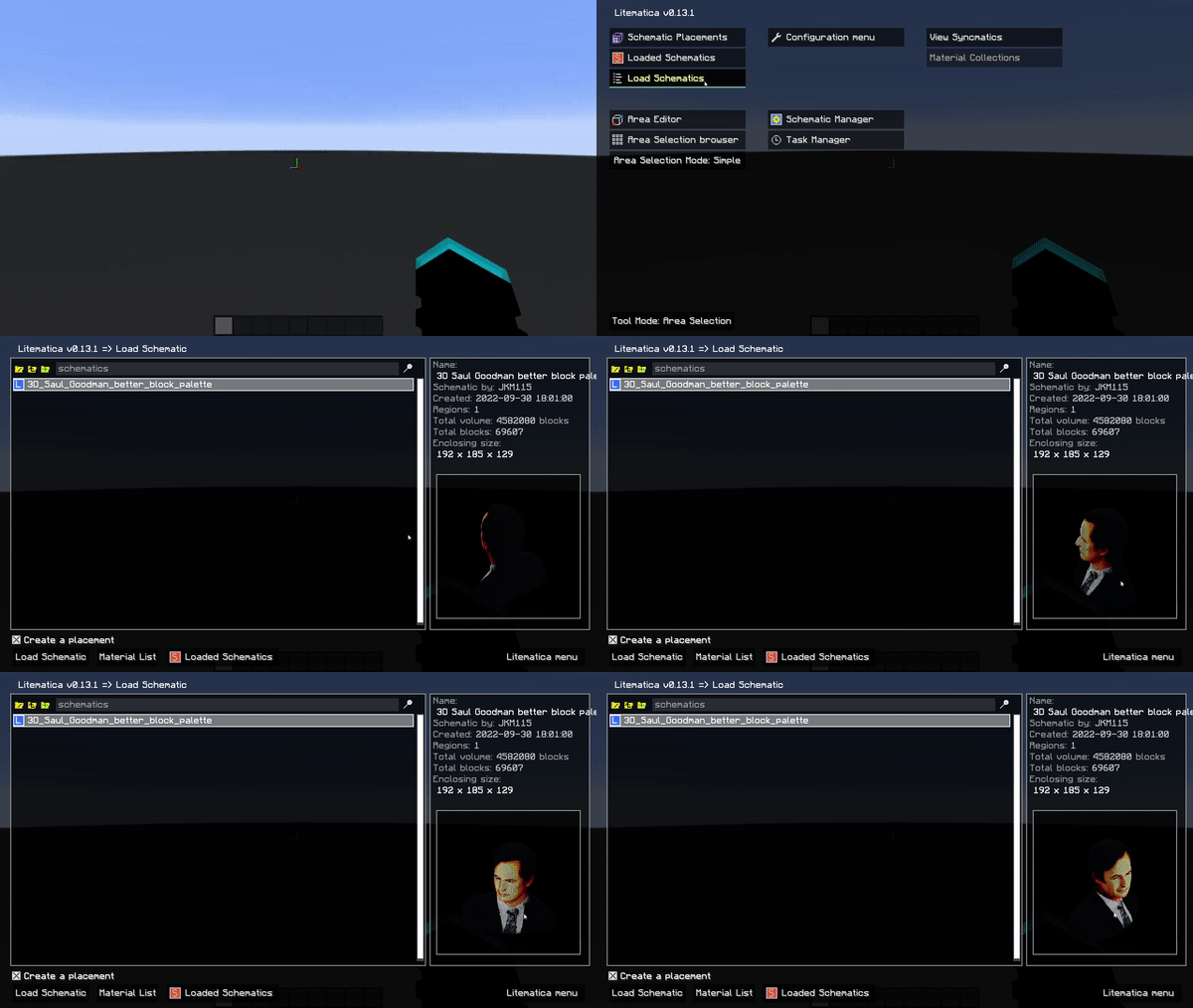
Show 3D render of selected litematic in Load Schematics menu -renderPreview.
This only works for .litematic files.
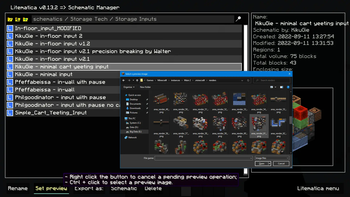
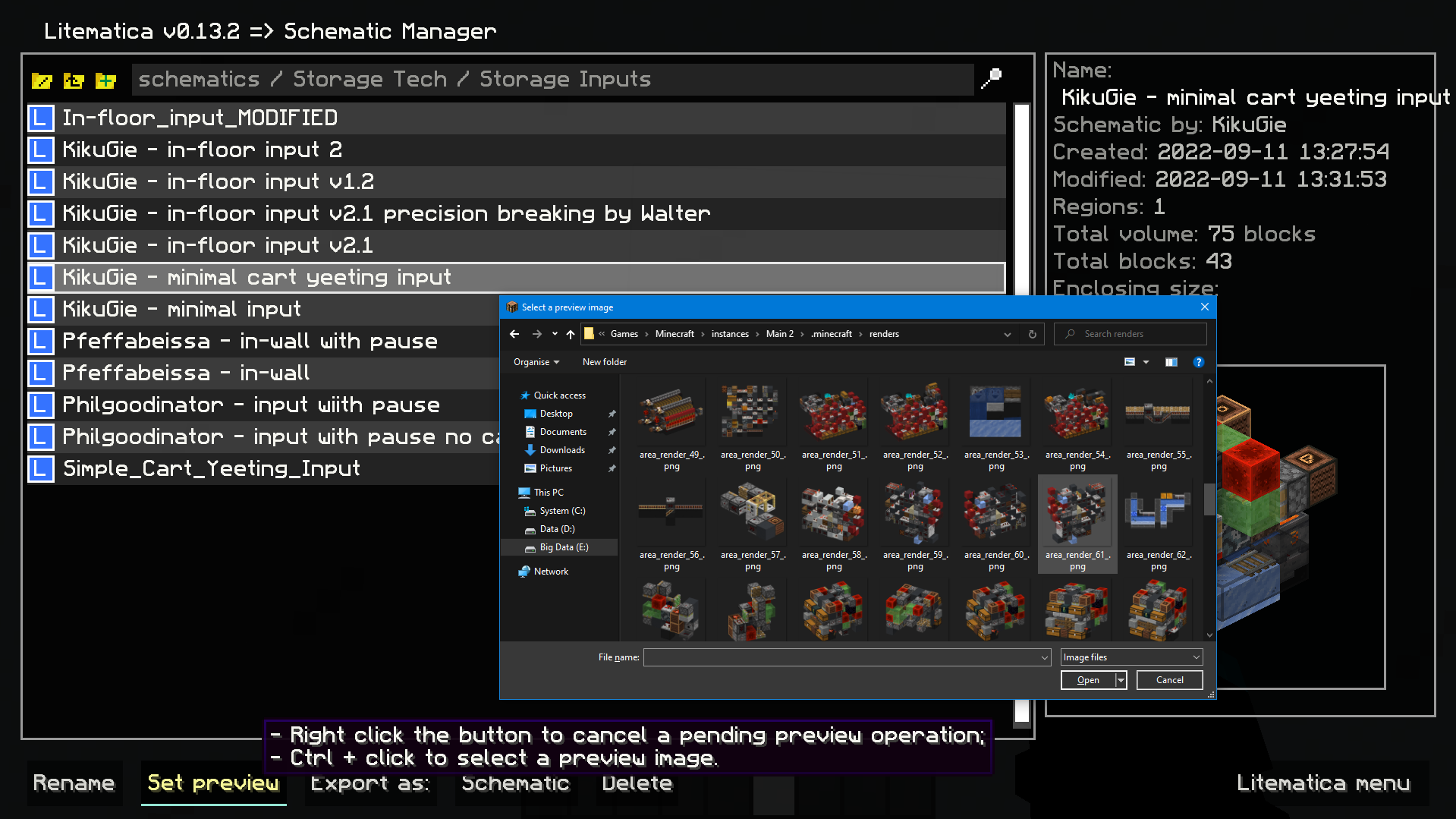
Image selection dialog for litematica preview:
Set litematic preview image to one you select, which unlike the 3D preview feature will be shown to any player, even without this mod.
In main Litematica menu go to Schematic Manager, select a litematic and ctrl + click on Set Preview button to open the prompt.
- Inventory setup preview:
Show items that have to be in a container and highlights wrong or mismatched ones -inventoryScreenOverlay.
*Item colors match your placement block colors. By default its:- Light blue: missing item;
- Orange: mismatched amount or nbt data;
- Magenta: extra item that shouldn't be present;
- Red: wrong item type.*
- Compact scoreboard (ported from my old mod) -
compactScoreboard.
Using short number format:- 1000 -> 1k
- 1000000 -> 1M
- 1000000000 -> 1B
- Disable WorldEdit neighbor updates on log-in -
autoDisableUpdates. - Hotkeys for litematic placement rotation & mirror -
rotatePlacementandmirrorPlacement. /isorender selectionshortcut for rendering current Litematica selection in Isometric Renders.- A hotkey to give yourself a container full of the item you're holding -
giveFullInv. Supports boxes, chests, and bundles. Nesting them is possible. - A hotkey to refresh the material list -
refreshMaterialList. - Make easy place act as if all blocks are full blocks. Useful for placing blocks with small hit boxes.
- And more to come!
Dependencies
Mod logo by Mizeno
Available Versions
How to Install Technical Utilities on Your Server
Order Server
Order a Minecraft Java server with at least 3 GB RAM (4 GB recommended).
Set fabric Loader
In the panel under "Egg", select the fabric loader and matching Minecraft version (26.1.2).
Install Mod
Open the mod browser in the dashboard and search for "Technical Utilities". Click "Install" – done! Alternatively, upload the .jar via SFTP to the /mods folder.
Compatibility
Mod Loaders
Minecraft Versions
26.1.2, 26.1.1, 26.1 (+16 more)
Server-side
✗ UnsupportedRecommended RAM
4 GB(min. 3 GB)Frequently Asked Questions
Technical Utilities server crashes on startup – what to do?
Most common cause: wrong fabric version or insufficient RAM. Check the server log (latest.log) for "OutOfMemoryError" or "Mixin" errors. With Mado Hosting: ensure at least 3 GB RAM is allocated and the loader matches the mod version (26.1.2). You can switch loaders with one click in the panel.
Is Technical Utilities compatible with fabric and quilt?
Technical Utilities officially supports fabric, quilt for Minecraft 26.1.2, 26.1.1, 26.1. The Mado dashboard automatically detects incompatible loader combinations.
Server lagging with Technical Utilities – how to optimize performance?
Recommended RAM: 4 GB (per 8 players). Use /spark profiler to check if Technical Utilities consumes the most tick time. Common fixes: reduce server view-distance to 8-10, install "performant" or "starlight" as supplementary mods on Forge. With Mado Hosting, your server runs on NVMe SSDs with dedicated CPU cores for minimal latency.
Similar Mods






Rent Modded Server
Install Technical Utilities with just one click on your server.