
Tesserakt
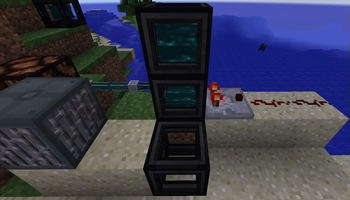
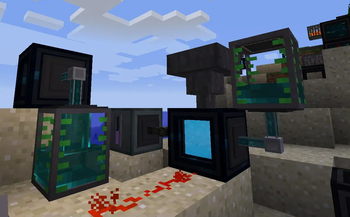
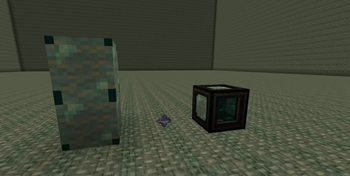
This mod add a Tesserakt : this device allow you to transport energy, items, fluids and redstone beetween distances and dimensions!
Screenshots
About this Mod
This mod add a Tesserakt : this device allow you to transport energy, items, fluids and redstone beetween distances and dimensions!
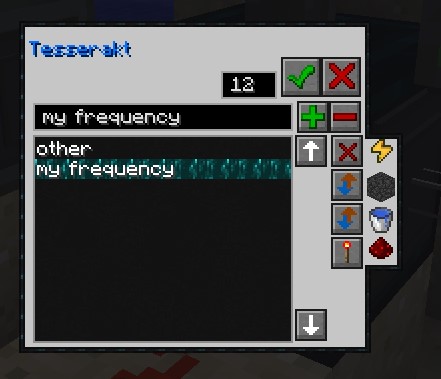
You can create up to 1000 different channel and label them as well as controlling inputs and outputs...
It is similar to the Tesseract from the mod Thermal Expension.
But there is more!
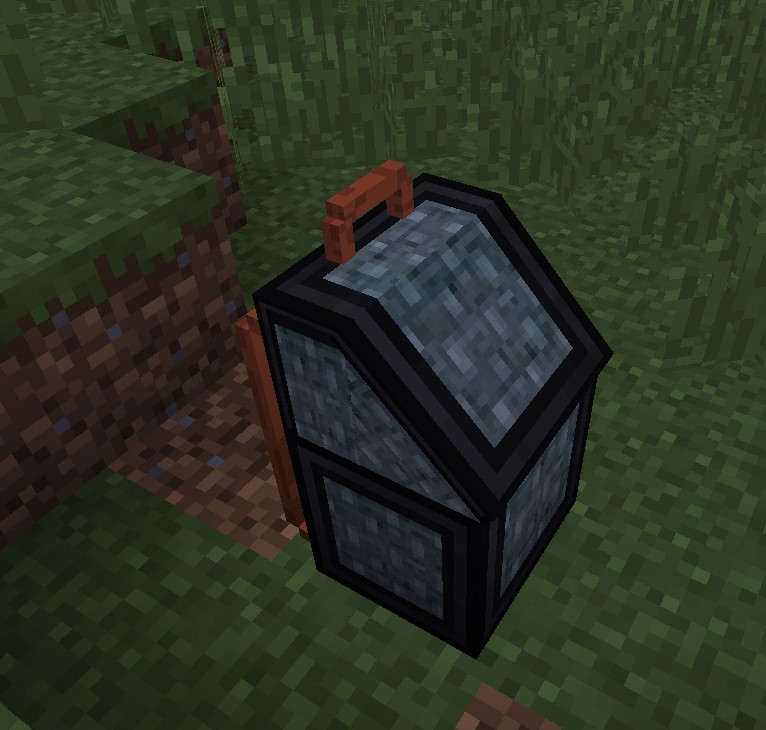
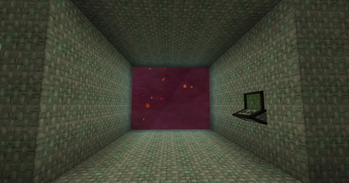
Dimensional bag : A backpack leading you to an extensible Pocket Dimension
Exponential Battery : a battery constantly expanding it's capacity!
Credits : the COFH team for all the textures of the original tesseract that I have slightly modified and used for this mod.
Features:
In GUI configurable frequency, label list to rember your frequencies, controllable in/out for each transported Object:
Energy, Fluids and Items modes:
-Disabled : don't transport at all
-Input : only allow insertion in the tesserakt, tubes won't be able to pull ressource.
-Output: only allow extraction from the tesserakt, tubes won't be able to push ressource.
-In/Out : allow both
Redstone mode :
-Disabled: don't react at all to redstone
-Input : copy redstone strenght input
-Output: emit redstone depending on tesserakts in input mod on the same frequency.
-Control : don't transmit redstone, instead redstone connect and disconnect the tesseract
Transmitted energy is FE : forge energy (universal for most of the mods).
Fluids and items should be universal too.
Filling frames:
You have to fill empty frames with Liquid Ender (Resonant Ender for thermal expension)
You can fill them by right clicking with bucks or other fluid-holding items, or by pumping fluid in it with other mods tubes;
Frame will emit a comparator output from 0 to 4 depending on the level of liqui they contains.
For the crafts to work, you need to have Thermal Foundation installed, else you will have to do your own recipes.
Available Versions
How to Install Tesserakt on Your Server
Order Server
Order a Minecraft Java server with at least 3 GB RAM (4 GB recommended).
Set forge Loader
In the panel under "Egg", select the forge loader and matching Minecraft version (1.12.2).
Install Mod
Open the mod browser in the dashboard and search for "Tesserakt". Click "Install" – done! Alternatively, upload the .jar via SFTP to the /mods folder.
Compatibility
Mod Loaders
Minecraft Versions
1.12.2
Server-side
✓ RequiredRecommended RAM
4 GB(min. 3 GB)Frequently Asked Questions
Tesserakt server crashes on startup – what to do?
Most common cause: wrong forge version or insufficient RAM. Check the server log (latest.log) for "OutOfMemoryError" or "Mixin" errors. With Mado Hosting: ensure at least 3 GB RAM is allocated and the loader matches the mod version (1.12.2). You can switch loaders with one click in the panel.
Is Tesserakt compatible with forge?
Tesserakt officially supports forge for Minecraft 1.12.2. The Mado dashboard automatically detects incompatible loader combinations.
Server lagging with Tesserakt – how to optimize performance?
Recommended RAM: 4 GB (per 8 players). Use /spark profiler to check if Tesserakt consumes the most tick time. Common fixes: reduce server view-distance to 8-10, install "performant" or "starlight" as supplementary mods on Forge. With Mado Hosting, your server runs on NVMe SSDs with dedicated CPU cores for minimal latency.
Rent Modded Server
Install Tesserakt with just one click on your server.