
Text to Voice
Text to speech addon for Simple Voice Chat. Type to speak and audio will be sent through SVC and/or Voicemeeter
Screenshots
About this Mod
Text to Voice

An addon for Simple Voice Chat that allows people who can't or don't wish to use their microphone another way to chat, using text to speech.
This can be helpful if you're playing on a server and want an alternative to typing in global chat or manually whispering to players, or if you wish to interact with other mods such as Phonos.
This mod allows the user to type the text they wish to say into a window, and a computerized voice will say it out loud through Simple Voice Chat for them.
NOTE: Linux/macOS support is experimental and may not work properly, please report any problems on the GitHub repo.
The GUI
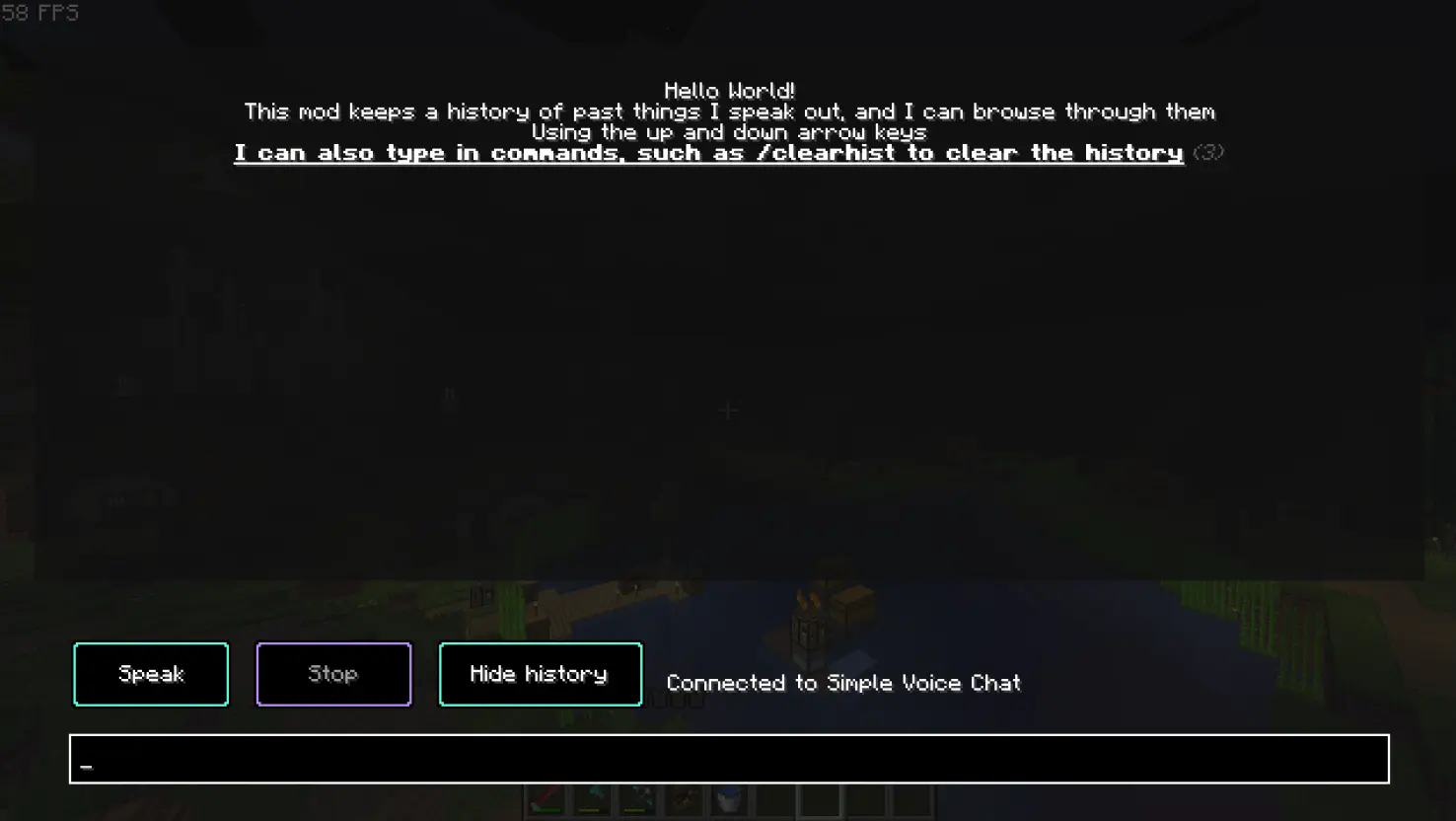
To use the mod you first need to press the button to open the menu (the default keybind is ~ (located beneath the 'escape' key), though you can change this in the controls screen).
Type the text you want to speak out in the bar at the bottom, and once you have finished typing press the "Speak" button or press enter. You can also choose to stop talking in the middle of a sentence by pressing the "Stop" button.
At the top of the GUI, all of the sentences you have said will be saved in your history section. This is so you can bring back old things you've said without typing it out once again. To navigate this section, use the arrow keys.
You may also clear the history using /clearhist (see the wiki page on commands for more information)
Command Input
To give an alternative way to use the mod, instead of being forced to use the GUI, you can also use commands.

There are 2 main commands:
Note: Both of these commands are aliases, the original commands reside under /ttvoice
/speak <insert what you wish to say here>
This command allow you to speak freely without needing to go into the GUI.
/stopSpeaking
This command will stop you speaking mid-sentence.
Figura integration
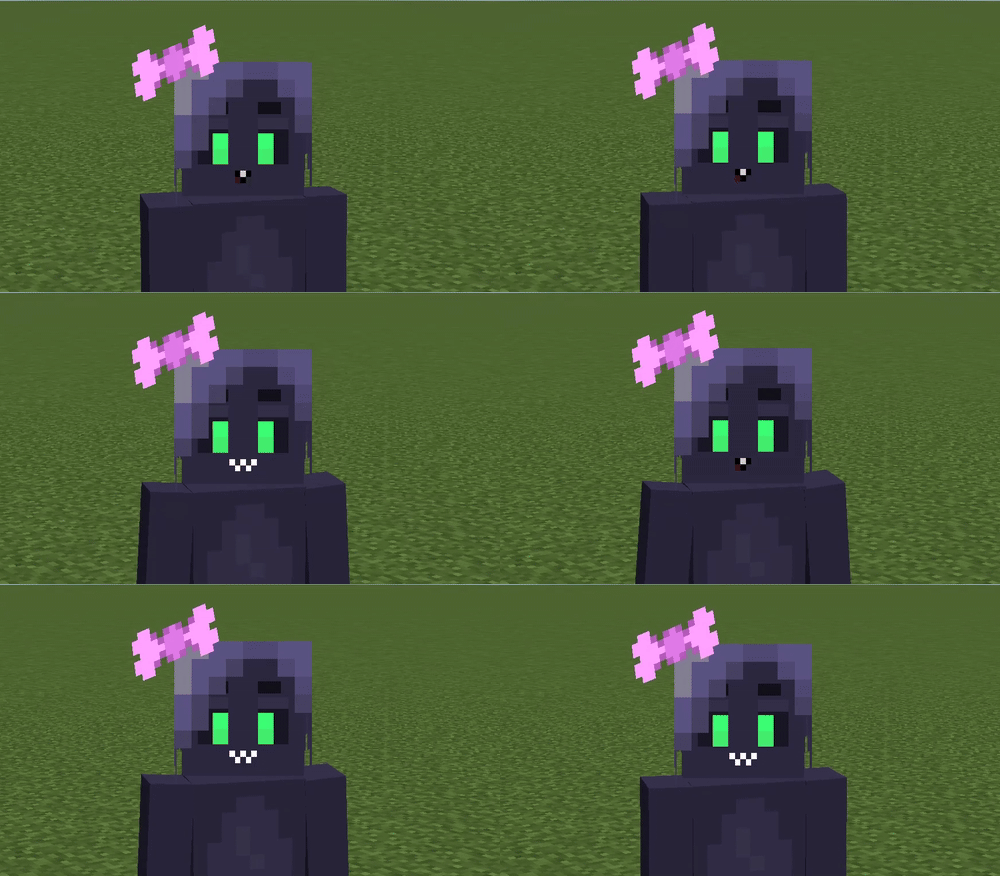
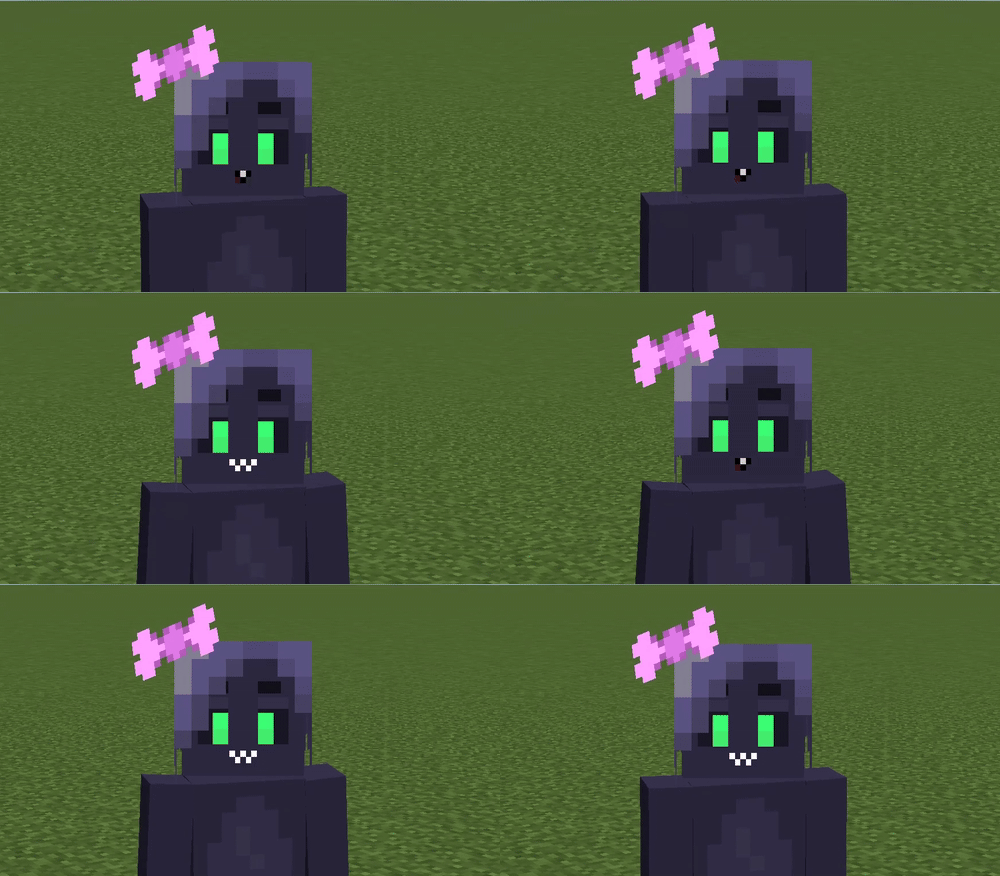
This mod also has an integration with Figura, allowing you to add facial expressions to your avatar driven by text-to-speech audio.
For more information about using Text To Voice in your avatar, please refer to the Wiki.
Contribute
If you encounter any bugs, please report anything on the Github.
If you do have some problems, also see the troubleshooting page.
Dependencies
This is an addon for Simple Voice Chat, you must install it in order for this mod to work as intended.
This mod is also depends on Fabric Language Kotlin, and Fabric API.
Credits
@FlooferLand - Programming
Thank you to Samuel Yager for the icon!
See here for all of the licensing information.
Available Versions
How to Install Text to Voice on Your Server
Order Server
Order a Minecraft Java server with at least 3 GB RAM (4 GB recommended).
Set fabric Loader
In the panel under "Egg", select the fabric loader and matching Minecraft version (1.21.11).
Install Mod
Open the mod browser in the dashboard and search for "Text to Voice". Click "Install" – done! Alternatively, upload the .jar via SFTP to the /mods folder.
Compatibility
Mod Loaders
Minecraft Versions
1.21.11, 1.21.10, 1.21.9 (+8 more)
Server-side
✗ UnsupportedRecommended RAM
4 GB(min. 3 GB)Frequently Asked Questions
Text to Voice server crashes on startup – what to do?
Most common cause: wrong fabric version or insufficient RAM. Check the server log (latest.log) for "OutOfMemoryError" or "Mixin" errors. With Mado Hosting: ensure at least 3 GB RAM is allocated and the loader matches the mod version (1.21.11). You can switch loaders with one click in the panel.
Is Text to Voice compatible with fabric?
Text to Voice officially supports fabric for Minecraft 1.21.11, 1.21.10, 1.21.9. The Mado dashboard automatically detects incompatible loader combinations.
Server lagging with Text to Voice – how to optimize performance?
Recommended RAM: 4 GB (per 8 players). Use /spark profiler to check if Text to Voice consumes the most tick time. Common fixes: reduce server view-distance to 8-10, install "performant" or "starlight" as supplementary mods on Forge. With Mado Hosting, your server runs on NVMe SSDs with dedicated CPU cores for minimal latency.
Similar Mods





Rent Modded Server
Install Text to Voice with just one click on your server.