
The Backrooms Update
The Backrooms is a standalone NeoForge 1.21.1 mod that adds an infinite, multi-level liminal dimension to Minecraft.
Screenshots
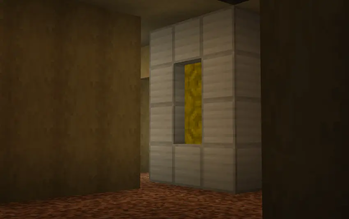
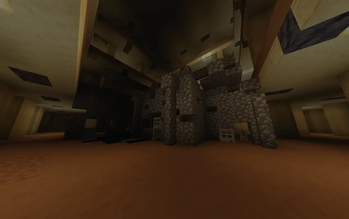
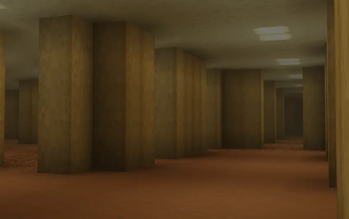
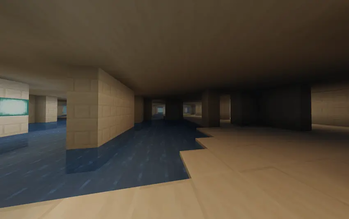
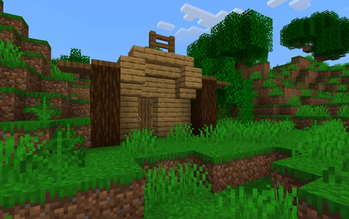
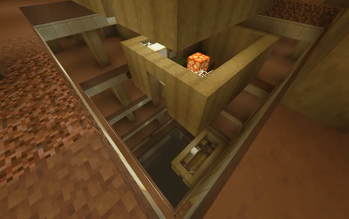
About this Mod
The Backrooms Update
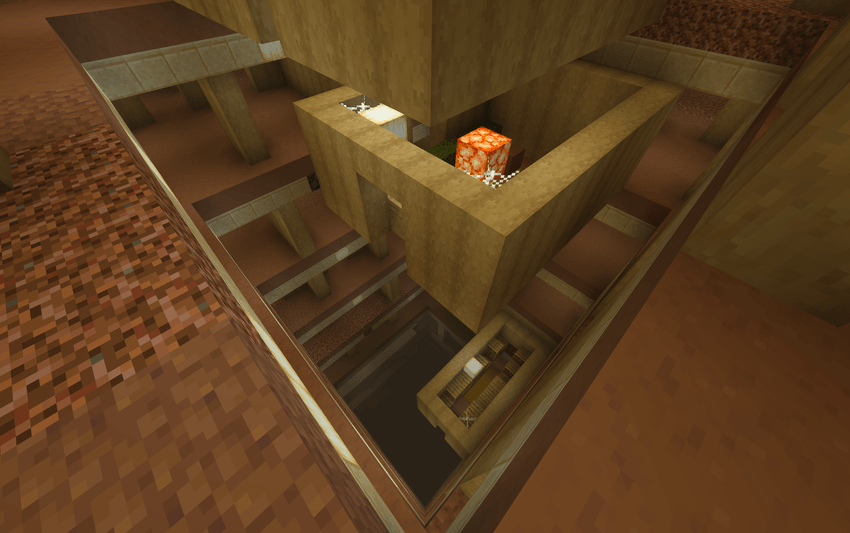
Some floors aren't as solid as they look.
A standalone NeoForge mod that folds an endless liminal dimension into Minecraft — rooms that go on forever, something that hunts you in the dark, and a very long way down. No other mods required. Built entirely from vanilla blocks and textures, so it stays light and looks right alongside your shaders and resource packs.
Getting In
Nothing's wrong with your world yet. You have to make the first crack yourself.
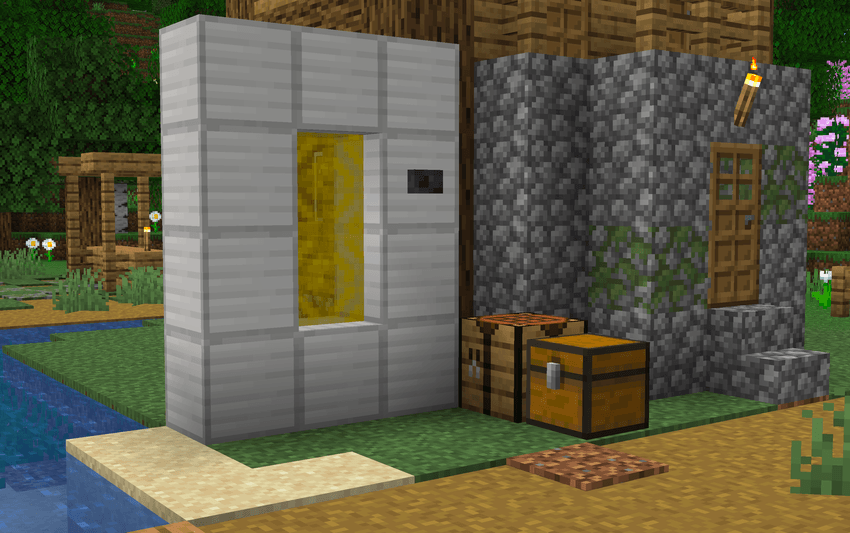
Build an iron frame: a four‑block iron column up each side, with a single iron block at the top‑middle and another at the bottom‑middle.
Hang an iron door in the gap and give it power — a lever, a button, any redstone, touched anywhere on the door or the frame.
The doorway lights a soft, humming yellow. Step through.
From the moment that first portal opens, the world stops being safe. Thin spots begin to surface across the overworld — patches of ground that look exactly like the floor around them but hold no weight. Walk over one and you're simply gone, dropped into The Complex. The portal runs both ways and raises a twin on the far side, so the way home is always behind you. If you can find it again.
The descent
The Complex is sixty‑four floors stacked into the dark, sorted into themed stretches that shift from world to world:
Backrooms — the ones everybody remembers. Yellow walls, damp carpet, the endless buzz of the lights.
Poolrooms — pale quartz tile and still, shallow water that never seems to end.
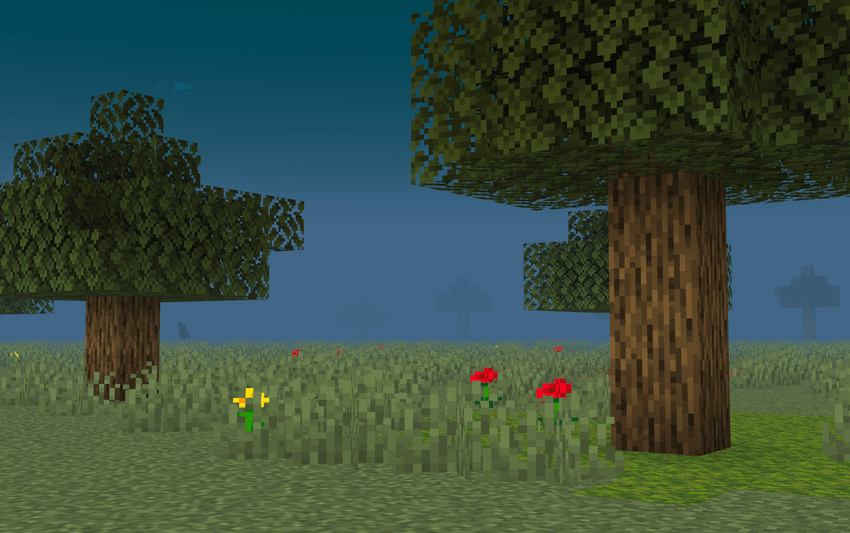
Grasslands — wide green fields and real trees under a flat blue "sky" that isn't one.
Now and then a shaft opens and drops you a floor lower. Once in a long while the ground gives out entirely and a pit swallows ten floors at once. The further you sink, the darker it gets — except the grass, which stays bright and only grows lonelier. And there is no bottom: fall through the lowest floor and you come back in at the top, seamlessly. The descent doesn't end. It just continues.
What's down there with you
The Lifeform.
One hunter, and it is patient. It keeps its distance, watching, until something in it decides — and then it runs you down. Hold your gaze on it too long and it tears open into black and is gone, only to be standing somewhere you aren't.
Still Lifes.
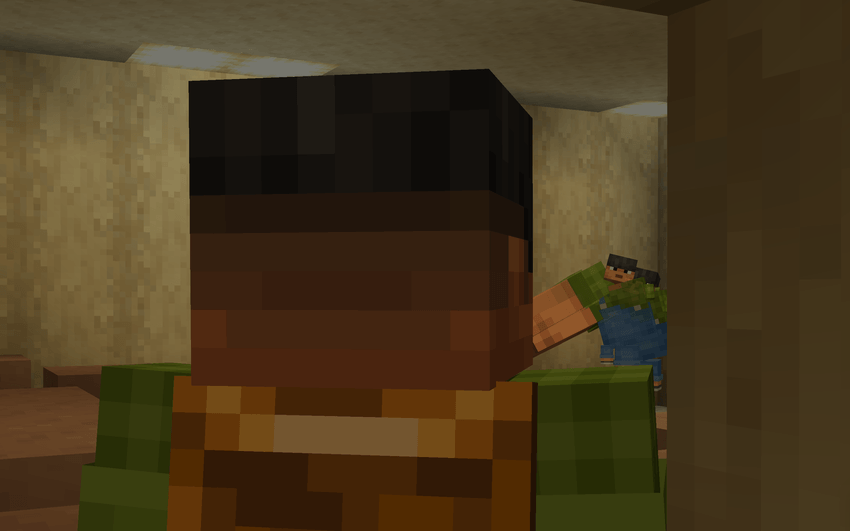
The dimension's failed attempts to copy the people who've passed through. They wear faces you might know. Hit one and it gives up the act — drops a bowl of mushroom stew, goes still, and stays that way forever.
Glitched landmarks
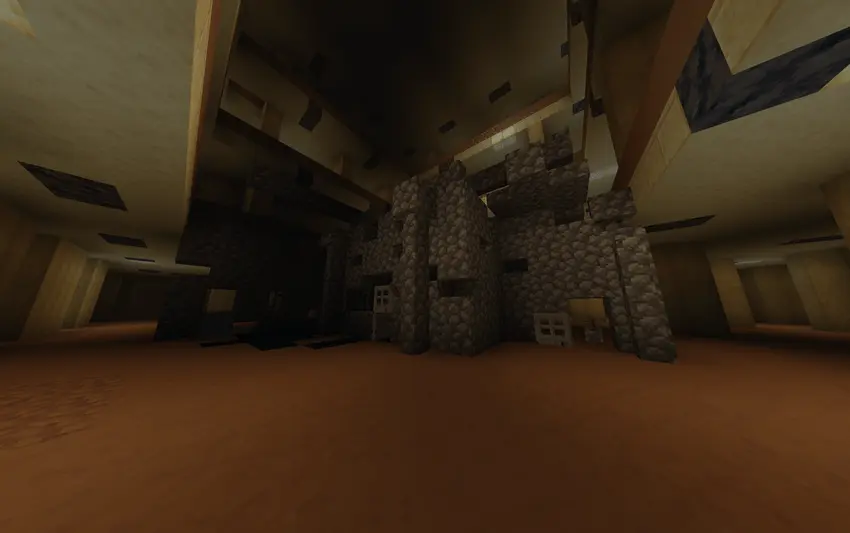
Buried in the rooms are ruined miniatures of places you've been: village houses, igloos, shipwrecks, ruined portals, end‑city towers, bastion halls, woodland mansions, ancient‑city ruins, fossils and more — built from their real materials, then hollowed through with holes, sculk and cracked stone. Familiar, and wrong.
Your builds follow you down
Everything you've raised in the overworld is waiting in The Complex at the same coordinates — sunken into the floor, decayed, misremembered. The deeper its echo sits, the less of it survived.
A few things worth knowing
Furnished rooms hide chests. Most hold food; a rare few hold the iron and the door to build your way back out from the inside.
Fire won't spread or destroy here. The Complex itself can't be broken — only the blocks you place can.
Ops & creative: /backrooms locatepoi, /backrooms tppoi, /backrooms thinspot.
Requirements
Minecraft 1.21.1 · NeoForge 21.1.0+ · Java 21 · No dependencies · Works client and server.
Mind the thin spots.
Available Versions
How to Install The Backrooms Update on Your Server
Order Server
Order a Minecraft Java server with at least 4 GB RAM (6 GB recommended).
Set neoforge Loader
In the panel under "Egg", select the neoforge loader and matching Minecraft version (1.21.11).
Install Mod
Open the mod browser in the dashboard and search for "The Backrooms Update". Click "Install" – done! Alternatively, upload the .jar via SFTP to the /mods folder.
Compatibility
Mod Loaders
Minecraft Versions
1.21.11, 1.21.10, 1.21.9 (+8 more)
Server-side
✓ RequiredRecommended RAM
6 GB(min. 4 GB)Frequently Asked Questions
The Backrooms Update server crashes on startup – what to do?
Most common cause: wrong neoforge version or insufficient RAM. Check the server log (latest.log) for "OutOfMemoryError" or "Mixin" errors. With Mado Hosting: ensure at least 4 GB RAM is allocated and the loader matches the mod version (1.21.11). You can switch loaders with one click in the panel.
Is The Backrooms Update compatible with neoforge?
The Backrooms Update officially supports neoforge for Minecraft 1.21.11, 1.21.10, 1.21.9. The Mado dashboard automatically detects incompatible loader combinations.
Server lagging with The Backrooms Update – how to optimize performance?
Recommended RAM: 6 GB (per 5 players). Use /spark profiler to check if The Backrooms Update consumes the most tick time. Common fixes: reduce server view-distance to 8-10, install "performant" or "starlight" as supplementary mods on Forge. With Mado Hosting, your server runs on NVMe SSDs with dedicated CPU cores for minimal latency.
Similar Mods




Rent Modded Server
Install The Backrooms Update with just one click on your server.