
ARC Rooms (The Classrooms)
This mod adds some contents like items, monsters, structures from "The Classrooms"
Screenshots
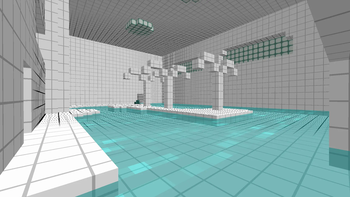
About this Mod
Wait, Where am I ?
This mod adds some monsters, items, and dimensions related to the video game "The Classrooms".
There are 5 playable rooms and 2 future rooms.
Playable Rooms
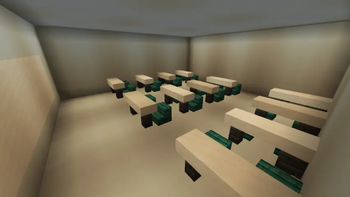
The Classrooms

Spoiler
Exit
Find the elevator, which leads to The Library Rooms.
Monster
- Cursed Doll
- Cloaked Figure
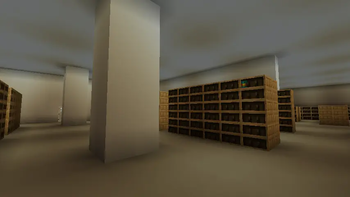
The Library Rooms

Spoiler
Exit
After opening the door, the player has to escape through the exit, which leads to an elevator. The elevator will take the player to The Bathrooms.
Monster
- Screecho the Clown
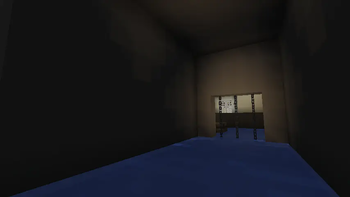
The Bathrooms
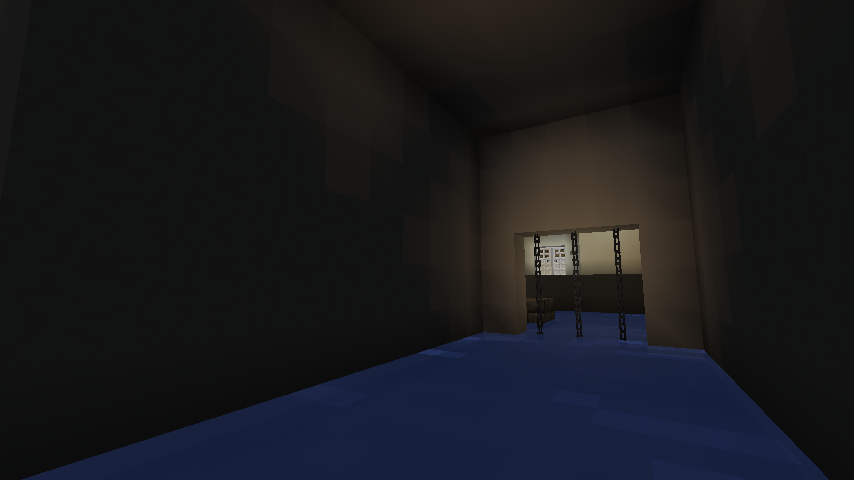
Spoiler
Exit
The player first needs to raise the water level by finding and turning on the lever. Then, they will have to find the large room featuring a plank, and jump on it to reach the elevator. It will then take the player to The Darkrooms.
Monster
- Gangler
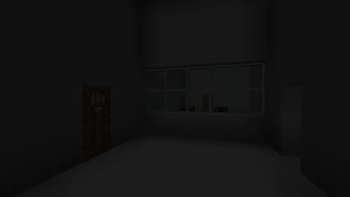
The Darkrooms

Spoiler
Exit
The player first needs to cut off the power. By entering the slide, the player will go to The Poolrooms.
Monster
- Cursed Doll
- Smiley
The Poolrooms

Spoiler
Exit
The first step in achieving that is collecting the Level 1 Keycard, Broken Goggles. These objects spawn on balconies, which can be accessed by slides. After having acquired all 2 items, the player must find the Spiral Stair Room. Then, the player has to push the stone button with Level 1 Keycard, which will break GlassBlock Wall. The staircase leads to the Blast Furnace Room, a room that contains the button required to unlock the gate that blocks the exit. Putting the Broken Goggles inside will transmute them into a Googles.
The player can then push the stone button located on the spiral staircase's middle, and leave the room to look for the exit. Once found, they can safely traverse through the mist to reach the back of the iron gate, where they will find a deep pit. Jumping into it leads to the next level, The Playrooms.
Monster
- Whispering Wyrm
Future Rooms
The Playrooms
Spoiler
Monster
- Tenant
- Necropede
The Kidrooms
Spoiler
Monster
- Joey
Known Bugs
- Level loaded unsuccessfully : Please reload the world or use "Reset Level".
Available Versions
How to Install ARC Rooms (The Classrooms) on Your Server
Order Server
Order a Minecraft Java server with at least 3 GB RAM (4 GB recommended).
Set forge Loader
In the panel under "Egg", select the forge loader and matching Minecraft version (1.20.1).
Install Mod
Open the mod browser in the dashboard and search for "ARC Rooms (The Classrooms)". Click "Install" – done! Alternatively, upload the .jar via SFTP to the /mods folder.
Compatibility
Mod Loaders
Minecraft Versions
1.20.1
Server-side
✓ RequiredRecommended RAM
4 GB(min. 3 GB)Frequently Asked Questions
ARC Rooms (The Classrooms) server crashes on startup – what to do?
Most common cause: wrong forge version or insufficient RAM. Check the server log (latest.log) for "OutOfMemoryError" or "Mixin" errors. With Mado Hosting: ensure at least 3 GB RAM is allocated and the loader matches the mod version (1.20.1). You can switch loaders with one click in the panel.
Is ARC Rooms (The Classrooms) compatible with forge?
ARC Rooms (The Classrooms) officially supports forge for Minecraft 1.20.1. The Mado dashboard automatically detects incompatible loader combinations.
Server lagging with ARC Rooms (The Classrooms) – how to optimize performance?
Recommended RAM: 4 GB (per 8 players). Use /spark profiler to check if ARC Rooms (The Classrooms) consumes the most tick time. Common fixes: reduce server view-distance to 8-10, install "performant" or "starlight" as supplementary mods on Forge. With Mado Hosting, your server runs on NVMe SSDs with dedicated CPU cores for minimal latency.
Similar Mods




Rent Modded Server
Install ARC Rooms (The Classrooms) with just one click on your server.