
The Plugin Mod
A mod of miscellaneous items designed to plug in and pair with CustomNPC+
Screenshots
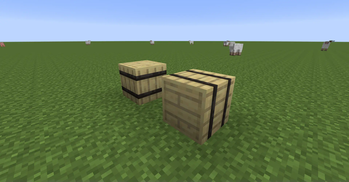
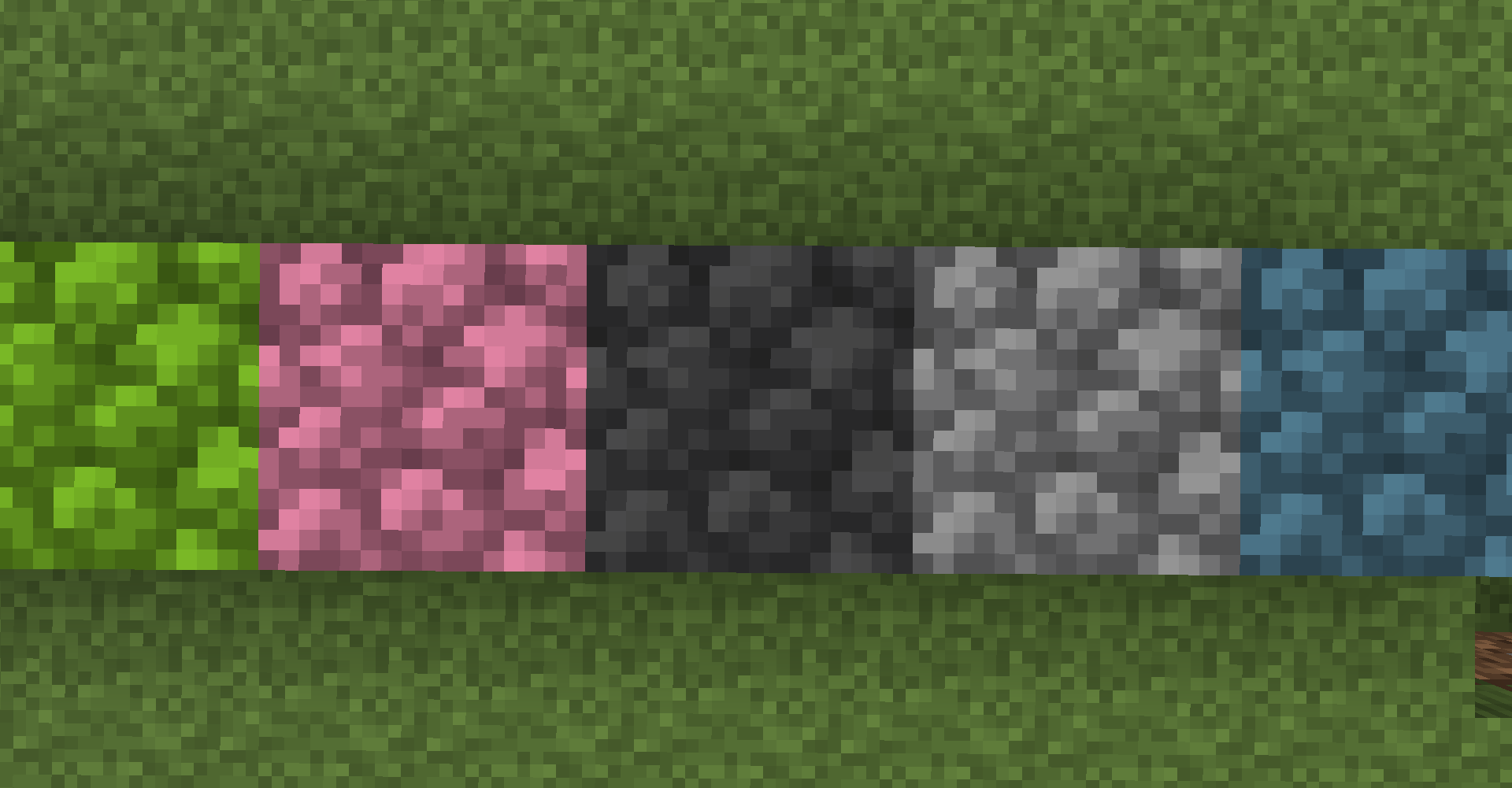
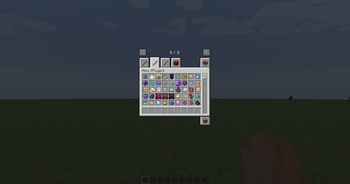
About this Mod
Plugin Mod is a Minecraft mod that allows you to add miscellaneous weapons, artifacts, blocks, and apples to your world. It is developed for creative and storytelling players who want to make their Minecraft worlds more in-depth and unique. I made this mod solely to pair well with CustomNPC+ Here and allow creators to use these items such as the weapons with NPCs to make them more diverse. All the items are majority Creative Only and all aspects of this mod can be toggled via the generated config! I hope you all enjoy it!






⬇️ Downloads
❓ Features:
- Concrete Blocks
- Glowing Energy Blocks
- Crystal Blocks
- Cosmetic Barrels [Does not work as container, very efficient]
- Artifact Items (sourced from Hypixel Packs, I do not take credit for these designs. For the actual texture pack please support the creators at FurfSky)
- Custom Golden Apples with Special Traits
- Weapons for NPCs (Swords, Spears, Axes, etc)
- Miscellaneous RPG Items (Medpacks, Maps, Bandages)
🔗 Want to check out my other projects?
Plugin Mod is a mod designed to add more aesthetic items for RPG and storytelling. It is compatible with CustomNPC+ and has many items intended to be used and wielded by created NPCs.
RPG Messenger is a bukkit plugin designed to allow operators to create messagable NPCs for RPG Servers. Allows a 'RPG Controller' to reply quickly as NPCs, form groupchats, and messagable parties.
CustomNPC+ Dark Mode is a resource pack for CustomNPC+ that alters all GUIs within the mod to a dark variant that is both clean and pleasing to look at.
Available Versions
How to Install The Plugin Mod on Your Server
Order Server
Order a Minecraft Java server with at least 3 GB RAM (4 GB recommended).
Set forge Loader
In the panel under "Egg", select the forge loader and matching Minecraft version (1.7.10).
Install Mod
Open the mod browser in the dashboard and search for "The Plugin Mod". Click "Install" – done! Alternatively, upload the .jar via SFTP to the /mods folder.
Compatibility
Mod Loaders
Minecraft Versions
1.7.10
Server-side
✓ RequiredRecommended RAM
4 GB(min. 3 GB)Frequently Asked Questions
The Plugin Mod server crashes on startup – what to do?
Most common cause: wrong forge version or insufficient RAM. Check the server log (latest.log) for "OutOfMemoryError" or "Mixin" errors. With Mado Hosting: ensure at least 3 GB RAM is allocated and the loader matches the mod version (1.7.10). You can switch loaders with one click in the panel.
Is The Plugin Mod compatible with forge?
The Plugin Mod officially supports forge for Minecraft 1.7.10. The Mado dashboard automatically detects incompatible loader combinations.
Server lagging with The Plugin Mod – how to optimize performance?
Recommended RAM: 4 GB (per 8 players). Use /spark profiler to check if The Plugin Mod consumes the most tick time. Common fixes: reduce server view-distance to 8-10, install "performant" or "starlight" as supplementary mods on Forge. With Mado Hosting, your server runs on NVMe SSDs with dedicated CPU cores for minimal latency.
Similar Mods




Rent Modded Server
Install The Plugin Mod with just one click on your server.