
TheNorthWild: Hunt
TheNorthWild: Hunt adds a variety of creatures to the world, predators and prey alike.
Screenshots
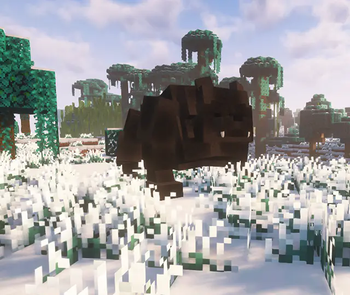
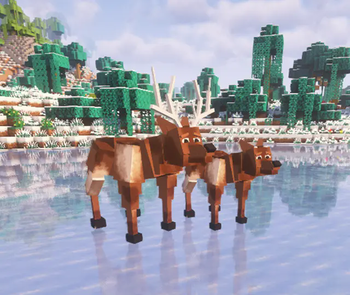
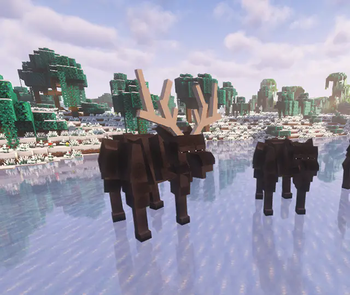
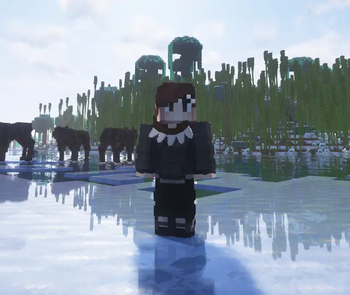
About this Mod
TheNorthWild: Hunt
TheNorthWild: Hunt adds new wildlife, materials, and equipment to Minecraft with a focus on survival and realism. It is the first part of the TheNorthWild mod series.
Creatures
Hunt and encounter new animals that provide unique drops used in crafting gear and tools:
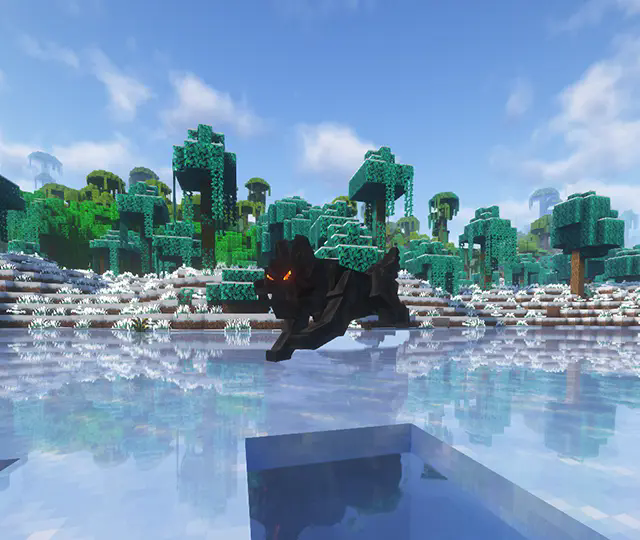
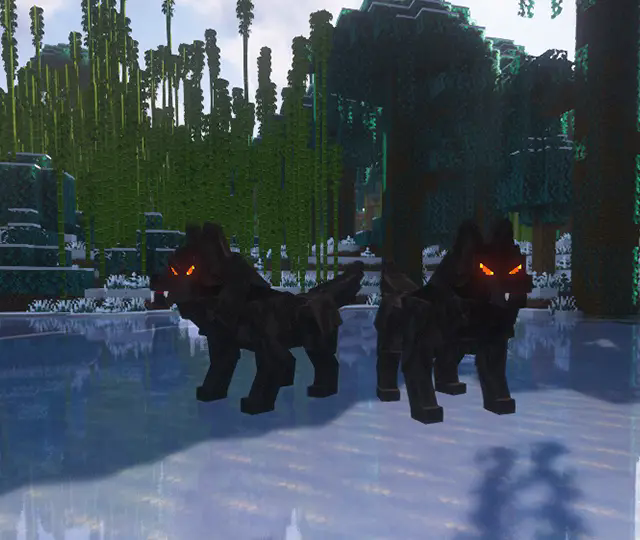
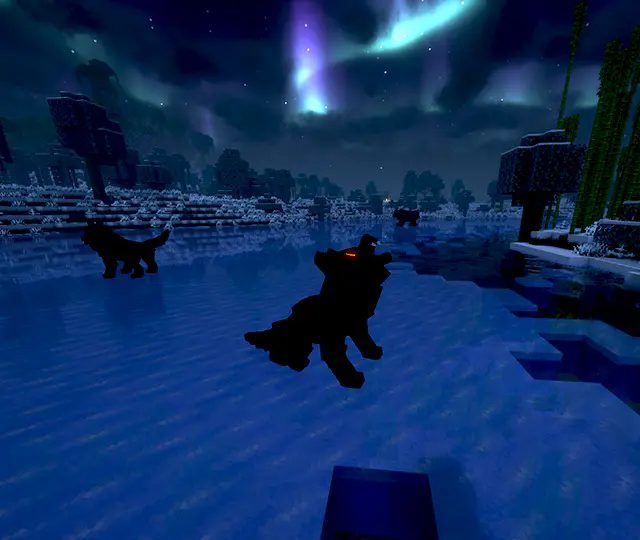
Timber Wolves
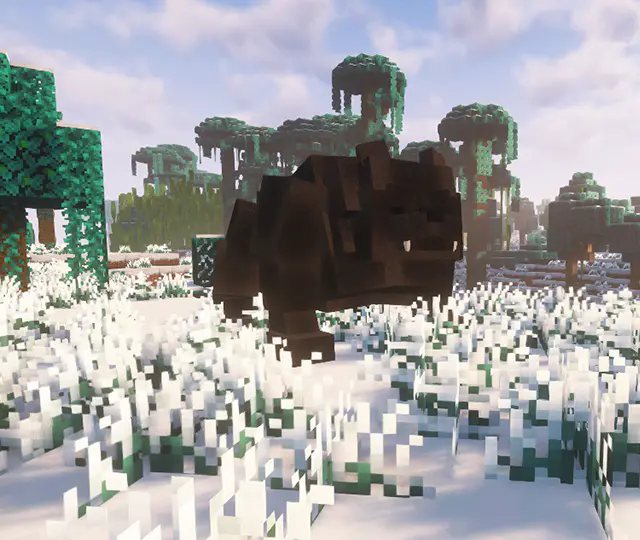
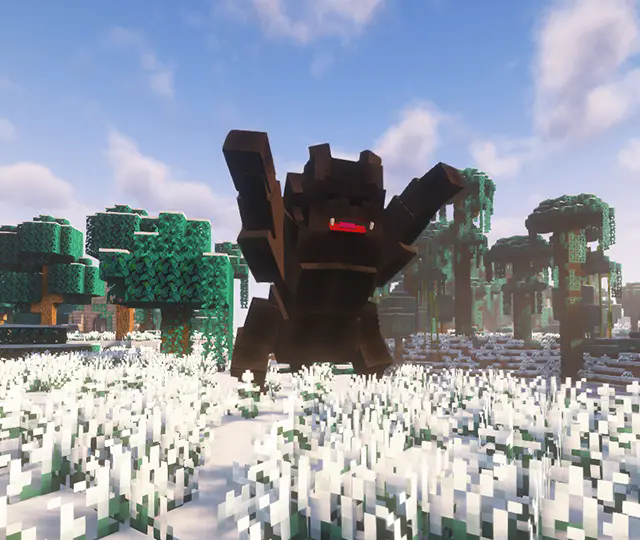
Grizzly Bears
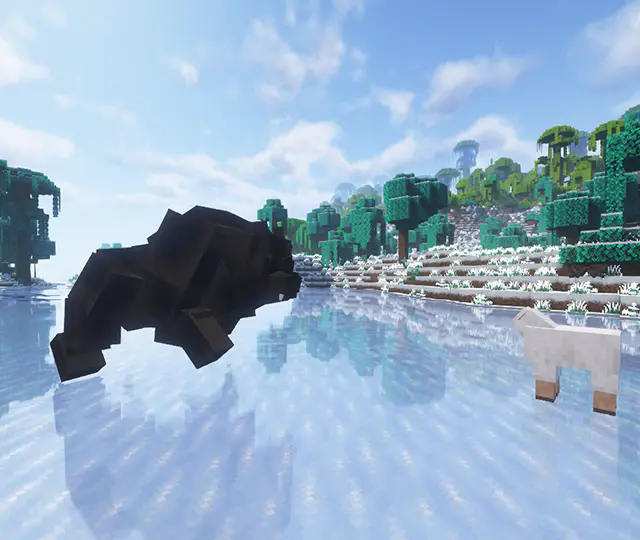
Moose
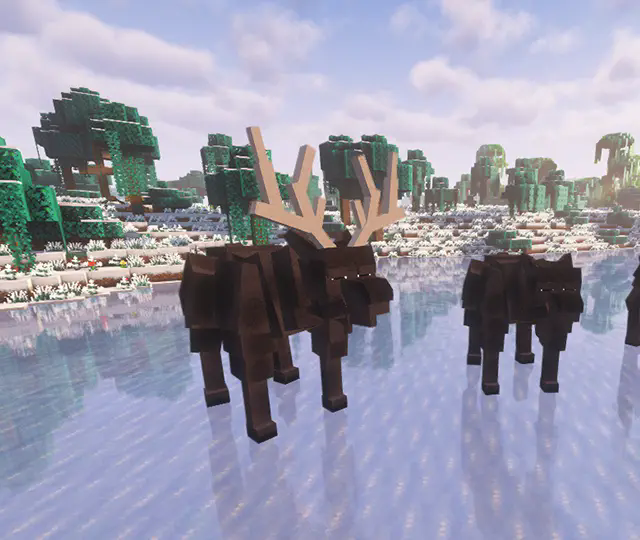
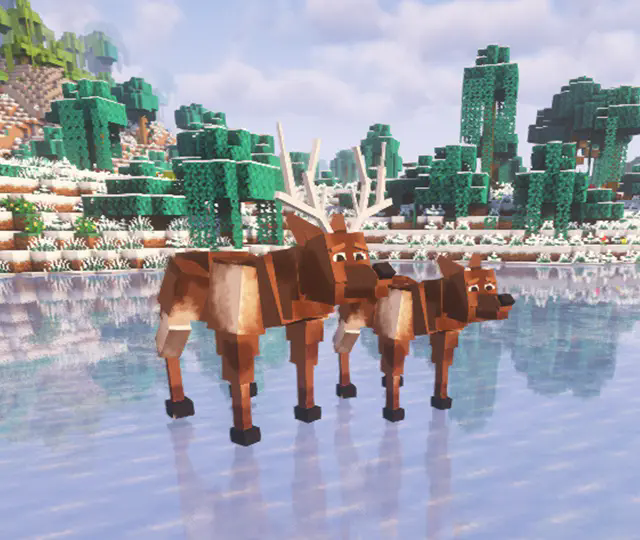
Deer
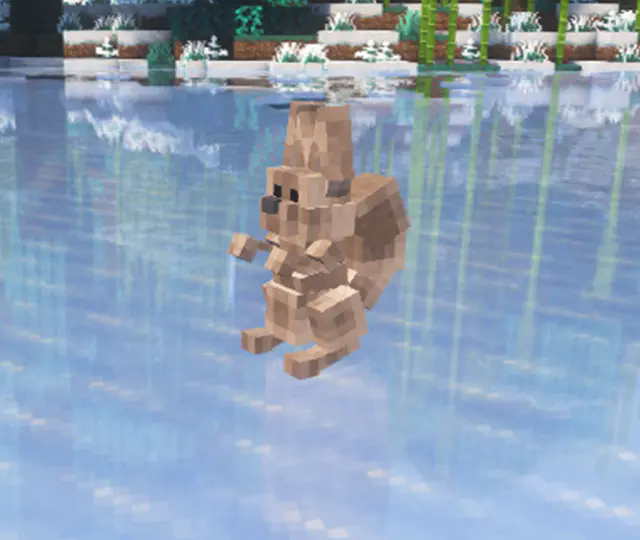
Squirrels
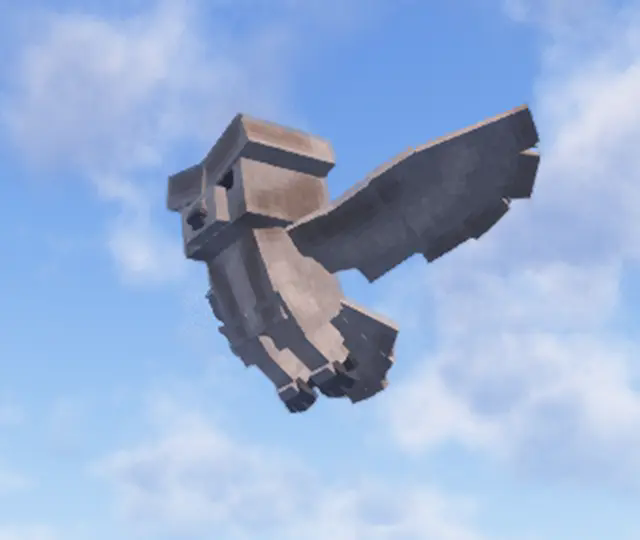
Owls
(more creatures planned in future updates)
Equipment and Crafting
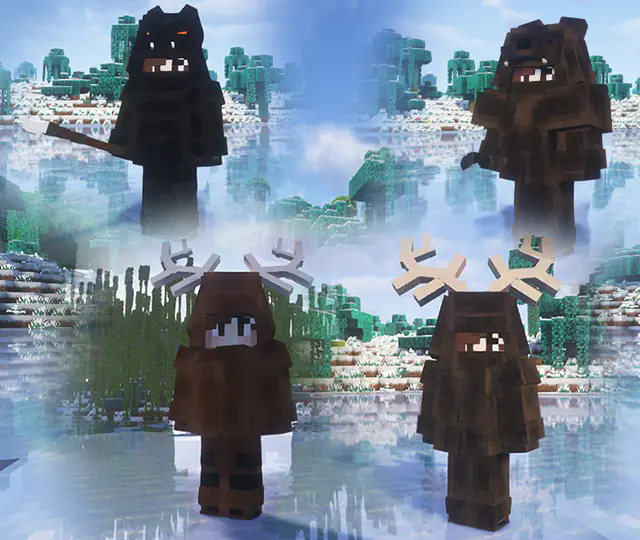
Armor Sets
Wolfskin Armor
Bearskin Armor
Moosehide Armor
Deerskin Armor
Weapons
Wolf Fang Spear
Bear Claw Dagger
Accessories
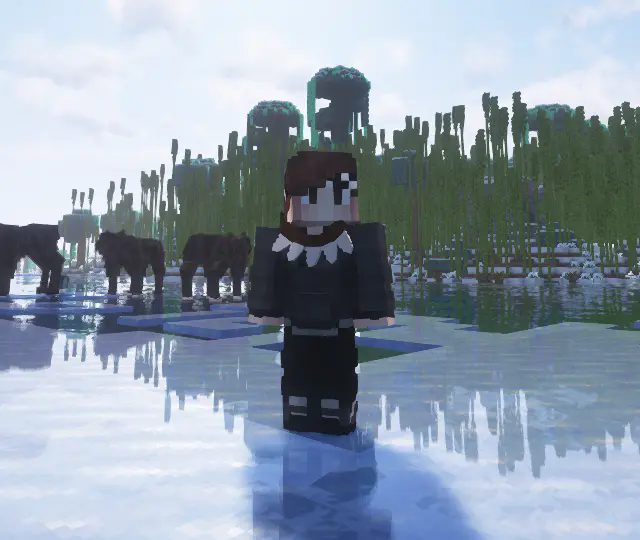
Wolf Fang Necklace (rare drop from timber wolves)
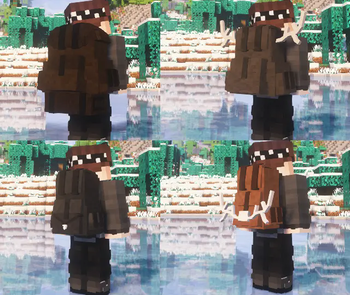
Backpacks
Each backpack type provides unique survival perks.
Wolfskin Backpack: Timberwolves ignore the wearer during the day.
Bearskin Backpack: Reduces damage taken from behind.
Moosehide Backpack: Grants knockback resistance.
Deerskin Backpack: Increases sprint mobility.
Squirrel Pouch: Ultralight, no stamina penalty.
Backpacks can also be placed in the world on the ground, hung on walls, or attached to ceilings, with their storage preserved when picked back up.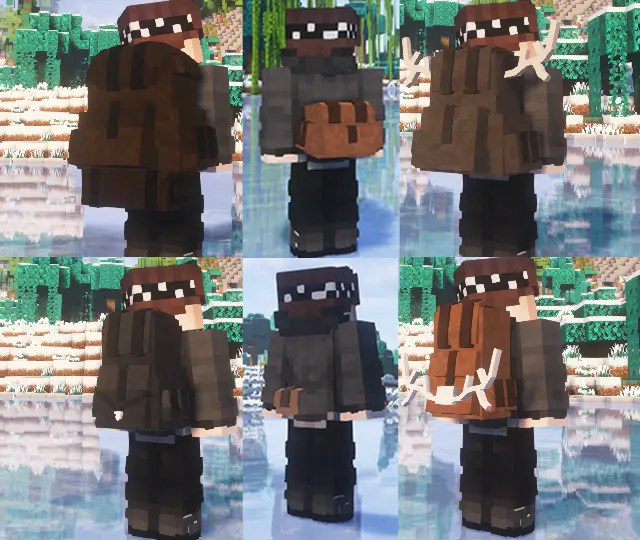
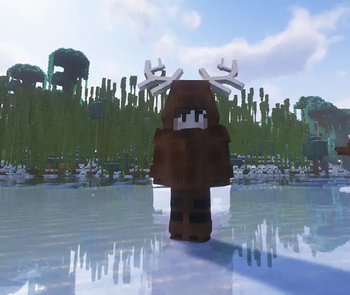
Cloaks made from Wolf, Bear, Moose, and Deer hides
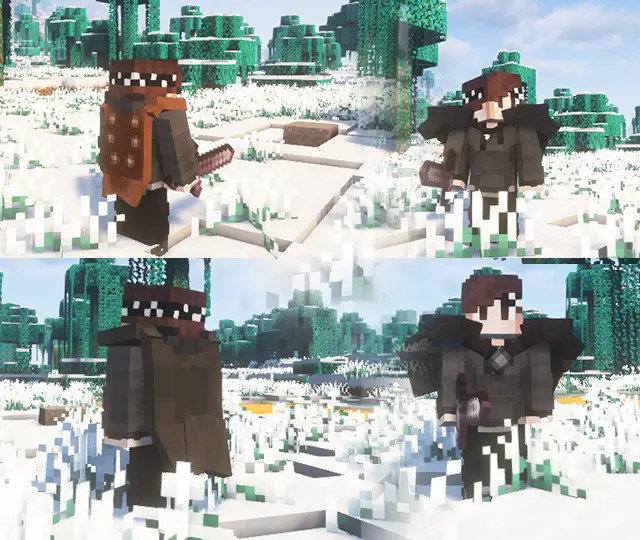
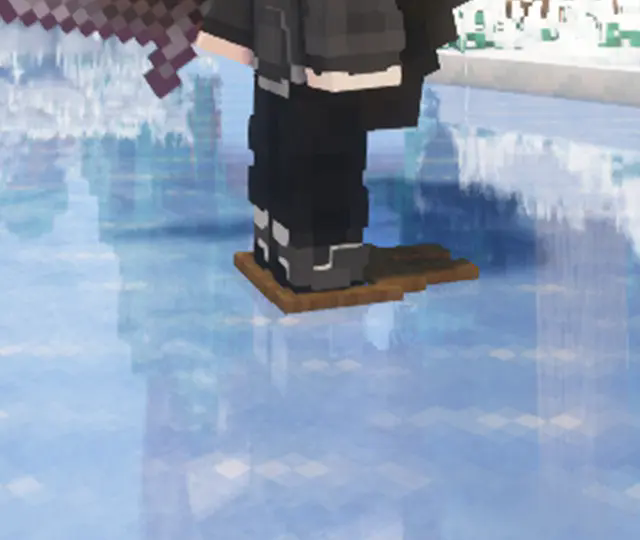
Snowshoes for easier travel in snow
Shelter
Tents made from Leather, Deer, Wolf, Moose, and Bear hides
All tents are dyeable
Provide protection from rain
Offer insulation against heat and cold depending on the material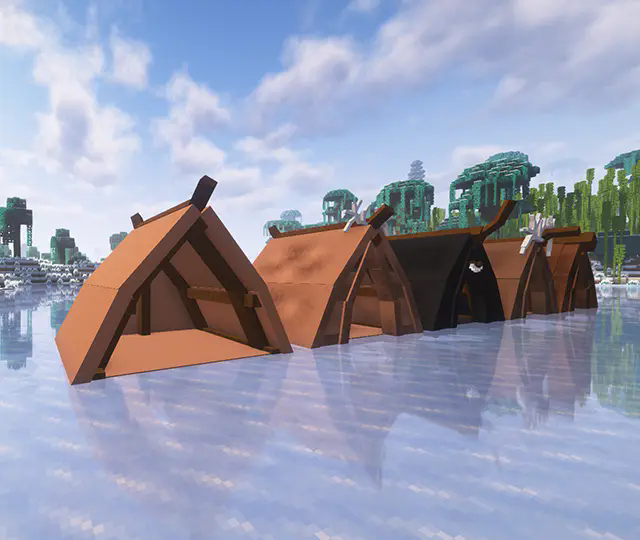

All equipment is crafted from materials dropped by the creatures themselves.
Immersive Tooltips (toggleable):
Adds lore-style descriptions to most vanilla and mods items, from gear and tools to food and resources.
Mod Integration
Cold Sweat:
Pelts and hides provide realistic insulation against cold environments.
Curios (required):
Needed to equip accessories such as necklaces and backpacks.
Requirements
GeckoLib
Curios
Available Versions
How to Install TheNorthWild: Hunt on Your Server
Order Server
Order a Minecraft Java server with at least 3 GB RAM (4 GB recommended).
Set neoforge Loader
In the panel under "Egg", select the neoforge loader and matching Minecraft version (1.21.1).
Install Mod
Open the mod browser in the dashboard and search for "TheNorthWild: Hunt". Click "Install" – done! Alternatively, upload the .jar via SFTP to the /mods folder.
Compatibility
Mod Loaders
Minecraft Versions
1.21.1
Server-side
✓ RequiredRecommended RAM
4 GB(min. 3 GB)Frequently Asked Questions
TheNorthWild: Hunt server crashes on startup – what to do?
Most common cause: wrong neoforge version or insufficient RAM. Check the server log (latest.log) for "OutOfMemoryError" or "Mixin" errors. With Mado Hosting: ensure at least 3 GB RAM is allocated and the loader matches the mod version (1.21.1). You can switch loaders with one click in the panel.
Is TheNorthWild: Hunt compatible with neoforge?
TheNorthWild: Hunt officially supports neoforge for Minecraft 1.21.1. The Mado dashboard automatically detects incompatible loader combinations.
Server lagging with TheNorthWild: Hunt – how to optimize performance?
Recommended RAM: 4 GB (per 8 players). Use /spark profiler to check if TheNorthWild: Hunt consumes the most tick time. Common fixes: reduce server view-distance to 8-10, install "performant" or "starlight" as supplementary mods on Forge. With Mado Hosting, your server runs on NVMe SSDs with dedicated CPU cores for minimal latency.
Similar Mods



![[TaCZ] Timeless and Classics Zero](https://cdn.modrinth.com/data/SzzJttH8/fd27766d2bb8390d284696b1dbd358f87e081439_96.webp)


Rent Modded Server
Install TheNorthWild: Hunt with just one click on your server.