
Time Mercenaries
Send mercenaries on missions and get rewards from the places they explore!
Screenshots
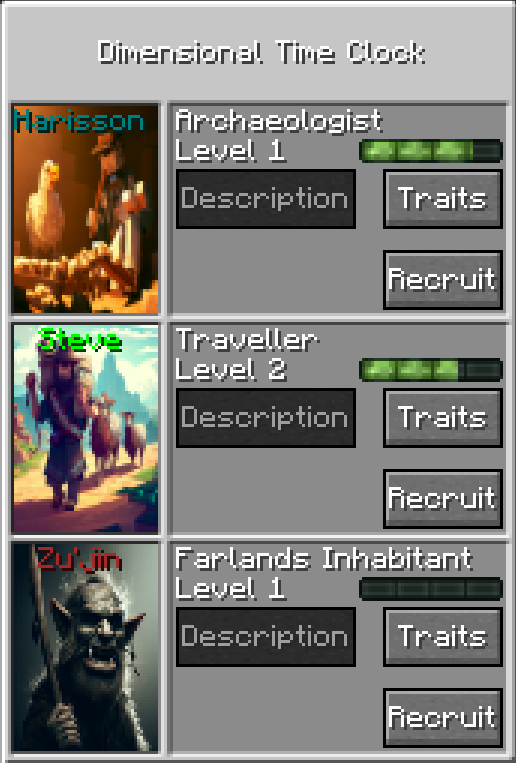
About this Mod
In this mod, players are able to craft the Dimensional Time Clock.
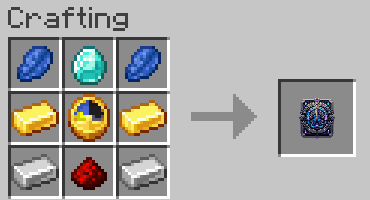
This items allows players to recruit a Mercenary and send him on a mission.
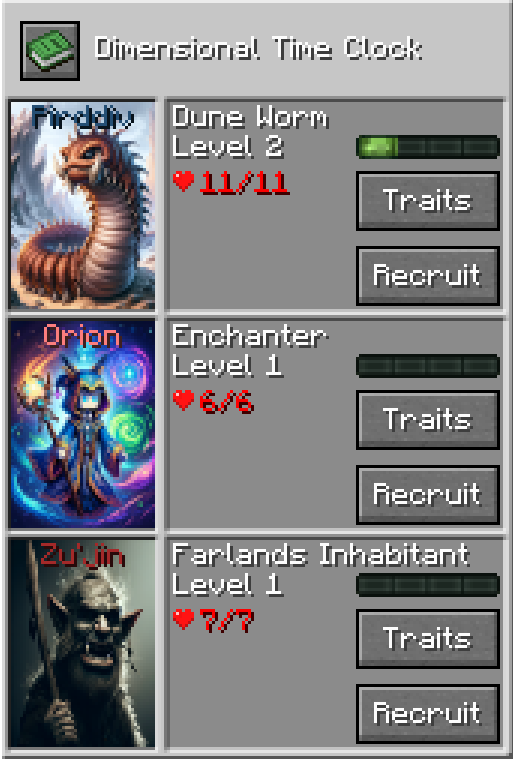
To start a mission each Mercenary will ask for items and will return a reward if the mission is successful. The required items must be present in the players inventory before starting the mission and will be consumed upon starting the mission. The Mercenaries gain experience after each mission, higher the level, better the rewards!
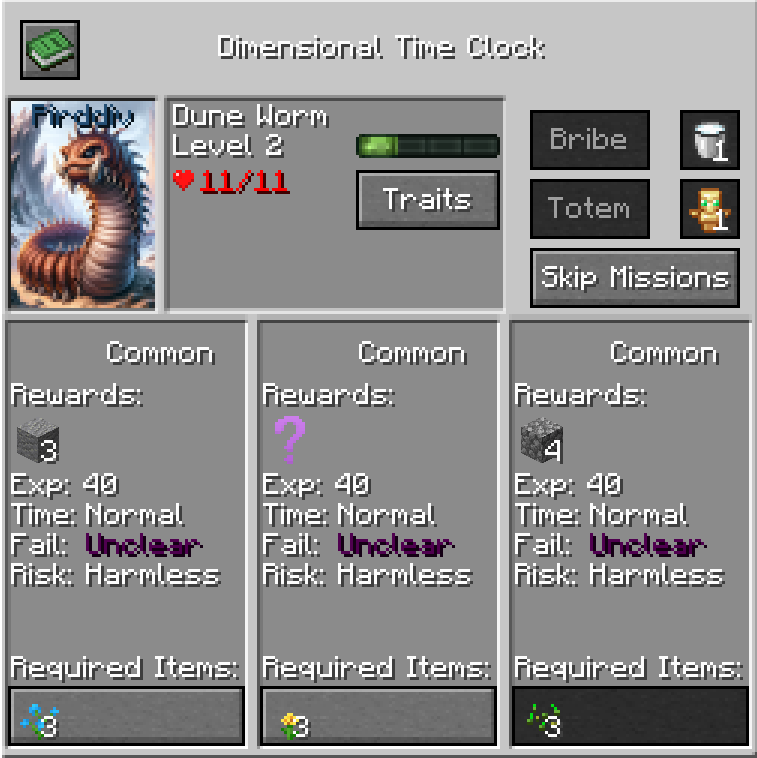
Level 3 unlocks Uncommon missions.
Level 5 unlocks Rare missions.
Level 7 unlocks Epic missions.
Level 10 unlocks Legendary missions.
In the Traits screen you can allocate skill points to your Mercenaries. You can upgrade one each level and they will help your Mercenary during missions by reducing time spent or chances to die.
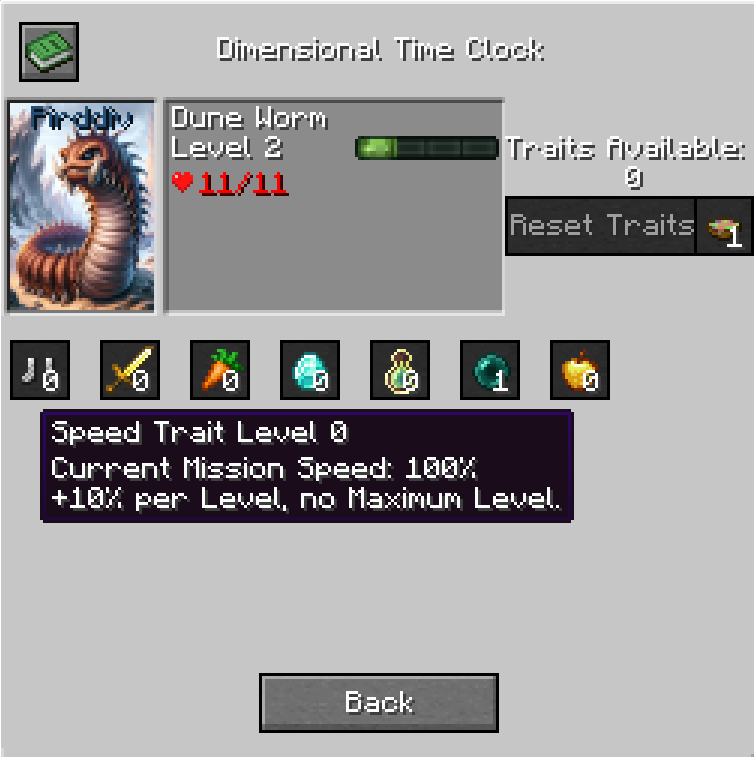
Each mission has a possibility to either fail. (nothing happens, no rewards, items sent are lost)
Failing a mission might deal damage to your mercenary and kill them. A Mercenary dying will reduce their level by 1 and will need to be resurrected. Resurrecting a mercenary costs player levels.à
Skipping missions will allow the player to recruit a new mercenary after 150 seconds.
The time left for the mission to finish only progresses if the player has a Dimensional Time Clock in his inventory. The item texture also updates with the time progress.
There are 8+ Mercenaries available for now, each have their own missions and item reward pool. This mod is a good and balanced way to obtain some unique and niche items which makes it a great addition to Skyblock modpacks.
Modules are permanent unlocks that can improved your Dimensional Time Clock, you can read and unlock all of them in the integrated guide in the Module section.
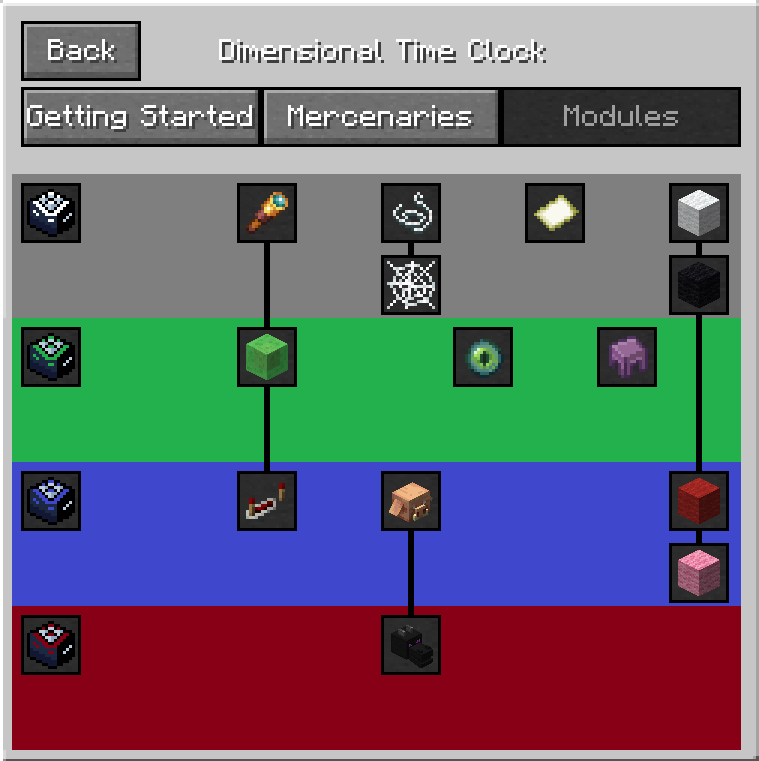
This mod is still in it's early stages and I am still currently working on it but it is completely playable. I will work on more recent versions when I deem that the current 1.20.1 version is polished enough.
Works on servers, singleplayer and singleplayer LAN .
Any suggestion is welcome!
You can use this mod in any modpack you wish and do not need to ask permission or give credit, have fun!
Here is the Official Mod Wiki Link : https://sluggly.github.io/TimeMercenariesWiki/
Available Versions
How to Install Time Mercenaries on Your Server
Order Server
Order a Minecraft Java server with at least 3 GB RAM (4 GB recommended).
Set forge Loader
In the panel under "Egg", select the forge loader and matching Minecraft version (1.20.1).
Install Mod
Open the mod browser in the dashboard and search for "Time Mercenaries". Click "Install" – done! Alternatively, upload the .jar via SFTP to the /mods folder.
Compatibility
Mod Loaders
Minecraft Versions
1.20.1
Server-side
✓ RequiredRecommended RAM
4 GB(min. 3 GB)Frequently Asked Questions
Time Mercenaries server crashes on startup – what to do?
Most common cause: wrong forge version or insufficient RAM. Check the server log (latest.log) for "OutOfMemoryError" or "Mixin" errors. With Mado Hosting: ensure at least 3 GB RAM is allocated and the loader matches the mod version (1.20.1). You can switch loaders with one click in the panel.
Is Time Mercenaries compatible with forge and neoforge?
Time Mercenaries officially supports forge, neoforge for Minecraft 1.20.1. The Mado dashboard automatically detects incompatible loader combinations.
Server lagging with Time Mercenaries – how to optimize performance?
Recommended RAM: 4 GB (per 8 players). Use /spark profiler to check if Time Mercenaries consumes the most tick time. Common fixes: reduce server view-distance to 8-10, install "performant" or "starlight" as supplementary mods on Forge. With Mado Hosting, your server runs on NVMe SSDs with dedicated CPU cores for minimal latency.
Similar Mods





Rent Modded Server
Install Time Mercenaries with just one click on your server.