
Timekeeper (Calendar)
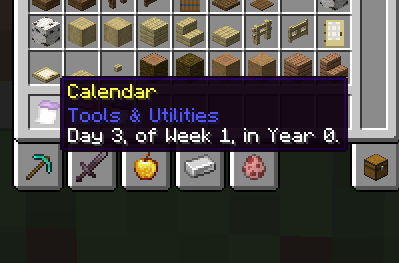
A simple mod that adds calendars to your world. Now you can find out what day or year your world is!
Screenshots
About this Mod
A networking issue has been found with this mod, causing it to send far too many updates to players on servers. I cannot fix this at the moment & thus this mod is not recommended in instances where bandwidth limits or slow internet are unavoidable!
Timekeeper is a simple mod that adds a craftable calendar into your game. The goal is to make creating a world history all that more simpler, by making it possible to actually know the precise day that it is, in a much more immersive & accessible way.
This mod also includes a Real-Time calendar for convenience, and a version compatible with Serene Seasons' 96 day year cycle. Enjoy!
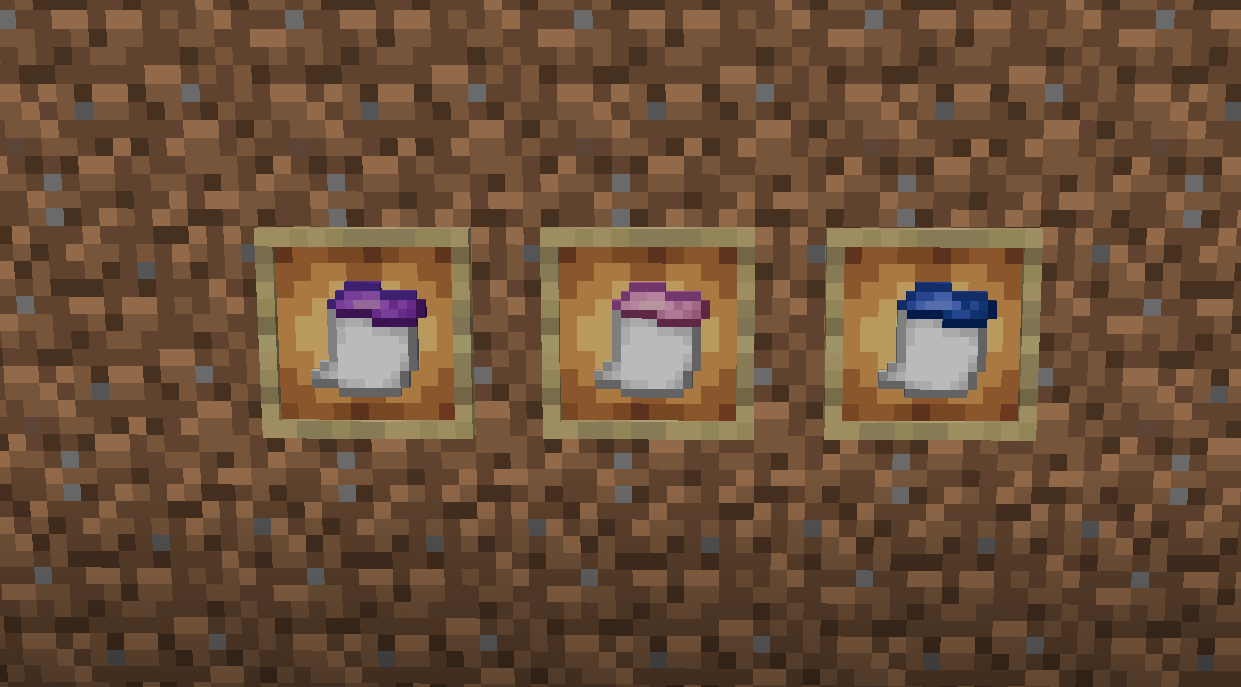
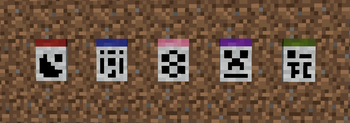
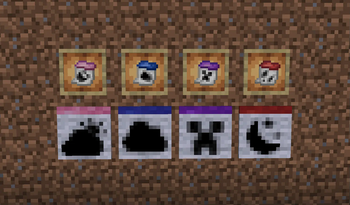
Types of Calendars...
The first three calculators calculate while the server has been on, allowing an accurate time based on how long the world has been online total. In both MC timescale, and Real timescale.
Vanilla
Operates on a 365 Day Calendar of approximately 52 7-day Weeks, in Minecraft-Time
Realtime
Operates on a 365 Day Calendar of approximately 52 7-day Weeks, in Real World-Time
Serene (Serene Seasons Compatibility)
Operates on a 96 Day Calendar of approximately 16 6-day Weeks, in Minecraft-Time
Localtime
Clones the local-time as reported by the PC, in DD-MM-YYYY Format
Available Versions
How to Install Timekeeper (Calendar) on Your Server
Order Server
Order a Minecraft Java server with at least 3 GB RAM (4 GB recommended).
Set forge Loader
In the panel under "Egg", select the forge loader and matching Minecraft version (1.21.8).
Install Mod
Open the mod browser in the dashboard and search for "Timekeeper (Calendar)". Click "Install" – done! Alternatively, upload the .jar via SFTP to the /mods folder.
Compatibility
Mod Loaders
Minecraft Versions
1.21.8, 1.21.4, 1.21.1 (+1 more)
Server-side
✓ RequiredRecommended RAM
4 GB(min. 3 GB)Frequently Asked Questions
Timekeeper (Calendar) server crashes on startup – what to do?
Most common cause: wrong forge version or insufficient RAM. Check the server log (latest.log) for "OutOfMemoryError" or "Mixin" errors. With Mado Hosting: ensure at least 3 GB RAM is allocated and the loader matches the mod version (1.21.8). You can switch loaders with one click in the panel.
Is Timekeeper (Calendar) compatible with forge and neoforge?
Timekeeper (Calendar) officially supports forge, neoforge for Minecraft 1.21.8, 1.21.4, 1.21.1. The Mado dashboard automatically detects incompatible loader combinations.
Server lagging with Timekeeper (Calendar) – how to optimize performance?
Recommended RAM: 4 GB (per 8 players). Use /spark profiler to check if Timekeeper (Calendar) consumes the most tick time. Common fixes: reduce server view-distance to 8-10, install "performant" or "starlight" as supplementary mods on Forge. With Mado Hosting, your server runs on NVMe SSDs with dedicated CPU cores for minimal latency.
Similar Mods




Rent Modded Server
Install Timekeeper (Calendar) with just one click on your server.
Details
- License
- Creative Commons Attribution Share Alike 4.0 International
- Server-side
- Required