
Tinkers' Construct
Tinker a little, modify all the tools, build a smeltery, then tinker a little more. The classic modular tool mod.
Screenshots
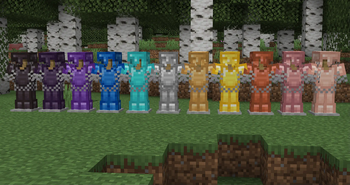
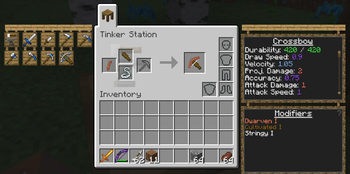
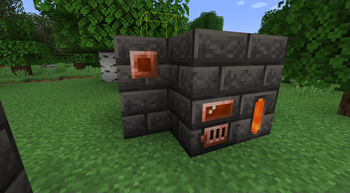
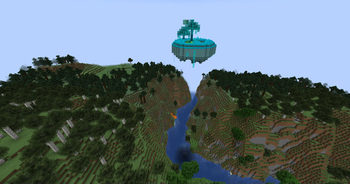
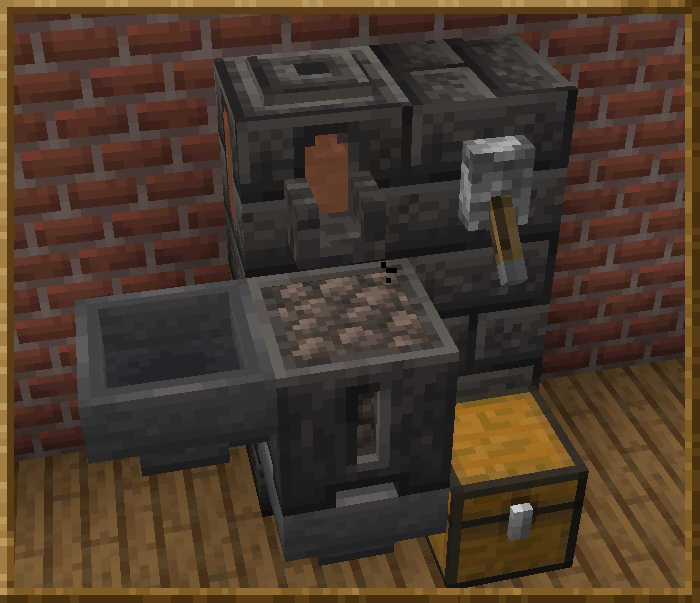
About this Mod
Requires SlimeKnights Library Mod: Mantle
Recommended to include the a recipe viewer: Just Enough Items
Support Tinkers' Construct on patreon:
Overview
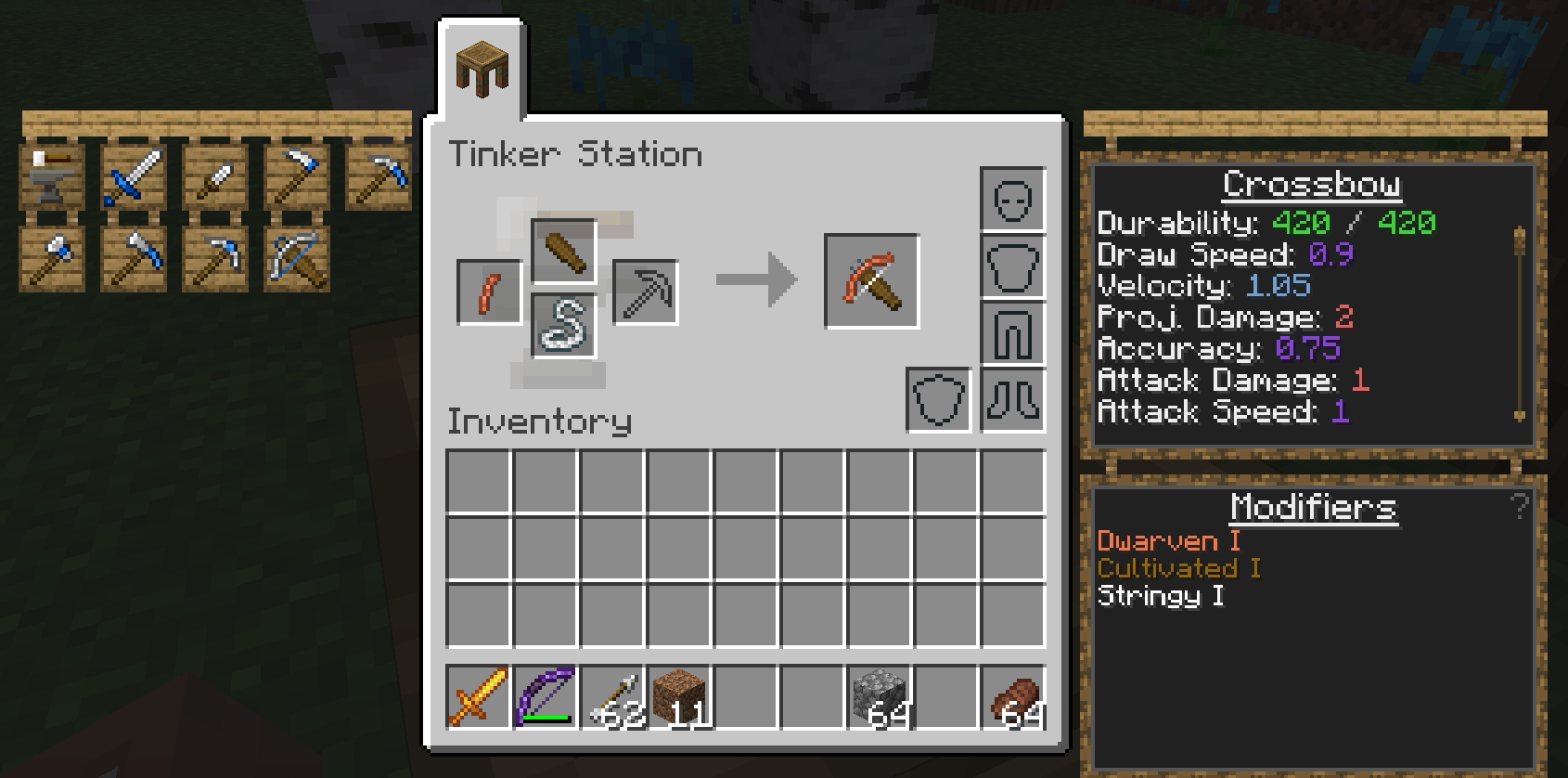
Tinkers' Construct is a mod about putting tools together in a wide variety of ways, then modifying them until they turn into something else. The tools never disappear and can be named and changed to your heart's desire. Once you make them, they're yours forever. Many different materials can be used to make your tools.
This mod includes many related features, including:
- Part builders, tinker stations, and modifier workstations for building and modifying your tools
- The melter, alloyer, smeltery, and foundry for working with molten metals
- Slime islands generating as part of the overworld, nether, and end, granting access to 4 different slime colors
- Slimy geodes spawning deep underground
- Cobalt ore in the nether
To get started, craft Materials and You then follow the introduction steps. For a more detailed overview, see one of the following links:
- Tinkers' Construct 3 Overview: Overview of the mod contents since 1.16.
- Tinkers' Construct 2 Overview: Overview of the mod contents between 1.8 and 1.12.
License
The mods binaries, as well as its textures and code are licensed under the MIT License.
Feel free to use the mod in any modpacks. You are allowed to use it, you do not need to ask for permission, in fact permission requests will usually be ignored. When using the mod, please use the Curse/CurseForge, Modrinth, or GitHub download and do not rehost the files.
Any modpack which uses Tinkers' Construct takes full responsibility for user support queries.
For anyone else, we only support official builds from Curse/Curseforge, Modrinth, and GitHub. No custom built jars. We also do not take bug reports for outdated builds of Minecraft.
This project currently has builds for 1.18.2+ along with 1.6.4, 1.7.10, 1.12.2, and 1.16.5. If you are using a Minecraft version other than that which has a Tinkers release, make a request on our discord and I will upload the older build.
Credits
Tinkers' Construct 3 - since 1.16
- KnightMiner - Lead Developer
- alexbegt - Developer
- boni - former developer
- mDiyo - Original author, game design input
- RCXcrafter - Artist
- See contributors on GitHub for a full list of contributors
Tinkers' Construct 2 - 1.8 to 1.12
- boni - Lead Developer
- KnightMiner - Developer
- alexbegt - Developer/Updating
- mDiyo - Original Author of the mod
- Firedingo - General Task Support
- Drullkus - Villager textures
- Anbaric - Pattern chest and part chest model
Tinkers' Construct 1 - 1.7 and before
- mDiyo - Lead Developer
- boni - Developer
- fuj1n - Landmines, Former Developer
- progwml6 - Former Developer
- Fudgy_Fetus - Cutlasses
- NekoGloop - Thaumium Textures
- Skyboy - New tool renderer
- Zerokyuuni - Battlegear support
- Vexatos - Translations
- BluSunrize - Casting Channels
- tonius11 - NEI Support
- baddaspig - Slime Crystal graphics
Available Versions
How to Install Tinkers' Construct on Your Server
Order Server
Order a Minecraft Java server with at least 3 GB RAM (4 GB recommended).
Set forge Loader
In the panel under "Egg", select the forge loader and matching Minecraft version (1.20.1).
Install Mod
Open the mod browser in the dashboard and search for "Tinkers' Construct". Click "Install" – done! Alternatively, upload the .jar via SFTP to the /mods folder.
Compatibility
Mod Loaders
Minecraft Versions
1.20.1, 1.19.2, 1.18.2 (+4 more)
Server-side
✓ RequiredRecommended RAM
4 GB(min. 3 GB)Frequently Asked Questions
Tinkers' Construct server crashes on startup – what to do?
Most common cause: wrong forge version or insufficient RAM. Check the server log (latest.log) for "OutOfMemoryError" or "Mixin" errors. With Mado Hosting: ensure at least 3 GB RAM is allocated and the loader matches the mod version (1.20.1). You can switch loaders with one click in the panel.
Is Tinkers' Construct compatible with forge and neoforge?
Tinkers' Construct officially supports forge, neoforge for Minecraft 1.20.1, 1.19.2, 1.18.2. The Mado dashboard automatically detects incompatible loader combinations.
Server lagging with Tinkers' Construct – how to optimize performance?
Recommended RAM: 4 GB (per 8 players). Use /spark profiler to check if Tinkers' Construct consumes the most tick time. Common fixes: reduce server view-distance to 8-10, install "performant" or "starlight" as supplementary mods on Forge. With Mado Hosting, your server runs on NVMe SSDs with dedicated CPU cores for minimal latency.
Similar Mods




![[TaCZ] Timeless and Classics Zero](https://cdn.modrinth.com/data/SzzJttH8/fd27766d2bb8390d284696b1dbd358f87e081439_96.webp)

Rent Modded Server
Install Tinkers' Construct with just one click on your server.