
TeamTasks: TodoList
一个简单而强大的 Minecraft 待办事项模组,支持单人和多人模式。 A simple and powerful todo list mod for Minecraft, supporting both single-player and multiplayer.
Screenshots
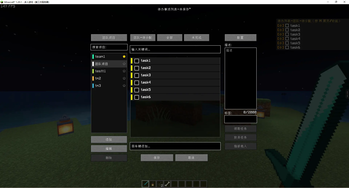
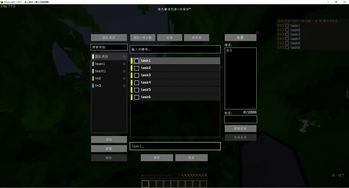
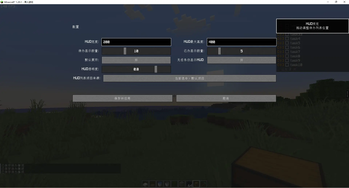
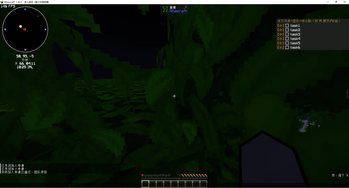
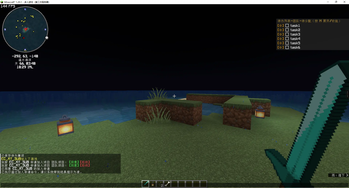
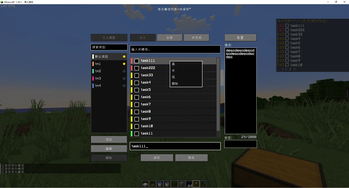
About this Mod
Todo List Mod for Minecraft
一个简单而实用的 Minecraft 待办事项模组,支持单人、本地局域网和多人服务器协作。
A simple and practical todo list mod for Minecraft, built for single-player, LAN, and multiplayer collaboration.
Features / 功能
v1.3.0 Capability Overview / 1.3.0 版本能力概览
- In-game GUI task management: create, edit, delete, complete, search, filter, drag-sort unfinished tasks, and organize tasks by priority and tags / 游戏内 GUI 任务管理:支持创建、编辑、删除、完成、搜索、筛选、拖拽排序未完成任务,以及按优先级和标签组织任务
- Personal and team projects: switch between personal and team workspaces, search projects with hints, and organize tasks by project / 个人与团队项目:支持在个人与团队工作区之间切换,提供项目搜索提示,并按项目维度组织任务
- Team collaboration upgrades: support claim, abandon, assign others, offline-member assignment, and optional all-player mode for team projects / 团队协作增强:支持领取、放弃、指派他人、离线成员指派,以及团队项目可选的全服任务模式
- HUD display and config: configurable HUD list with synchronized priority colors, hidden-count summary, view sync, and visibility state / HUD 显示与配置:可配置 HUD 列表,并同步优先级色块、隐藏数量提示、视图状态与显隐状态
- Safer persistence: tasks, projects, and config files now use backup-aware safe writes and automatic recovery after file corruption / 更安全的持久化:任务、项目与配置文件已切换到带备份与自动恢复的安全写盘机制
- Local singleplayer stability: local singleplayer personal-task storage keeps local and per-player copies in sync to avoid rollback-like restores / 本地单人稳定性:本地单人环境会同步维护本地与玩家任务副本,降低类似回滚的恢复问题
More details / 更多说明:
Screenshots / 截图
Singleplayer / 单人游戏
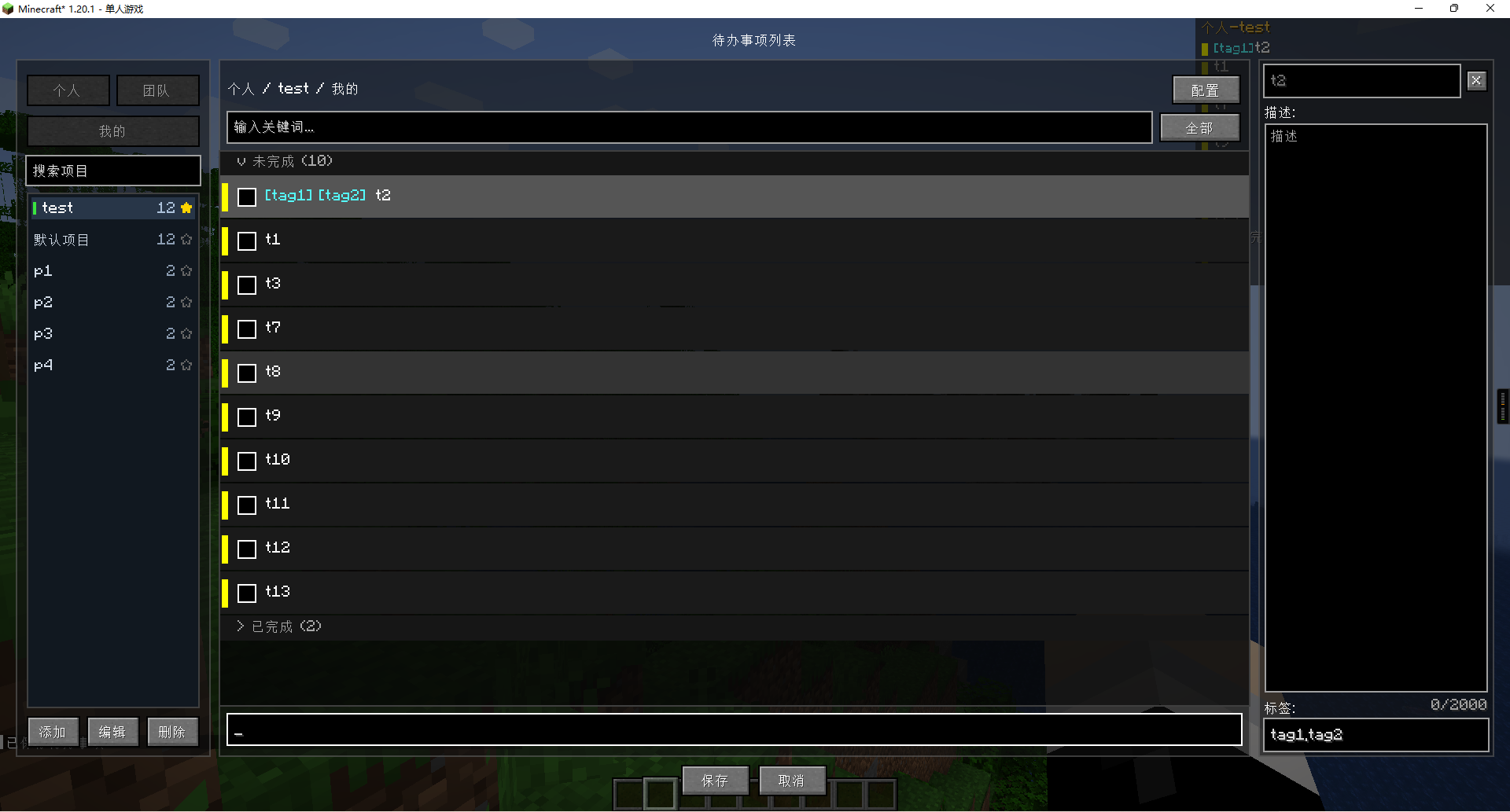
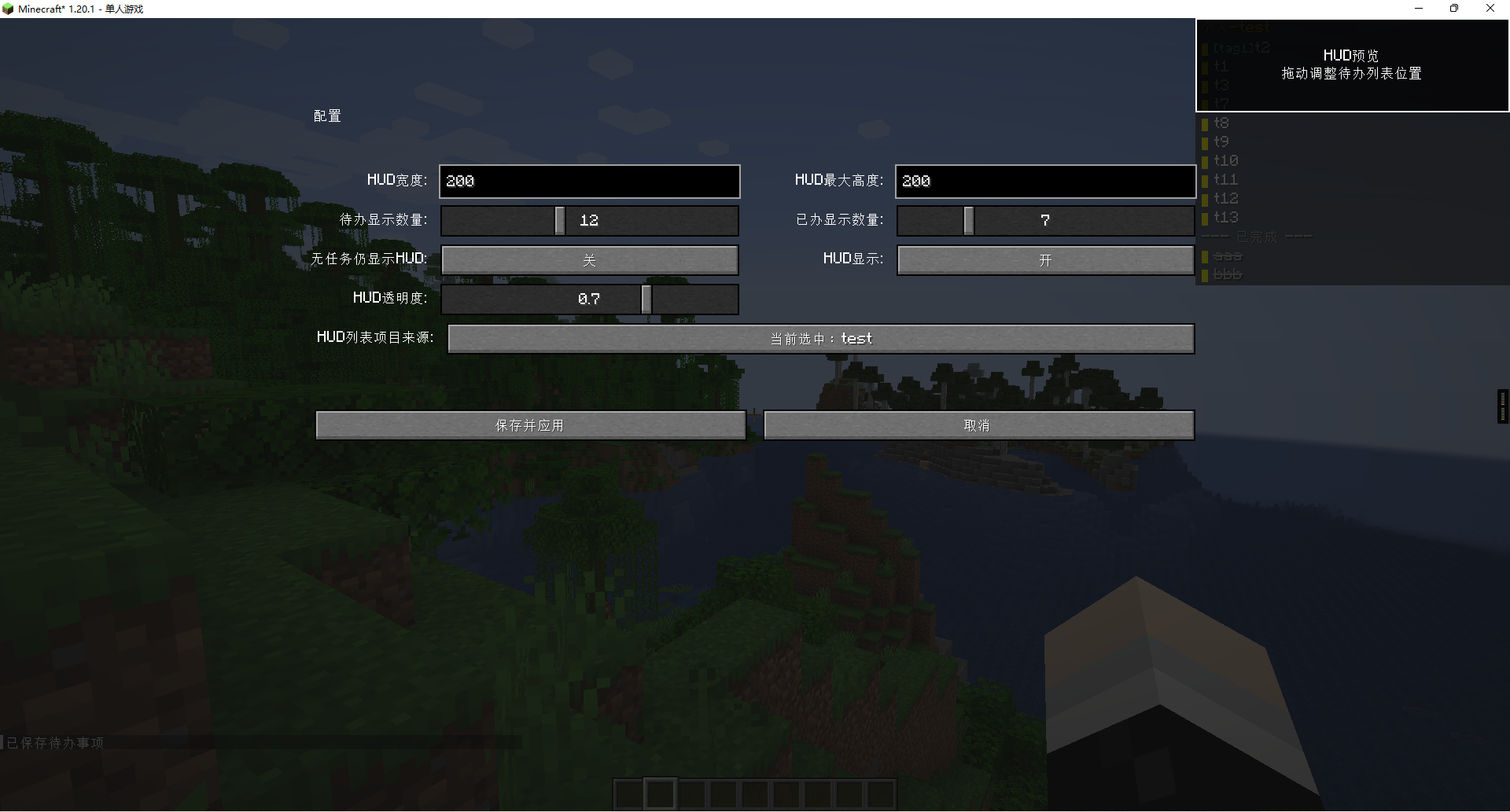
Multiplayer / 多人游戏
Op View / 管理员视角
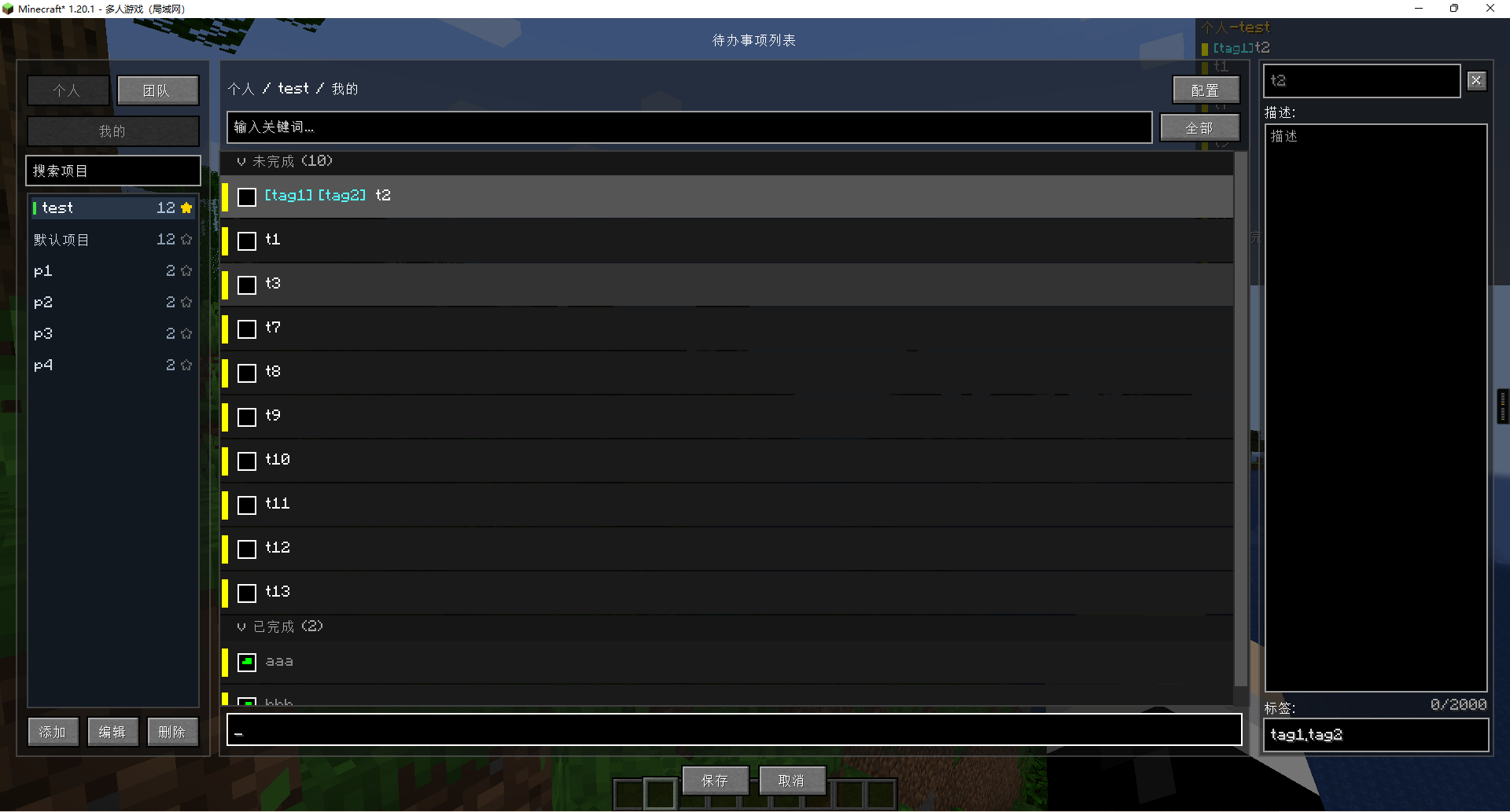
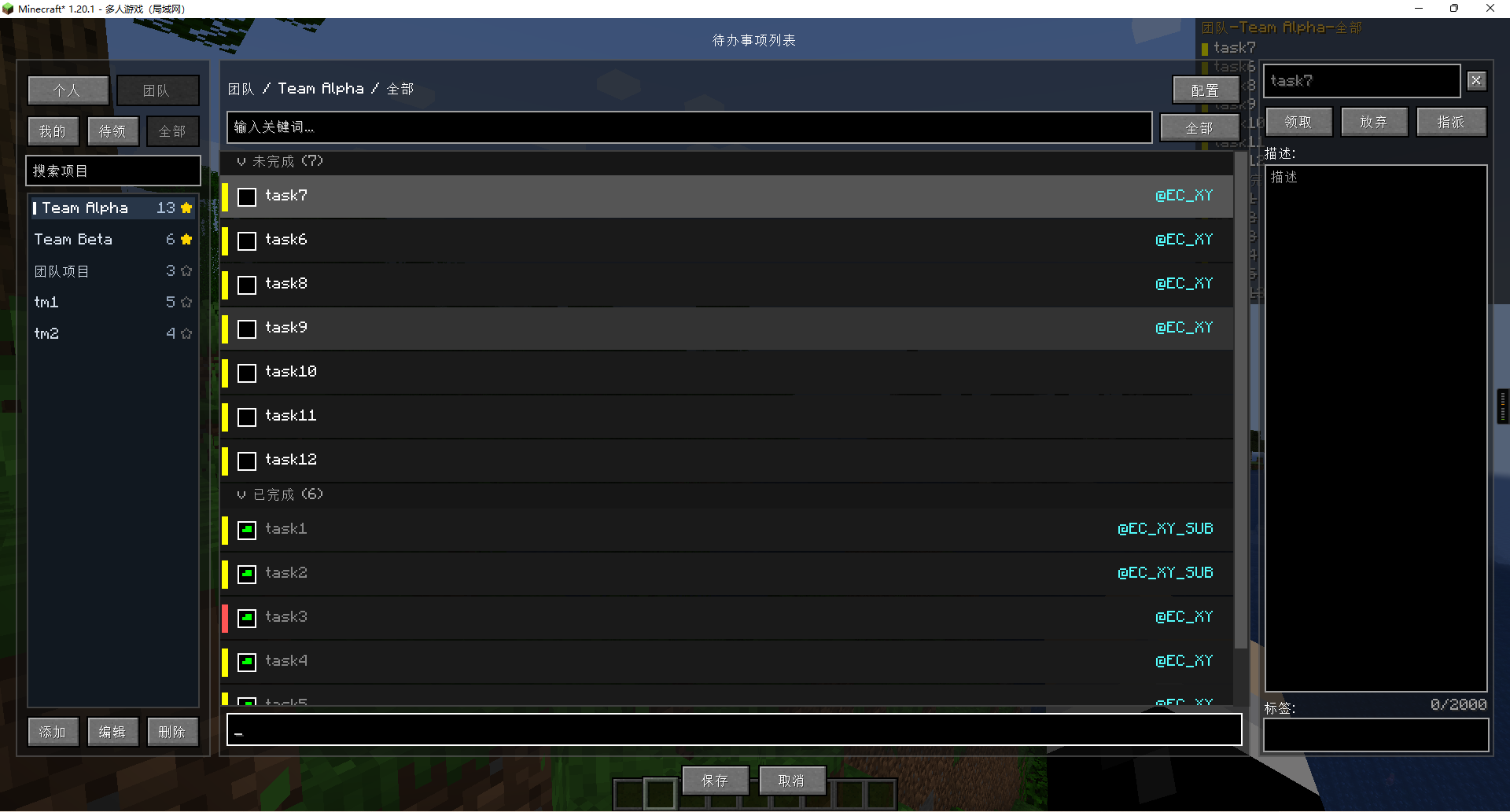
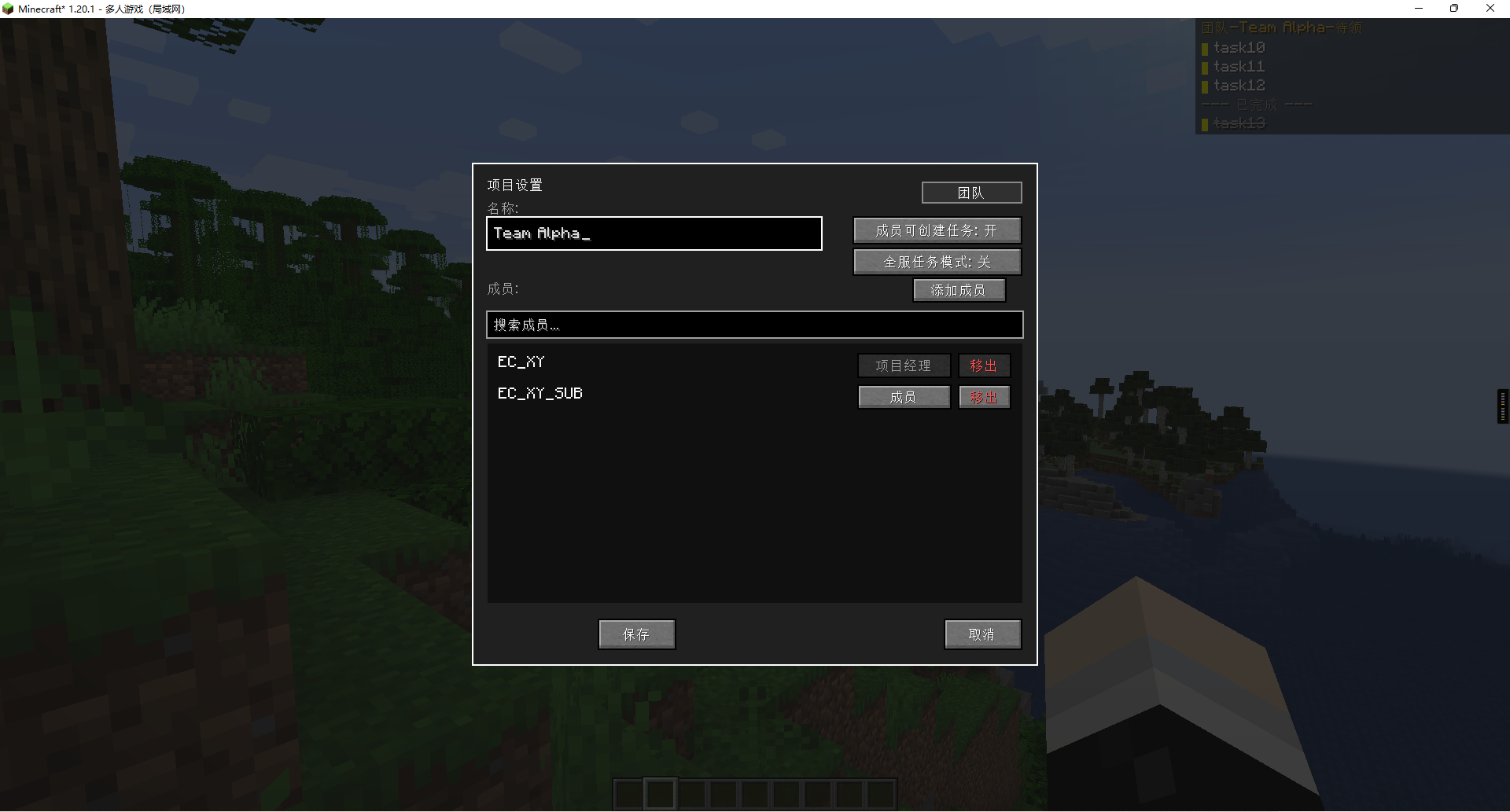
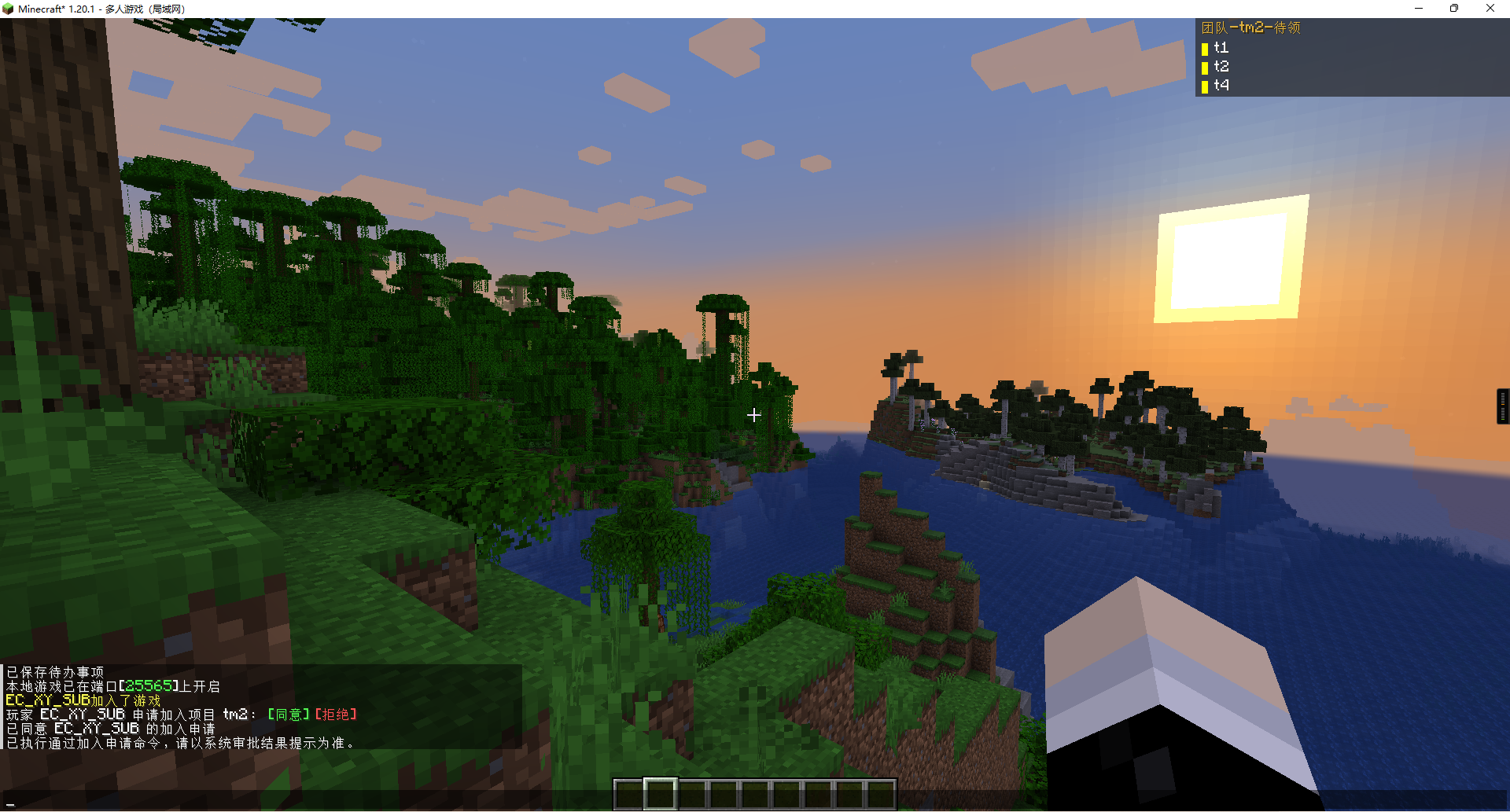
Player View / 玩家视角
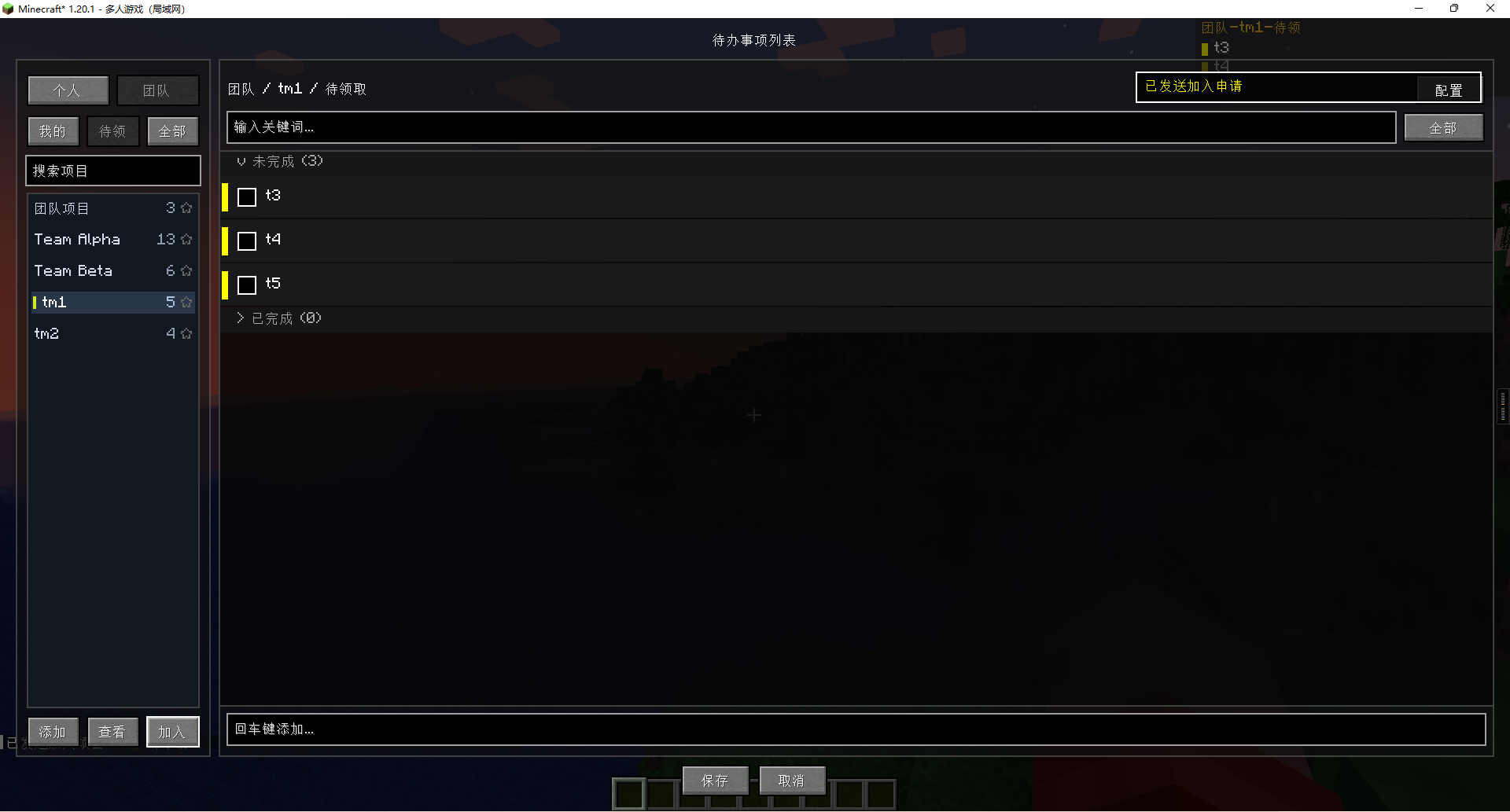
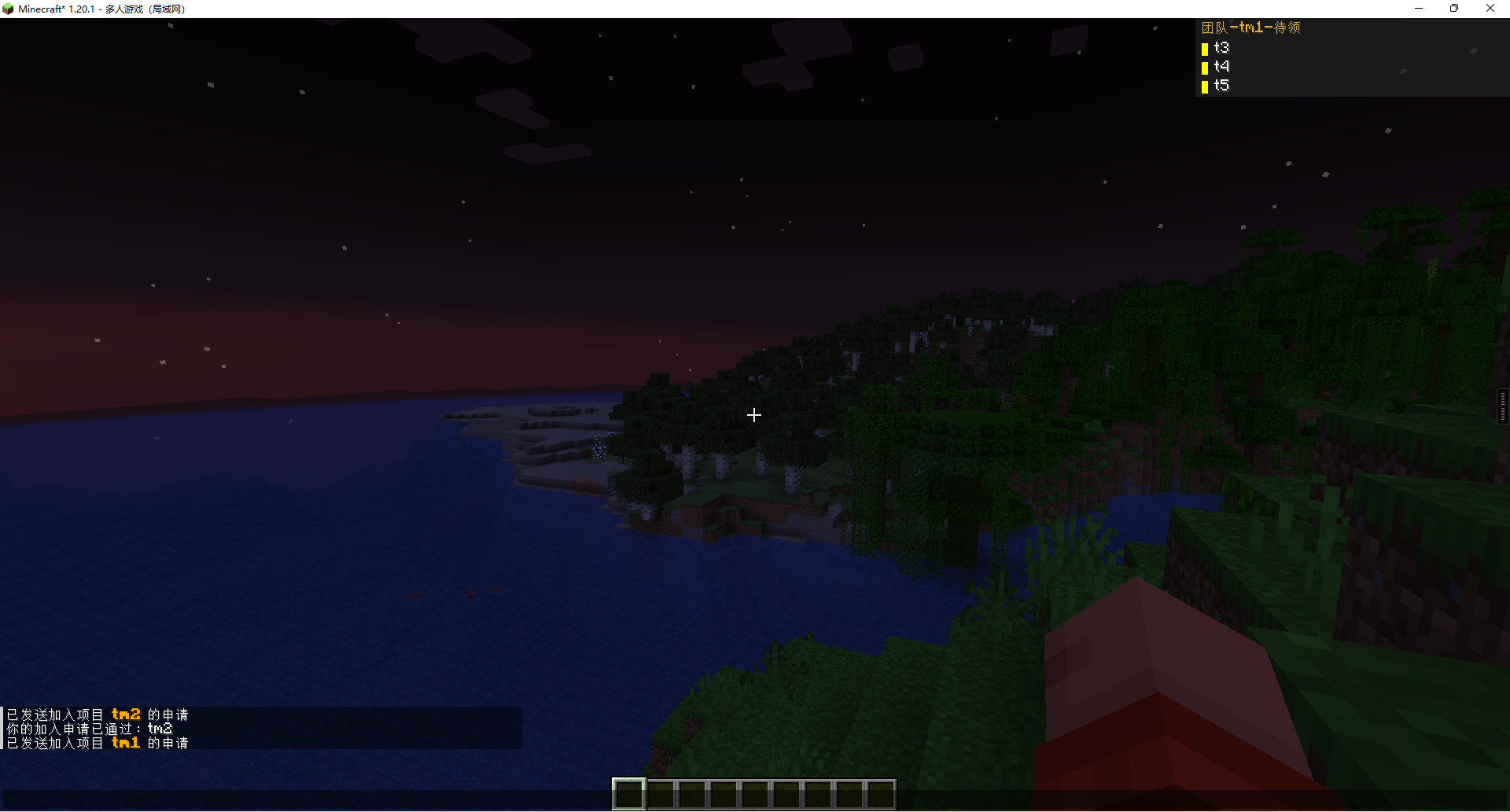
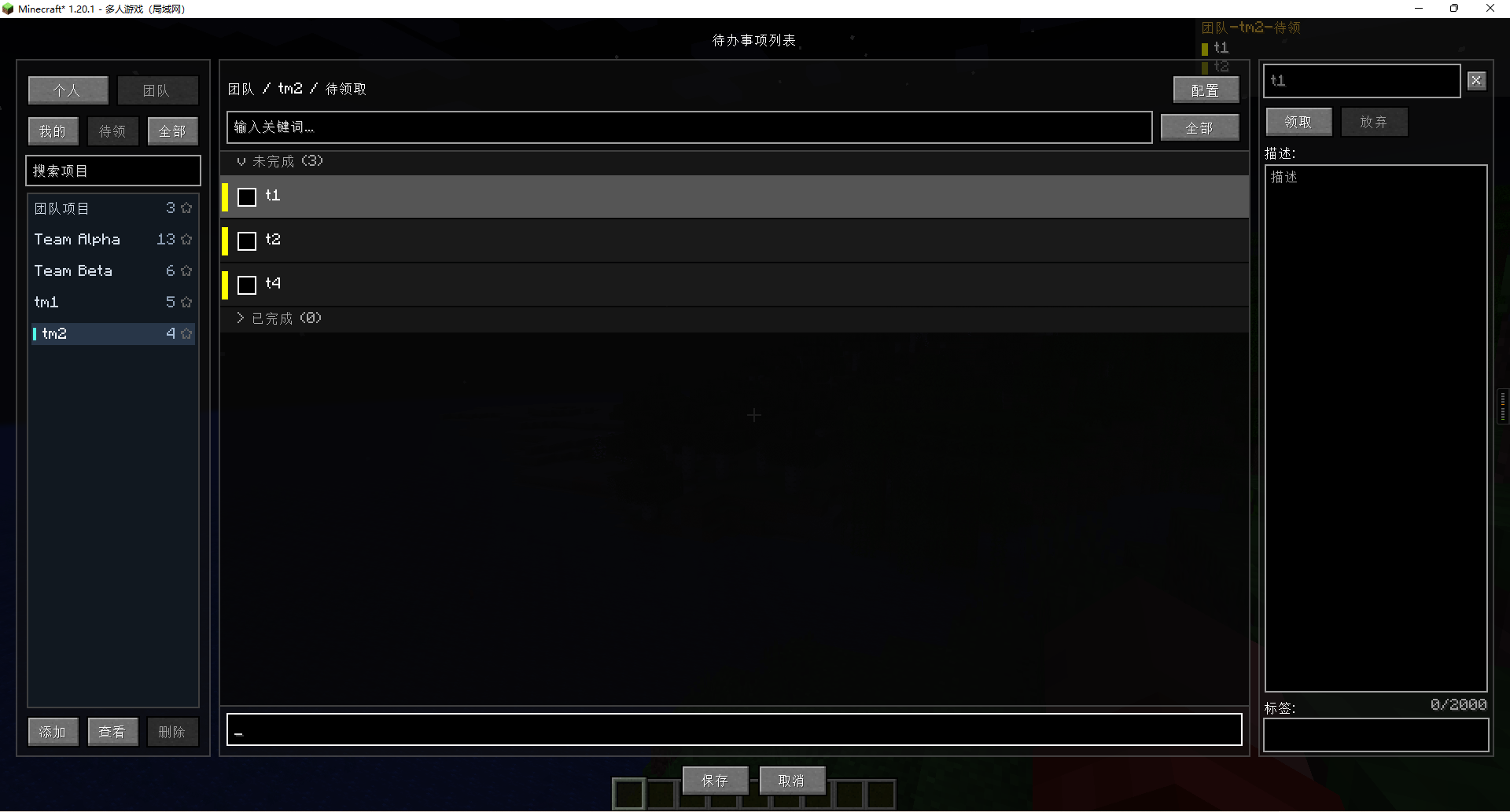
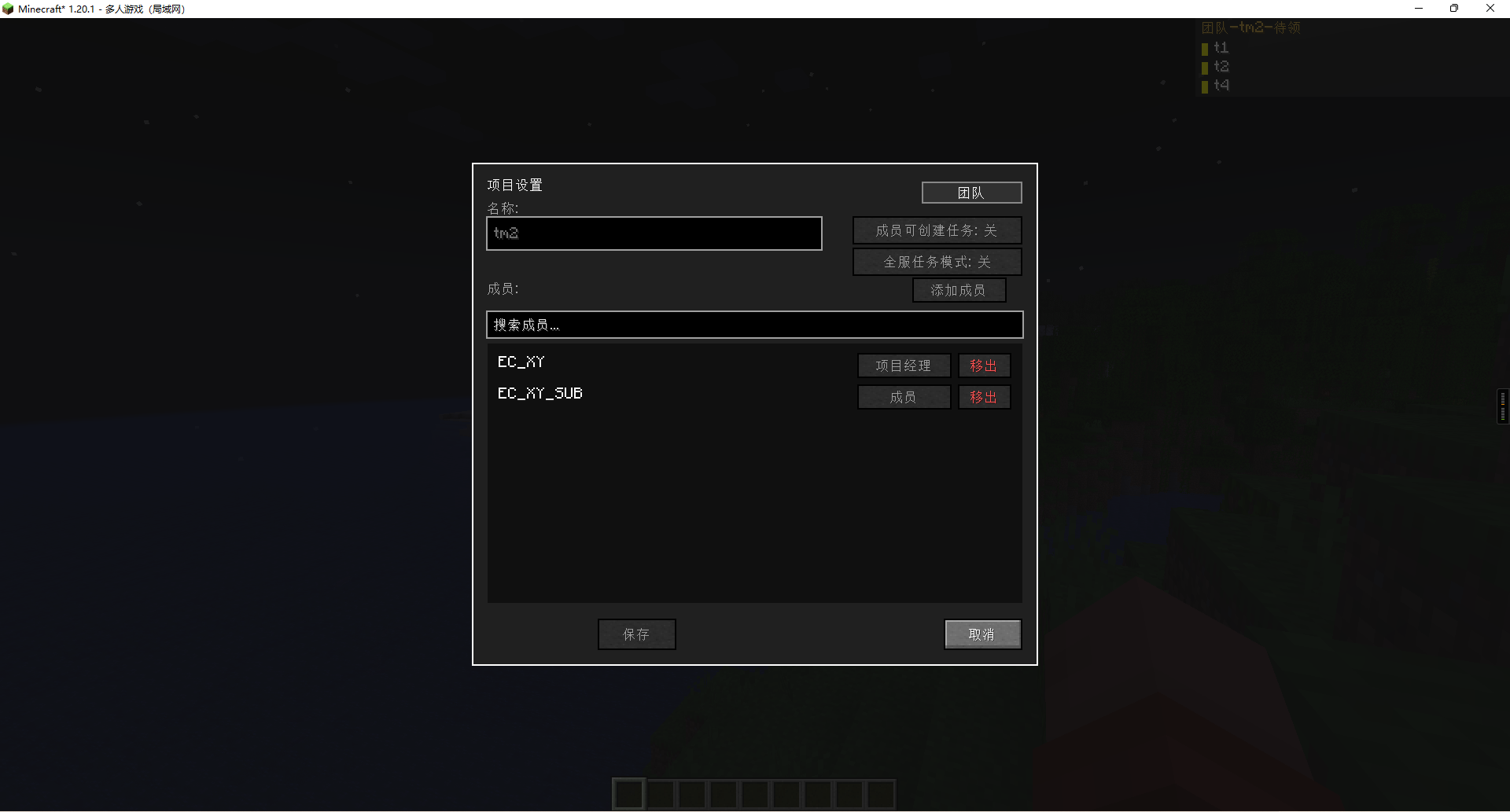
Installation / 安装
Requirements / 要求
- Minecraft 1.20.1
- Fabric Loader 0.15.11+ with Fabric API 0.86.1+1.20.1 / Fabric Loader 0.15.11+ 与 Fabric API 0.86.1+1.20.1
- Or the matching Forge release package from GitHub Releases / 或使用 GitHub Releases 中对应的 Forge 版本构建
Steps / 步骤
- Download the latest mod JAR that matches your loader / 下载与你使用的加载器对应的最新模组 JAR 文件
- Put it into your
modsfolder / 将文件放入mods文件夹 - Launch Minecraft / 启动 Minecraft
- Press
Kin game to open the todo list / 在游戏中按K打开待办列表
Usage / 使用说明
Key Bindings / 按键绑定
K: Open Todo List / 打开待办列表H: Toggle HUD Expanded State / 展开或收起 HUDJ: Toggle HUD Visibility / 显示或隐藏 HUD
Projects / 项目
- Tasks belong to the currently selected project in the left sidebar / 任务归属于左侧栏当前选中的项目
- Switch between personal and team projects from the sidebar header / 可在侧边栏顶部切换个人项目和团队项目
- Starred projects are sorted first and can be used as HUD sources / 星标项目会优先排序,也可作为 HUD 项目来源
- Search projects with prefixes and dropdown hints from the sidebar / 可在侧边栏中通过搜索前缀和下拉提示快速定位项目
- Add, edit, and delete projects from the sidebar actions / 可通过侧边栏按钮新增、编辑和删除项目
Tasks / 任务
- Unfinished tasks can be drag-sorted directly in the list / 未完成任务可直接在列表中拖拽排序
- The main screen now keeps a clearer split between todo and done sections / 主界面会更清晰地分开展示待办与已完成任务
- Deleting a task requires explicit confirmation / 删除任务前会弹出明确确认
- Task details and edits are handled in a dedicated detail area instead of crowding the list / 任务详情与编辑流程会在独立详情区中处理,减少列表区域拥挤感
Team Collaboration / 团队协作
- Team views include Unassigned, All Assigned, and Assigned to Me / 团队视图包含待分配、全部已分配和分配给我
- Team changes take effect after clicking Save, and the client will re-sync from server after Save or Cancel / 团队改动需要点击保存后生效,保存或取消后客户端会重新从服务端同步
- The Assign Others dialog now lists project members instead of online players, and offline members can still be assigned / “指派他人”弹窗现在展示项目成员而不是在线玩家,离线成员也可被正常指派
- Team projects can optionally enable an all-player task mode for broader shared workflows / 团队项目可按需开启全服任务模式,适配更宽松的共享协作流程
- Team permissions are role-based: managers and leads can fully manage team tasks, while members focus on claiming and completing their own tasks / 团队权限基于角色控制:管理者和负责人可完整管理团队任务,成员主要负责领取和完成自己的任务
HUD Config / HUD 配置
- Configure width, height, visible item count, default expanded state, opacity, and project source / 可配置宽度、高度、显示条数、默认展开状态、透明度与项目来源
- The HUD list follows current view filters and visibility state more consistently / HUD 列表会更一致地跟随当前视图筛选和显示状态
- Priority color blocks and hidden-count summary are aligned with the current GUI semantics / 优先级色块与隐藏数量摘要已与当前 GUI 语义对齐
- In true singleplayer, team HUD views stay hidden and personal view remains the default / 在真正的单人环境中,团队 HUD 视图保持隐藏,默认视图固定为个人视图
Persistence / 持久化
- Tasks, projects, player project state, and config files now use safer temp-write plus backup recovery flow / 任务、项目、玩家项目状态和配置文件现在使用更安全的临时写入加备份恢复流程
- When a main data file is corrupted, the mod can attempt to recover from the latest backup automatically / 当主数据文件损坏时,模组会自动尝试从最近一次备份恢复
- Local singleplayer personal-task files now keep local and player-specific copies in sync to reduce accidental rollback / 本地单人个人任务文件会同步维护本地与玩家副本,减少意外回滚
Permission System / 权限系统
OP: server operators / 服务器管理员PROJECT_MANAGER: project owner or manager / 项目经理或创建者LEAD: elevated team lead / 团队负责人MEMBER: regular project member / 普通项目成员
The server checks team operations based on role, current view, task assignment, and project membership. Effective team operations are recorded in a unified [TEAM_OP] log format.
服务端会基于角色、当前视图、任务归属和项目成员身份校验团队操作,所有生效的团队操作都会以统一的 [TEAM_OP] 格式记录到日志中。
Contributing / 参与贡献
Contributions are welcome. Feel free to open an issue or submit a pull request.
欢迎贡献内容,提交 Issue 或 Pull Request 都很欢迎。
License / 许可证
This project is licensed under the MIT License. See LICENSE for details.
本项目采用 MIT 许可证,详见 LICENSE。
Contact / 联系方式
- GitHub Issues: Report bugs
- Discord: Join our server
Available Versions
How to Install TeamTasks: TodoList on Your Server
Order Server
Order a Minecraft Java server with at least 3 GB RAM (4 GB recommended).
Set fabric Loader
In the panel under "Egg", select the fabric loader and matching Minecraft version (1.21.1).
Install Mod
Open the mod browser in the dashboard and search for "TeamTasks: TodoList". Click "Install" – done! Alternatively, upload the .jar via SFTP to the /mods folder.
Compatibility
Mod Loaders
Minecraft Versions
1.21.1, 1.20.1
Server-side
~ OptionalRecommended RAM
4 GB(min. 3 GB)Frequently Asked Questions
TeamTasks: TodoList server crashes on startup – what to do?
Most common cause: wrong fabric version or insufficient RAM. Check the server log (latest.log) for "OutOfMemoryError" or "Mixin" errors. With Mado Hosting: ensure at least 3 GB RAM is allocated and the loader matches the mod version (1.21.1). You can switch loaders with one click in the panel.
Is TeamTasks: TodoList compatible with fabric and forge and neoforge?
TeamTasks: TodoList officially supports fabric, forge, neoforge for Minecraft 1.21.1, 1.20.1. Note: Forge and Fabric mods are NOT cross-compatible – pick one loader and stick with it. The Mado dashboard automatically detects incompatible loader combinations.
Server lagging with TeamTasks: TodoList – how to optimize performance?
Recommended RAM: 4 GB (per 8 players). Use /spark profiler to check if TeamTasks: TodoList consumes the most tick time. Common fixes: reduce server view-distance to 8-10, install "performant" or "starlight" as supplementary mods on Forge. With Mado Hosting, your server runs on NVMe SSDs with dedicated CPU cores for minimal latency.
Similar Mods






Rent Modded Server
Install TeamTasks: TodoList with just one click on your server.