
toNeko
Turn players into catgirls in Minecraft
About this Mod
toNeko
简体中文 | English
Brief introduction
Meow meow meow~
Download:
How to use
You only need to put it in the plugins or mods folder of the server/client.
Pre-mods required for the mod version (must be added): ctlib, geckolib
Pre-plugin required for the plugin version: ctlib
Tips
If you found that some text isn't your language, just modify the config file to your language.
Supported versions (but it does not mean that it cannot run on other versions):
- Fabric 1.21
- Paper/Folia 1.21
Communication&Support
How to become a neko
If you want to become a neko, it's very simple. You just need to make a neko collector and then get close to cats. When the energy is full, a bottle of neko potion will drop. Just drink it.
If you need to become the owner of another neko (of course you can do it yourself), just execute /toneko player <player name>. The prerequisite is that the other party must be a neko (Tips: a neko can have multiple owners)
Linkage
Linkage mods: luckperms
Shortcuts
Some functions of toNeko can be used by shortcuts, the default is as follows:
K: Ride nearby creatures (same as executing/neko ride)I: Lie down (literally)O: Lie down (also literally)J: Open quirks settings interface
These shortcuts have corresponding commands (I will never tell you that I call the command directly)
Neko NPC
toNeko has added some neko to make it more playable in single-player mode. You can meet them in the wild, or you can choose to spawn them directly
You can open the interactive menu by shift+right-clicking on the neko. The interactive menus of different neko may be slightly different. The effective distance is 16 grids. If you walk far away and click the button, it will be invalid.
Each neko may have a different skin after refreshing. There are not many built-in skins at present, but new skins can be added through resource packs. As for how to add them, I will write a document specifically for it after the skin function is perfected, so please stay tuned~^_^~
Neko will have different variants, and their refresh locations may also be different. If you want to add your own, you can tell me directly and I will try my best to do it. Of course, there is also a special variant that will only refresh on toNeko’s birthday (September 26). As for what it is, you can go and see it yourself.
Accessories
toNeko has added several accessories, which you can see in the creative inventory. Of course, these are all craftable. Accessories can be worn directly on the armor slot, and if you have added trinkets, they can also be placed in the accessories slot.
Commands & permissions (all owned by default)
# If you want to know how to use it, please add help after each command, for example /toneko help
# Commands for the owner (permission is command.toneko.xxx)
/toneko
# Commands for neko (permission is command.neko.xxx)
/neko
# Commands for administrators (permission is command.tonekoadmin.xxx)
/tonekoadmin
  # Set your quirks (permissions are command.quirk.xxx)
/quirk
Configuration
Although you may not need a configuration file in most cases, sometimes you can use it to customize your experience.
Main configuration file: config.yml
Path:
Fabric/Quilt: config/toneko.yml
Spigot/Paper: plugins/toNeko/config.yml
I won't go into details about how to edit it, there are comments.
That's all.
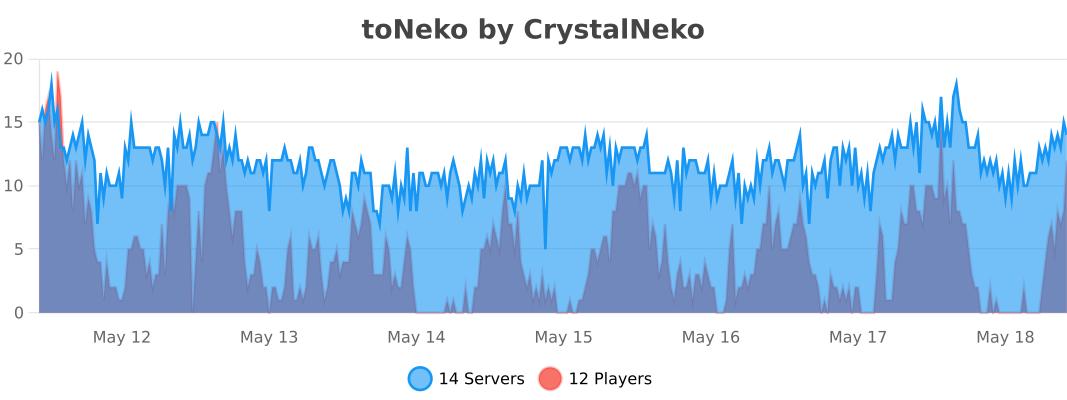
bStats:
Available Versions
How to Install toNeko on Your Server
Order Server
Order a Minecraft Java server with at least 3 GB RAM (4 GB recommended).
Set bukkit Loader
In the panel under "Egg", select the bukkit loader and matching Minecraft version (1.21.1).
Install Mod
Open the mod browser in the dashboard and search for "toNeko". Click "Install" – done! Alternatively, upload the .jar via SFTP to the /mods folder.
Compatibility
Mod Loaders
Minecraft Versions
1.21.1, 1.21, 1.20.6 (+33 more)
Server-side
✓ RequiredRecommended RAM
4 GB(min. 3 GB)Frequently Asked Questions
toNeko server crashes on startup – what to do?
Most common cause: wrong bukkit version or insufficient RAM. Check the server log (latest.log) for "OutOfMemoryError" or "Mixin" errors. With Mado Hosting: ensure at least 3 GB RAM is allocated and the loader matches the mod version (1.21.1). You can switch loaders with one click in the panel.
Is toNeko compatible with bukkit and fabric and folia and paper and purpur and quilt and spigot?
toNeko officially supports bukkit, fabric, folia, paper, purpur, quilt, spigot for Minecraft 1.21.1, 1.21, 1.20.6. The Mado dashboard automatically detects incompatible loader combinations.
Server lagging with toNeko – how to optimize performance?
Recommended RAM: 4 GB (per 8 players). Use /spark profiler to check if toNeko consumes the most tick time. Common fixes: reduce server view-distance to 8-10, install "performant" or "starlight" as supplementary mods on Forge. With Mado Hosting, your server runs on NVMe SSDs with dedicated CPU cores for minimal latency.
Rent Modded Server
Install toNeko with just one click on your server.